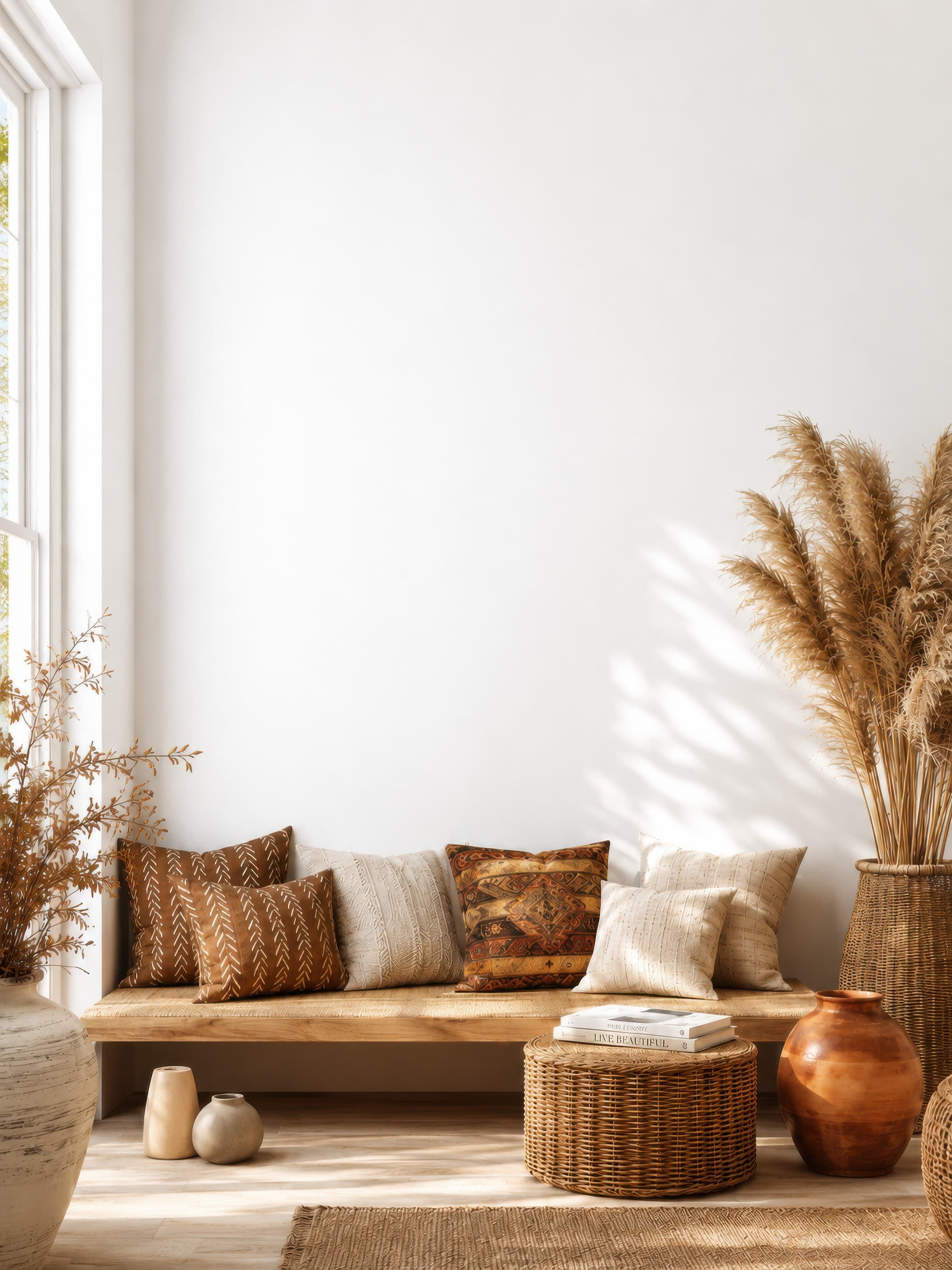
Popularity pick 1
Bright bohemian living room nook with a clean white wall above a wooden bench, woven textures, and pampas grass
Calibrated wall reference: 83.1 × 110.8 in
Use this room in the editorFrame mockup generator
Upload your artwork, choose modern, classic, or minimal frames, and dial in thickness, color, and mats. Export a professional mockup in seconds — no photoshoot, no Photoshop.
Free 7-day trial · Full commercial rights · No design skills required
Try frames free on your art (no sign-up, on a plain wall).
Framed-print inspiration
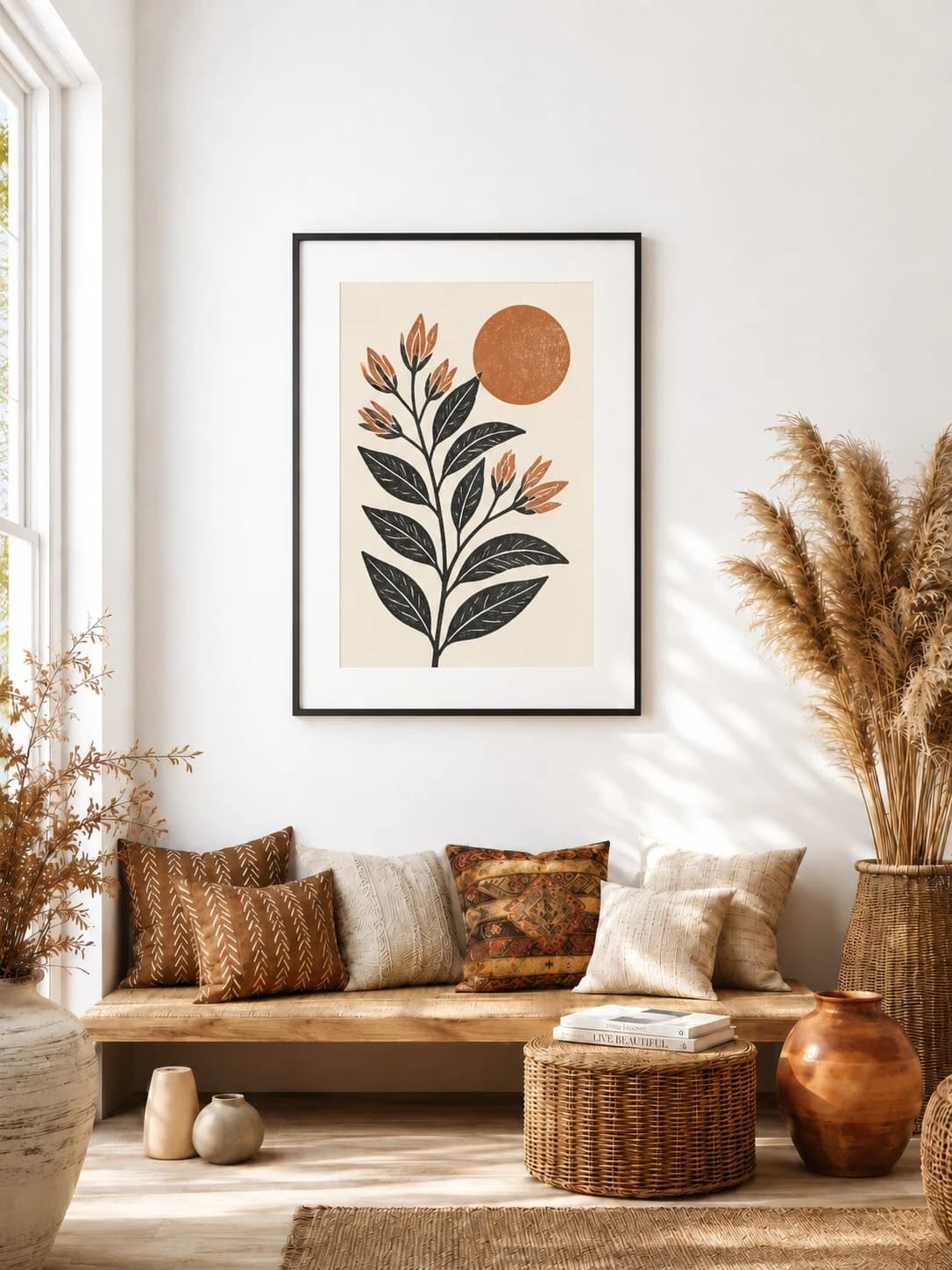
These generated examples show a black matted frame, natural wood without a mat, and a white matted frame on a dark wall. Each button opens the exact blank room used for the example.
18 × 24 in / 46 × 61 cm inner print · black frame · 2 in mat
The mat is part of the outer product size and keeps the print readable at room distance.
Try this exact room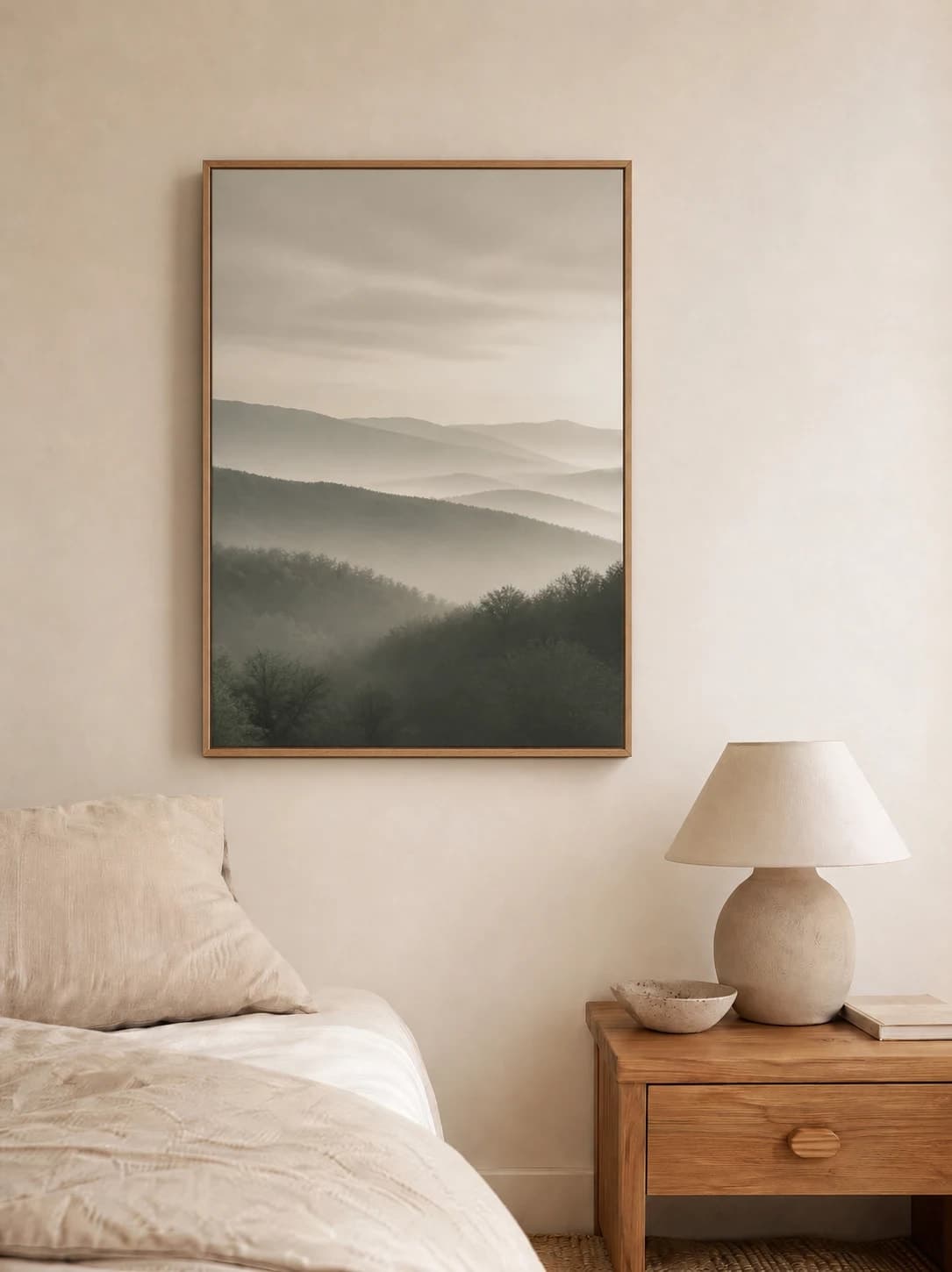
24 × 32 in / 61 × 81 cm inner print · natural oak frame
A slim oak edge gives the photograph a clear product boundary without increasing the outer size with a mat.
Try this exact room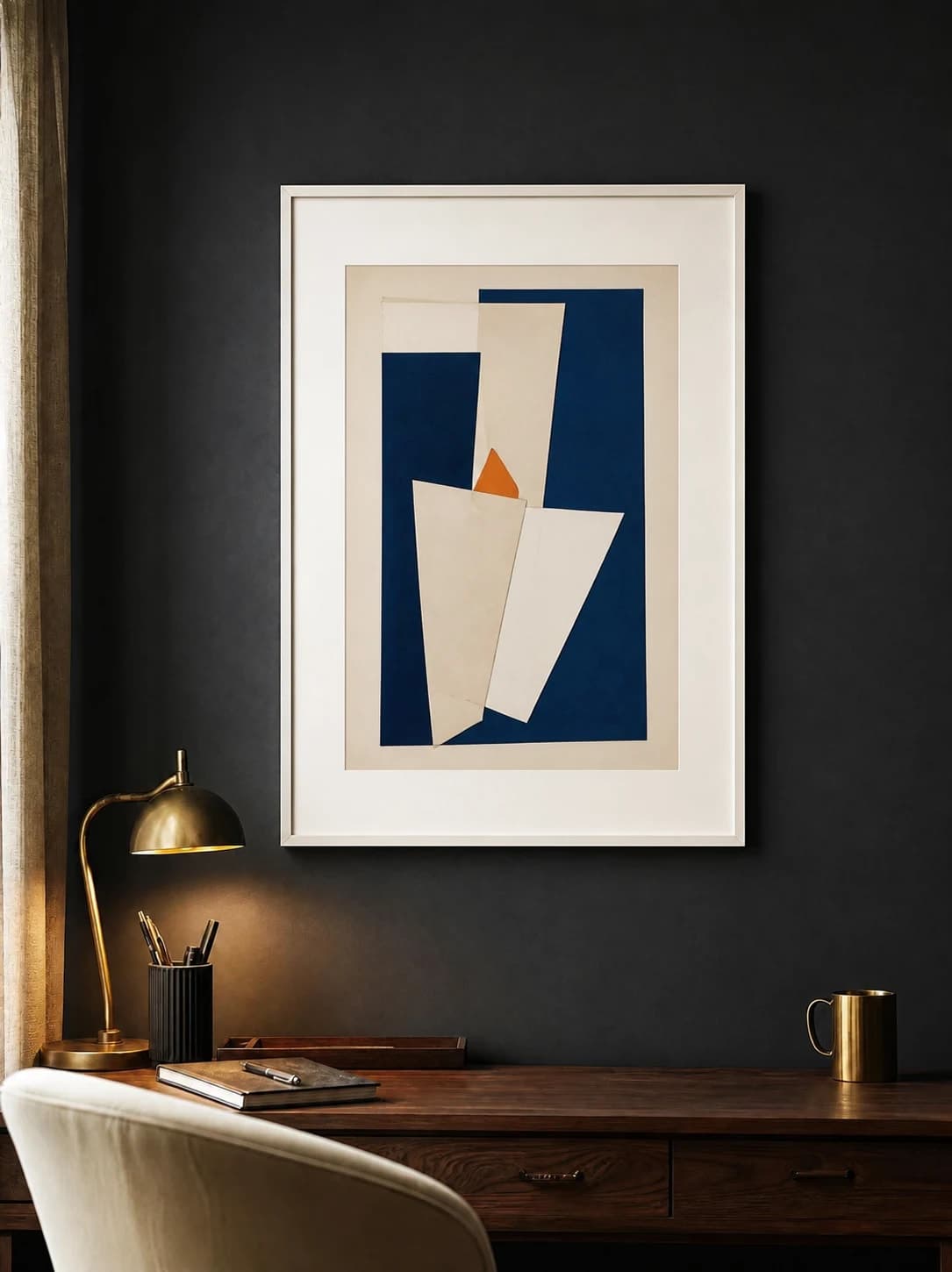
18 × 24 in / 46 × 61 cm inner print · white frame · 2 in mat
The light frame and mat make the complete outer dimensions obvious against charcoal plaster.
Try this exact roomGenerated inspiration examples. Each one is paired with its exact blank WallMockup room; replace the sample artwork with your own before export.
Chosen from real usage
These are the earliest suitable living-room, bedroom, and office presets in the editor's completed-download order. Use them to compare frame contrast and outer framed size in three distinct settings.
Popularity pick 1
Calibrated wall reference: 83.1 × 110.8 in
Use this room in the editor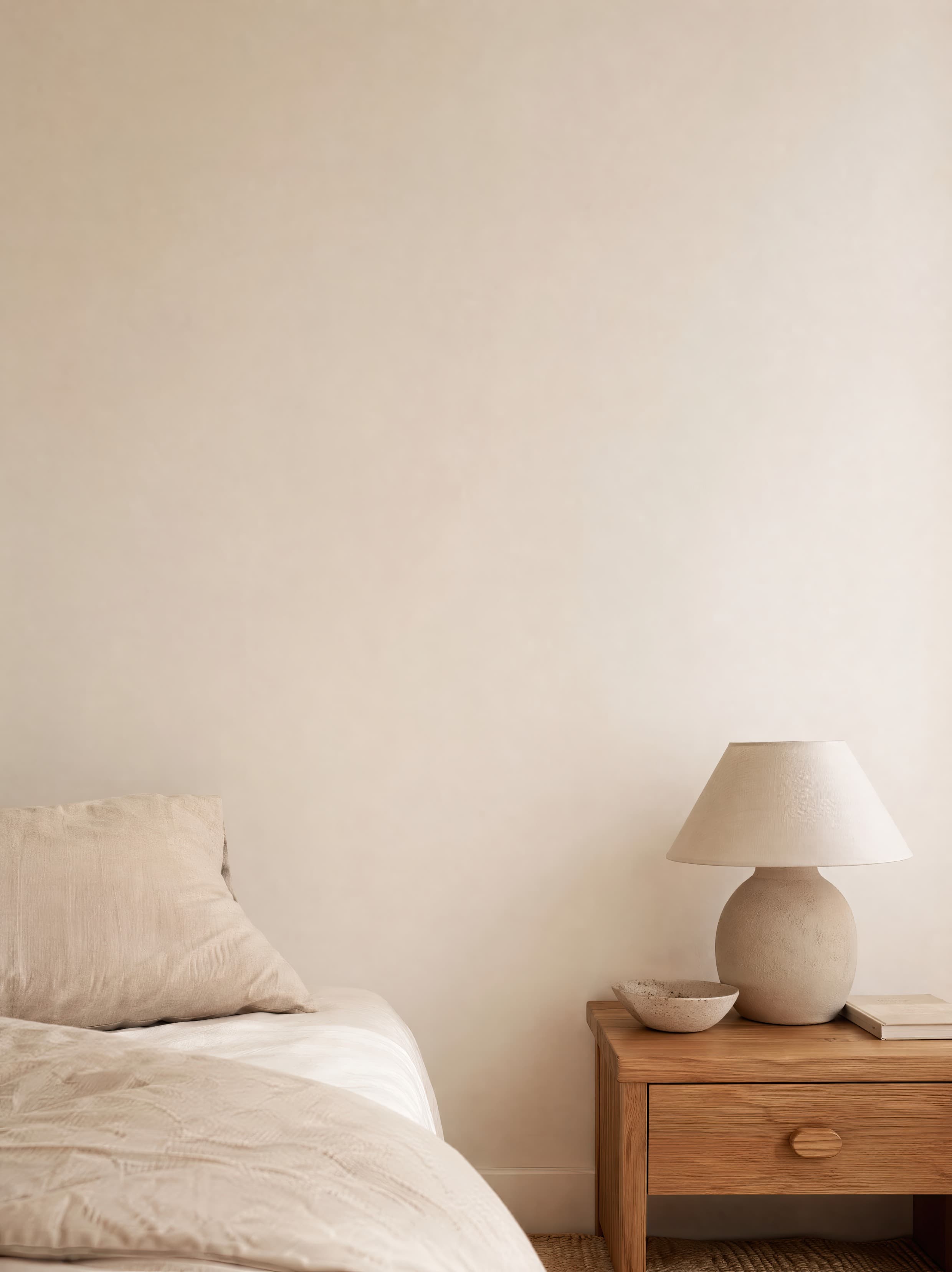
Popularity pick 2
Calibrated wall reference: 64.8 × 86.4 in
Use this room in the editor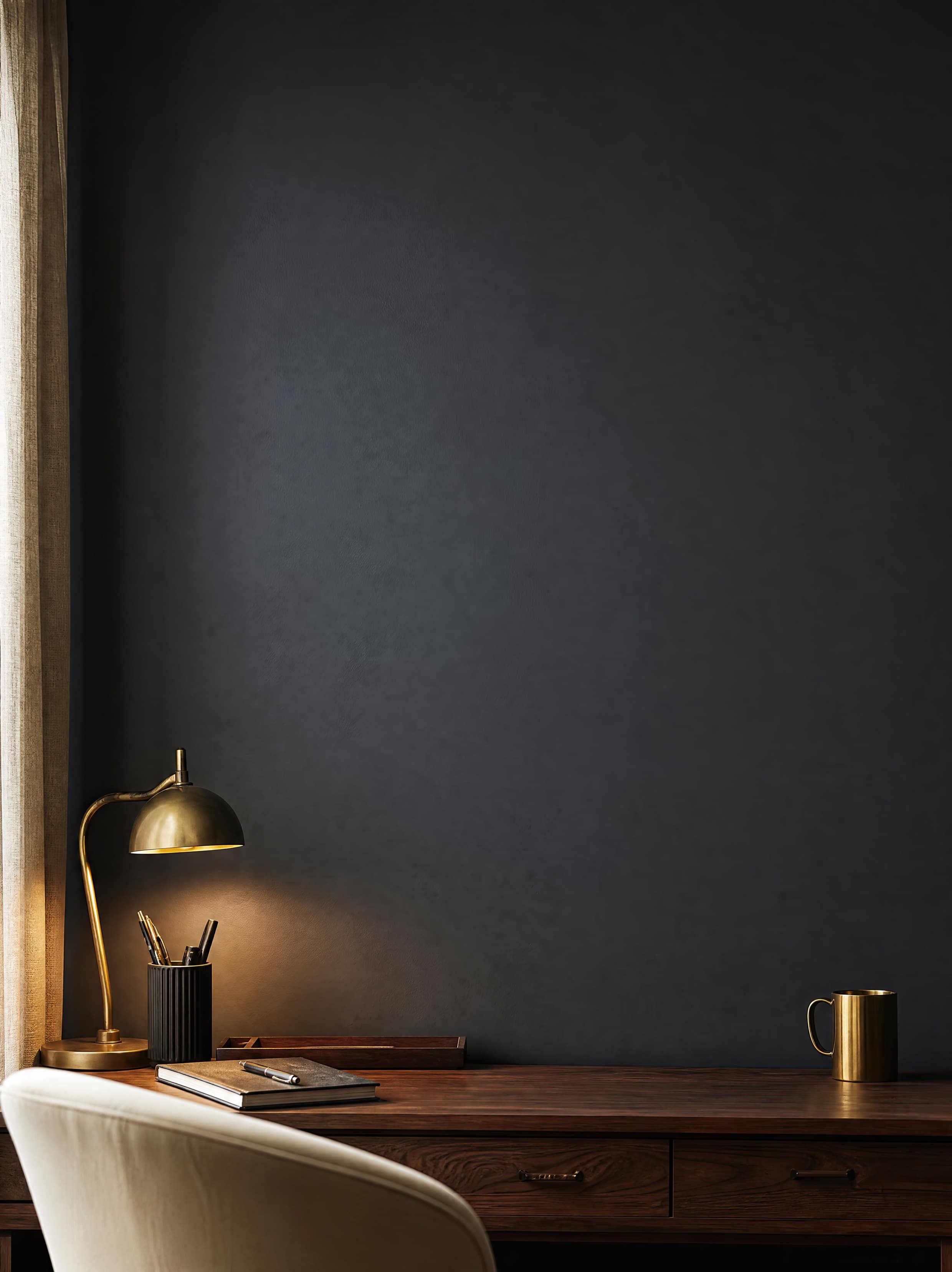
Popularity pick 3
Calibrated wall reference: 60.5 × 75.6 in
Use this room in the editorSwap between popular finishes instantly and preview how each one frames your artwork.
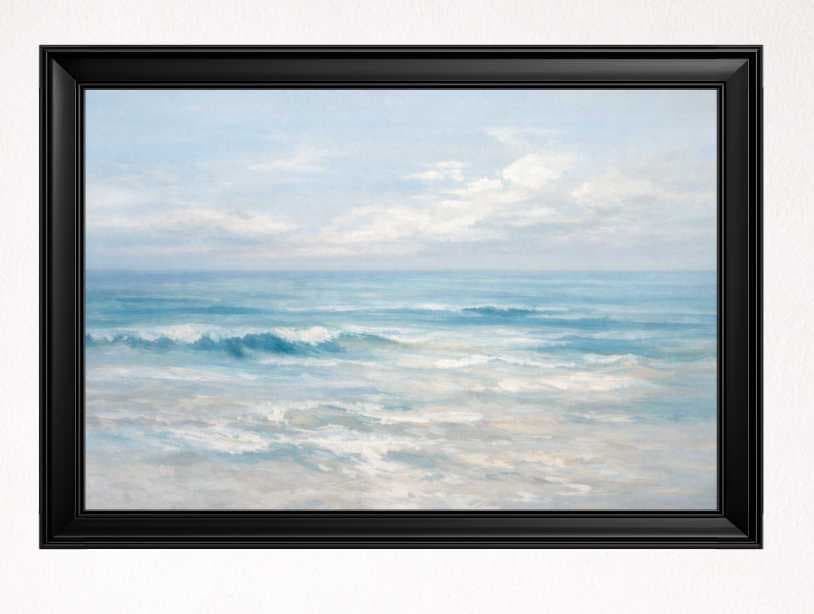
Black
Modern & gallery

White
Clean & minimal
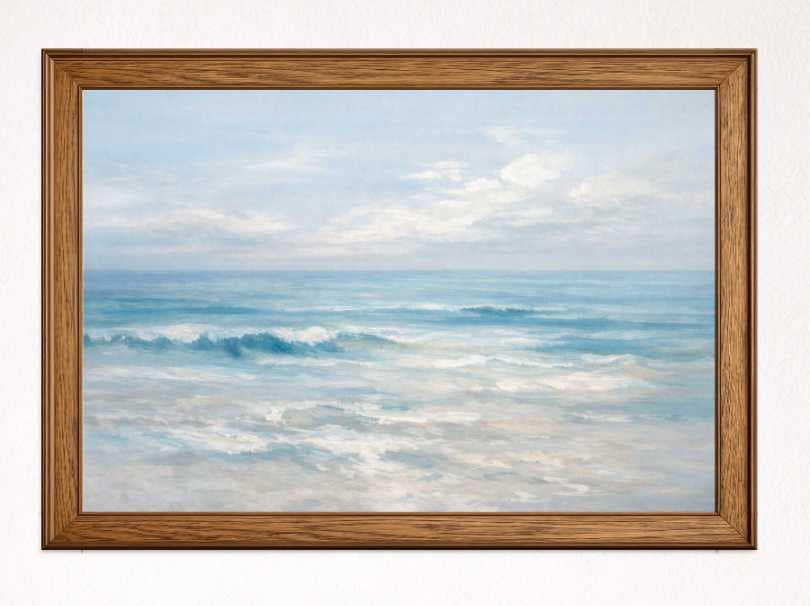
Natural wood
Warm & classic
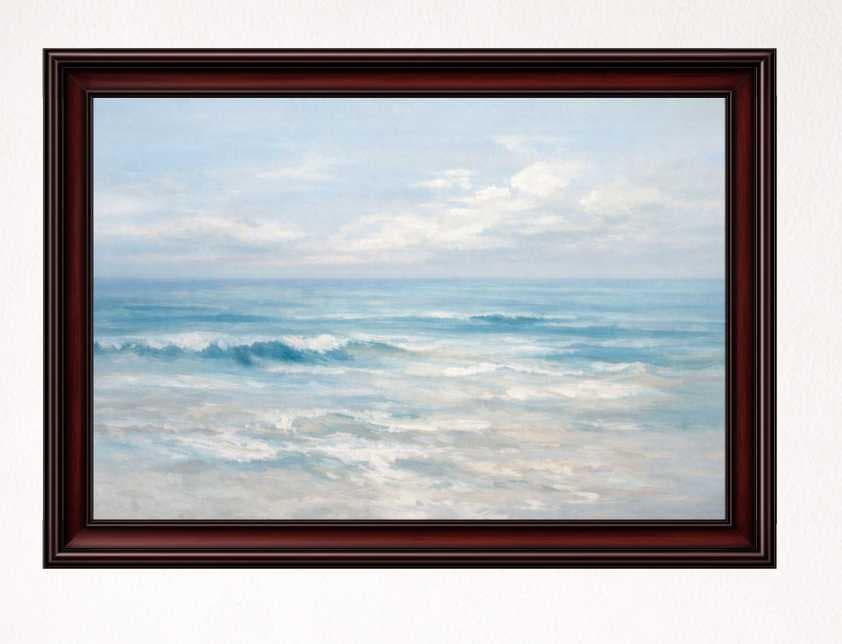
Gold
Premium & ornate
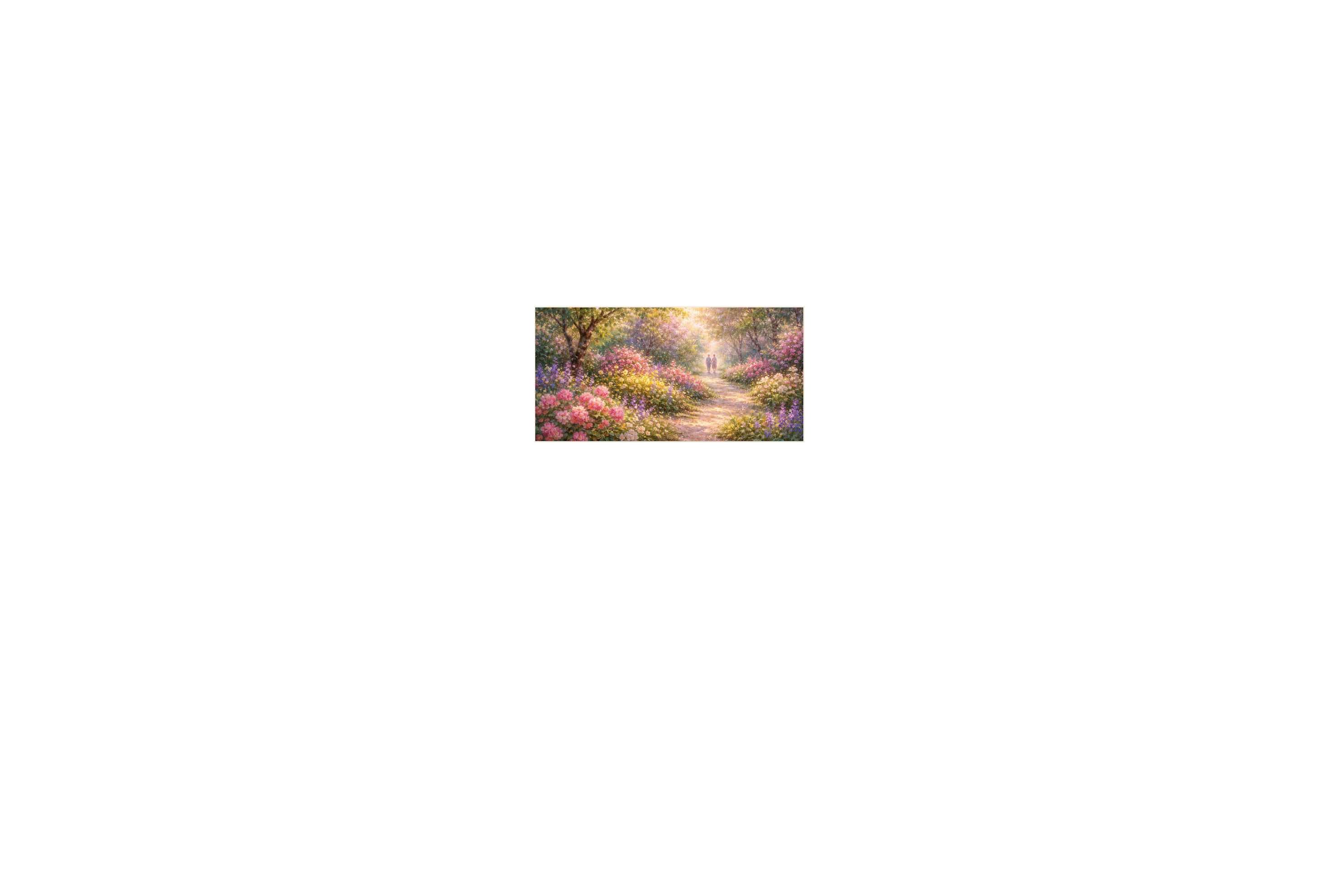
Drag the slider to see the same piece before and after framing in a real room scene.
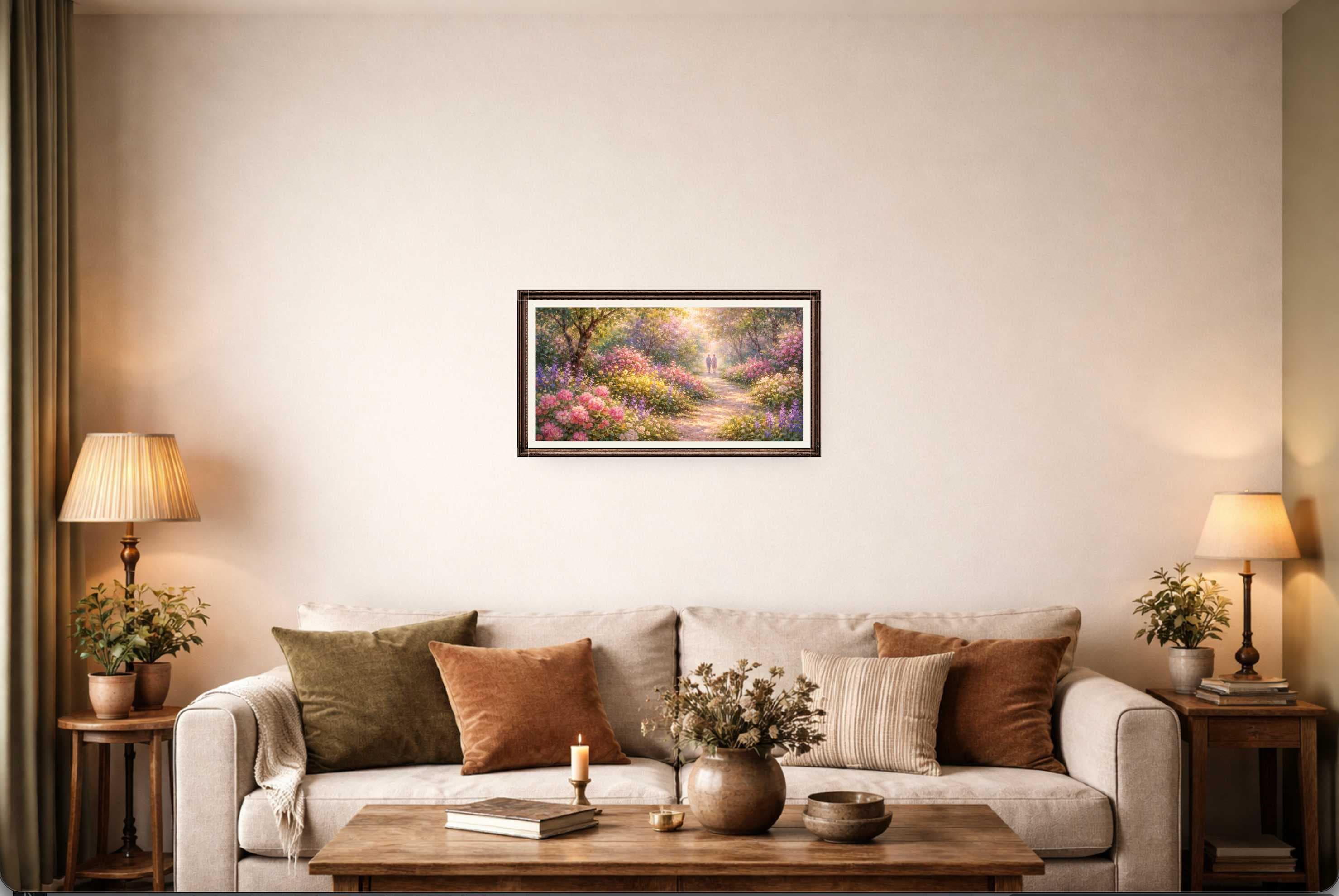
Adjust thickness, color, and style to match your real product.
Optional mats with adjustable size and clean, crisp borders.
Download PNG, JPG, or WEBP at high resolution.
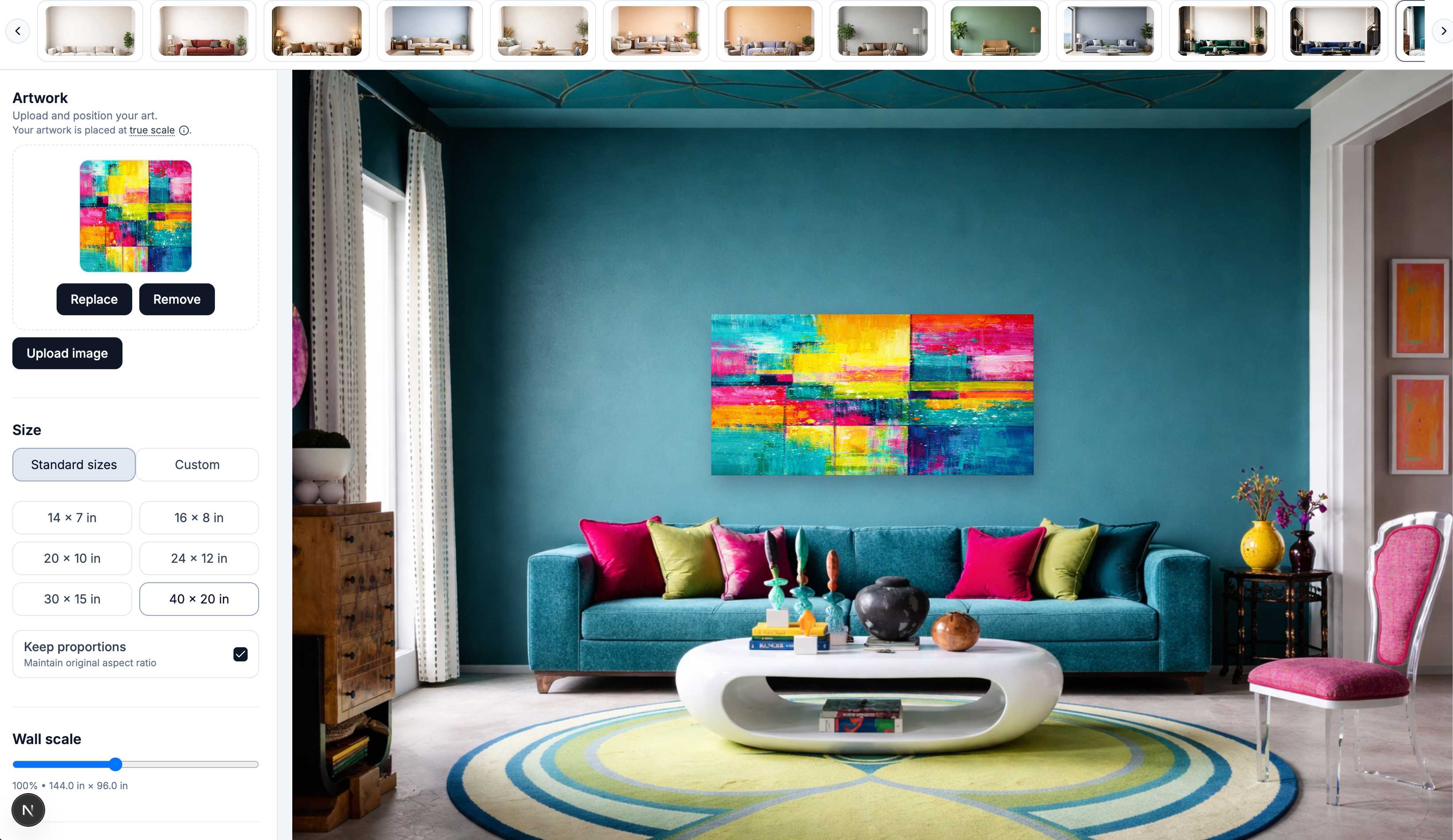
Drop in a JPG or PNG — no Photoshop or templates needed.
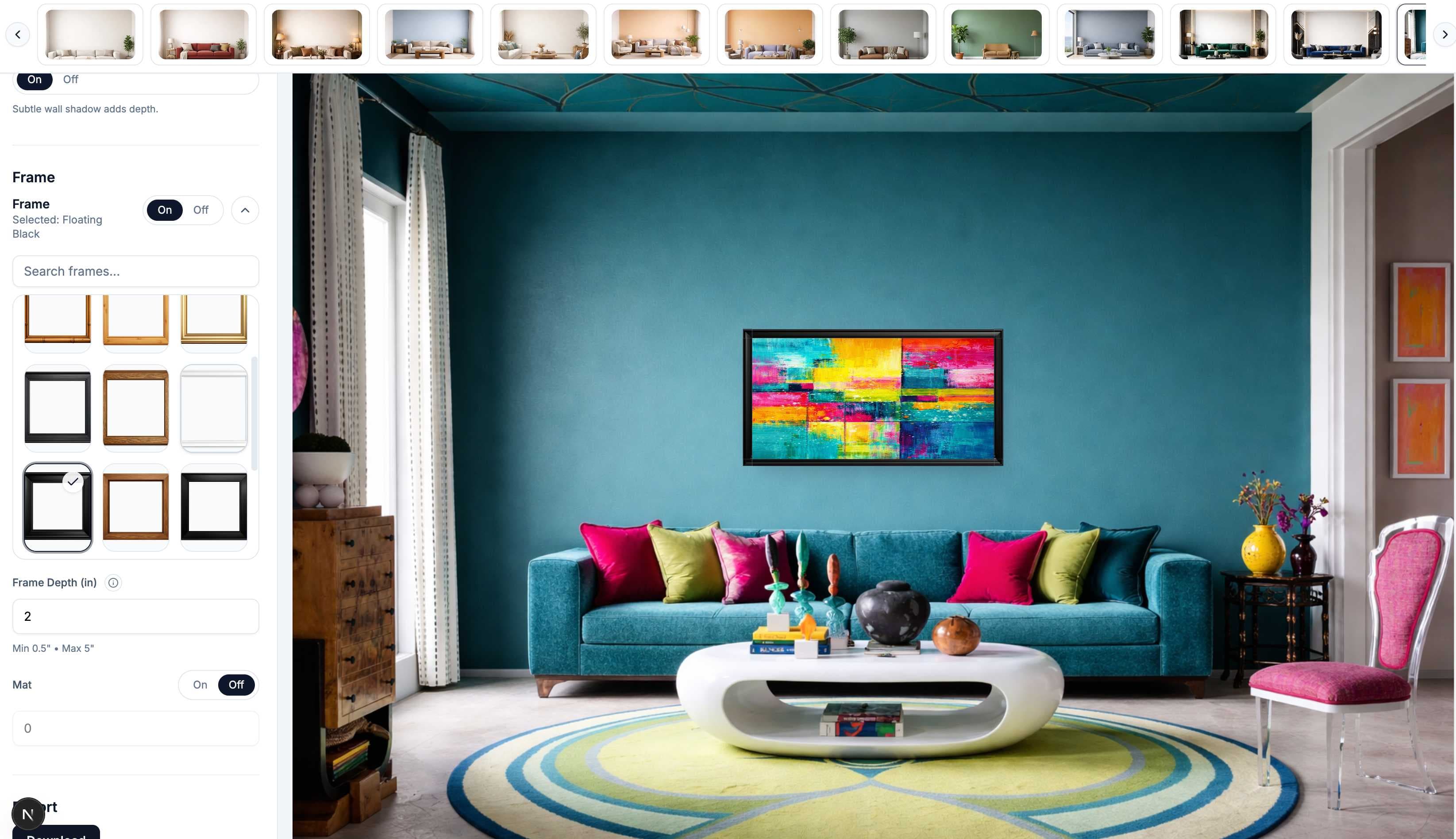
Choose modern, classic, or minimal and dial in thickness and matting.
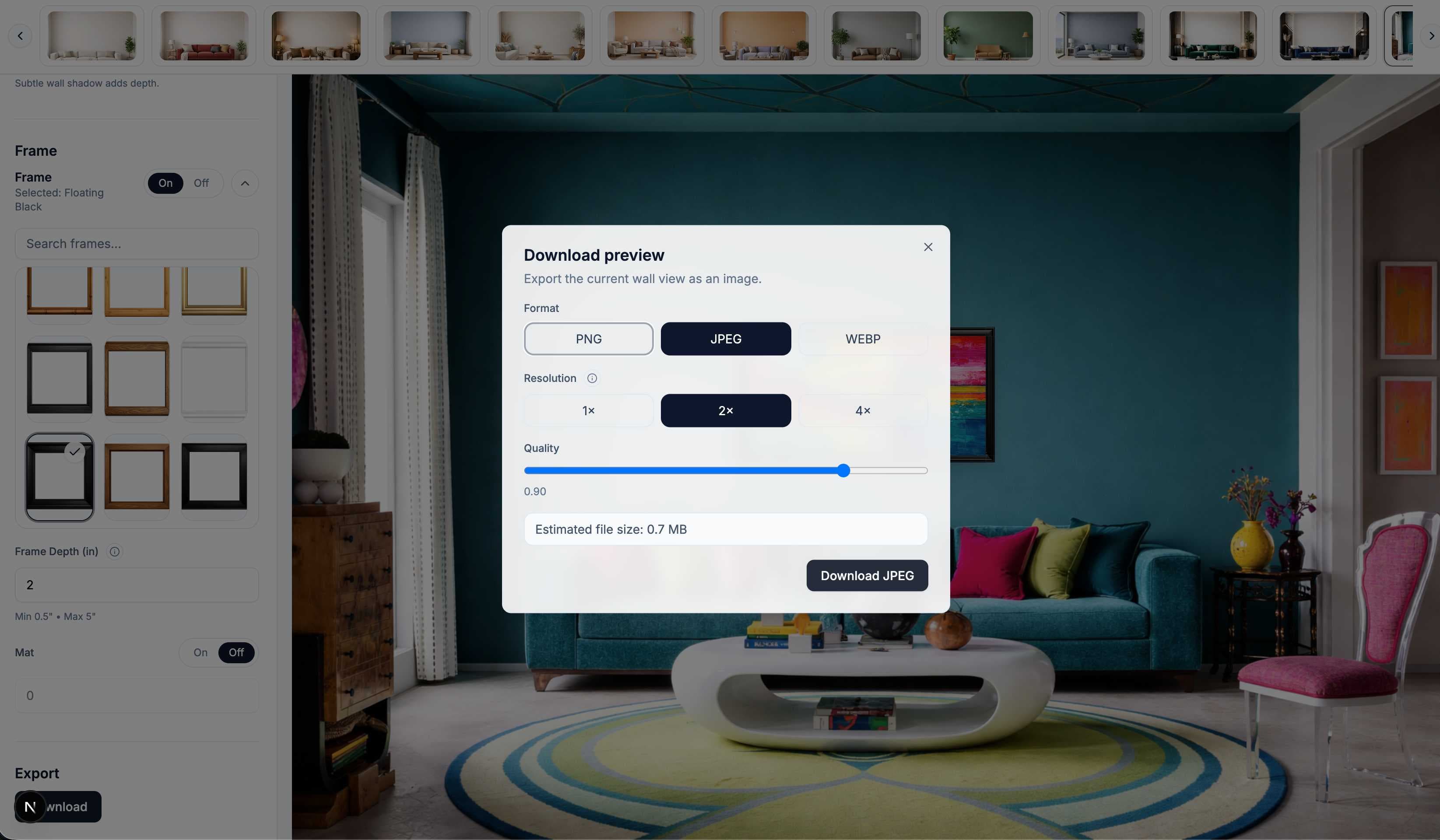
Download a high-resolution preview ready for listings and portfolios.
Whether you sell on Etsy, run a print shop, or send proofs to clients, WallMockup gives you accurate, professional frame previews without a studio.
Need help choosing frame dimensions?
Check standard frame and mat combinations first, then compare the complete outer framed width with the furniture in your chosen room.
Upload artwork, pick a frame, and export a polished preview in minutes.