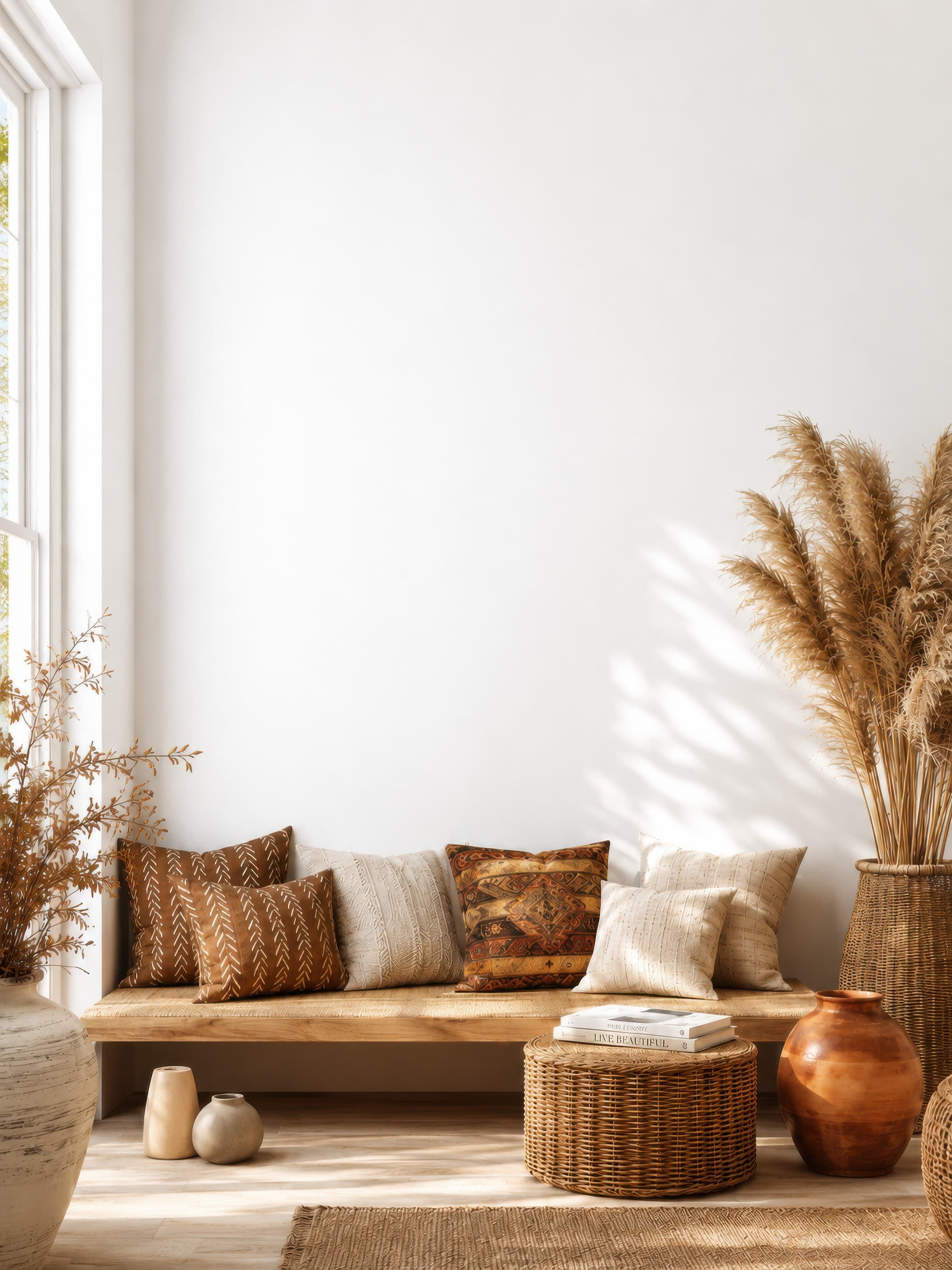
Popularity pick 1
Bright bohemian living room nook with a clean white wall above a wooden bench, woven textures, and pampas grass
Calibrated wall reference: 83.1 × 110.8 in
Use this room in the editorGallery wall mockups
Arrange up to 24 artworks or frame placeholders at true scale. Use exact gaps and auto-layouts in Plan & Hang mode, then switch to a realistic room preview or export a measured installation guide.
Free 7-day trial · Full commercial rights · No design skills required
Gallery wall inspiration
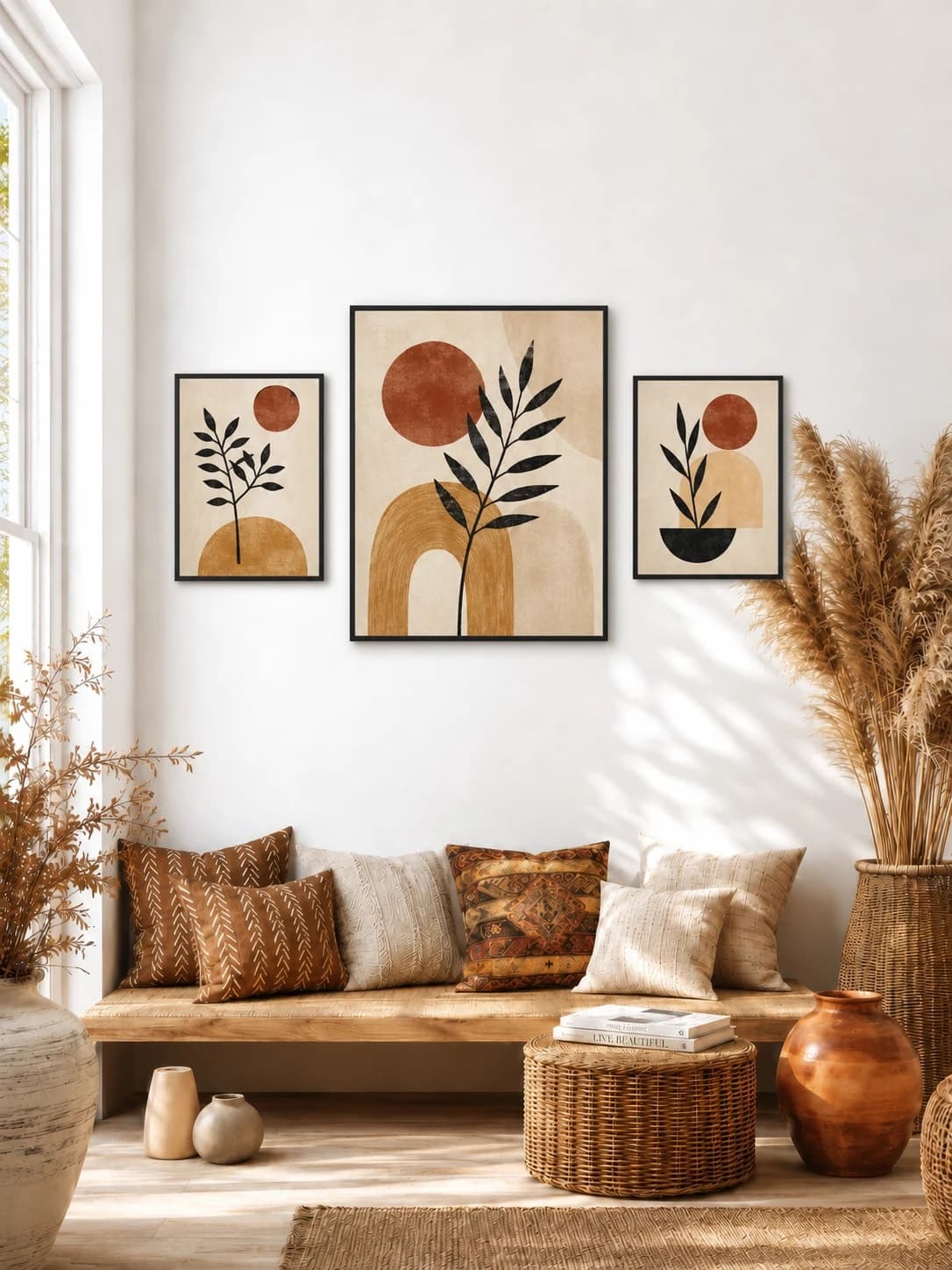
Compare a three-piece living-room group, a five-piece exhibition arrangement, and a symmetric bedroom pair. Each generated example is tied to the exact blank room opened by its button.
One 20 × 25 in anchor + two 12 × 15 in prints · 3 in gaps
A larger center anchor and two smaller companions create hierarchy while consistent frames and gaps unite the set.
Try this exact room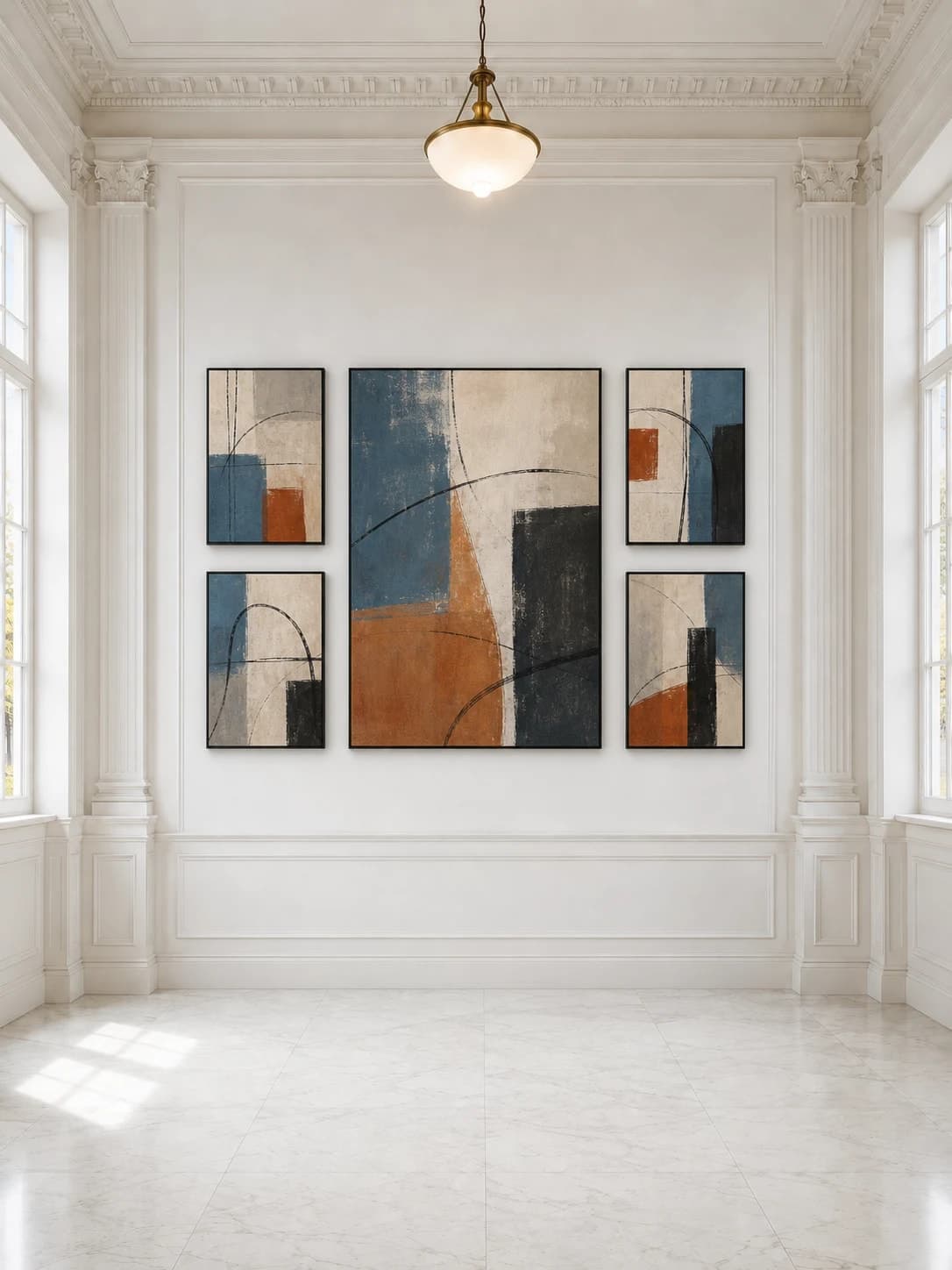
One 24 × 30 in anchor + four 12 × 16 in works · 4 in gaps
One central work and four smaller companions keep a complex arrangement symmetrical inside the architectural wall panel.
Try this exact room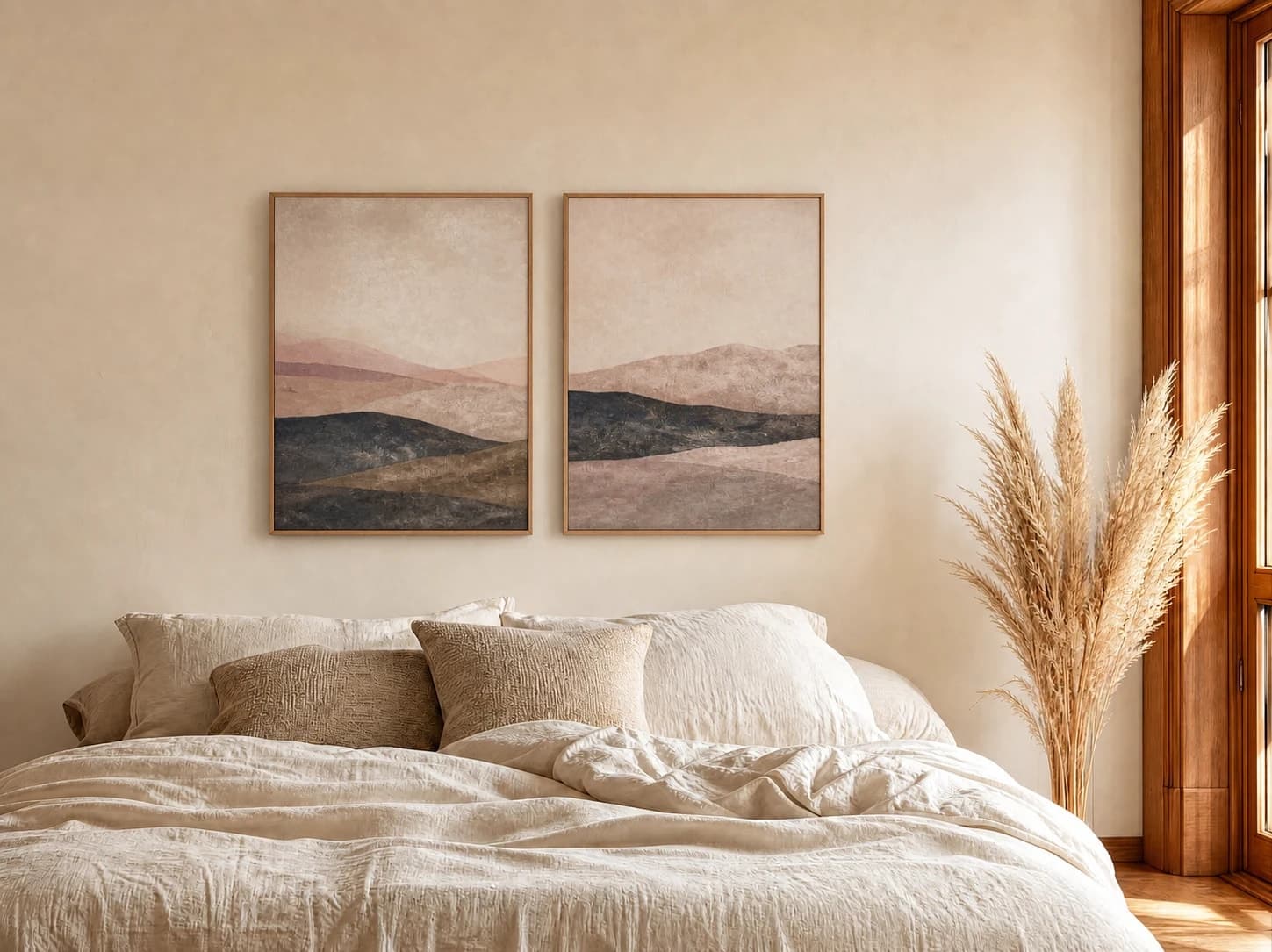
Two 18 × 24 in / 46 × 61 cm prints · 4 in gap
Matching proportions and a controlled center gap make the pair read as one calm bedroom installation.
Try this exact roomGenerated inspiration examples. Each one is paired with its exact blank WallMockup room; replace the sample artwork with your own before export.
Chosen from real usage
These are the earliest suitable residential, gallery, and bedroom presets in the completed-download order. Each provides enough visual structure to judge a multi-piece group's full width and spacing.
Popularity pick 1
Calibrated wall reference: 83.1 × 110.8 in
Use this room in the editor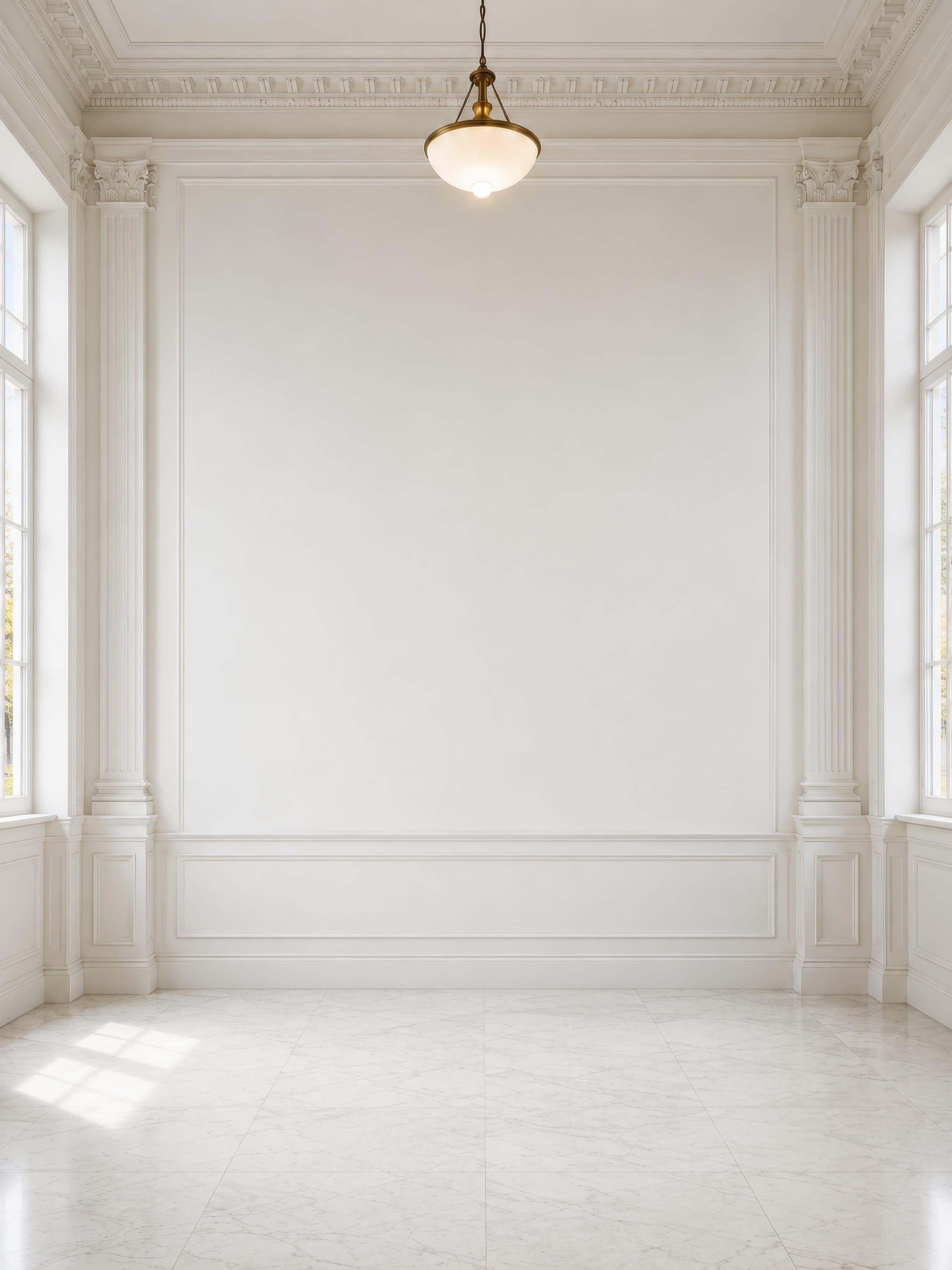
Popularity pick 2
Calibrated wall reference: 120.1 × 160.1 in
Use this room in the editor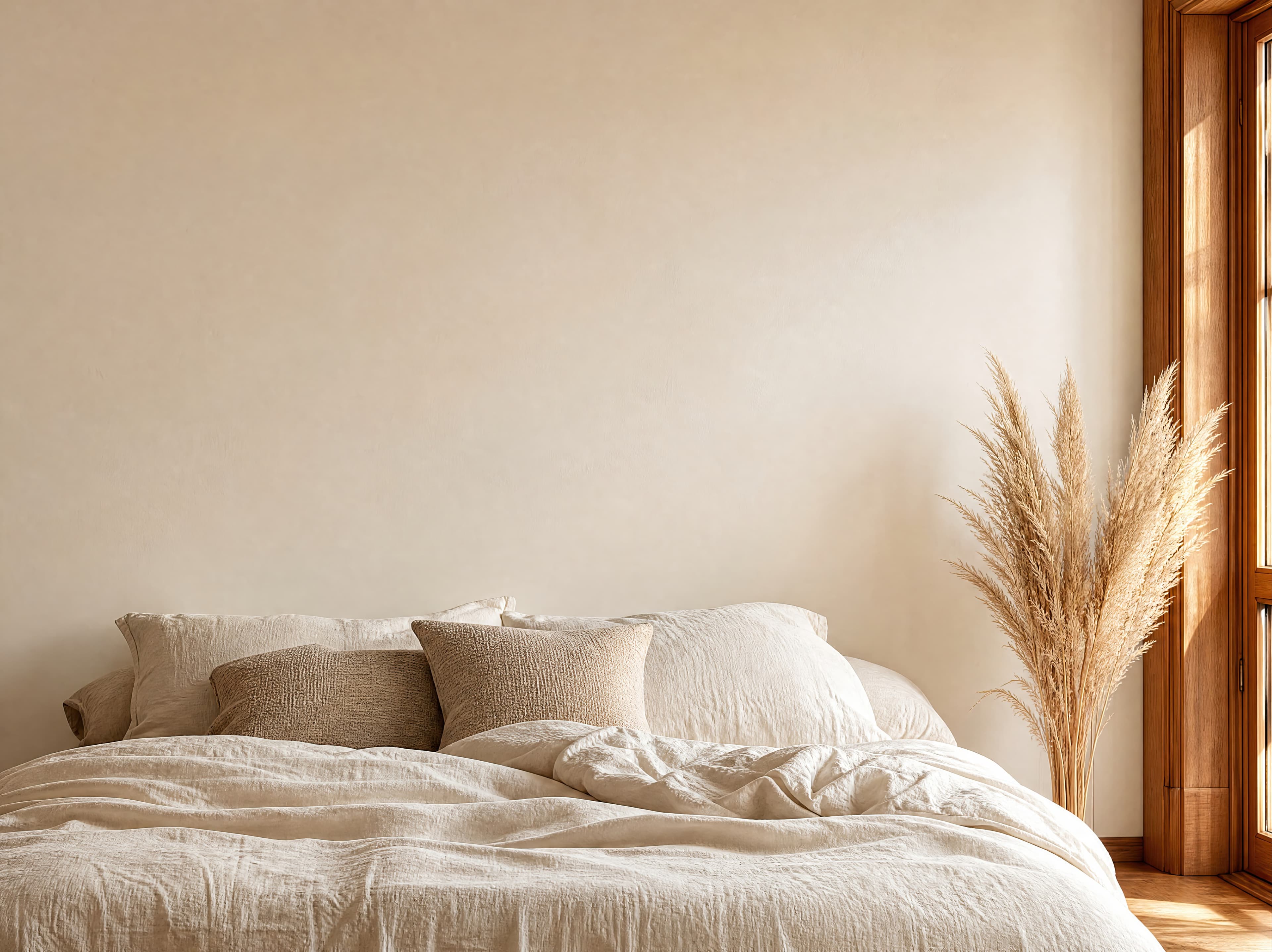
Popularity pick 3
Calibrated wall reference: 141.5 × 106.1 in
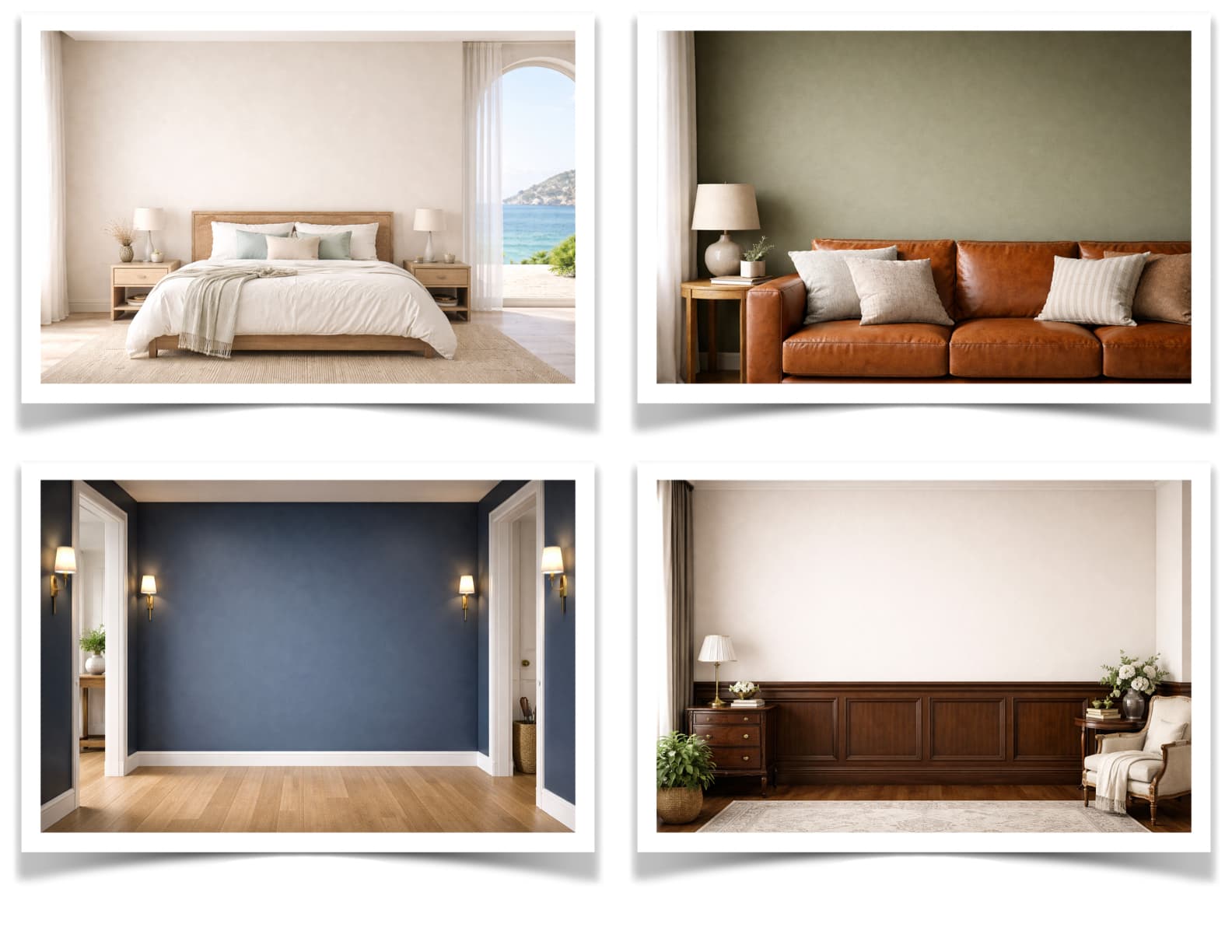
Use this room in the editorA gallery wall reads differently above a sofa, a bed, or in a hallway. Drop your arrangement into multiple room scenes to find the one that sells the set best.
Keep lighting and viewing angle consistent so a buyer can compare layouts fairly and focus on the art, not the background.
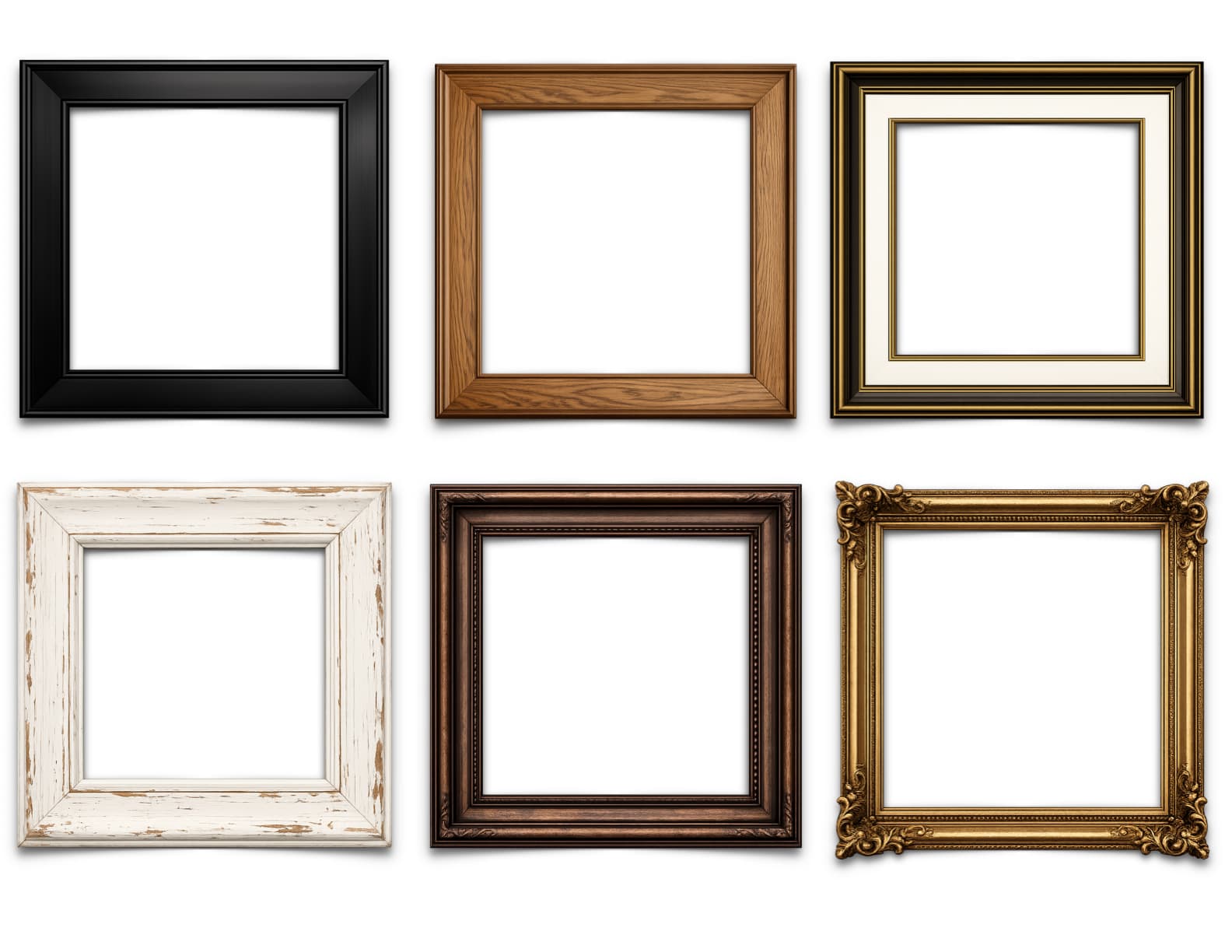
Consistent frames and mats are what make a gallery wall feel curated instead of cluttered. Apply one frame style across every piece for a calm, premium look.
Prefer an eclectic vibe? Mix finishes while keeping one element — color, thickness, or mat width — constant so the wall still feels intentional.
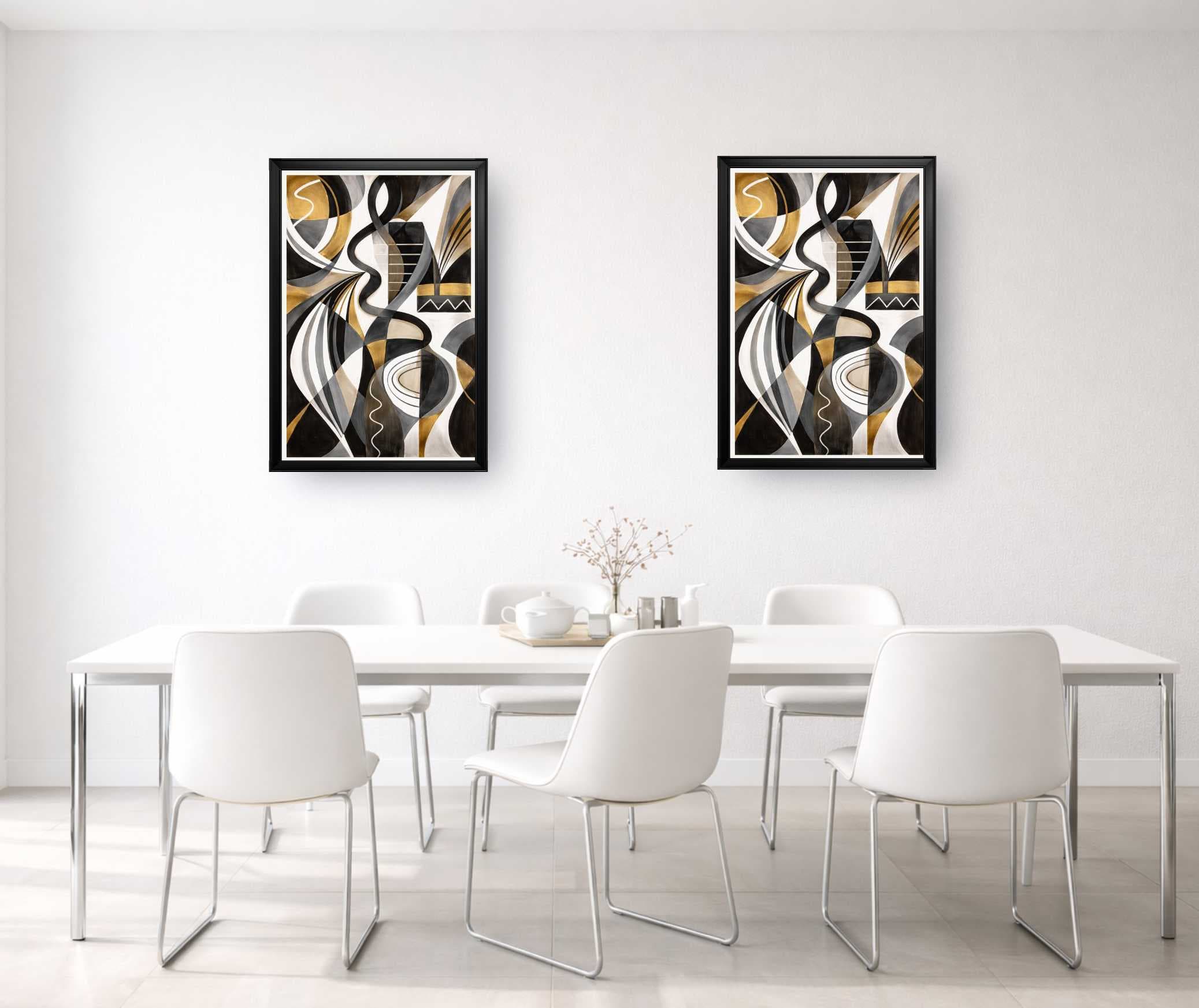
Combine up to 24 artworks or size-only placeholders, each with its own dimensions, frame, and mat.
Try grid, row, masonry, salon, skyline, spiral, or tidy-up layouts with exact target gaps.
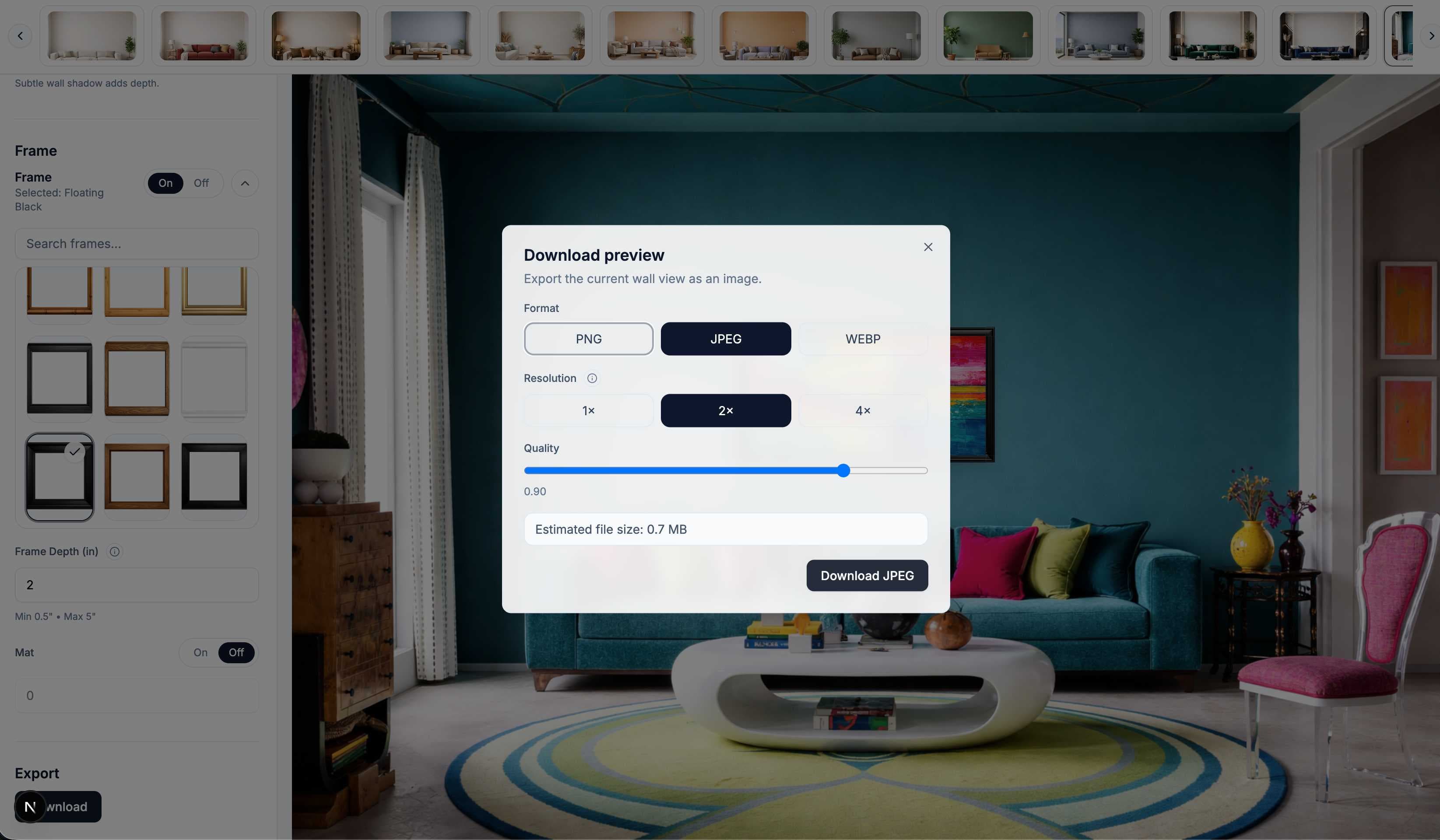
Export a realistic listing image or a numbered PDF or CSV installation plan.
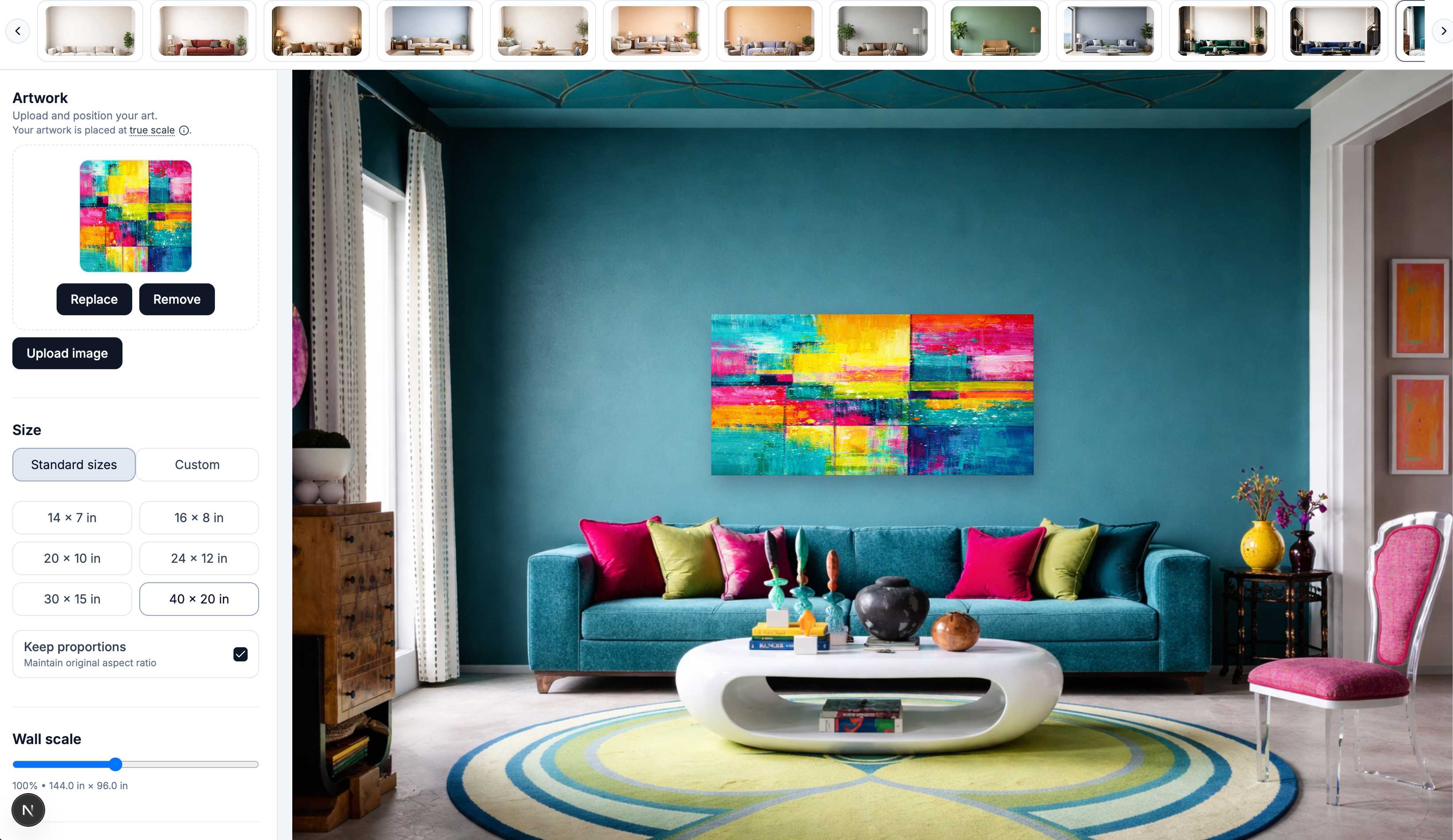
Upload several artworks at once or create placeholders for frames you already own.
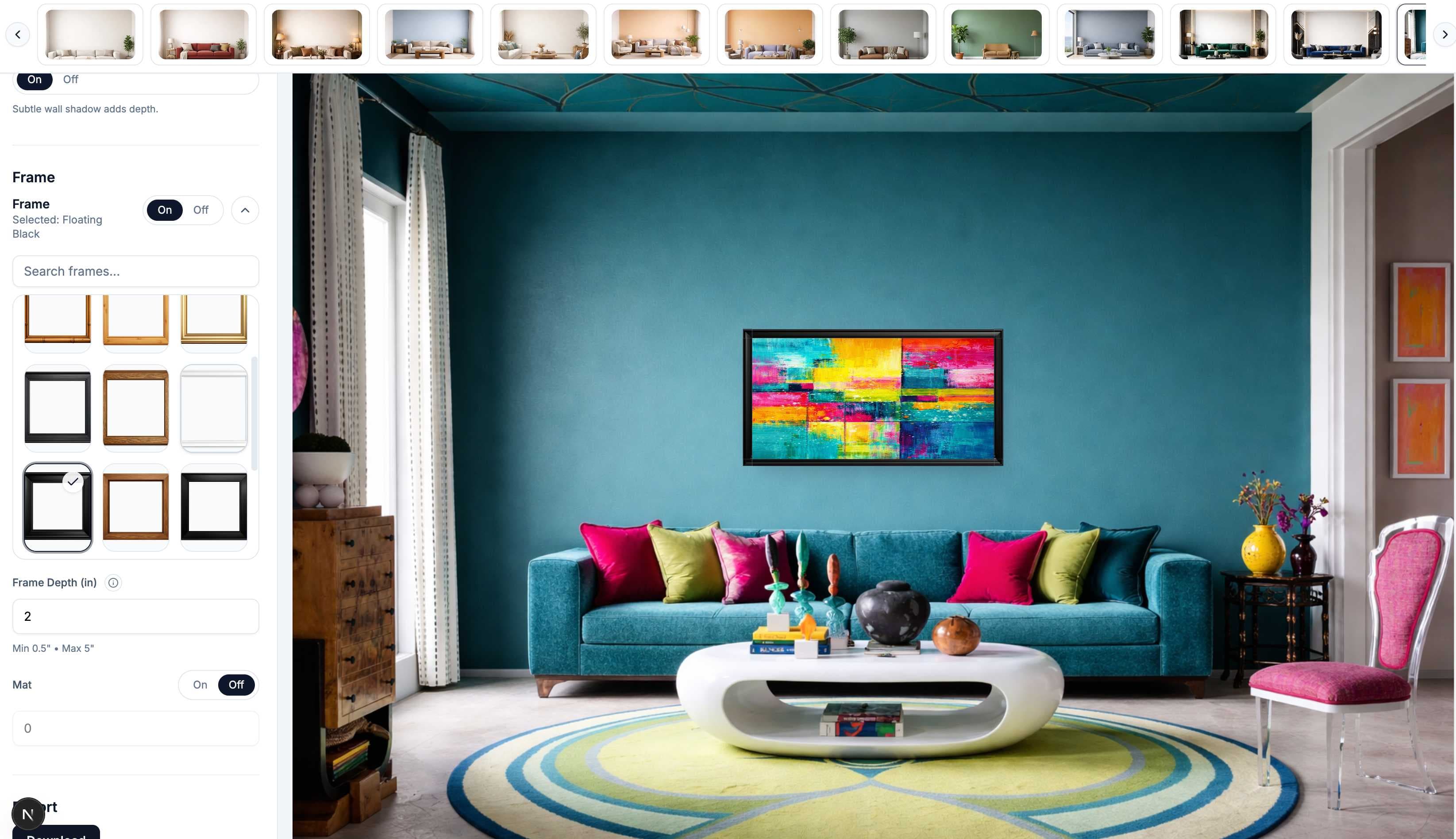
Arrange manually or use an auto-layout, then refine coordinates, alignment, and gaps.
Switch to the realistic room view, or export numbered coordinates for hanging the wall.
Plan a home installation, prepare a client proposal, or create one cohesive listing image without losing the real dimensions behind the arrangement.
Unsure how large your gallery should be?
Use the Gallery Wall Layout Planner to calculate the full group dimensions and gaps before placing the individual pieces in a room. Showing one piece rather than a group? Use the art mockup generator instead.
Start from your frame sizes, refine the arrangement, and leave with either a realistic mockup or a measured hanging plan.