Wall Art Mockups
Wall Art Mockups
See what your art looks like on a wall before you print it.
A wall art mockup places your artwork in a real room at true print scale, so buyers can judge size and framing before checkout. WallMockup makes them two ways: one mockup at a time in the standard editor, or a full set of rooms and frame looks at once with the bulk mockup generator.
Two ways to generate a wall art mockup
Both use the same true-to-scale placement engine. Pick based on how many images you need right now.
One mockup at a time
Upload a single artwork, place it in one room, pick a frame, and export. The fastest path when you just need one clean listing image.
Open the art mockup generator →A full set at once
Upload one artwork, choose several rooms and frame looks, and WallMockup renders every combination in one pass, up to 60 images from a single upload.
Open the bulk mockup generator →Types of wall art mockups
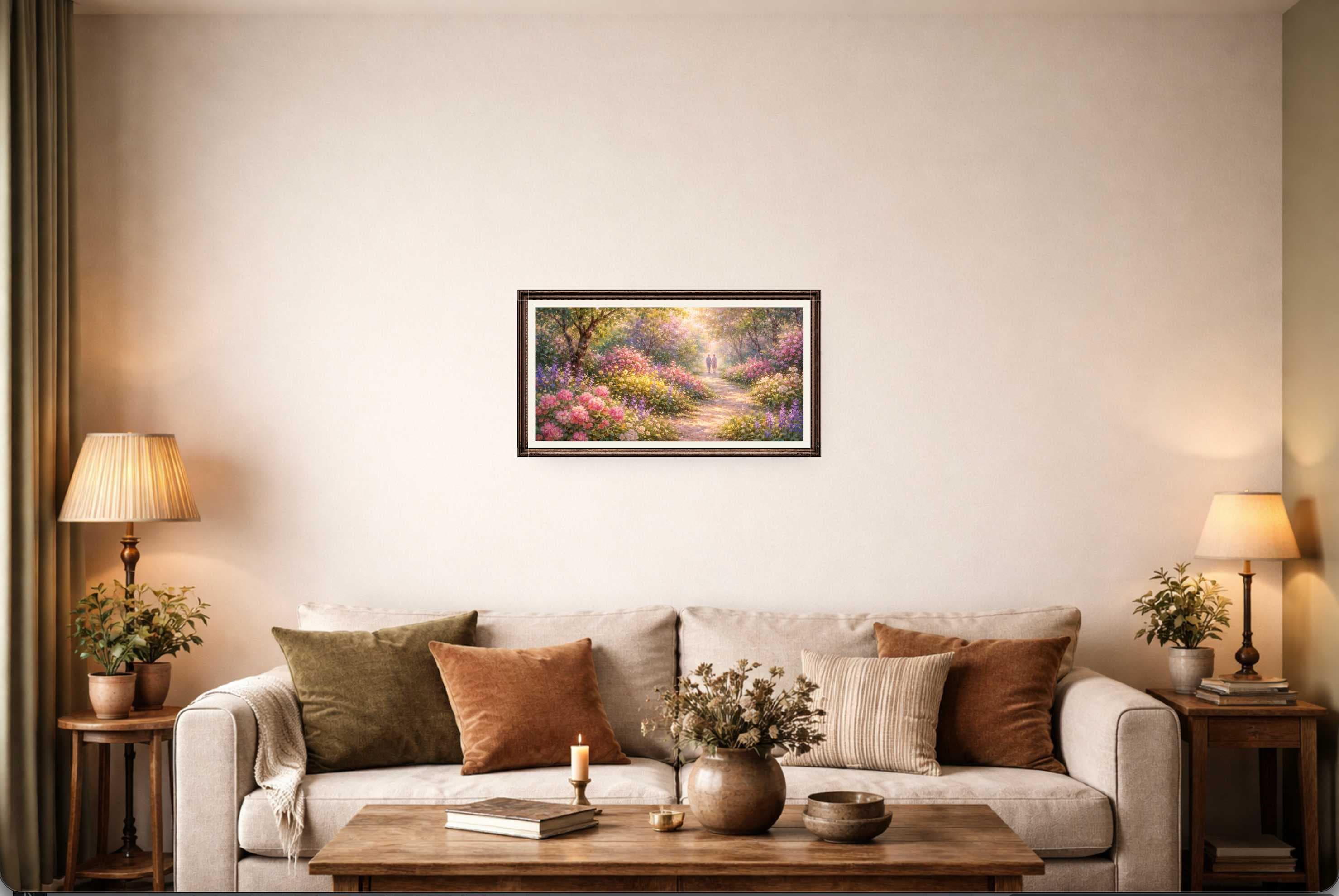
Framed print mockups
The most common listing image: a print inside a frame, hung on a wall at true print scale.
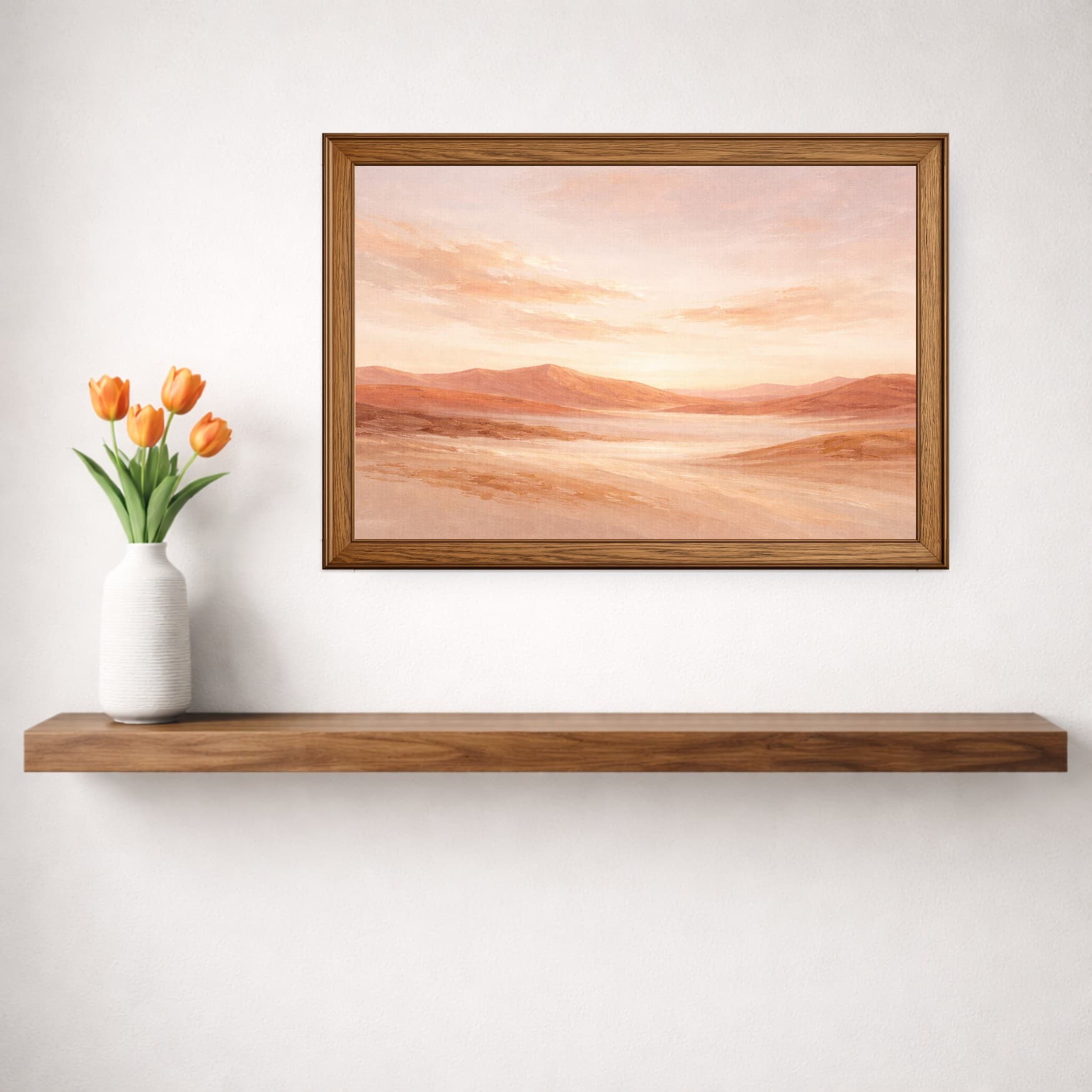
Poster mockups
Unframed or minimally framed prints shown flat against the wall, useful for poster and print-only listings.
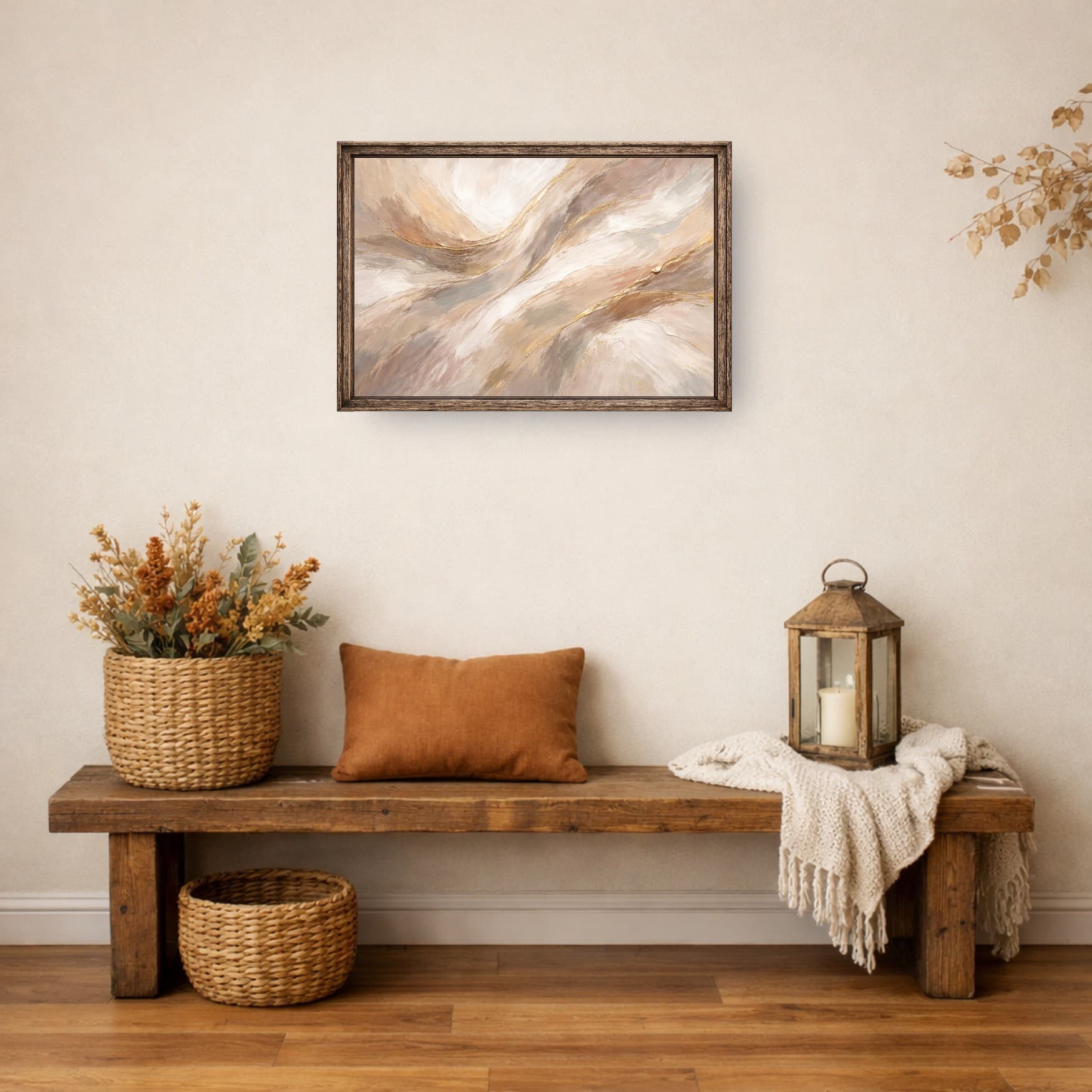
Digital download mockups
If you sell a printable file, the mockup is the product page's main image. A realistic room shot sells the idea of the print.
Why true-to-scale mockups matter
Shoppers need context to picture art in their own space. A realistic, correctly scaled mockup answers the size question before a buyer even asks, which means less hesitation at checkout and fewer returns from buyers who guessed wrong about how big a print would feel on their wall.
Template-based tools scale every piece to fill the same frame, so a small print and a large one can look identical in the preview. WallMockup places art using the real width and height you enter, so the size difference between an 11×14 and a 24×36 shows up honestly. That's true whether you're generating one mockup or a full set.
Who uses wall art mockups
Etsy and Shopify sellers use them as listing photos in place of, or alongside, physical product shots. See the Etsy wall art mockups guide.
Digital download artists rely on the mockup as the main listing image, since there is no physical product to photograph.
Photographers and fine artists use mockups to preview large-format prints across a few rooms before committing to a print run. See gallery wall mockups.
Filling several photo slots per listing, or covering multiple rooms and frame looks for the same print? Generate the whole set in bulk instead of repeating the single-mockup steps by hand.
Common questions
What is a wall art mockup?+
A wall art mockup is an image of your artwork placed on a wall in a realistic room, at the size it would actually print. Sellers use it as a listing photo so buyers can judge scale, framing, and how the piece looks in a real space before they buy.
What's the difference between a wall art mockup and a real product photo?+
A real product photo requires printing, framing, and photographing a physical piece for every size and room you want to show. A wall art mockup does the same job from a single digital file, at true print scale, without printing anything first.
Should I make one mockup or a bulk set?+
If you need a single hero image for one listing, the standard editor is faster. If you're filling several photo slots per listing, or listing the same print in multiple sizes or rooms, generate a full set in one pass with the bulk mockup generator instead of repeating the same steps manually.
Do wall art mockups need to be true to scale?+
Yes, if the goal is to help buyers judge size. WallMockup places art using the real print width and height you enter, so an 11×14 and a 24×36 look correctly different in the same room, not both scaled to fill the frame.
Can I use my own room photos?+
Not currently. WallMockup uses its own library of room scenes, built at accurate wall dimensions so true-to-scale placement works correctly for every size you enter.
Is there a free trial?+
Yes. The trial includes full editor access, with PNG exports at every resolution and JPEG at 1× included. Higher-resolution JPEG exports and beyond-trial exports use credits or an unlimited plan.
Not sure what size to order?
Use our free Wall Art Size Calculator to get a recommended artwork size and hanging height based on your furniture width.
Generate your wall art mockup
Free previews. Pay only for the exports you keep.