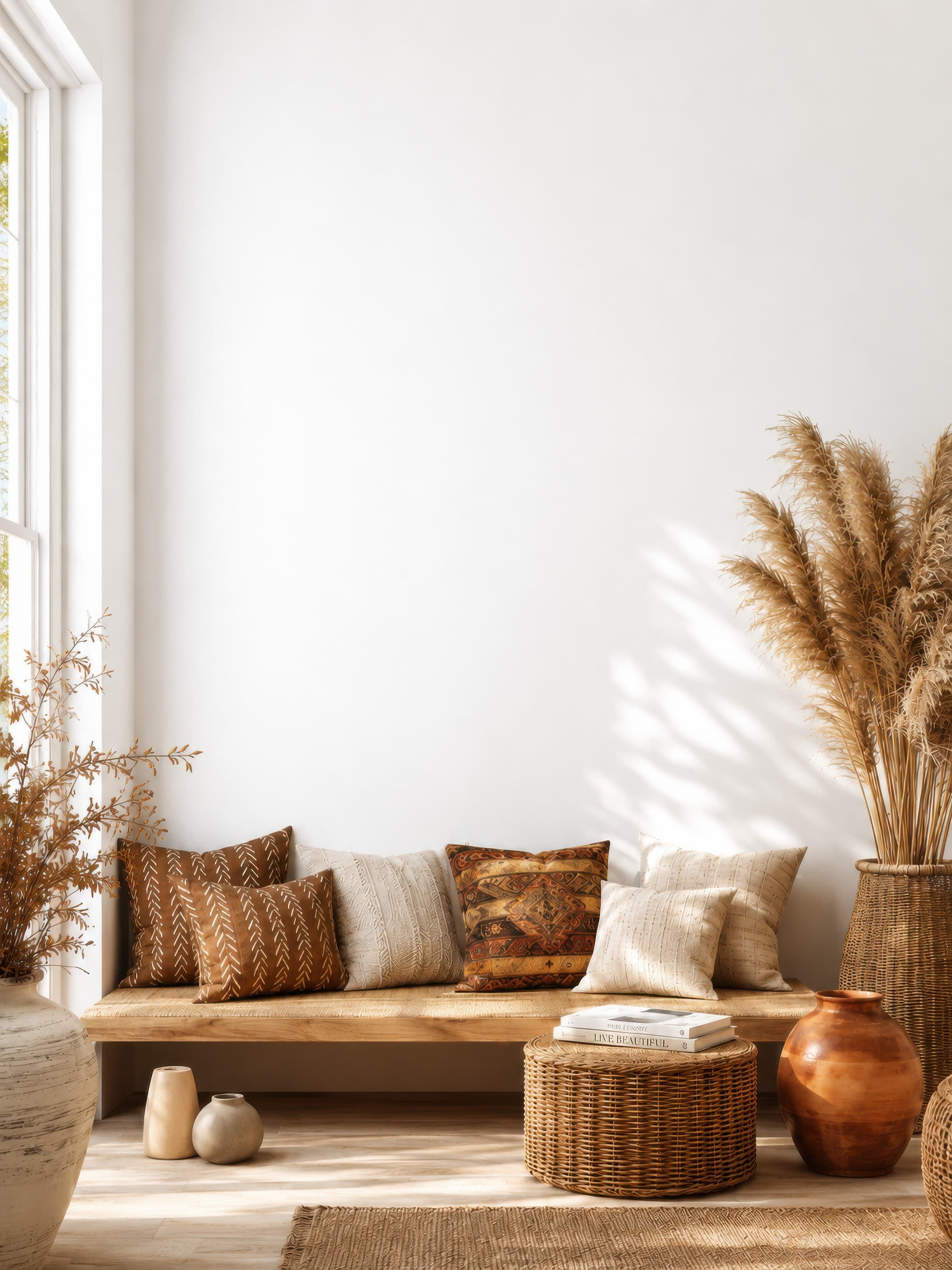
Popularity pick 1
Bright bohemian living room nook with a clean white wall above a wooden bench, woven textures, and pampas grass
Calibrated wall reference: 83.1 × 110.8 in
Use this room in the editorFree poster mockup generator
Upload your poster and WallMockup places it on a real wall at the size you sell: 11x17, 18x24, 24x36, a 27x40 movie poster, or A3 to A1. Show it framed, on a wood hanger, taped up, or unframed, then export a listing-ready image. No Photoshop and no PSD templates. Built for Etsy, print-on-demand, and digital poster sellers.
7-day free trial, no card required.
Poster mockup examples
These examples keep each poster's real proportions, from a 2:3 living-room piece to an A2 gallery print, instead of forcing every design into the same rectangle.
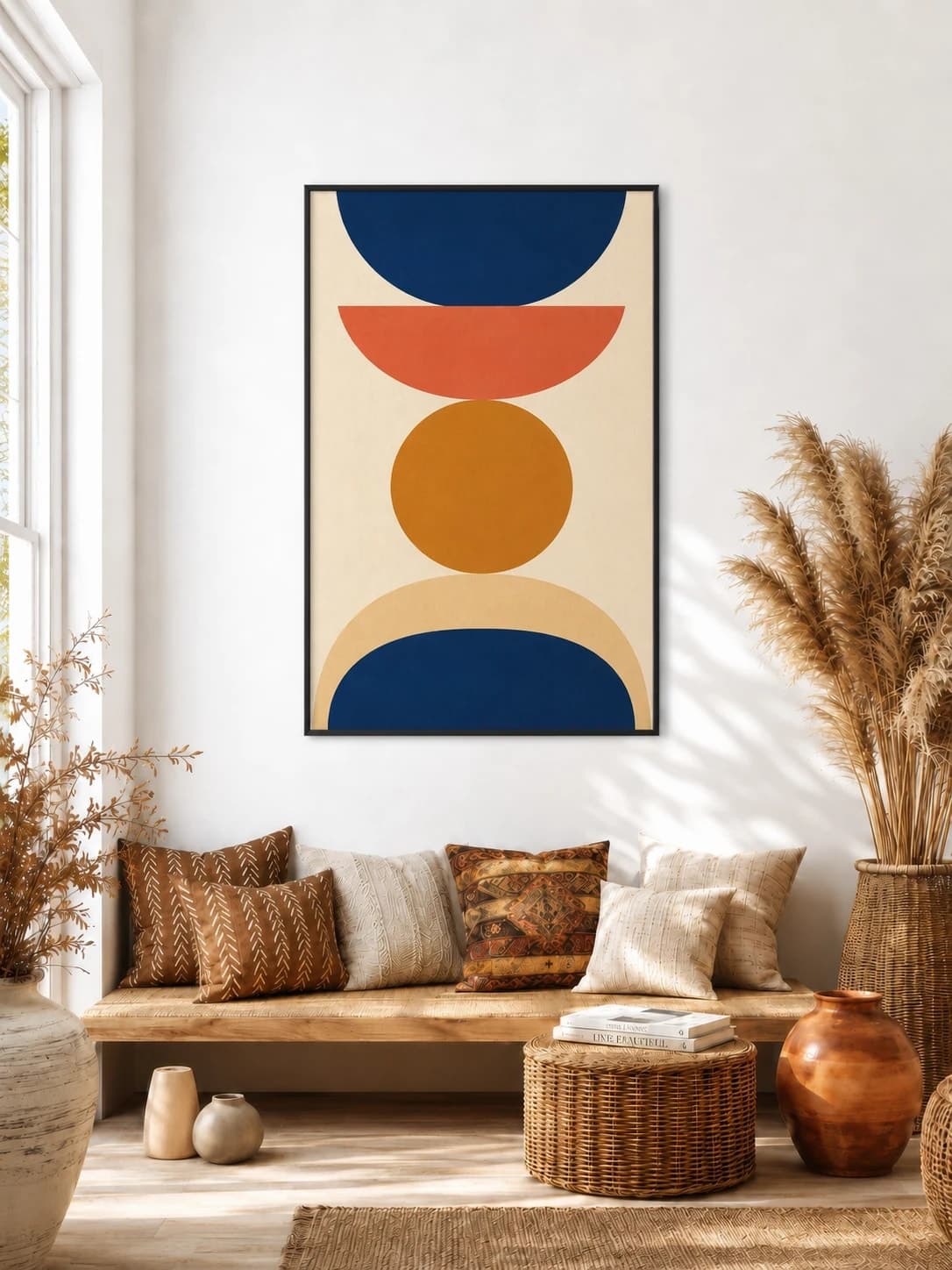
24 × 36 in / 61 × 91 cm poster · thin black frame
The thin black edge preserves the strong poster proportion without adding a mat.
Try this exact room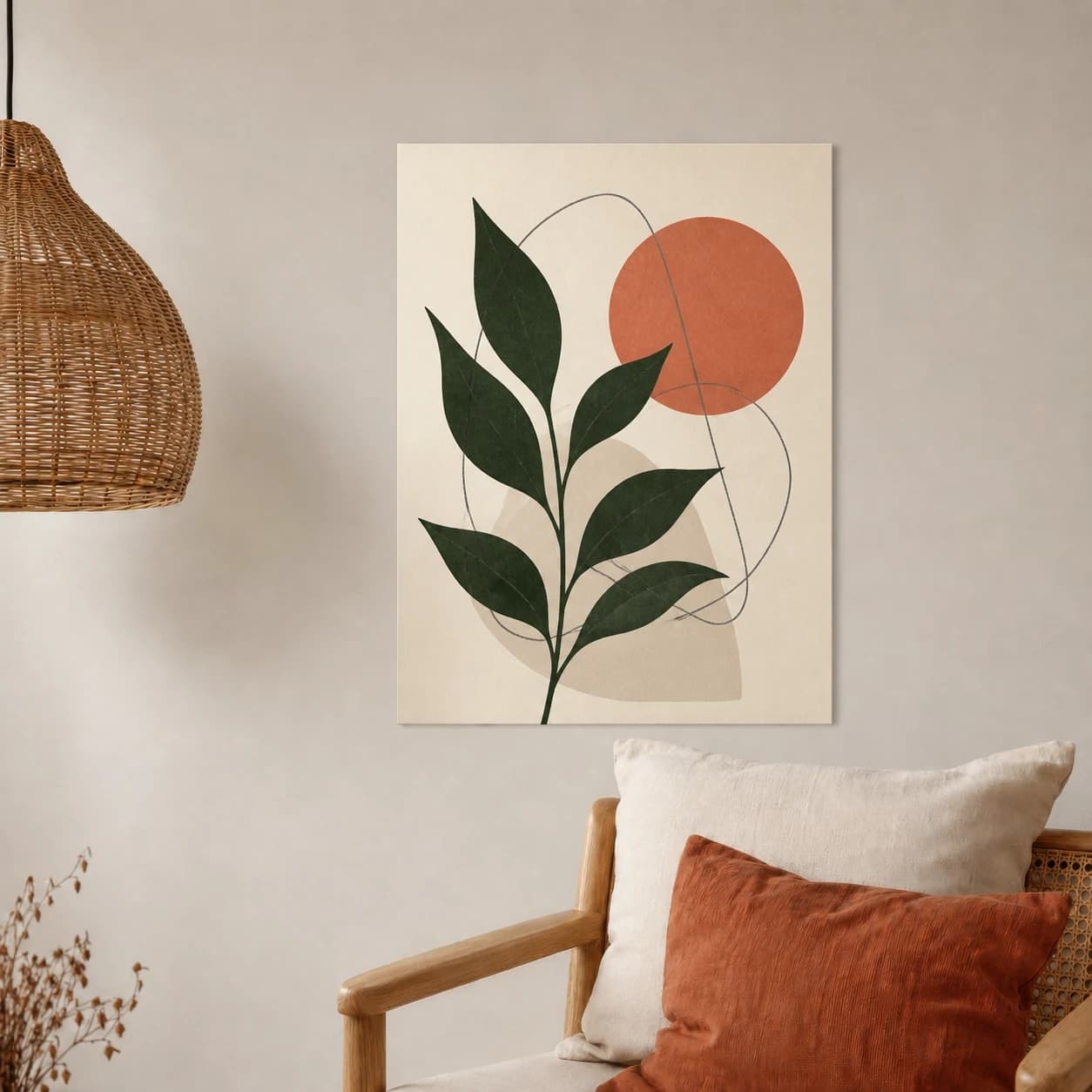
18 × 24 in / 46 × 61 cm poster · unframed
A clean paper edge and restrained contact shadow show an unframed option without implying rails, clips, glass, or a frame.
Try this exact room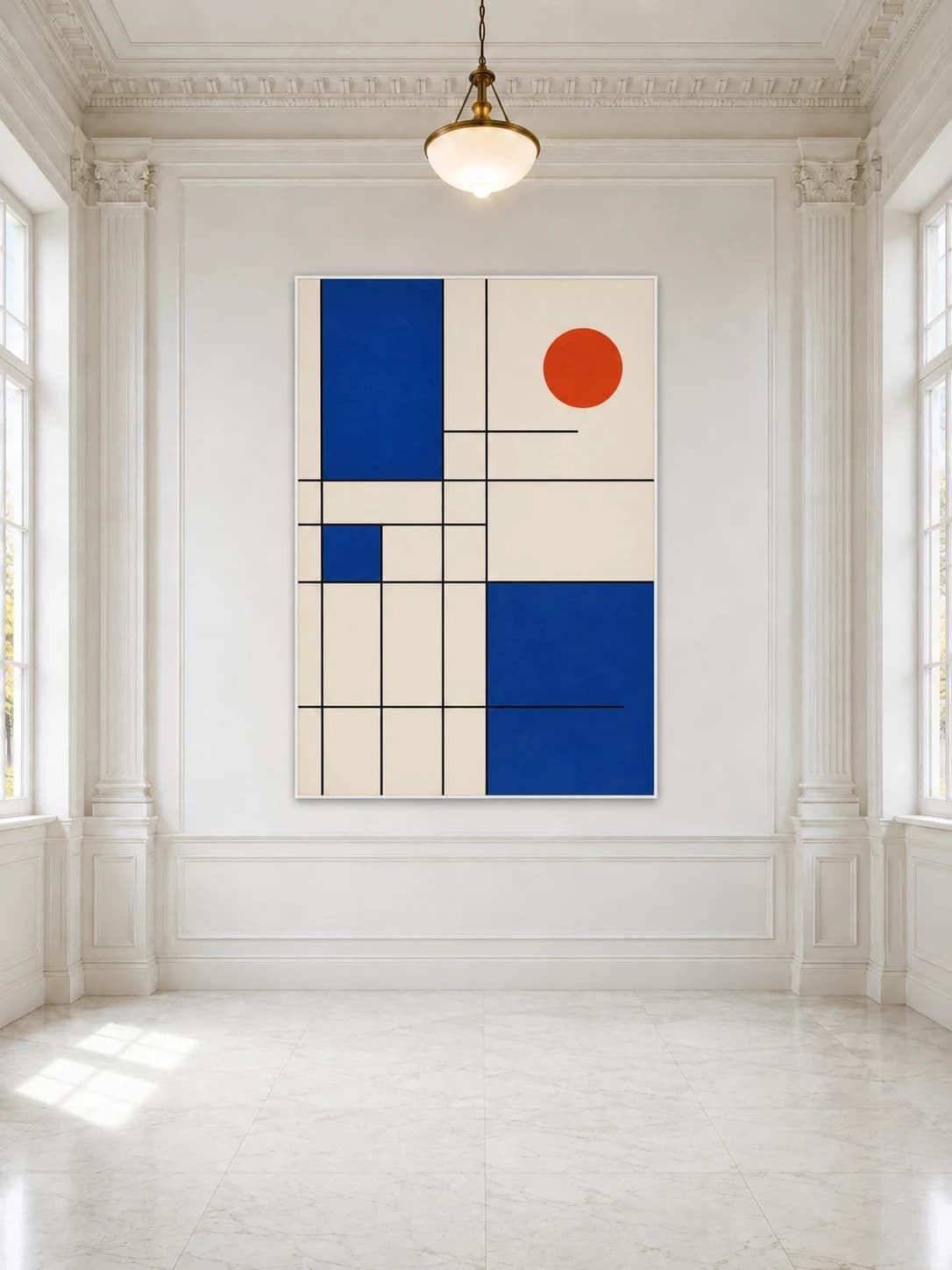
A2 / 16.5 × 23.4 in poster · thin white frame
The 1:√2 page proportion remains intact, so the room view does not stretch an A2 design into a generic rectangle.
Try this exact roomGenerated inspiration examples. Each one is paired with its exact blank WallMockup room; replace the sample artwork with your own before export.
Pick the size you sell. The editor opens with your poster already set to that size, so an 18x24 reads as an 18x24 next to a sofa, not an oversized print stretched to fill a template box.
69 × 102 cm
The movie poster one-sheet for film, fan art, and media walls
27 × 40 in poster mockupNot sure which size to offer? See the standard poster sizes chart and check your file with the print resolution checker before printing large.
A frame changes how big the poster looks, so a framed poster mockup has to add the frame and mat around the print instead of shrinking the art to fit a template opening. Enter the print size, then pick a black, white, oak, or brass frame and an optional mat. The room shows the finished outer size, which is the number buyers need for their wall.
| Poster | Thin frame, no mat | With a 3 in mat |
|---|---|---|
| 11 × 17 in | 12.5 × 18.5 in | 18.5 × 24.5 in |
| 18 × 24 in | 19.5 × 25.5 in | 25.5 × 31.5 in |
| 24 × 36 in | 25.5 × 37.5 in | 31.5 × 43.5 in |
| A2 (16.5 × 23.4 in) | 18 × 24.9 in | 24 × 30.9 in |
Outer sizes assume a 0.75 in frame. Match the mockup to what you ship: if the listing sells the print only, label the frame as a styling idea. The frame mockup generator shows every frame style.
Make a framed poster mockup18 × 24 in (45.7 × 61 cm) is the most common poster size, a 3:4 portrait that suits a desk, a console, a bedroom wall, or a narrow space beside a window. It is too small to fill a long sofa wall on its own, so show it where buyers will hang it, or pair two side by side. A thin frame makes it about 19.5 × 25.5 in; a 24 × 30 in frame with a mat makes it a much larger piece.
Keep the 3:4 shape. A 2:3 design (for example 24 × 36) does not fit 18 × 24 without cropping, so crop it first or show it at its own size. The 18 × 24 button opens the editor with the size already set.
Make an 18x24 poster mockupThe same print reads differently depending on what holds it to the wall. Try a style below to open the editor with that display already applied. For a framed poster mockup, switch to any frame in the editor, or start from the frame mockup generator.
A wood dowel rail rests across the top of the poster and a magnetic or clipped bottom bar keeps it flat, no glass and no frame shop. It reads as intentional and a little more finished than tape, without the cost of framing.
Try wood hangerFour small pieces of tape hold the corners, the way a lot of people actually hang a poster in a bedroom, dorm, or studio. It is the most casual of the three and the one buyers picture fastest for a print they plan to swap out later.
Try washi tapeThe plain print, nothing added. This is the fastest way to check whether a poster earns its size and color on a wall before you decide it needs any hardware at all, and it matches a listing that ships the print alone.
Try unframedA movie poster one-sheet is 27 × 40 inches, larger than most buyers expect. Showing it at true size next to a sofa, a TV wall, or a bed tells a buyer exactly how much wall it needs. Use it for alternative movie posters, fan art, festival posters, and custom film prints, and add a thin black frame if you sell it framed.
Make a movie poster mockupLandscape posters such as 24 × 18 or 36 × 24 in, for panoramic photography, maps, and travel prints.
Landscape poster mockupsSquare formats such as 12 × 12 or 24 × 24 in, for album-cover art and Instagram-first designs.
Start with 24 × 24 inPortrait 2:3 and 3:4 posters, the shape most buyers picture when they search for a poster.
Start with 18 × 24 inChosen from real usage
These are the earliest suitable living-room, small-wall, and gallery presets in the completed-download order. Together they show large, everyday, and exhibition-scale poster presentations.
Popularity pick 1
Calibrated wall reference: 83.1 × 110.8 in
Use this room in the editor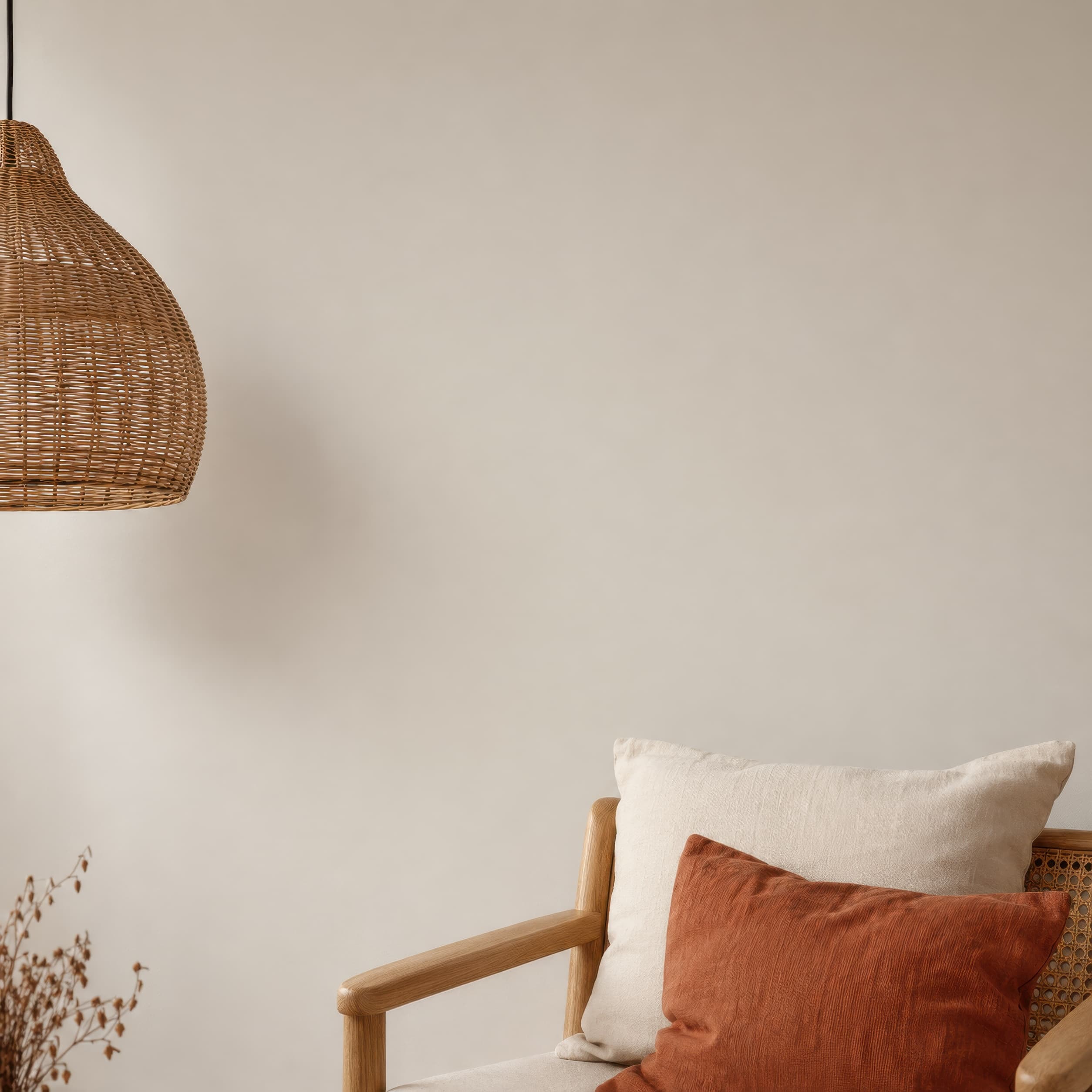
Popularity pick 2
Calibrated wall reference: 48 × 48 in
Use this room in the editor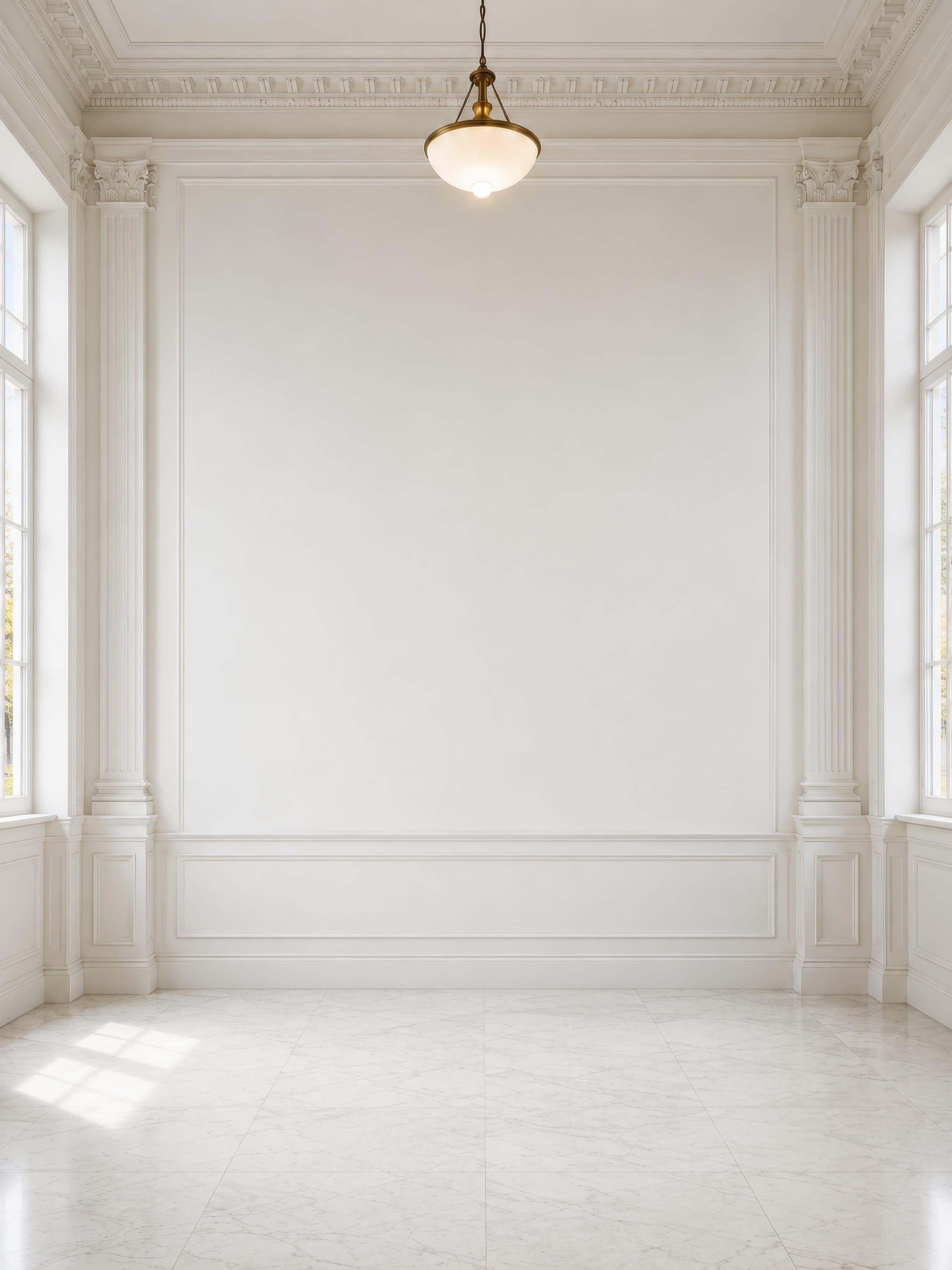
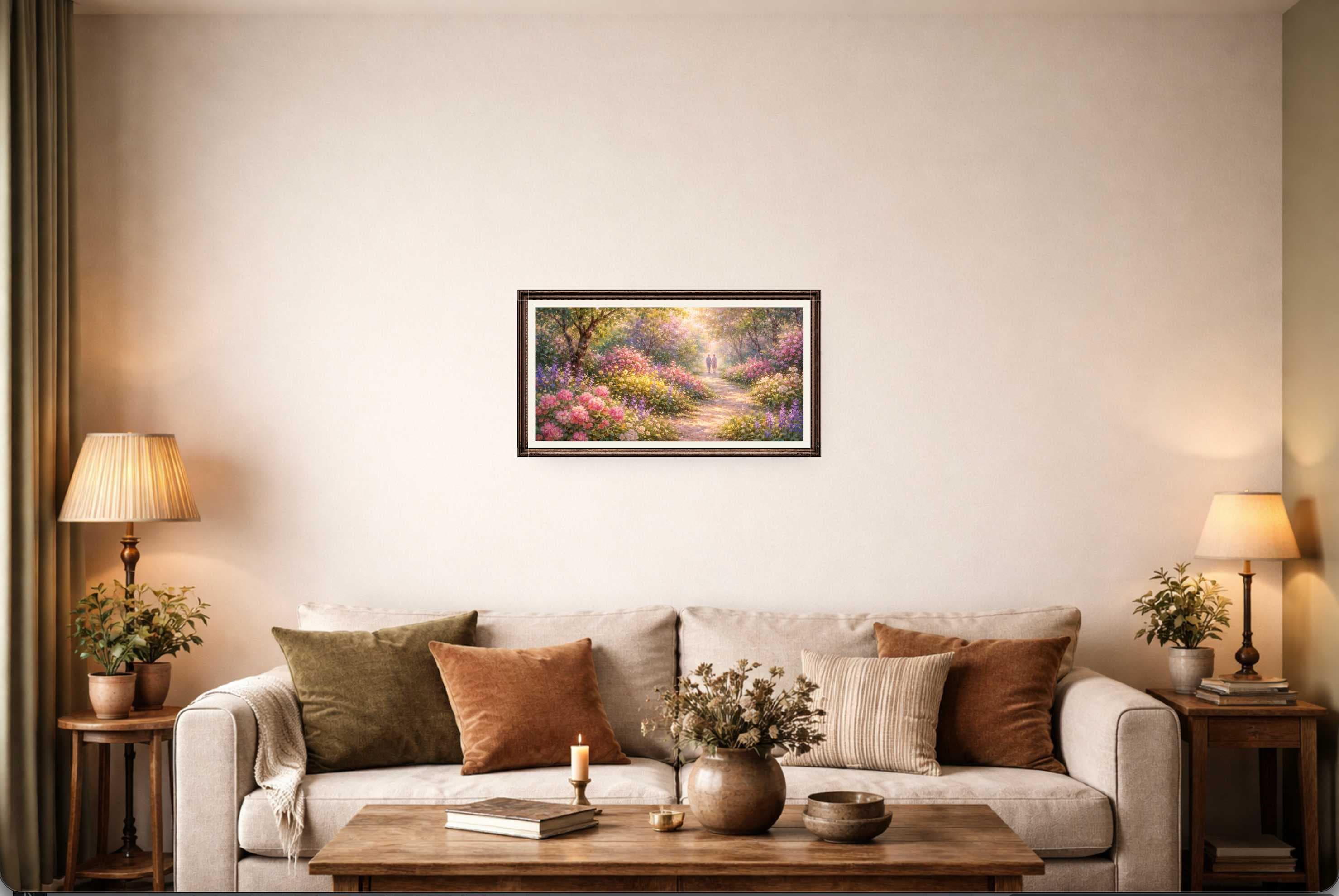
Popularity pick 3
Calibrated wall reference: 120.1 × 160.1 in
Use this room in the editor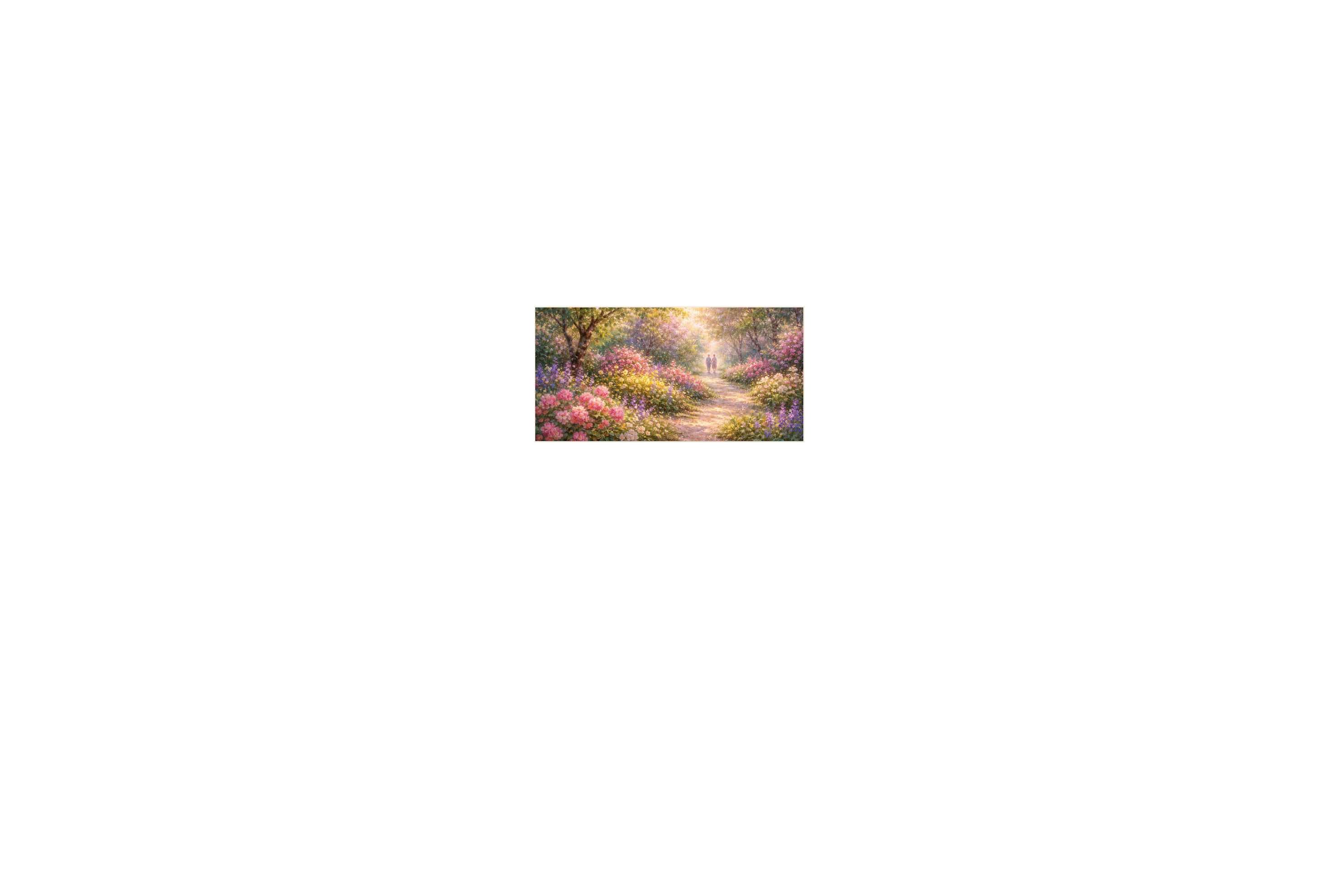
Your poster file
Poster mockup
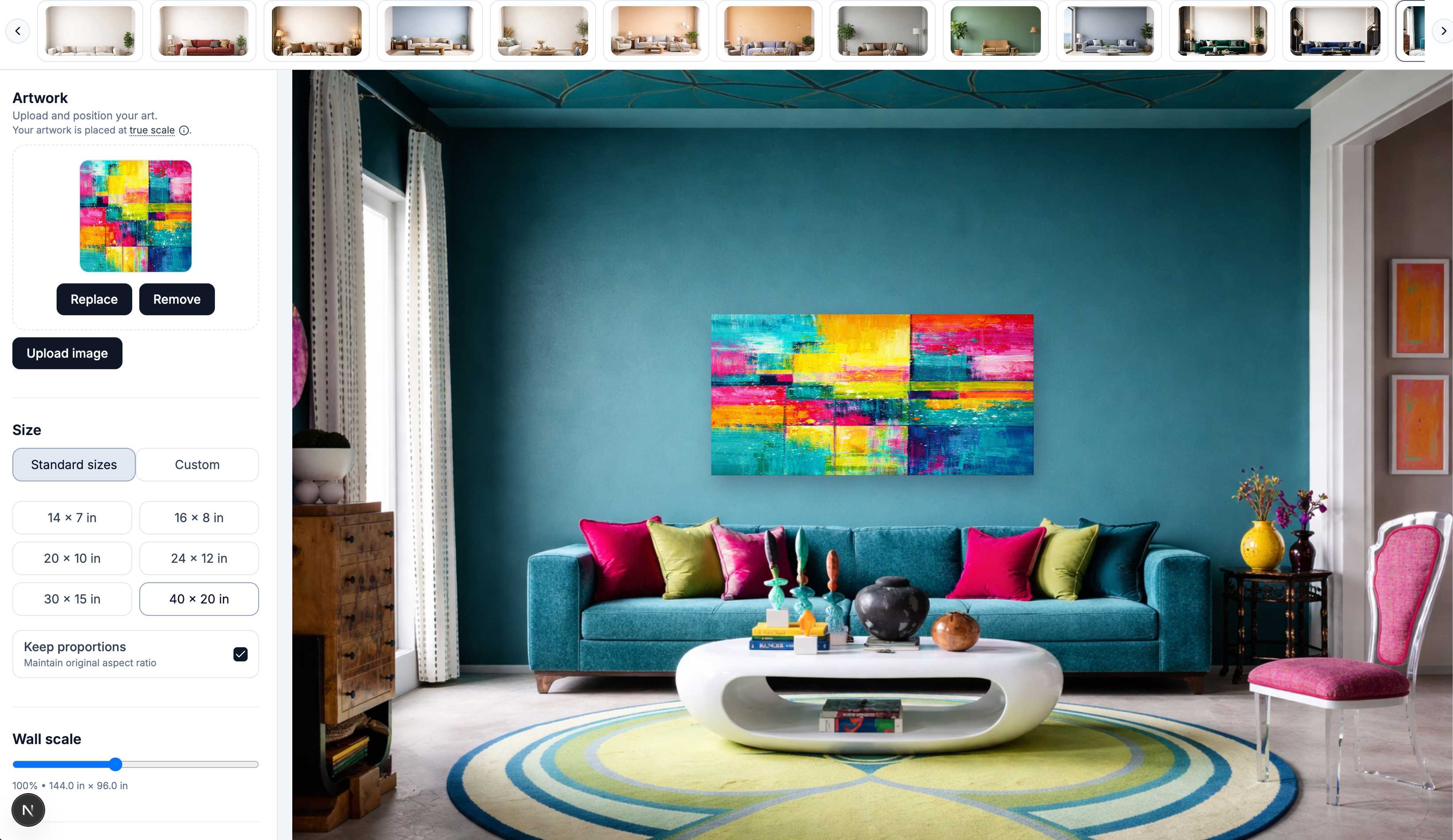
1
JPG, PNG, or WEBP. The file is placed on the wall immediately.
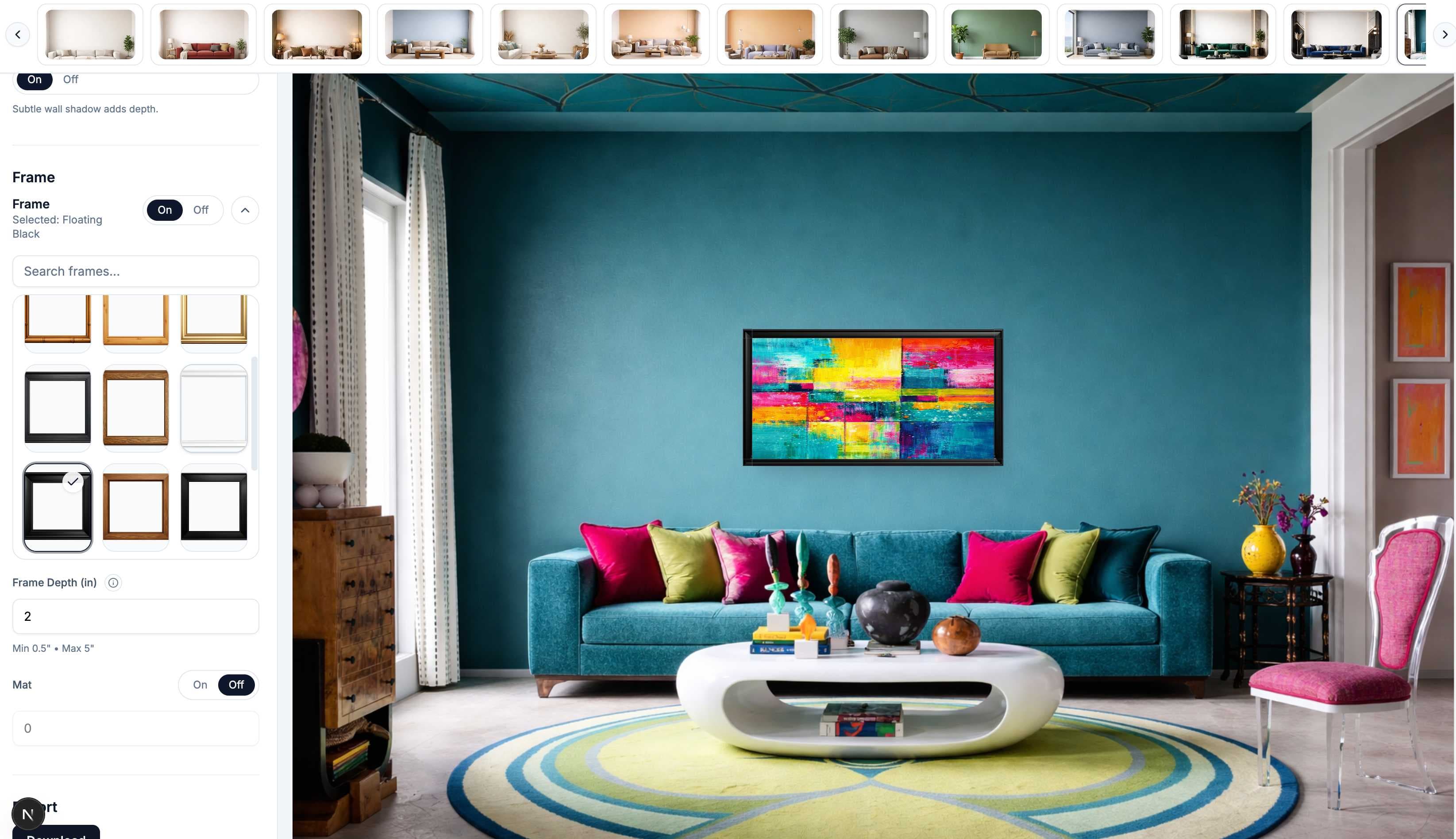
2
Pick a standard poster size, then framed, wood hanger, washi tape, or unframed, and choose a room.
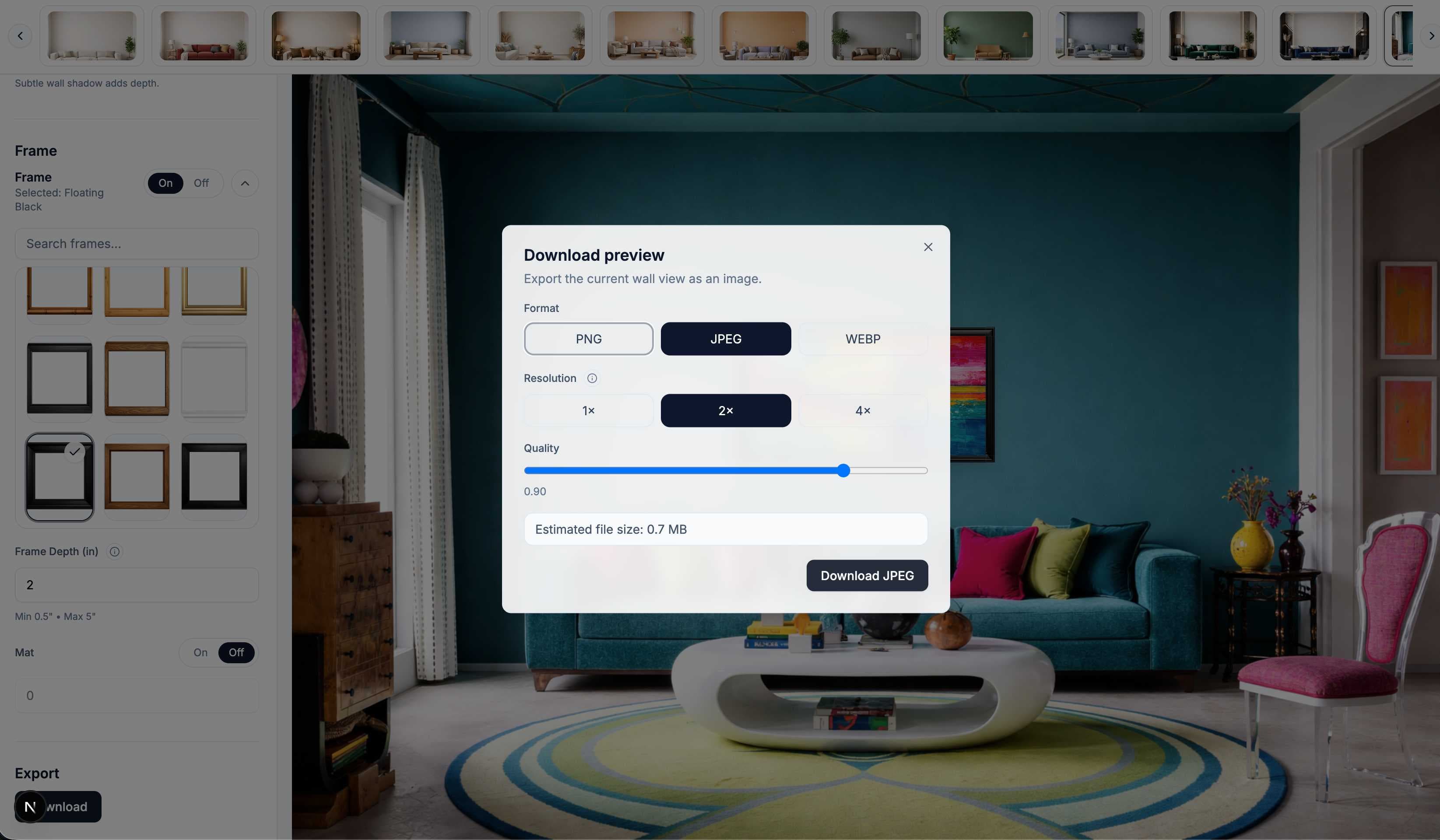
3
Download a PNG or JPG sized for Etsy, Shopify, or print-on-demand listings.
Enter the real poster size and it appears at that scale in the room, not stretched to fill a template.
Living rooms, bedrooms, offices, galleries, and clean white walls. Pick the scene that fits your buyer.
Wood hanger, washi tape, or unframed, plus black, white, wood, and gold frames with an optional mat and adjustable shadow.
PNG and JPG exports at marketplace-ready resolution for Etsy, Shopify, and print-on-demand platforms.
Upload once and switch rooms instantly. No Photoshop smart objects and no per-template file library.
No software to install. Open WallMockup, upload your poster, and export from any computer.
Etsy and print-on-demand poster sellers who need listing images that show scale accurately and stay consistent across a catalog, including matching framed, hanger, tape, and unframed shots of the same design.
Digital poster sellers, where the mockup is the product photo. A poster on a real wall makes a download feel tangible and worth the price.
Illustrators, photographers, and event or band poster designers checking how a design holds up at full size before a print run.
A free PSD poster mockup shows one room, at whatever size the file happens to be built for, and breaks the moment your poster’s proportions do not match the smart object. WallMockup keeps your poster at its real, entered size across any room and any display style, so a listing set stays accurate without a template library to maintain.
A poster mockup is an image of your poster design shown at real size in a room, so a buyer or client can judge scale, color, and presence the way they would in person, instead of reading a flat file with a ruler.
The trial is free for 7 days with full editor access and up to 10 exports in any rolling 24-hour window, no card required. After the trial, a $5.99 one-time Creator pack or $4.99/month Pro plan continue export access.
Every standard size: 11x17, 18x24, 24x36, and the 27x40 movie poster, plus A3, A2, A1, and 50x70 cm. Enter the exact size you sell so the poster appears at true scale. The poster size chart has the complete reference.
Pick the 27 × 40 in size above, upload your poster, and choose a living room, media wall, or bedroom scene. The poster is placed at real one-sheet size, so it reads correctly next to a sofa or TV. Add a thin black frame if you sell it framed.
Upload your poster, enter its print size, then pick a black, white, oak, or brass frame and an optional mat in the editor. The frame and mat are added around the print, so the room shows the real outer size, for example about 19.5 × 25.5 in for an 18 × 24 poster in a thin frame.
An 18 × 24 in frame holds the poster with no mat. For a mat, use a 24 × 30 in frame with a mat cut for 18 × 24, which leaves 3 in of mat on every side of the print.
No. WallMockup runs in your browser. Upload your poster once, pick a display style and size, choose a room, and export. There is no template library to keep in sync with your catalog.
Yes. Exports are sized for marketplace listing photos and print-on-demand product images, and the artwork itself is never altered, only composited into the room.
Yes. Enter a landscape size such as 24x18 or 36x24, or a square size such as 24x24, and the poster keeps those proportions on the wall. The landscape poster mockup guide has wide rooms for horizontal prints.
7-day free trial. No Photoshop. No templates.
Start generating