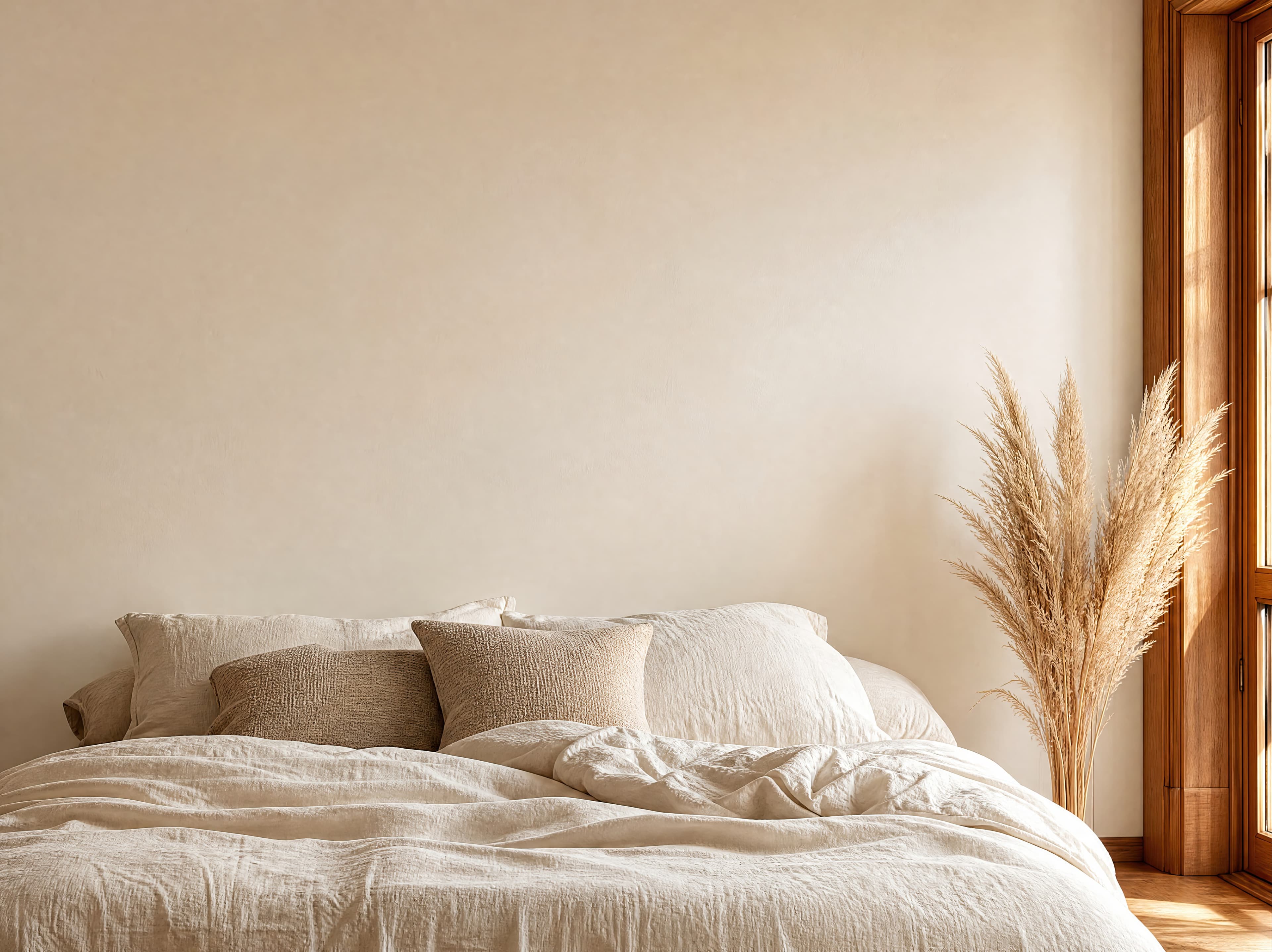
Room pick 1
Soft warm-neutral bedroom with an expansive creamy wall above relaxed linen bedding
Calibrated wall reference: 141.5 × 106.1 in (359 × 269 cm)
Try this room in the editor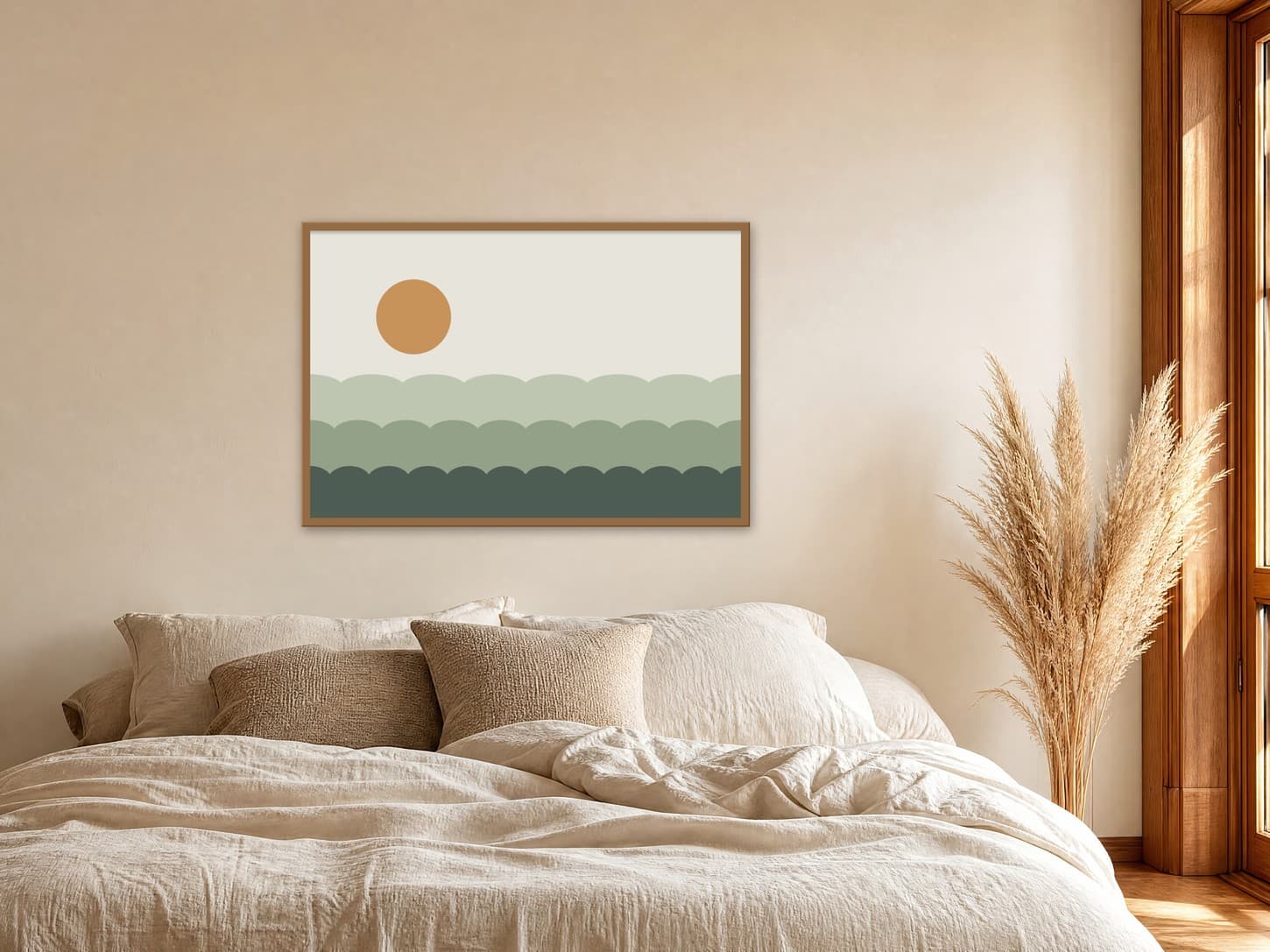
Landscape poster mockups
A horizontal poster needs a wall with width to spare, and most free mockups are portrait templates turned on their side. Upload your landscape design, enter the size you sell, such as 36 × 24 or 24 × 18 in, and place it above a sofa, bed, or console. The room scales the poster so buyers see exactly how much of the wall it fills.
Exact room opens in the editor · 178 compatible presets · PNG, JPG, and WEBP export
Useful for
Best for
Inspiration of use
These generated inspiration examples use the same top-ranked WallMockup rooms available below. Compare the scale, frame, and layout choices, then open the matching blank room to replace the example art with your own.
48 × 32 in / 122 × 81 cm poster · oak frame · 50 × 34 in outer
At 48 × 32 in the poster spans the middle of a queen bed, the size where a horizontal print reads as the headboard's partner.
Try this exact room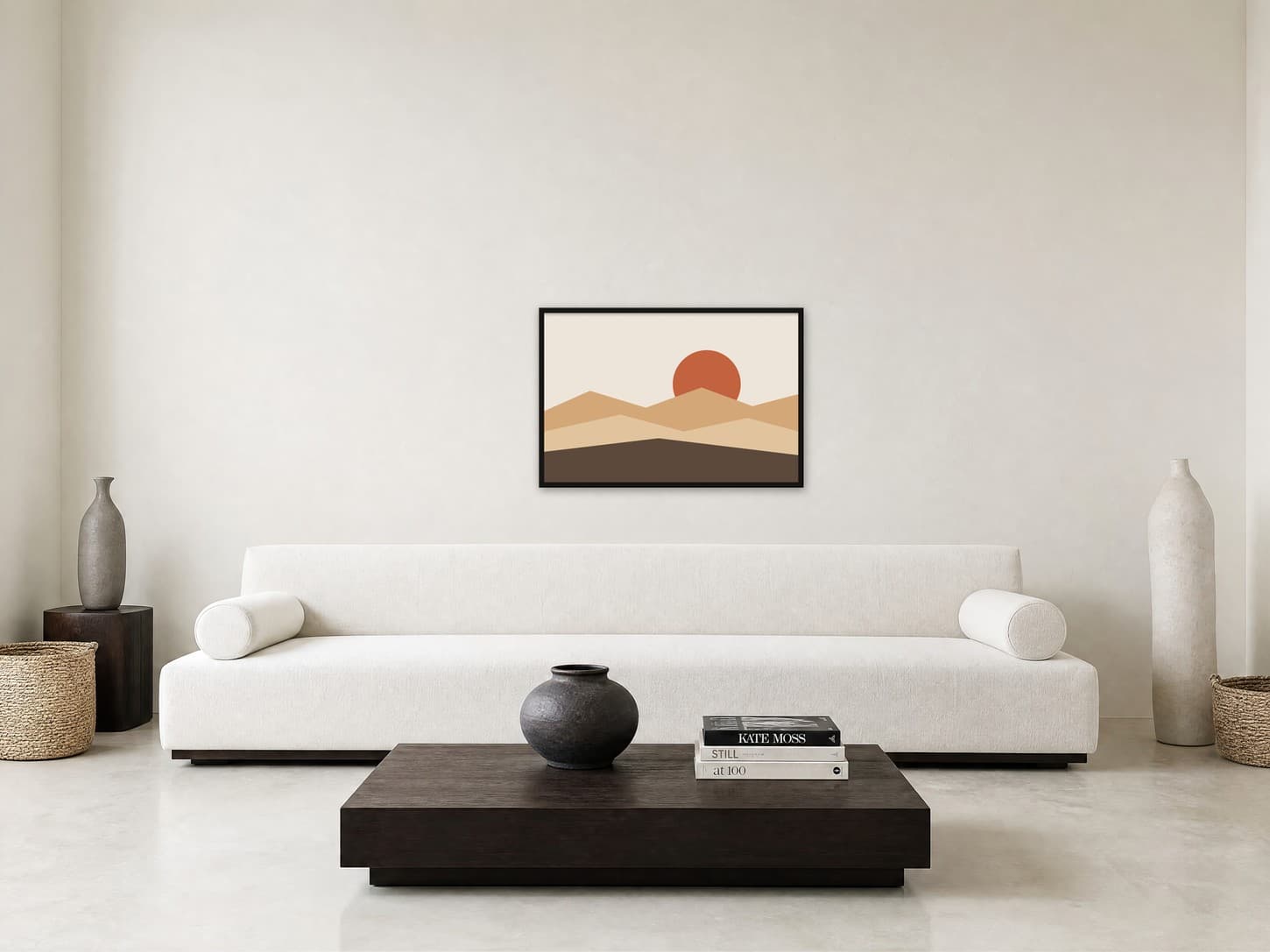
36 × 24 in / 91 × 61 cm poster · thin black frame · 37.5 × 25.5 in outer
Shown at true size, a 36 × 24 in poster covers less than a third of this 10 ft sofa, so buyers can see when to size up or add a second print.
Try this exact room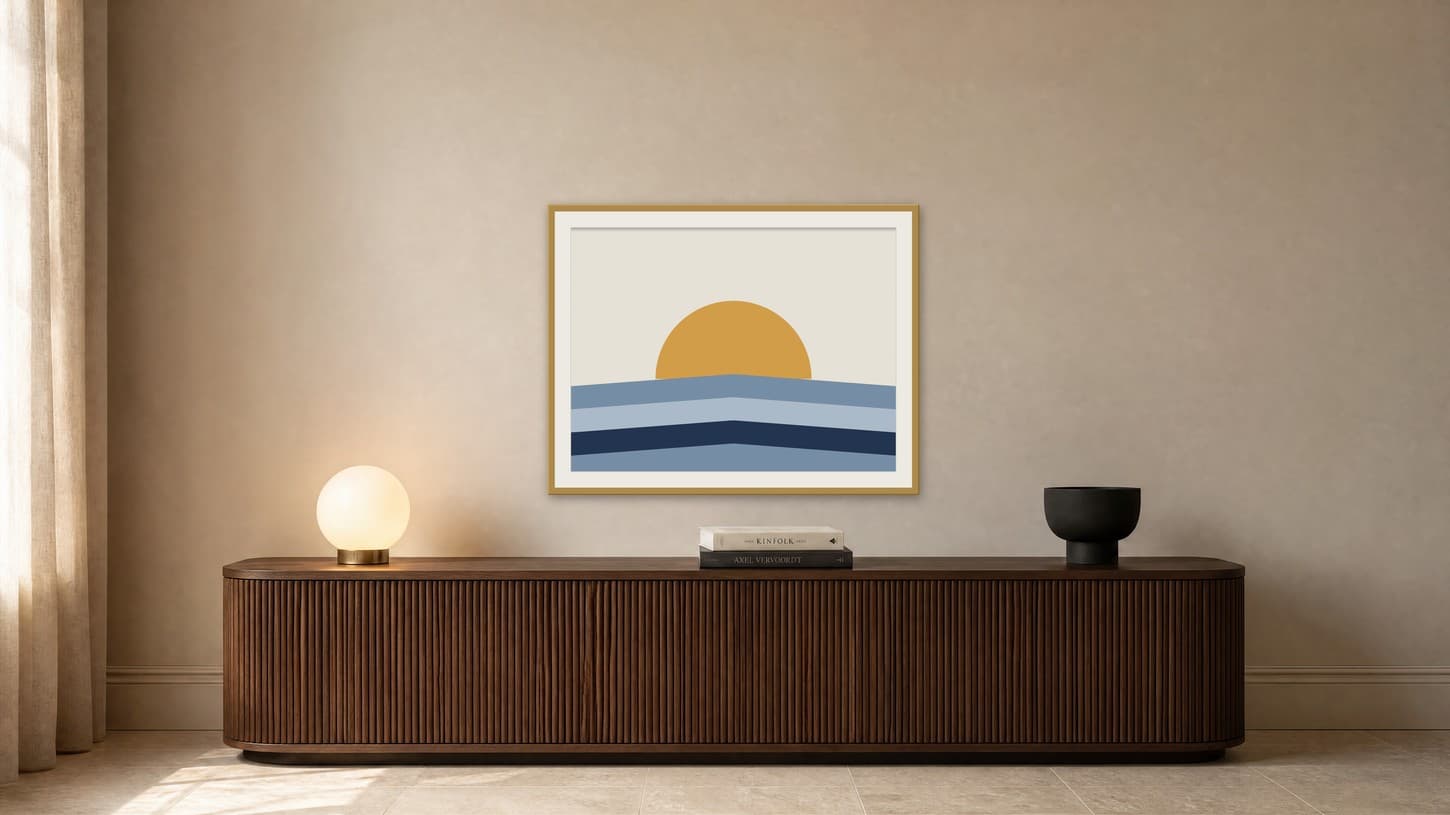
40 × 30 in / 102 × 76 cm print · 2 in mat · 46 × 36 in outer
A 4:3 landscape print with a 2 in mat grows to about 46 × 36 in, enough presence for a long media console without crowding the lamp and bowl.
Try this exact roomChosen from real usage
Horizontal posters belong over long furniture, so every room here is a wide wall: above a bed, a long sofa, and a media console. The examples also cover three common landscape ratios: 3:2 at large and medium size, and 4:3 with a mat.
Room pick 1
Calibrated wall reference: 141.5 × 106.1 in (359 × 269 cm)
Try this room in the editor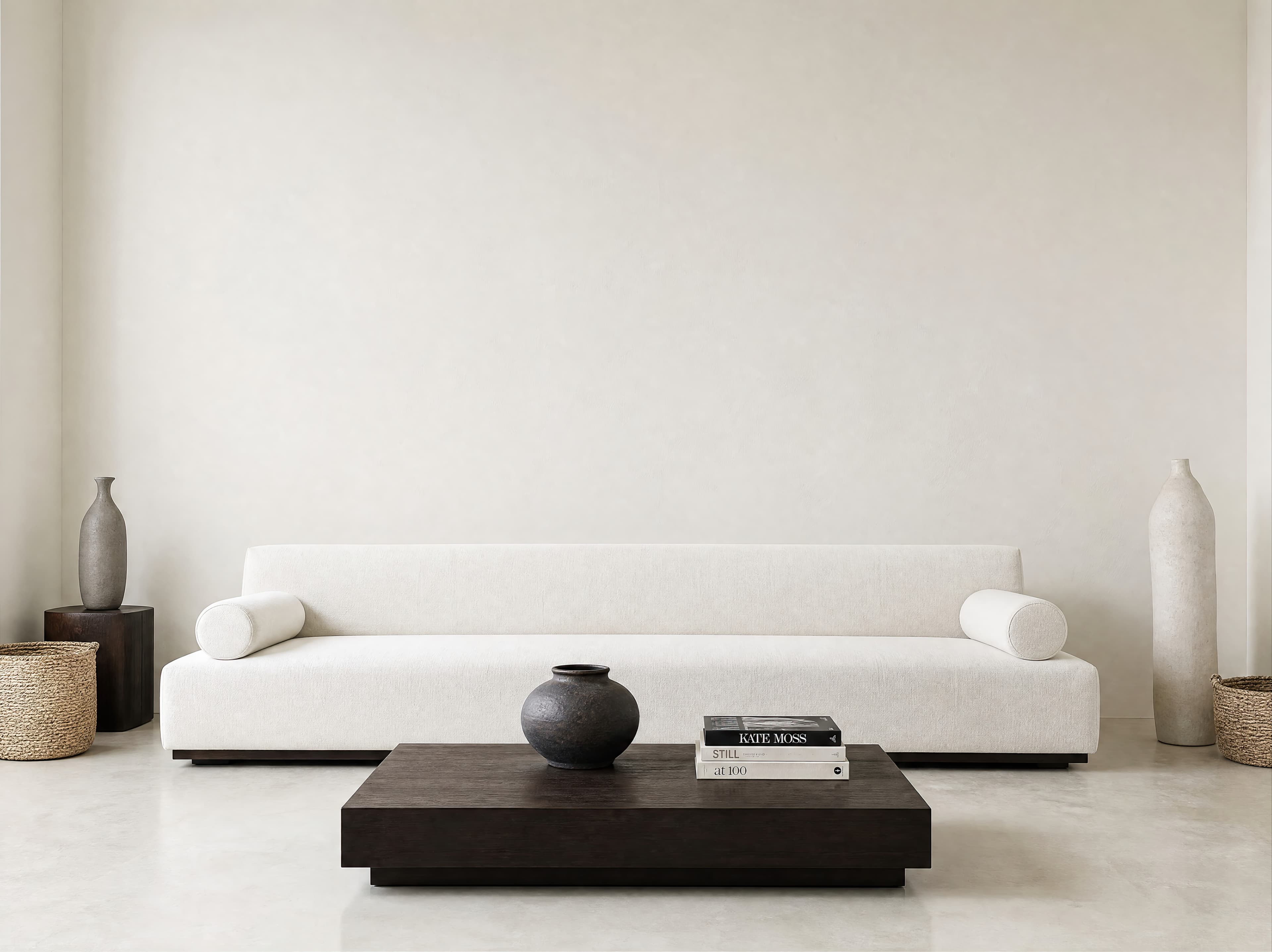
Room pick 2
Calibrated wall reference: 180 × 135 in (457 × 343 cm)
Try this room in the editor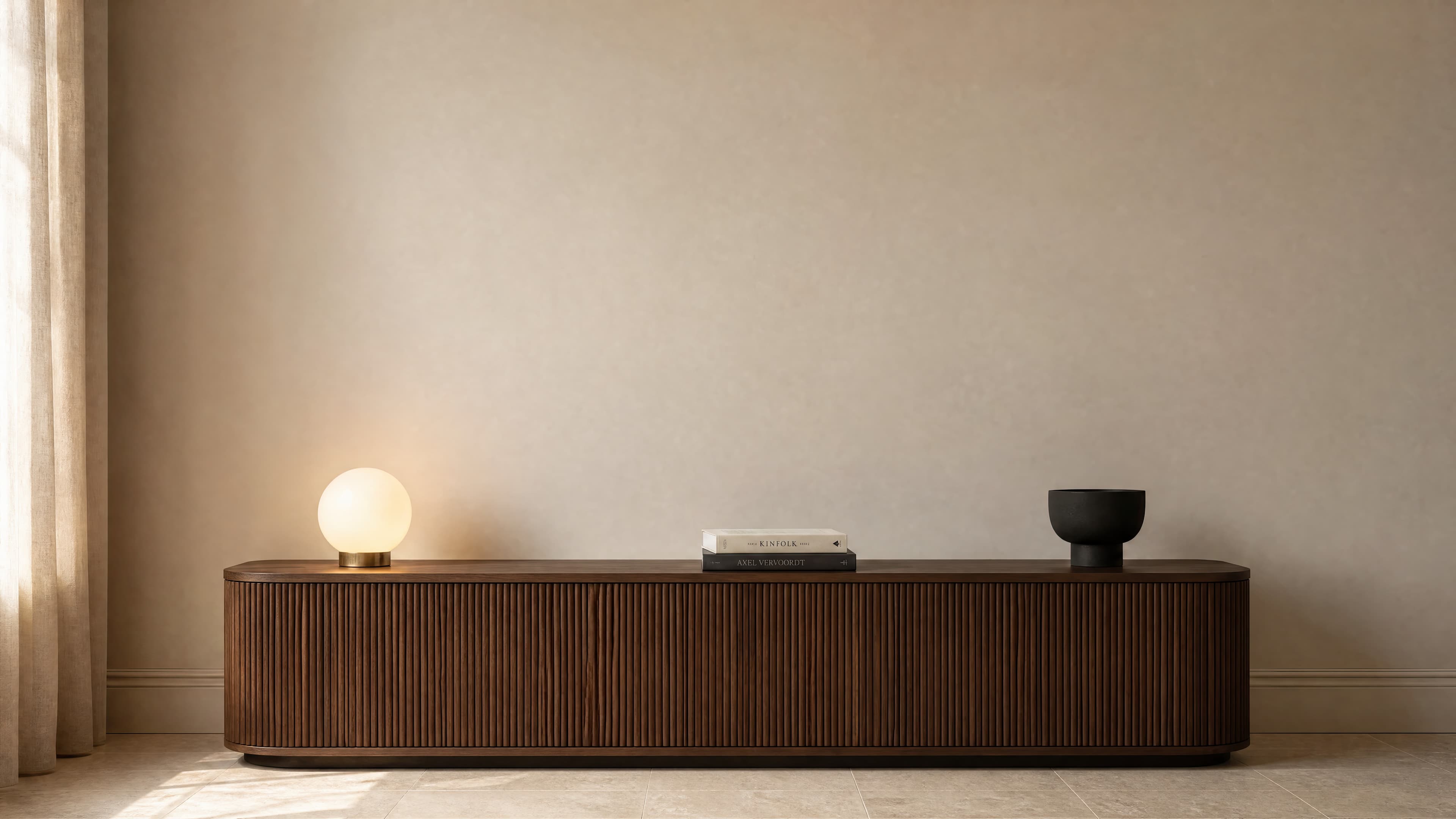
Room pick 3
Calibrated wall reference: 178.6 × 100.4 in (454 × 255 cm)
Try this room in the editor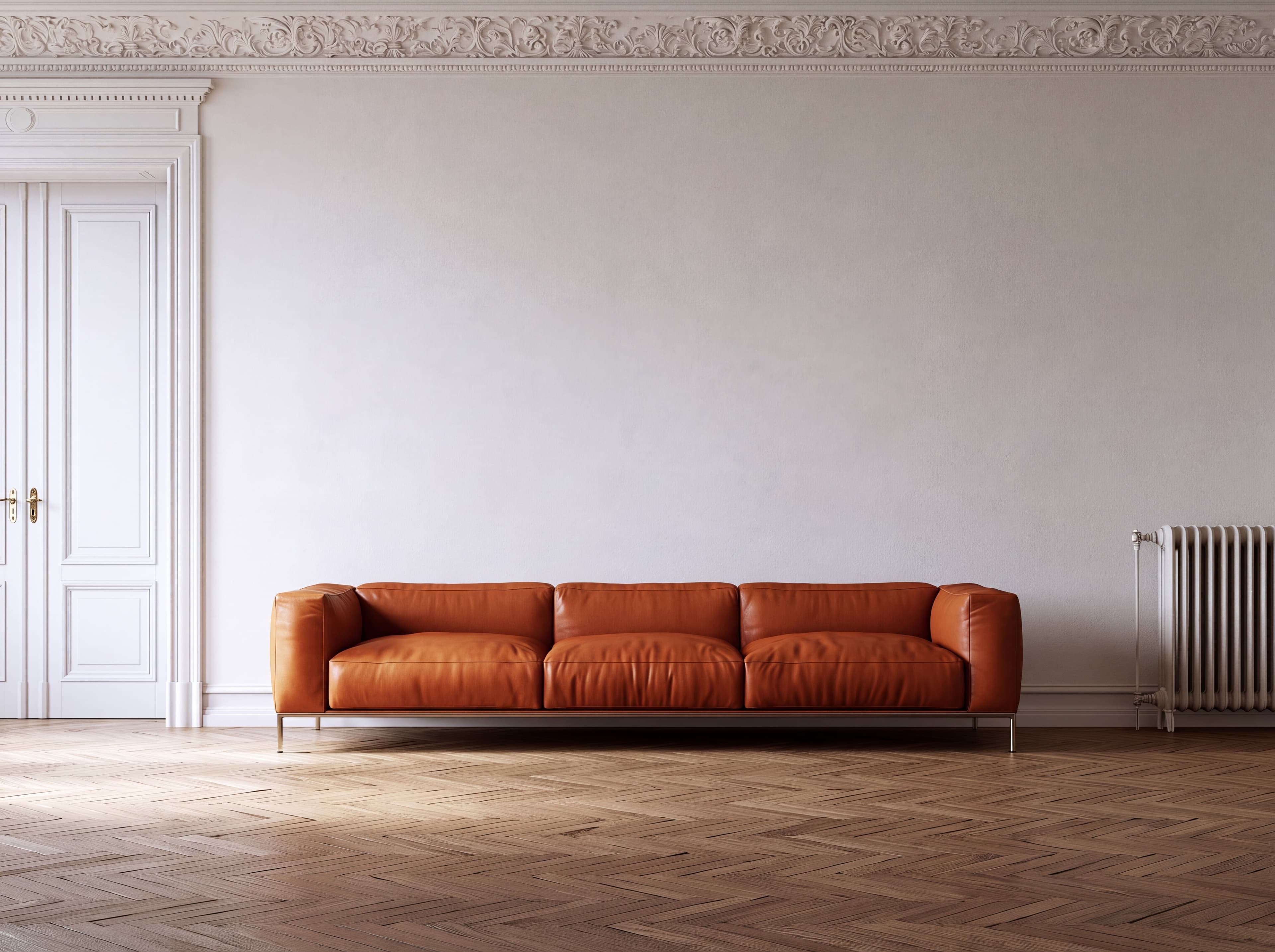
Room pick 4
Calibrated wall reference: 181.5 × 136.1 in (461 × 346 cm)
Try this room in the editor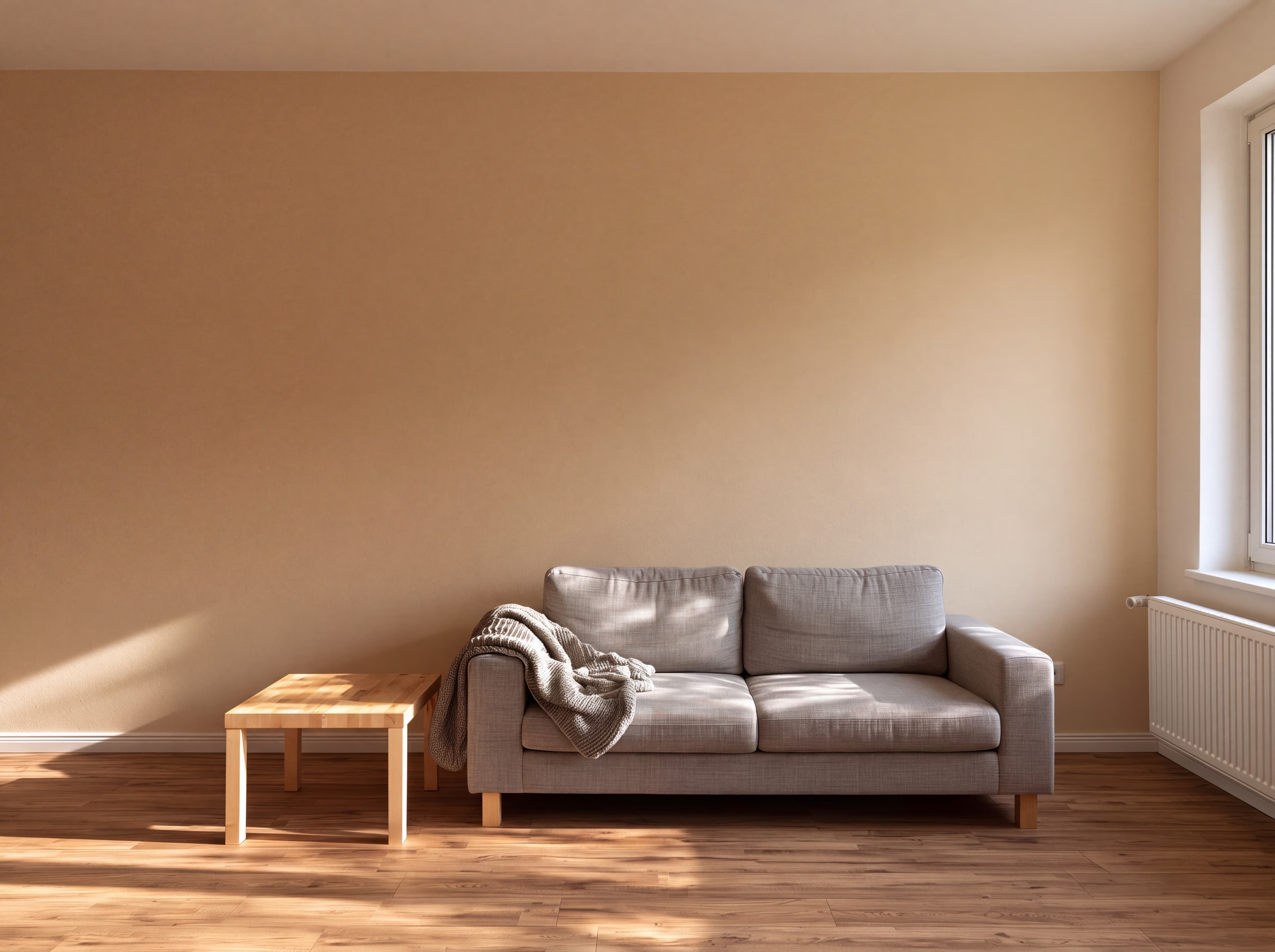
Room pick 5
Calibrated wall reference: 161 × 120.7 in (409 × 307 cm)
Try this room in the editor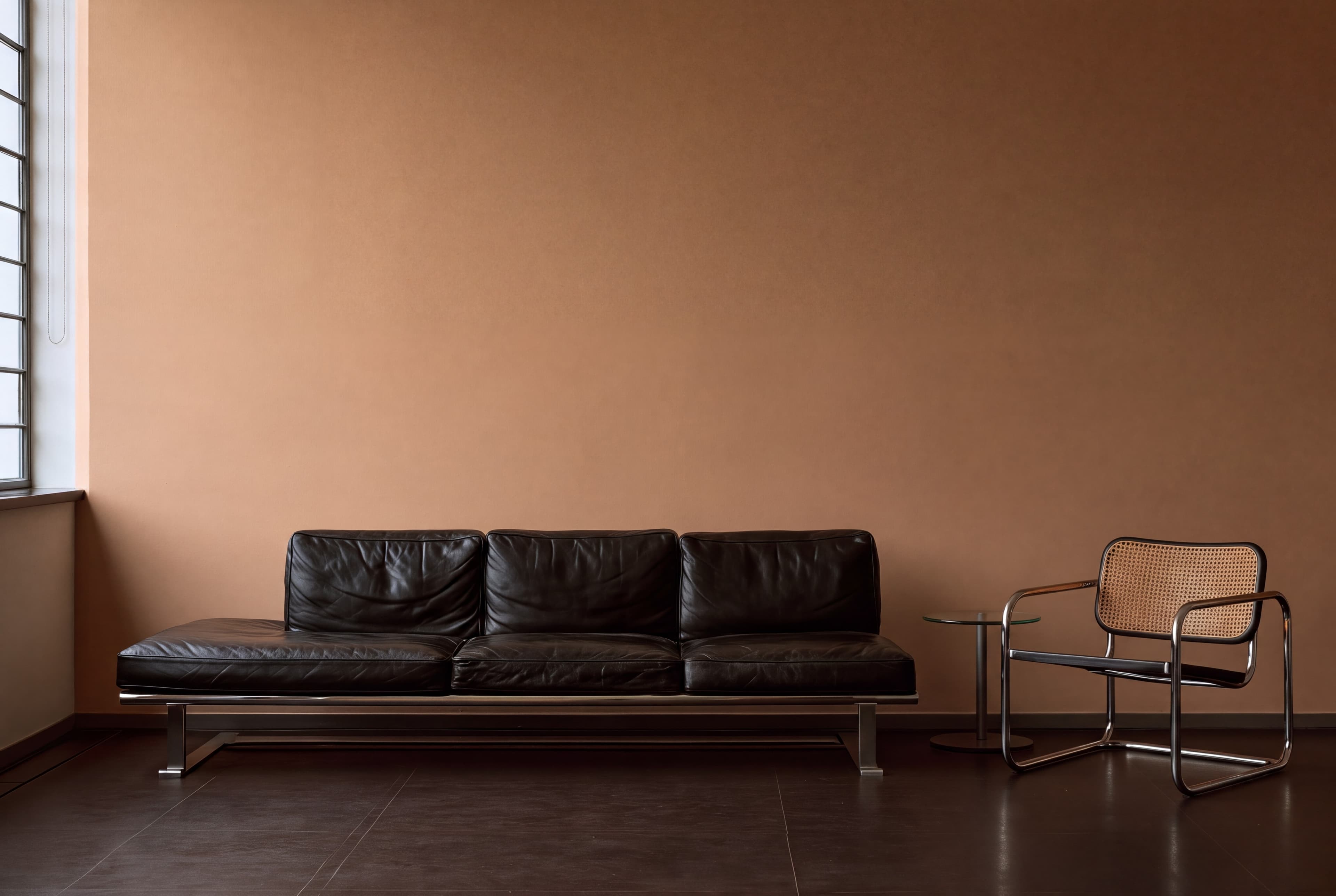
Room pick 6
Calibrated wall reference: 165 × 110 in (419 × 279 cm)
Try this room in the editor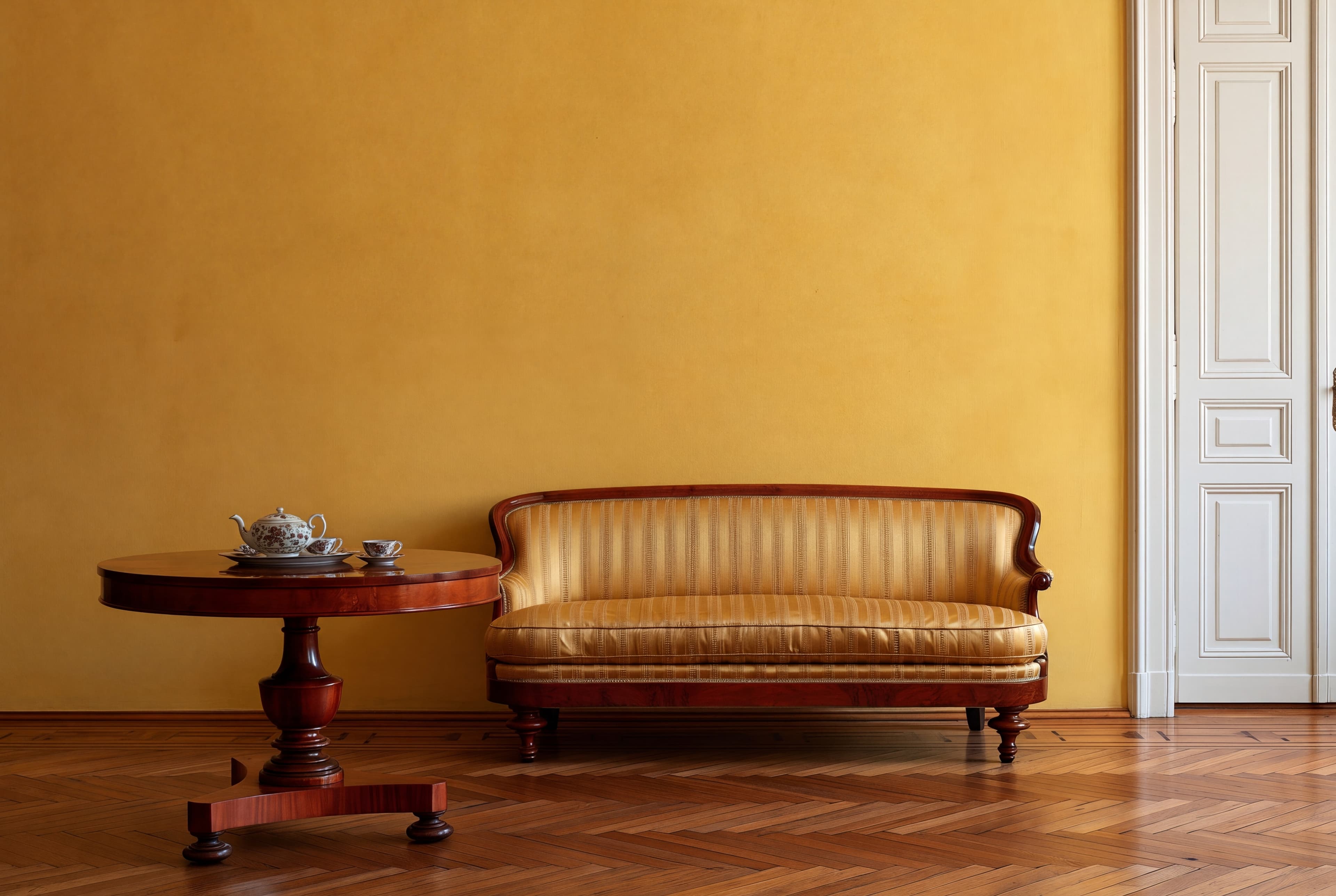
Room pick 7
Calibrated wall reference: 160 × 106.7 in (406 × 271 cm)
Try this room in the editor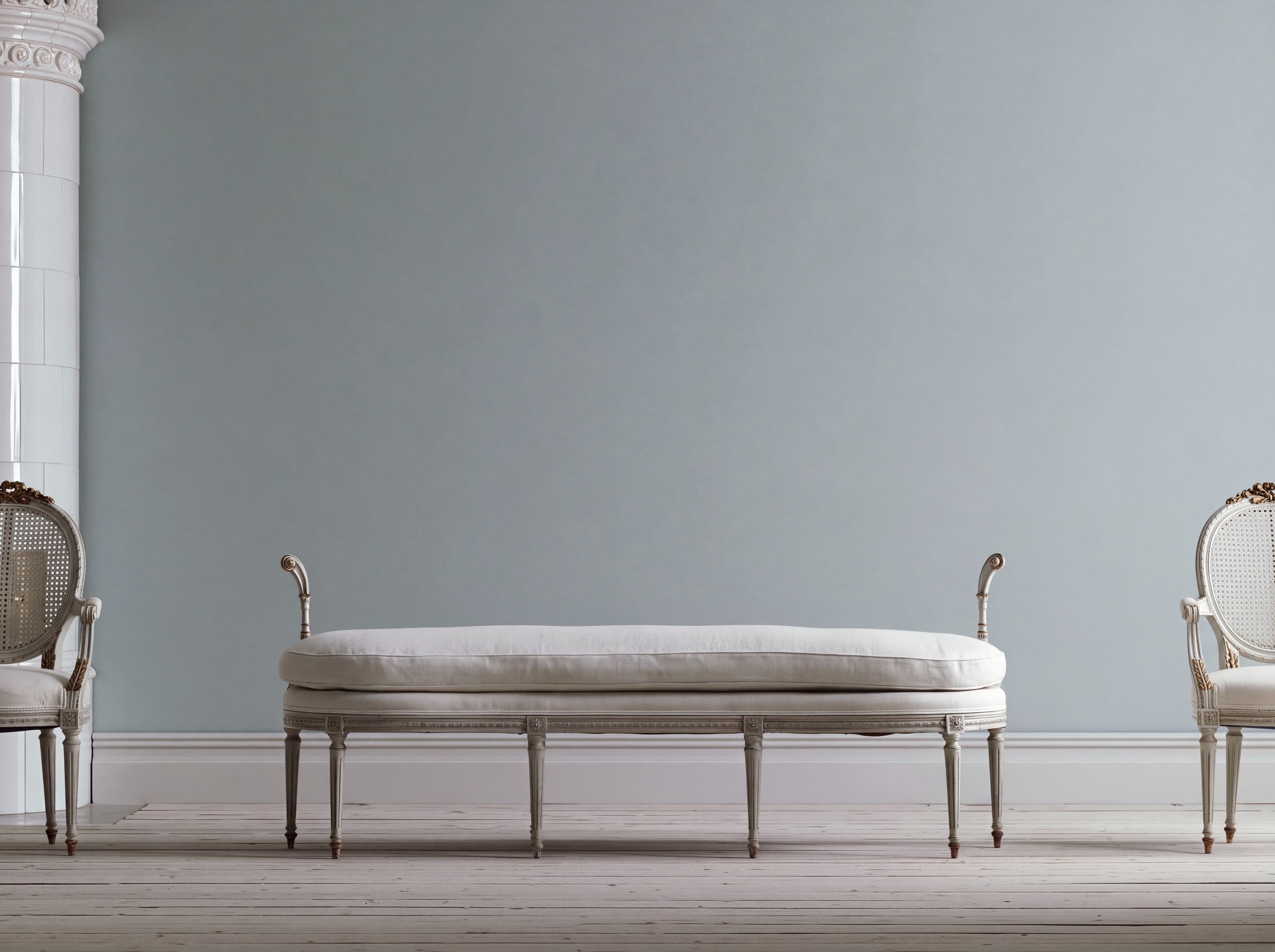
Room pick 8
Calibrated wall reference: 126 × 94.5 in (320 × 240 cm)
Try this room in the editor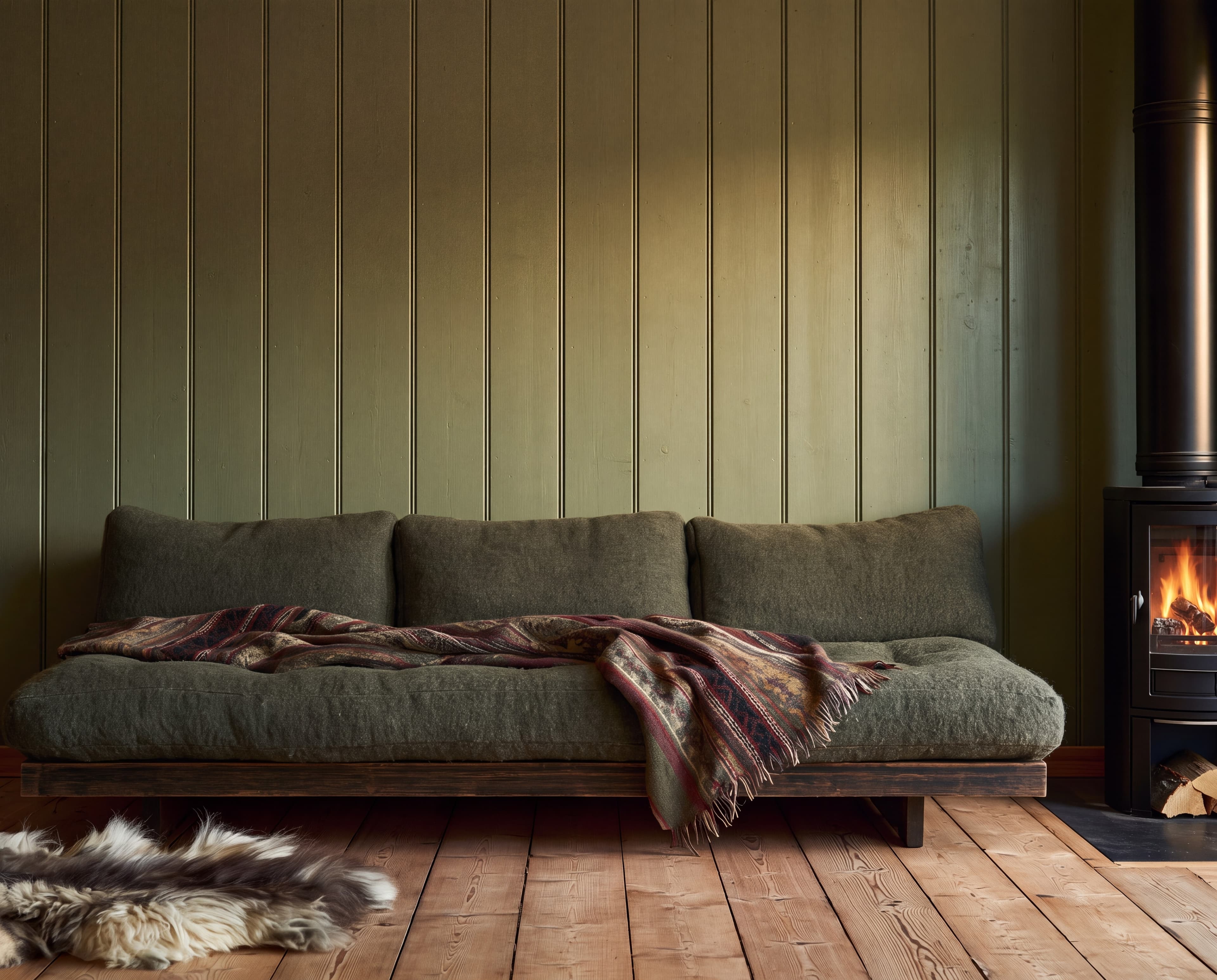
Room pick 9
Calibrated wall reference: 123.2 × 98.6 in (313 × 250 cm)
Try this room in the editor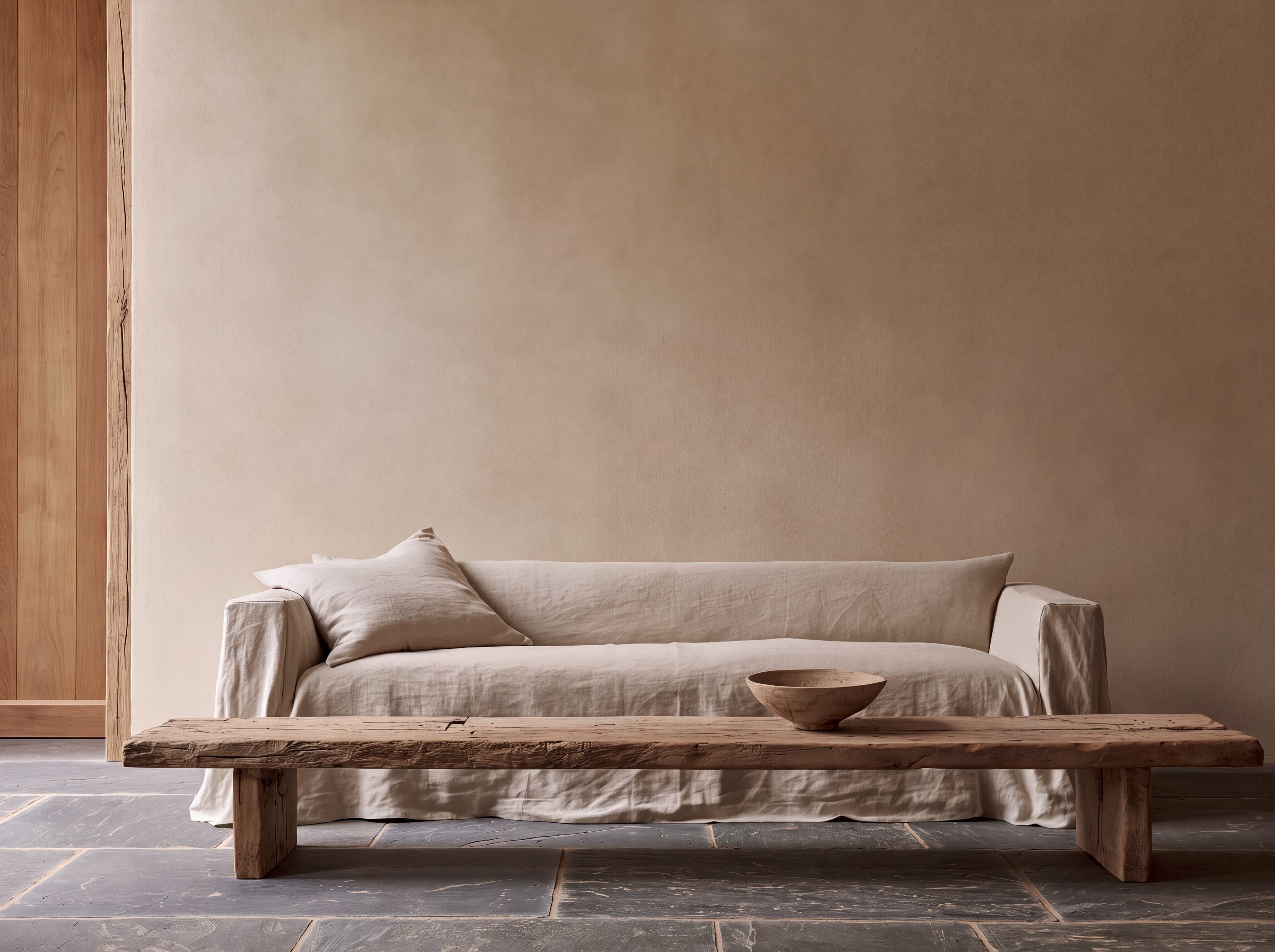
Room pick 10
Calibrated wall reference: 135 × 101.25 in (343 × 257 cm)
Try this room in the editor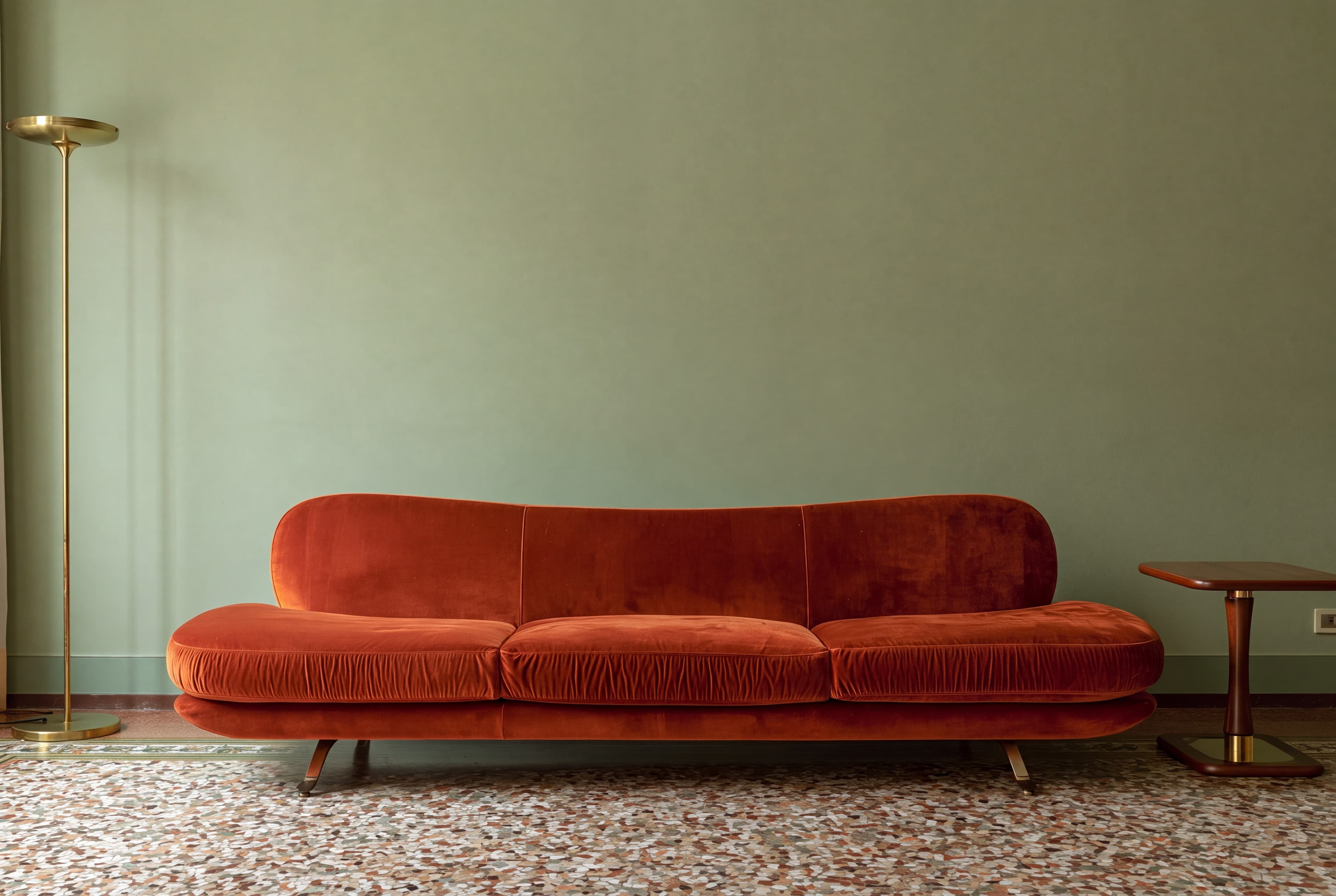
Room pick 11
Calibrated wall reference: 152.3 × 101.5 in (387 × 258 cm)
Try this room in the editor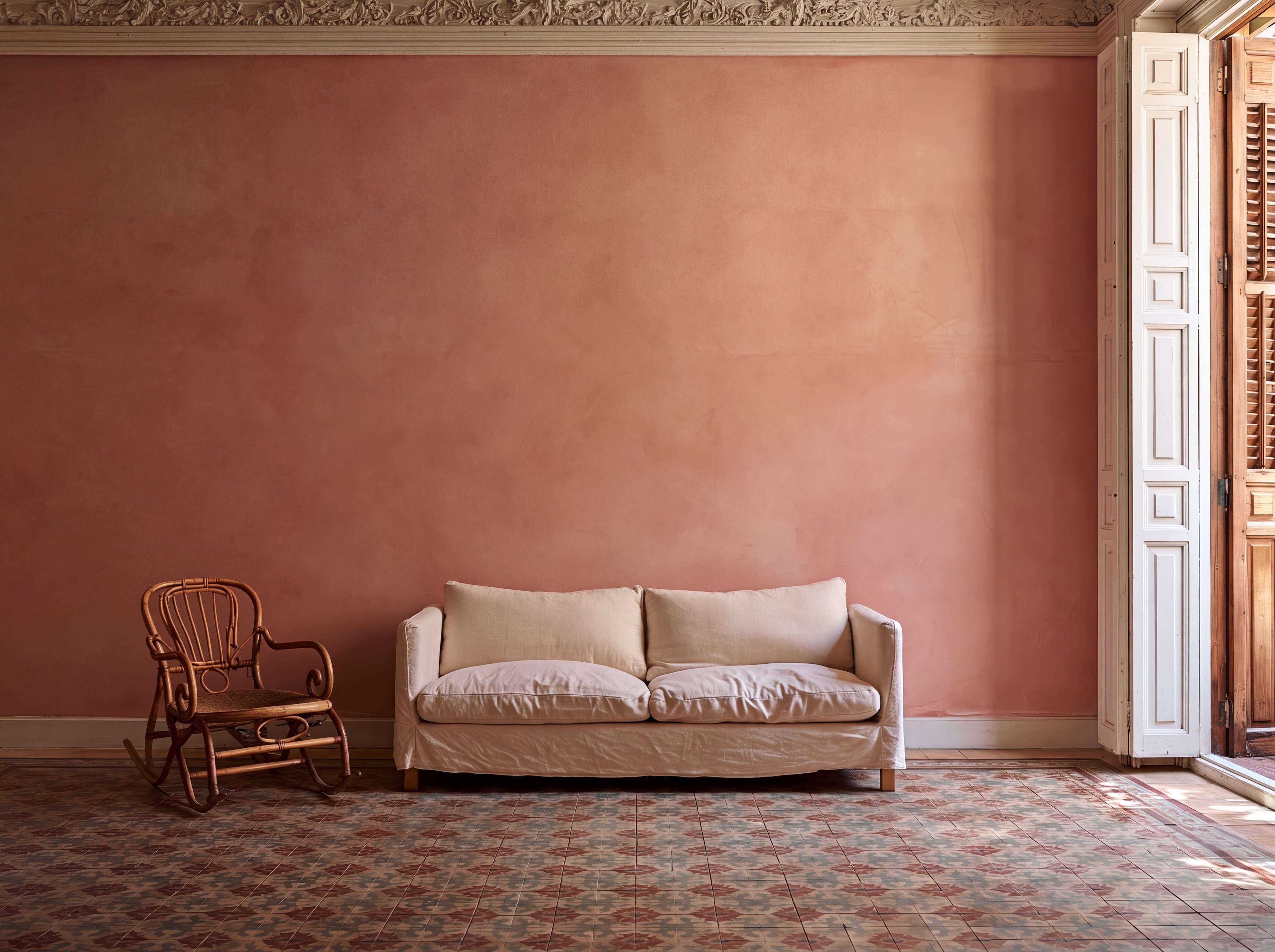
Room pick 12
Calibrated wall reference: 180 × 135 in (457 × 343 cm)
Try this room in the editor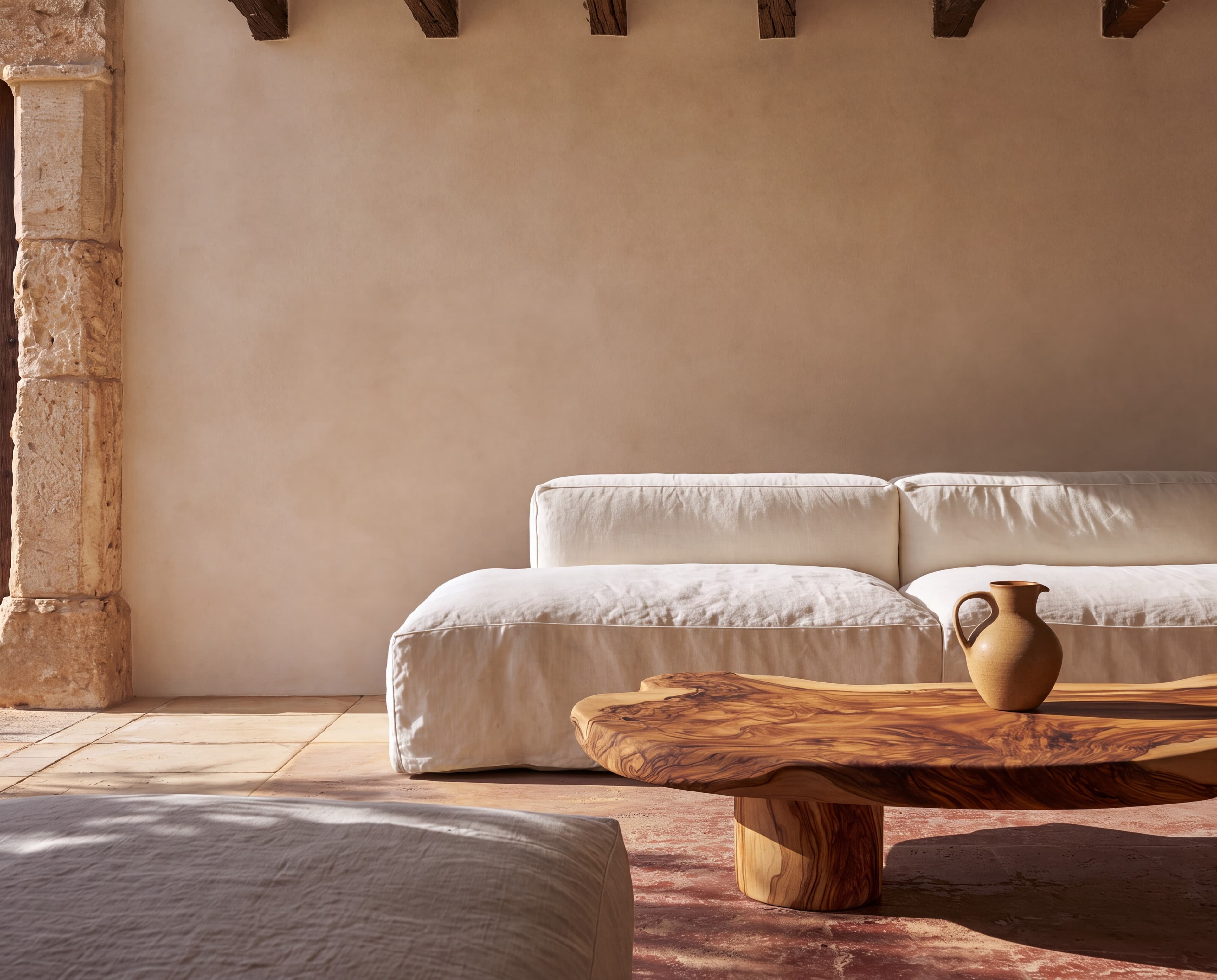
Room pick 13
Calibrated wall reference: 150 × 120 in (381 × 305 cm)
Try this room in the editor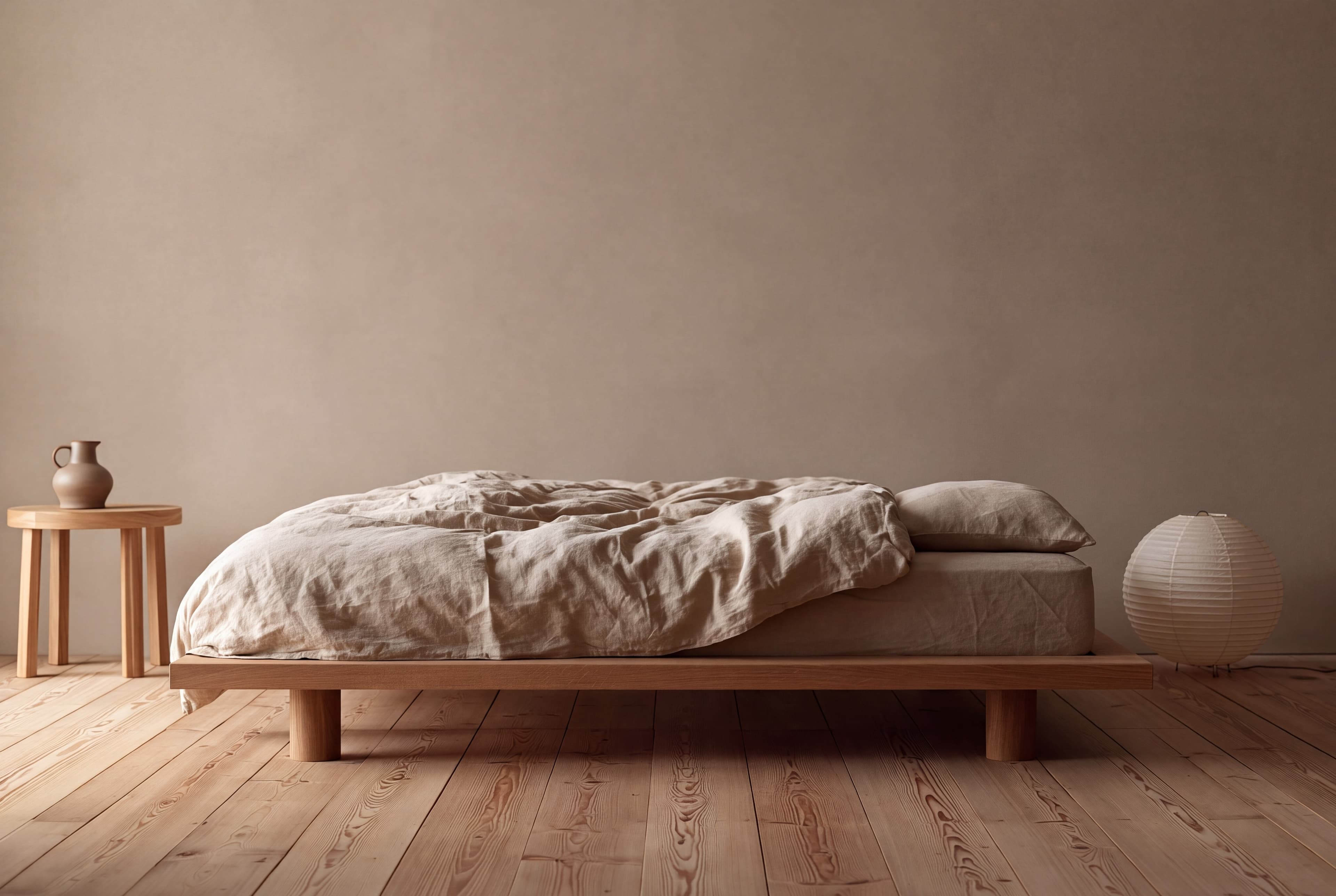
Room pick 14
Calibrated wall reference: 131.1 × 87.4 in (333 × 222 cm)
Try this room in the editor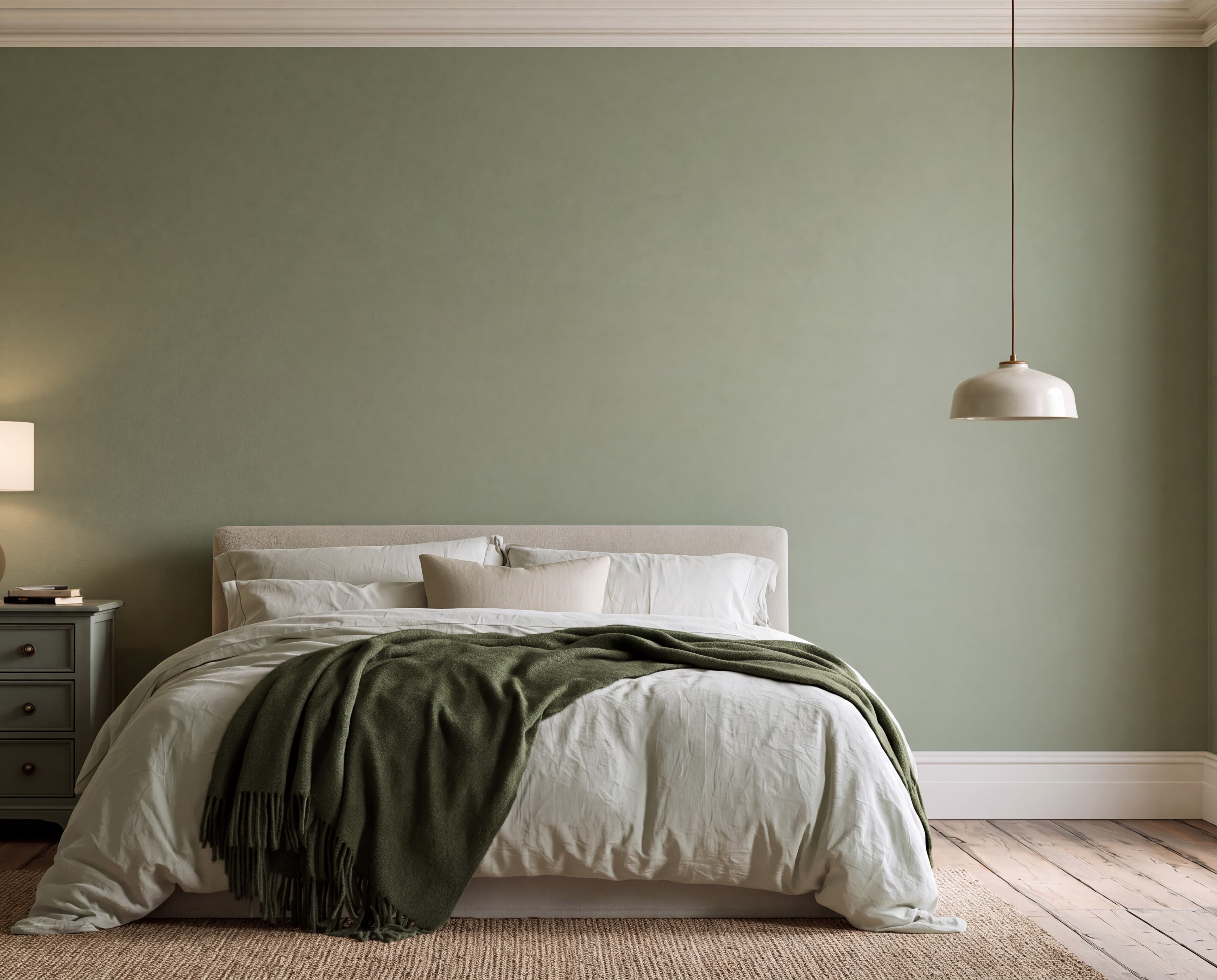
Room pick 15
Calibrated wall reference: 135 × 108 in (343 × 274 cm)
Try this room in the editor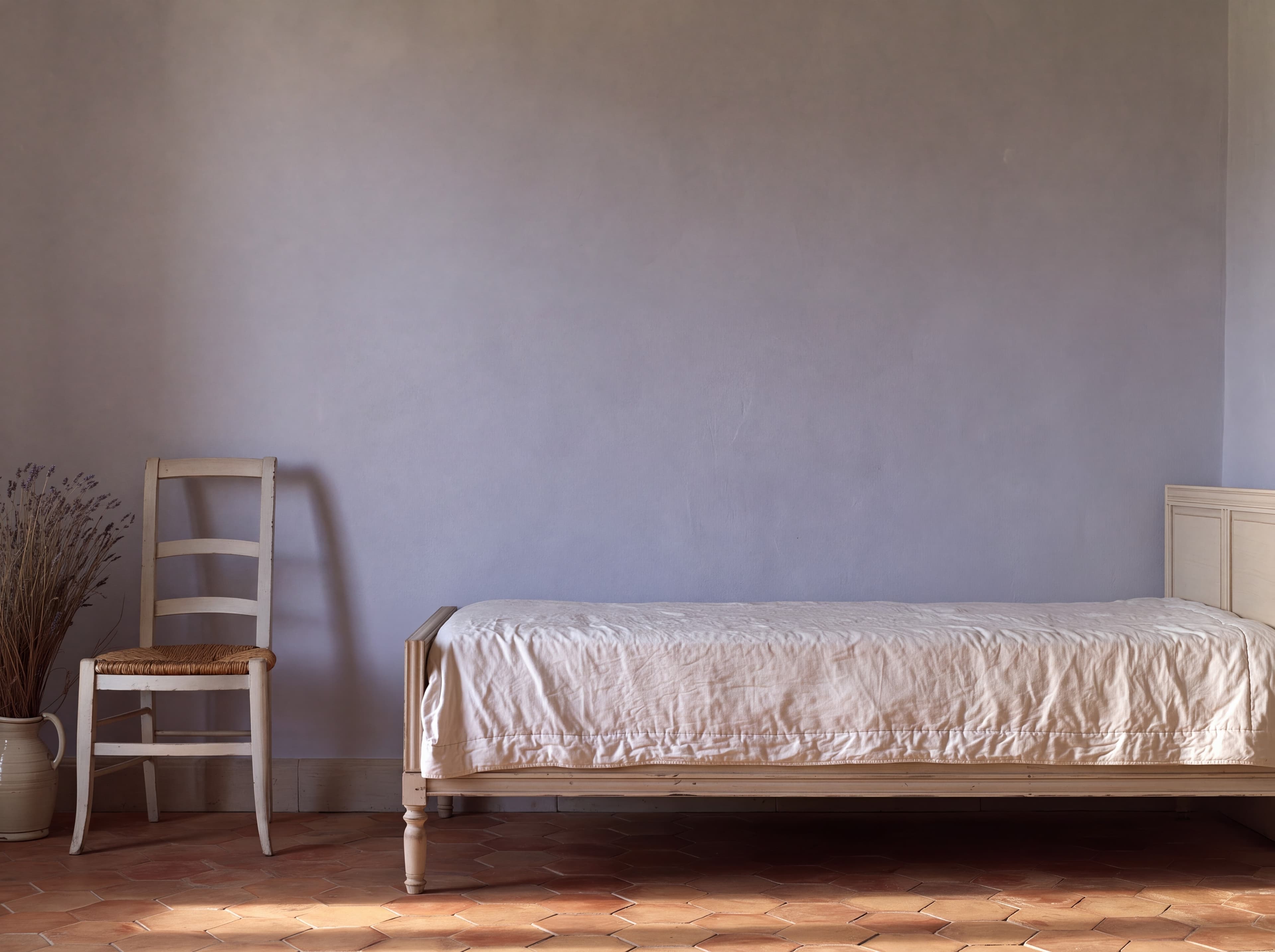
Room pick 16
Calibrated wall reference: 116 × 87 in (295 × 221 cm)
Try this room in the editor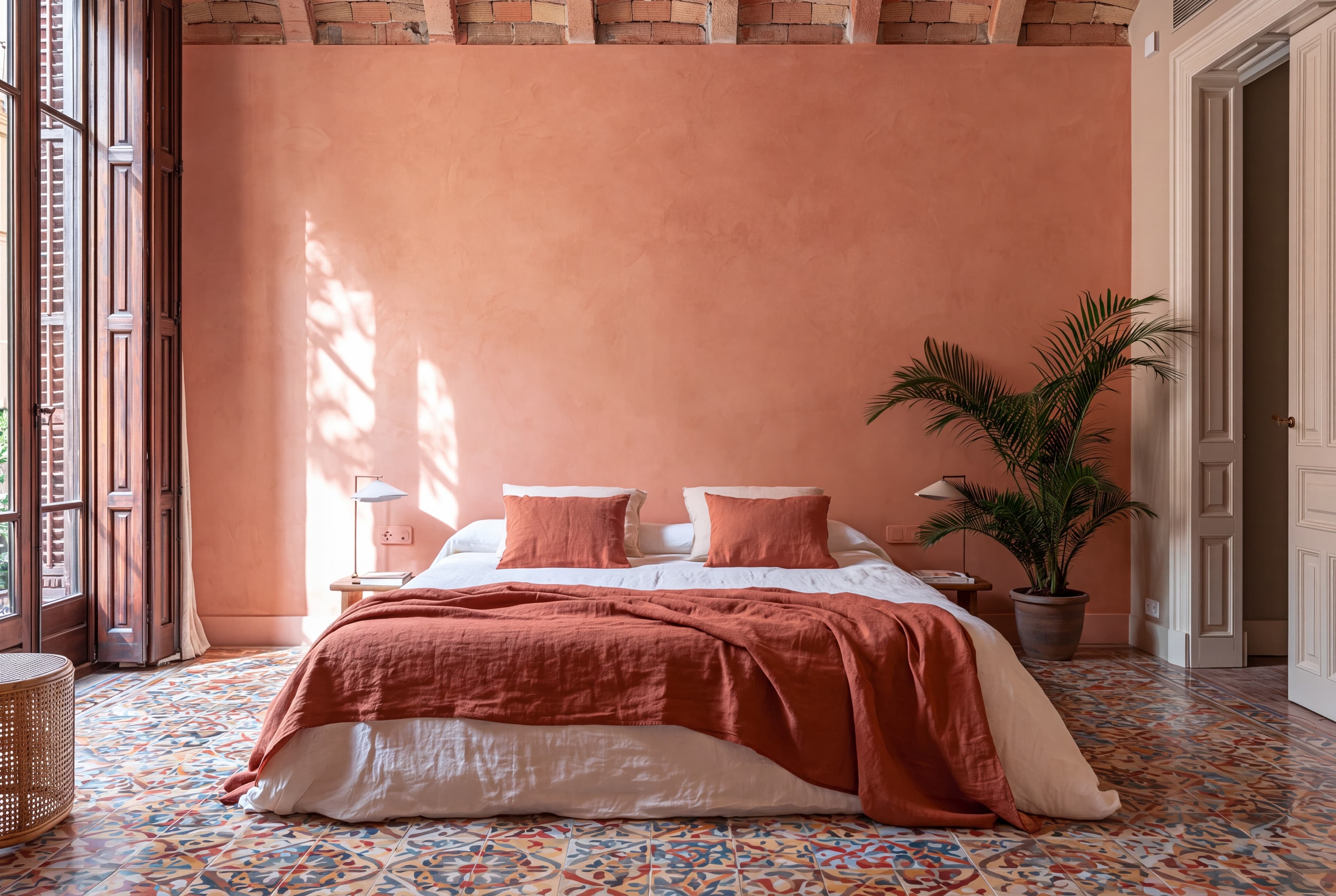
Room pick 17
Calibrated wall reference: 188.5 × 125.7 in (479 × 319 cm)
Try this room in the editor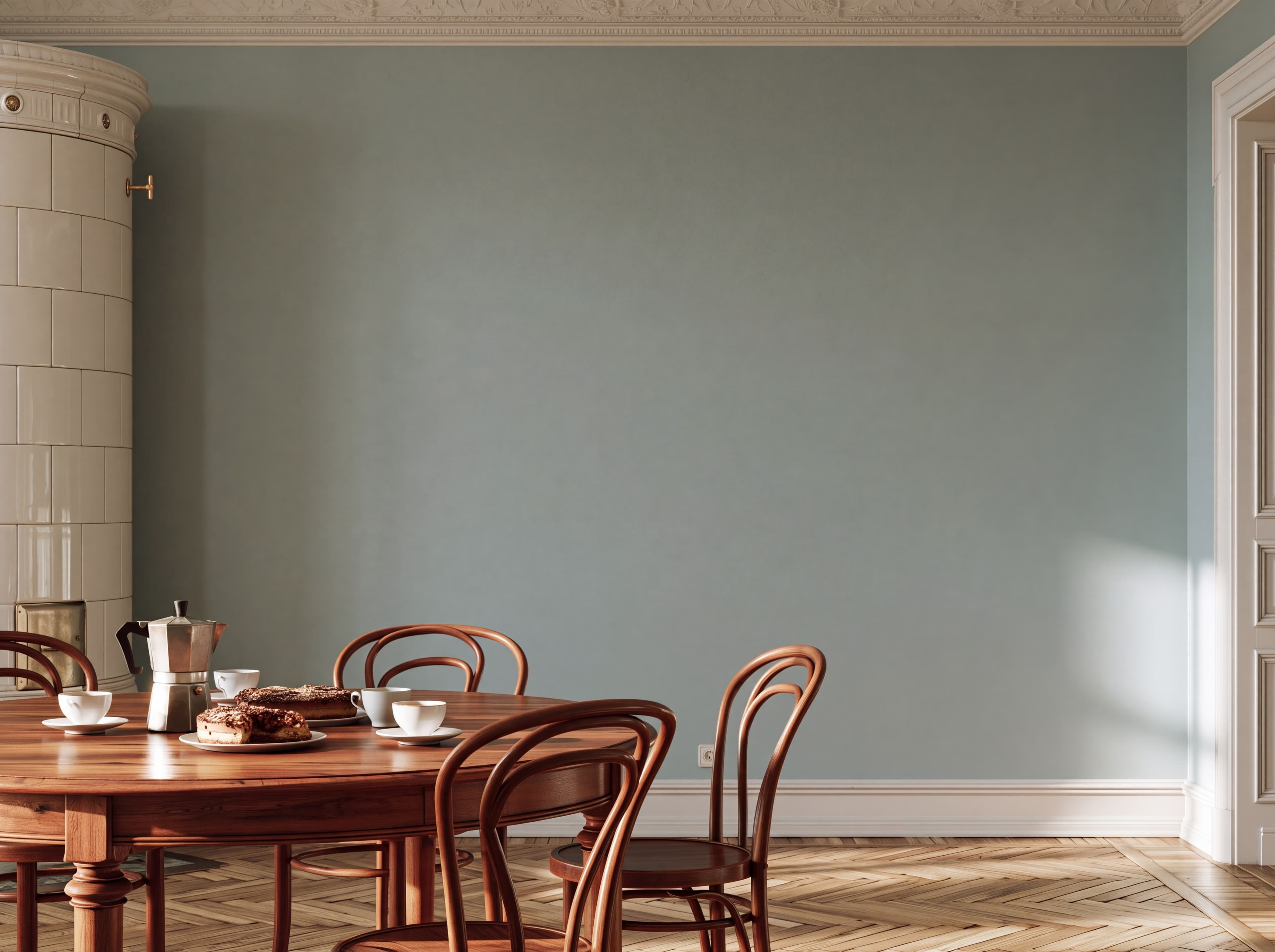
Room pick 18
Calibrated wall reference: 130 × 97.5 in (330 × 248 cm)
Try this room in the editor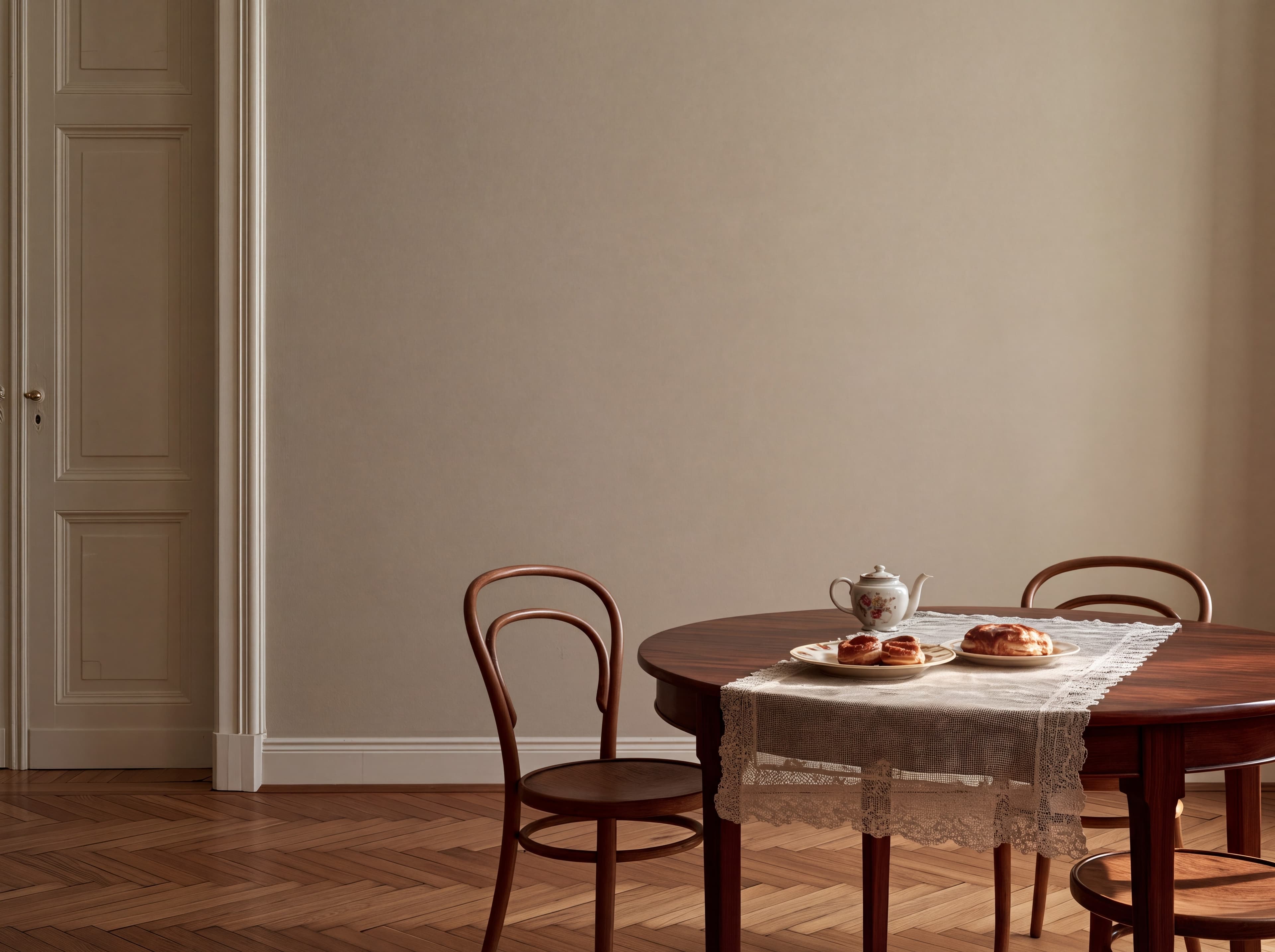
Room pick 19
Calibrated wall reference: 119 × 89.3 in (302 × 227 cm)
Try this room in the editor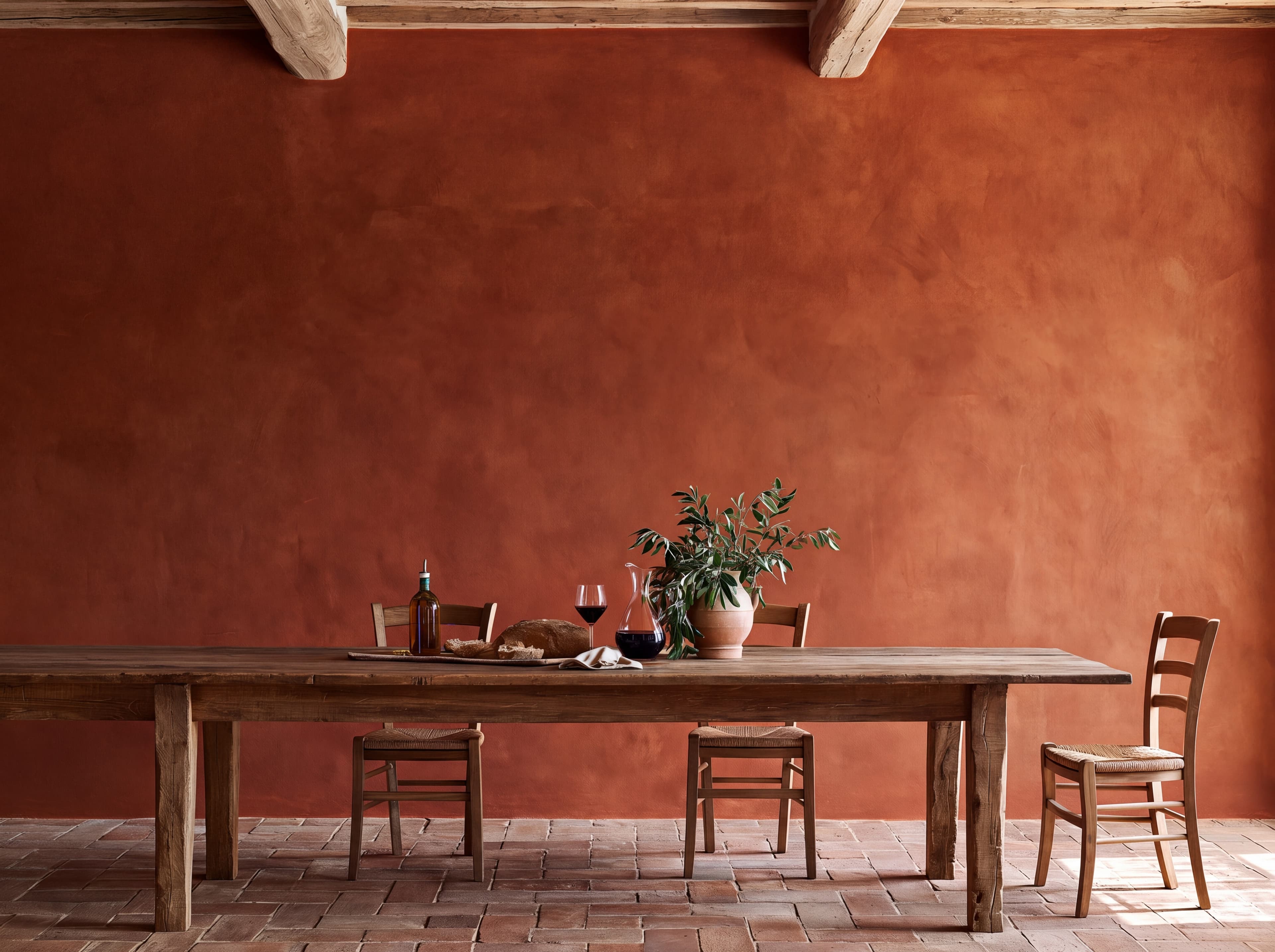
Room pick 20
Calibrated wall reference: 141.8 × 106.3 in (360 × 270 cm)
Try this room in the editorGuide 1
Most poster mockup templates are portrait. Rotating one leaves the frame proportions, shadows, and room perspective built for a tall print, and the poster ends up floating in the wrong place. A landscape mockup starts from a wide wall, so a 36 × 24 in poster sits where it would actually hang: centered over furniture with even space on both sides.
Keep the poster's own ratio. Common landscape sizes are 3:2 (36 × 24, 24 × 16, 18 × 12), 4:3 (24 × 18, 16 × 12), and the ISO A-series turned sideways (A2 is 23.4 × 16.5 in). Stretching a 3:2 design into a 4:3 opening distorts it. Enter the exact size and the mockup keeps the shape.
Guide 2
A horizontal piece reads as part of the furniture group, so size it from the width below. The usual target is about two thirds of the sofa or bed width. A 36 × 24 in poster suits a 54 in console or a full-size bed. Over a long 120 in sofa it covers less than a third of the width, which is why the example above shows it looking modest. That view is useful in a listing: it tells buyers when to choose the larger size or a pair.
Height matters as well. Hang the bottom edge 6 to 10 in above the sofa back or pillows, and keep the center near 57 to 60 in from the floor when there is no furniture. A wide frame or a mat makes the piece larger on the wall, so plan with the outer size.
Guide 3
Etsy asks for a horizontal or square first photo, and a landscape poster fills that crop with very little empty wall. Use a sofa or bed room as the hero, then a second room with a different wall color and a size chart that lists inches and centimeters for each size you sell.
Size reference
These are visual starting points, not universal room rules. Use the complete framed object or multi-panel group, then verify the result with the exact furniture and wall dimensions available to you.
| Placement | Starting point | Check before export |
|---|---|---|
| Above a queen or king bed | 36 × 24 to 48 × 32 in, centered on the headboard. | Keep the bottom edge 6 to 10 in above the pillows. |
| Above a sofa | Aim for about two thirds of the sofa width. | On a 90 in sofa that is a 60 in span: a large poster or a pair. |
| Above a console or sideboard | 24 × 18 to 40 × 30 in, often with a mat. | Measure the outer frame size, not only the print. |
Enter the furniture width to get a poster size range.
1
Use the real product file and preserve its natural aspect ratio.
2
Select one of the popular rooms, enter the physical dimensions, and use only presentation controls that match the real product.
3
Check scale, wall contrast, lighting, and the listing crop before downloading.
Upload your horizontal poster, enter the real size, for example 36 × 24 in, and choose a room with a wide wall above a sofa, bed, or console. Add a frame if you sell one, then export the image.
Common landscape sizes are 36 × 24, 24 × 18, 24 × 16, 18 × 12, and 48 × 32 in, plus A2 and A3 turned sideways. Pick the size from the furniture: about two thirds of its width.
No. Horizontal and landscape mean the same orientation: wider than it is tall. Both need a wide wall so the poster is not squeezed between furniture or windows.
Yes. Add a black, white, oak, or brass frame and an optional mat in the editor. The frame and mat add to the outer size, which the room shows to scale.
Upload the artwork, choose one of the selected rooms, enter the real dimensions, and export a listing-ready image without a template file.
Open the editorRoom selection and guidance reviewed by WallMockup product team. Last materially reviewed 2026-10-27. Popularity follows the editor preset order, which is maintained by completed production downloads.