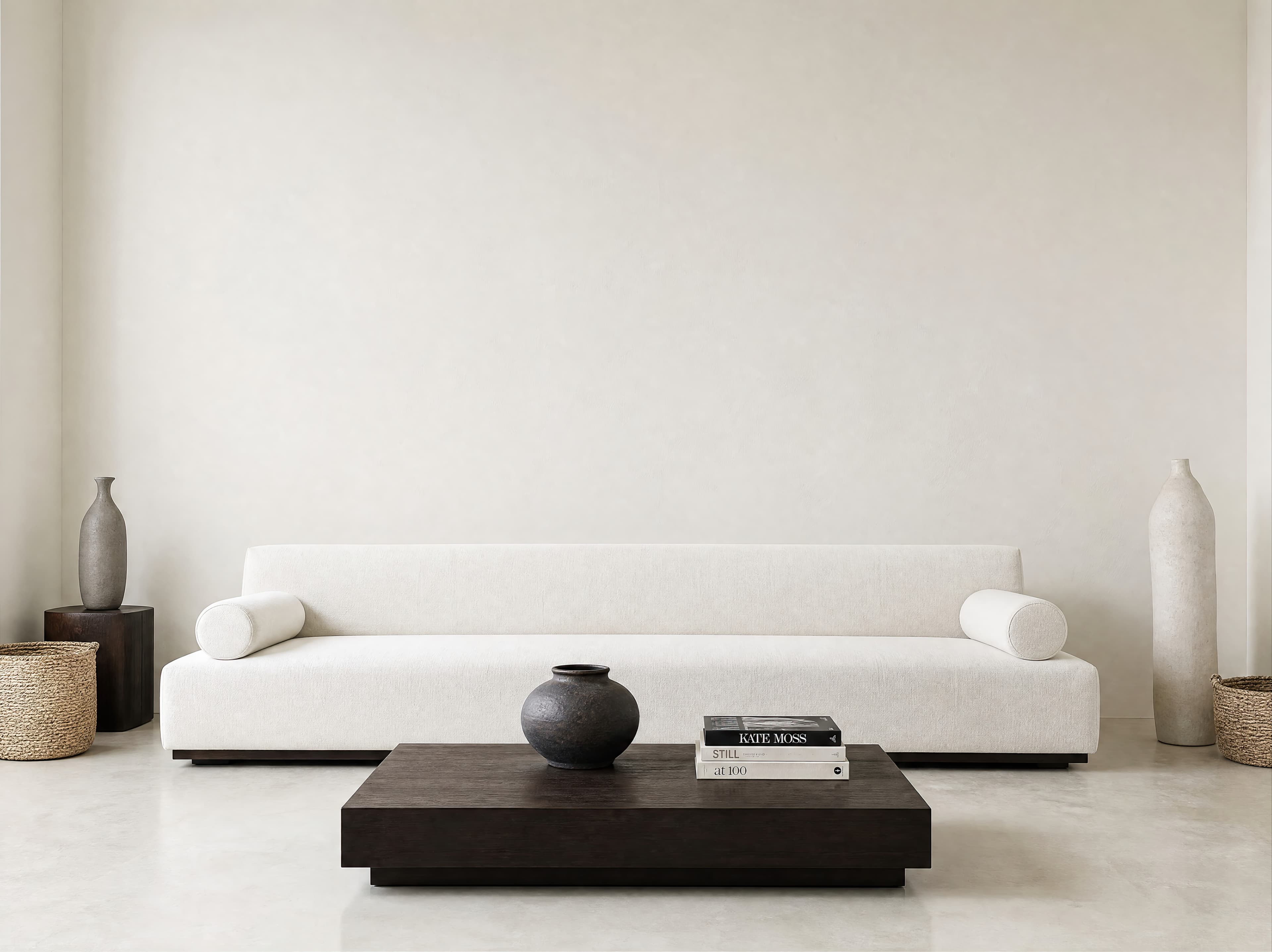
Room pick 1
Spacious minimalist living room with a broad warm-white wall above a low sculptural sofa
Calibrated wall reference: 180 × 135 in (457 × 343 cm)
Try this room in the editor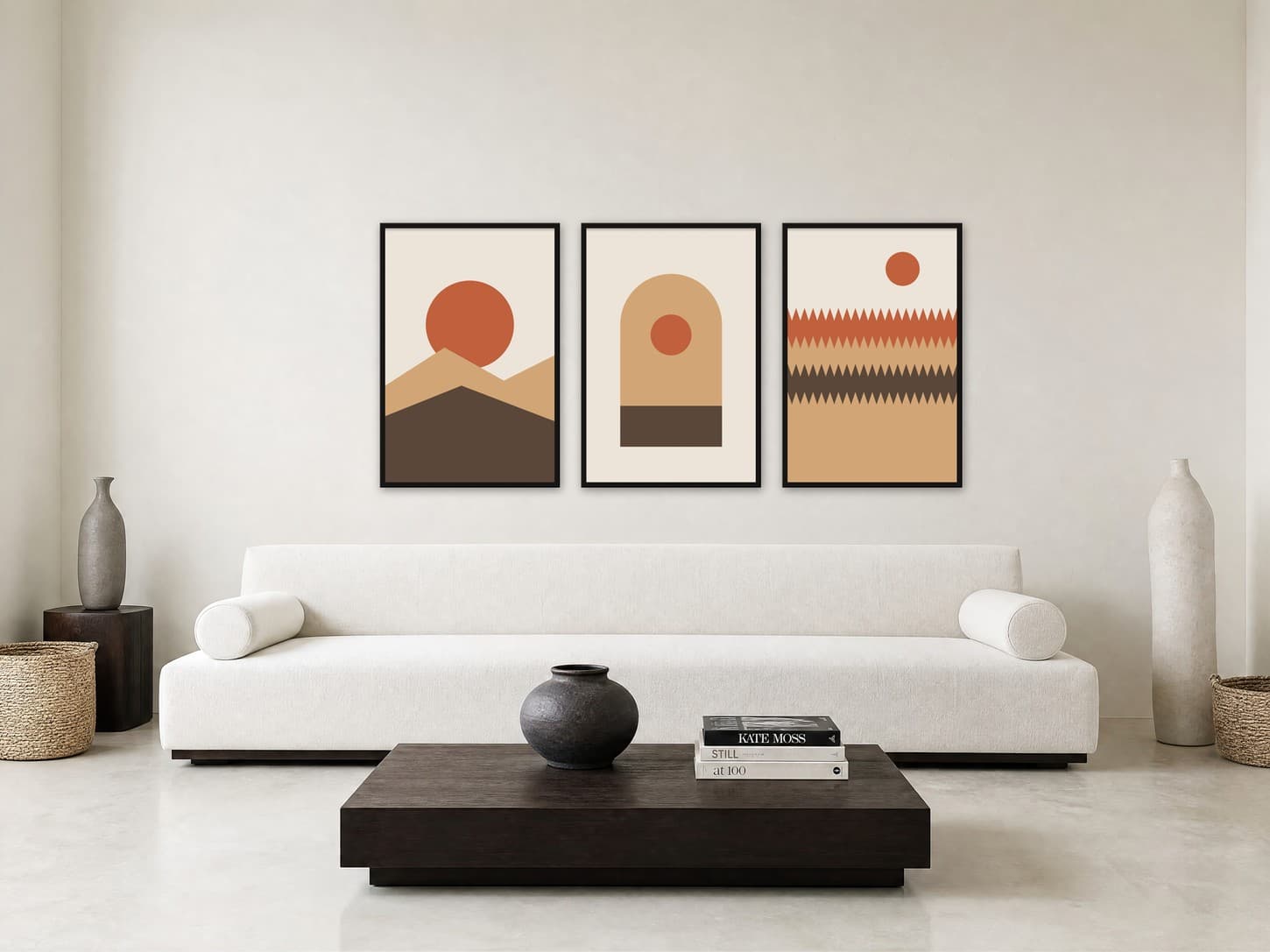
Set of 3 poster mockups
A set of three posters sells as one product, so the mockup has to show all three at the size the buyer receives. Upload each print, enter the real size, keep the gaps equal, and pick a wall wide enough for the whole set. Each poster keeps its own design, and the room shows how much wall the group needs.
Exact room opens in the editor · 319 compatible presets · PNG, JPG, and WEBP export
Useful for
Best for
Inspiration of use
These generated inspiration examples use the same top-ranked WallMockup rooms available below. Compare the scale, frame, and layout choices, then open the matching blank room to replace the example art with your own.
Three 24 × 36 in / 61 × 91 cm posters · 3 in gaps · 82.5 in total
Three different designs share one palette, one frame, and equal 3 in gaps, so the set spans about two thirds of the sofa.
Try this exact room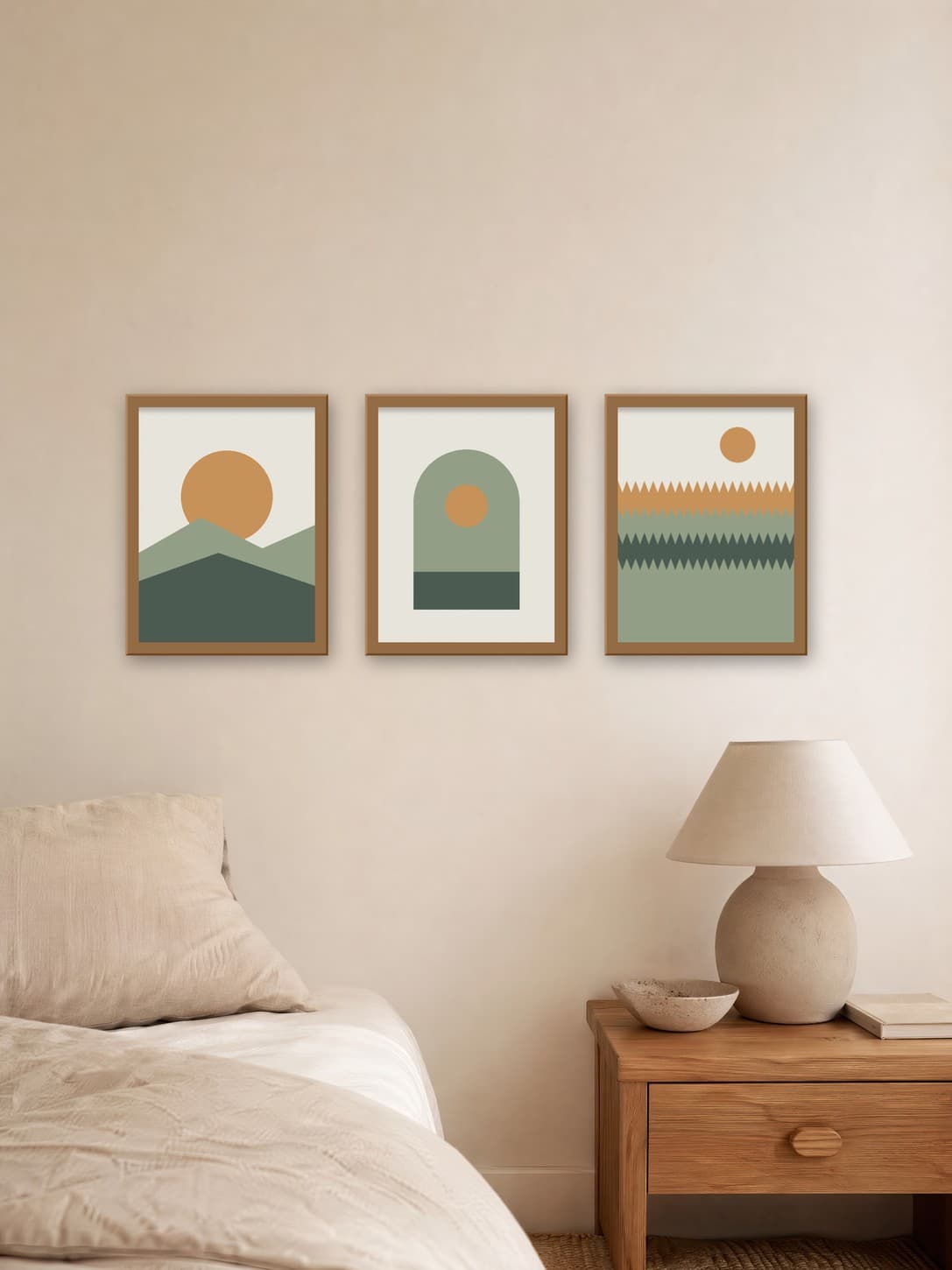
Three 12 × 16 in / 30 × 41 cm posters · 2.5 in gaps · 46 in total
Medium 12 × 16 in prints keep the set in proportion with a side wall and leave clear space above the lamp.
Try this exact room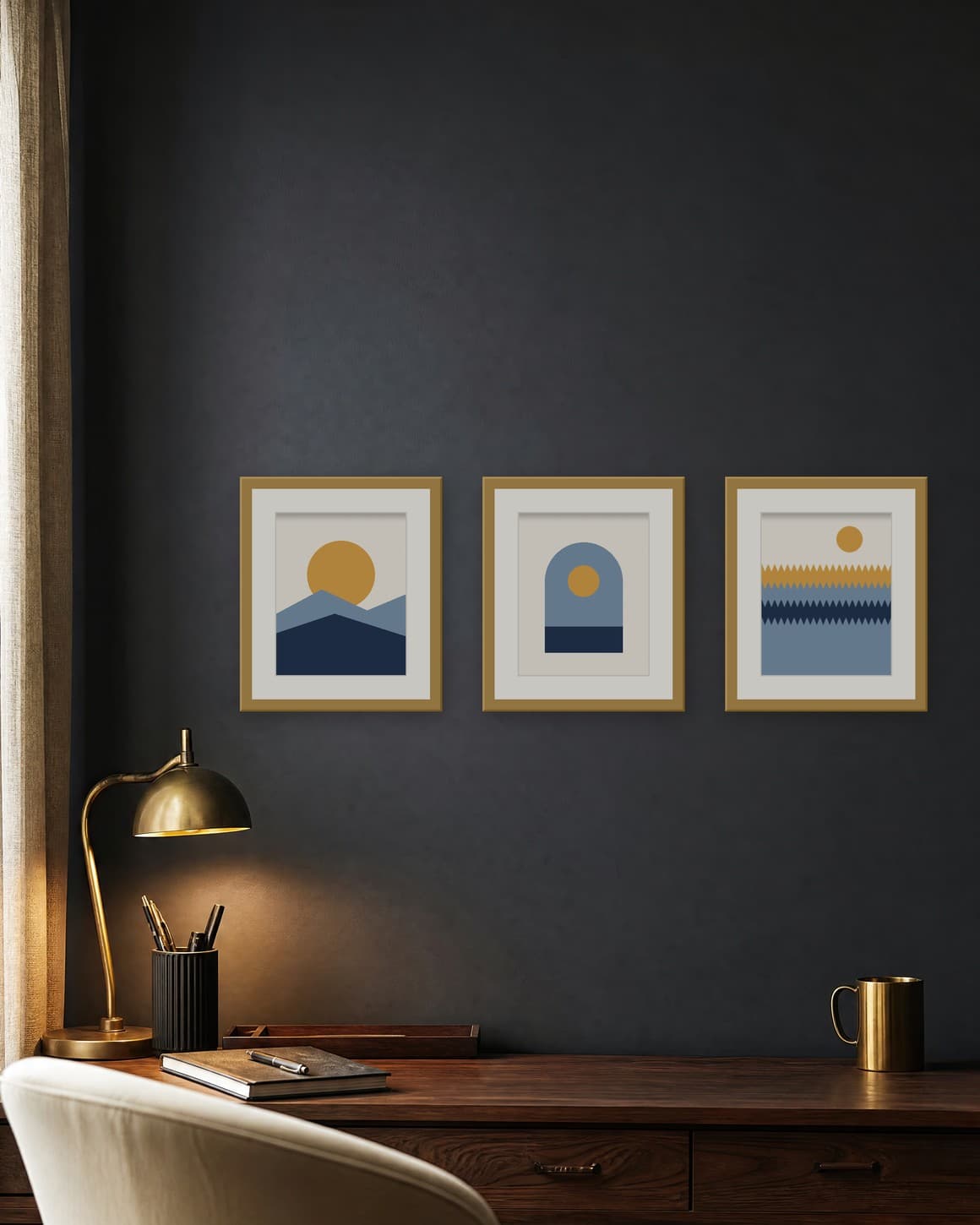
Three 8 × 10 in / 20 × 25 cm prints · 1.5 in mats · 42 in total
Pale mats lift small 8 × 10 in prints off a dark wall, and the mat adds to the size buyers need to plan for.
Try this exact roomChosen from real usage
These three rooms cover the places print sets usually hang: a long sofa wall for large posters, a bedroom side wall for medium prints, and a desk wall for small matted pieces. The bedroom and office walls are the top downloads in their categories.
Room pick 1
Calibrated wall reference: 180 × 135 in (457 × 343 cm)
Try this room in the editor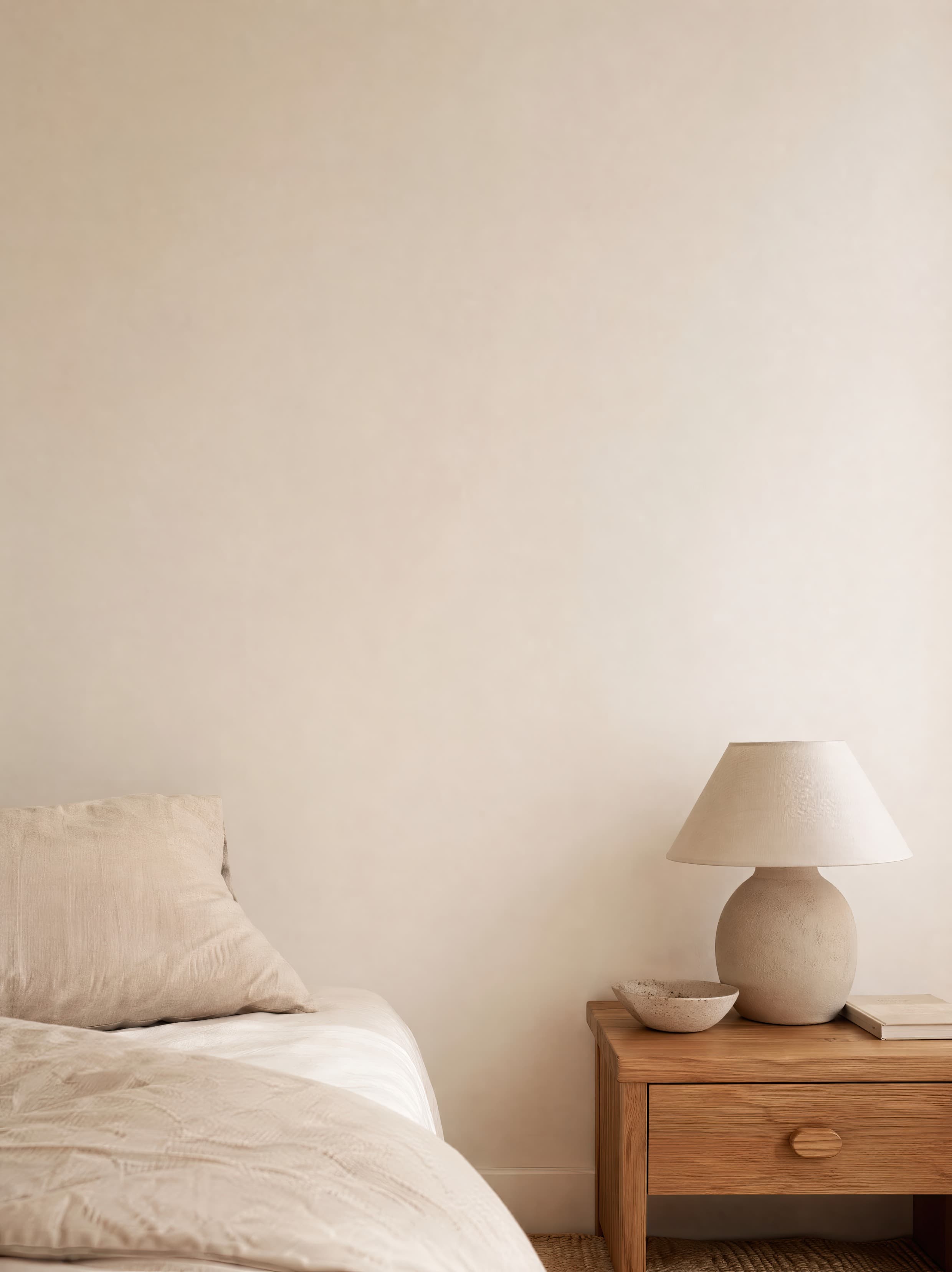
Room pick 2
Calibrated wall reference: 64.8 × 86.4 in (165 × 219 cm)
Try this room in the editor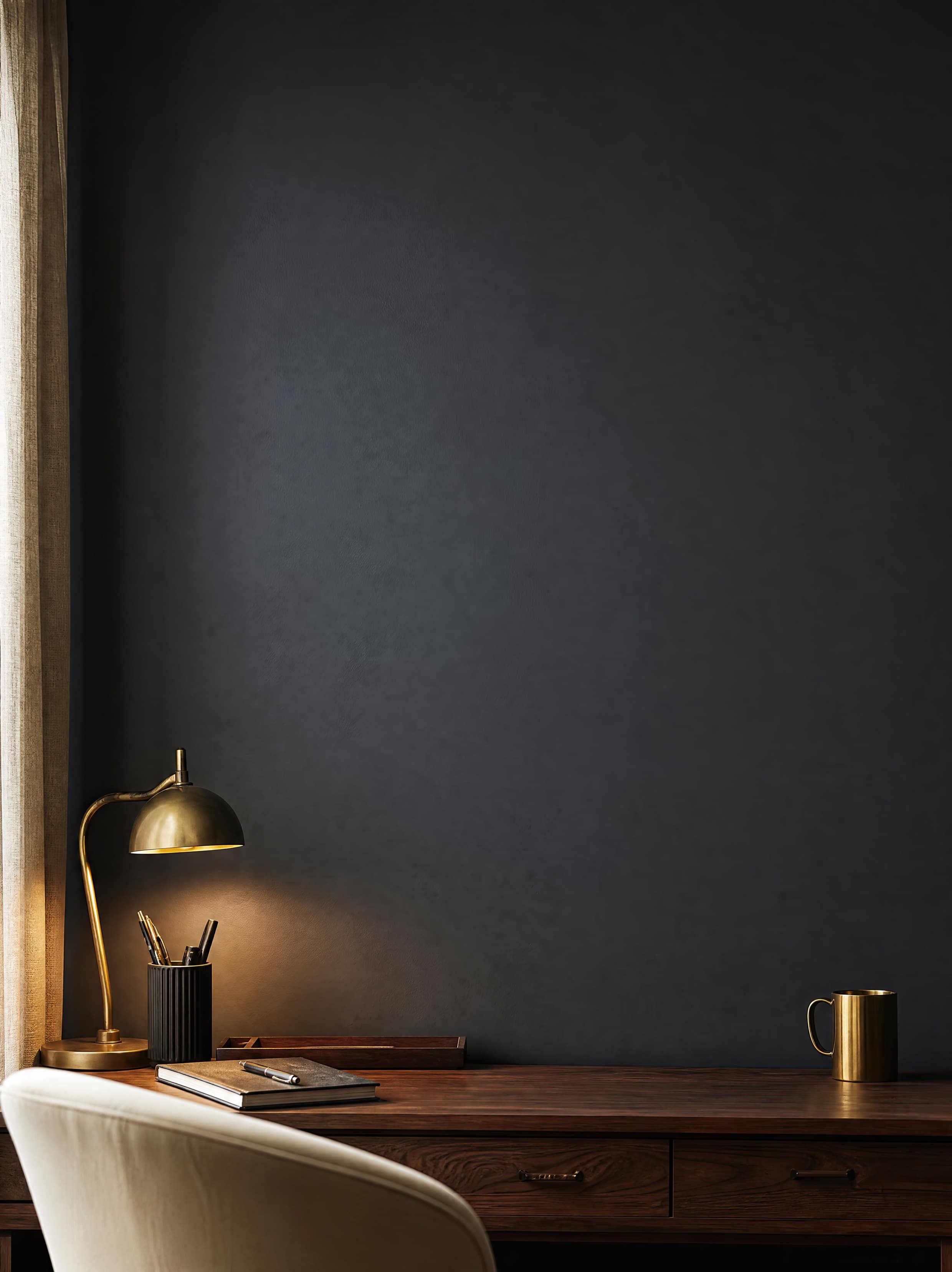
Room pick 3
Calibrated wall reference: 60.5 × 75.6 in (154 × 192 cm)
Try this room in the editor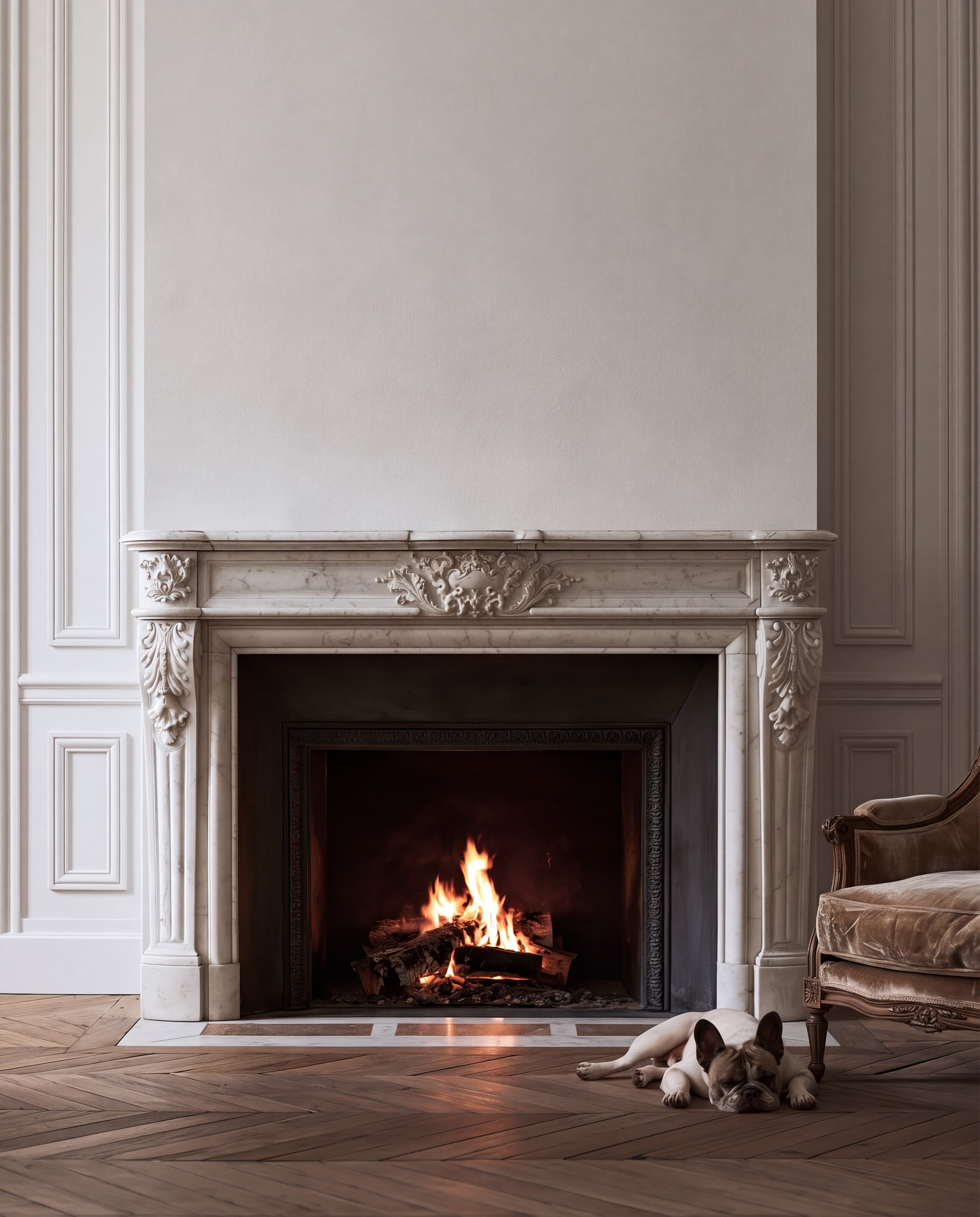
Room pick 4
Calibrated wall reference: 75.6 × 94.5 in (192 × 240 cm)
Try this room in the editor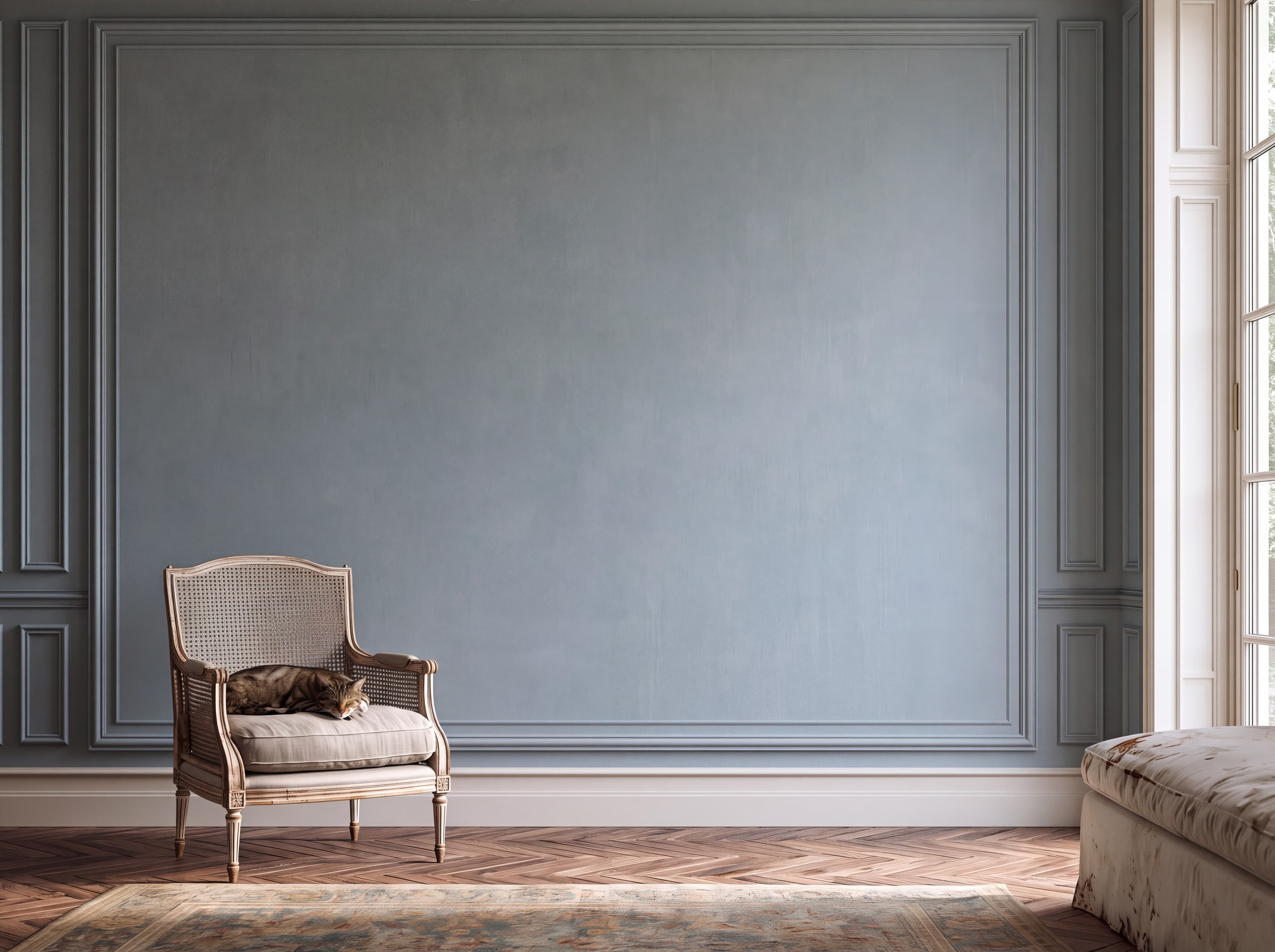
Room pick 5
Calibrated wall reference: 123.9 × 92.9 in (315 × 236 cm)
Try this room in the editor
Room pick 6
Calibrated wall reference: 64.8 × 97.2 in (165 × 247 cm)
Try this room in the editor
Room pick 7
Calibrated wall reference: 120 × 90 in (305 × 229 cm)
Try this room in the editor
Room pick 8
Calibrated wall reference: 96 × 96 in (244 × 244 cm)
Try this room in the editor
Room pick 9
Calibrated wall reference: 98 × 98 in (249 × 249 cm)
Try this room in the editor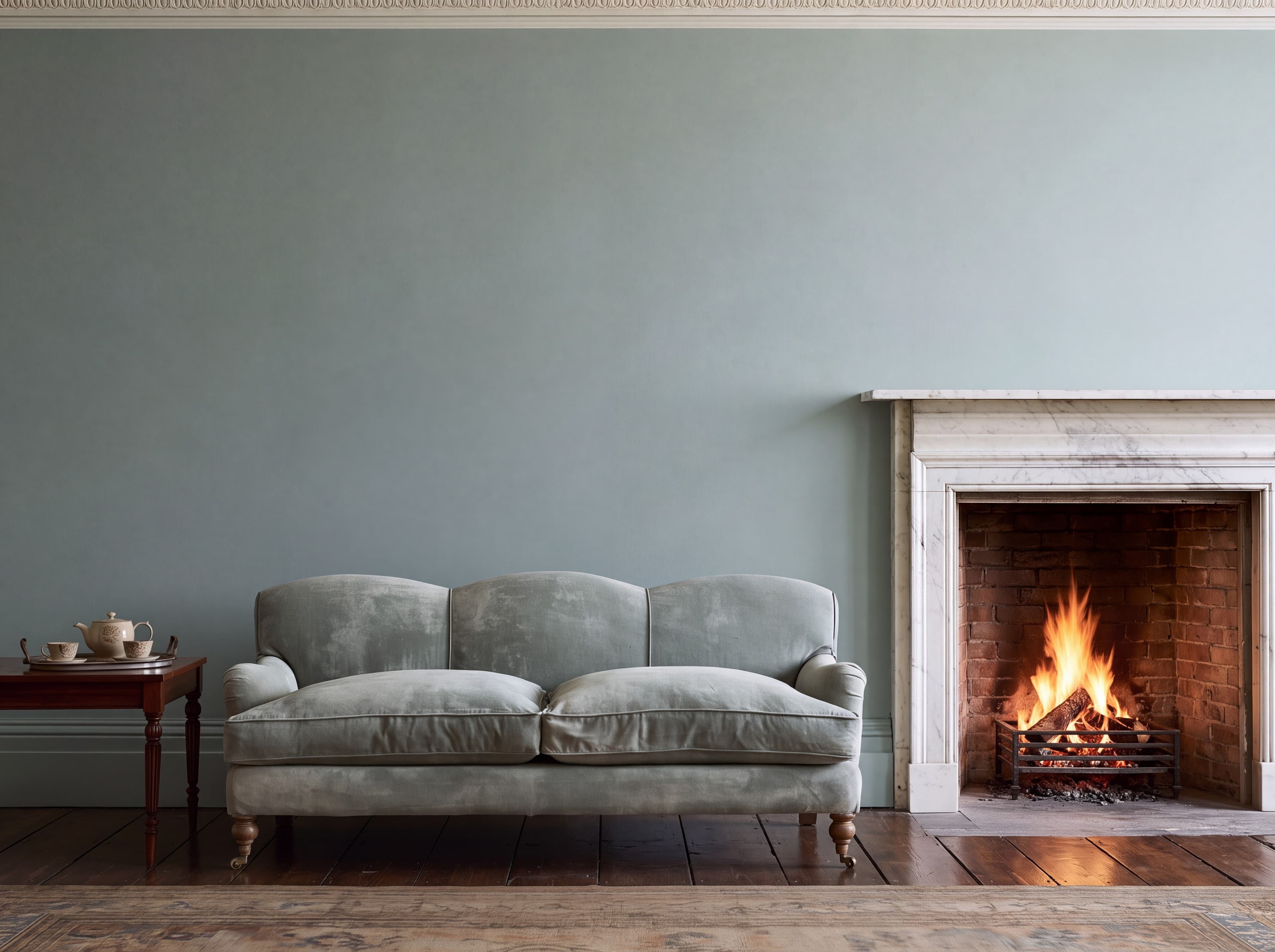
Room pick 10
Calibrated wall reference: 142.5 × 106.9 in (362 × 272 cm)
Try this room in the editor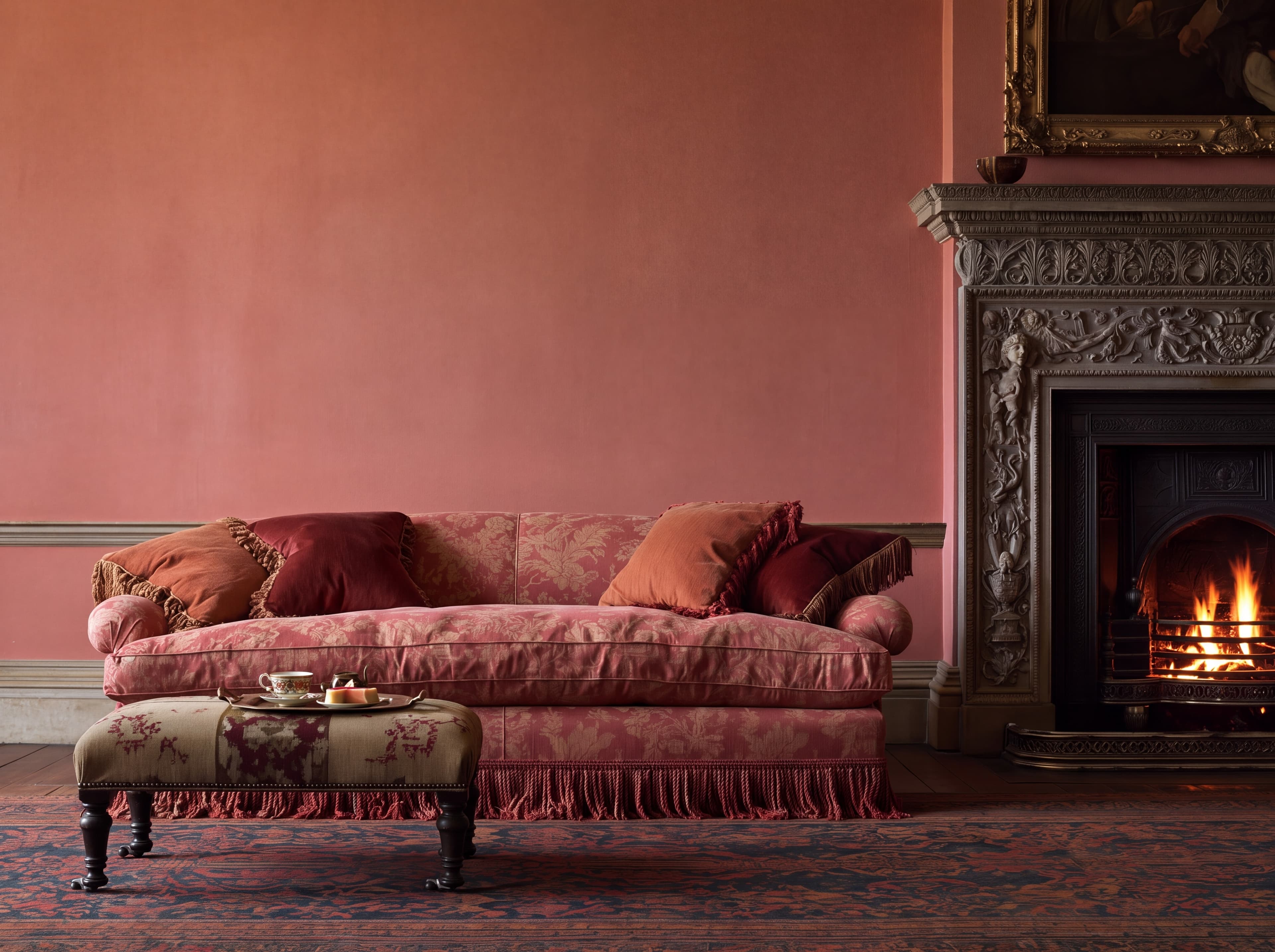
Room pick 11
Calibrated wall reference: 128 × 96 in (325 × 244 cm)
Try this room in the editor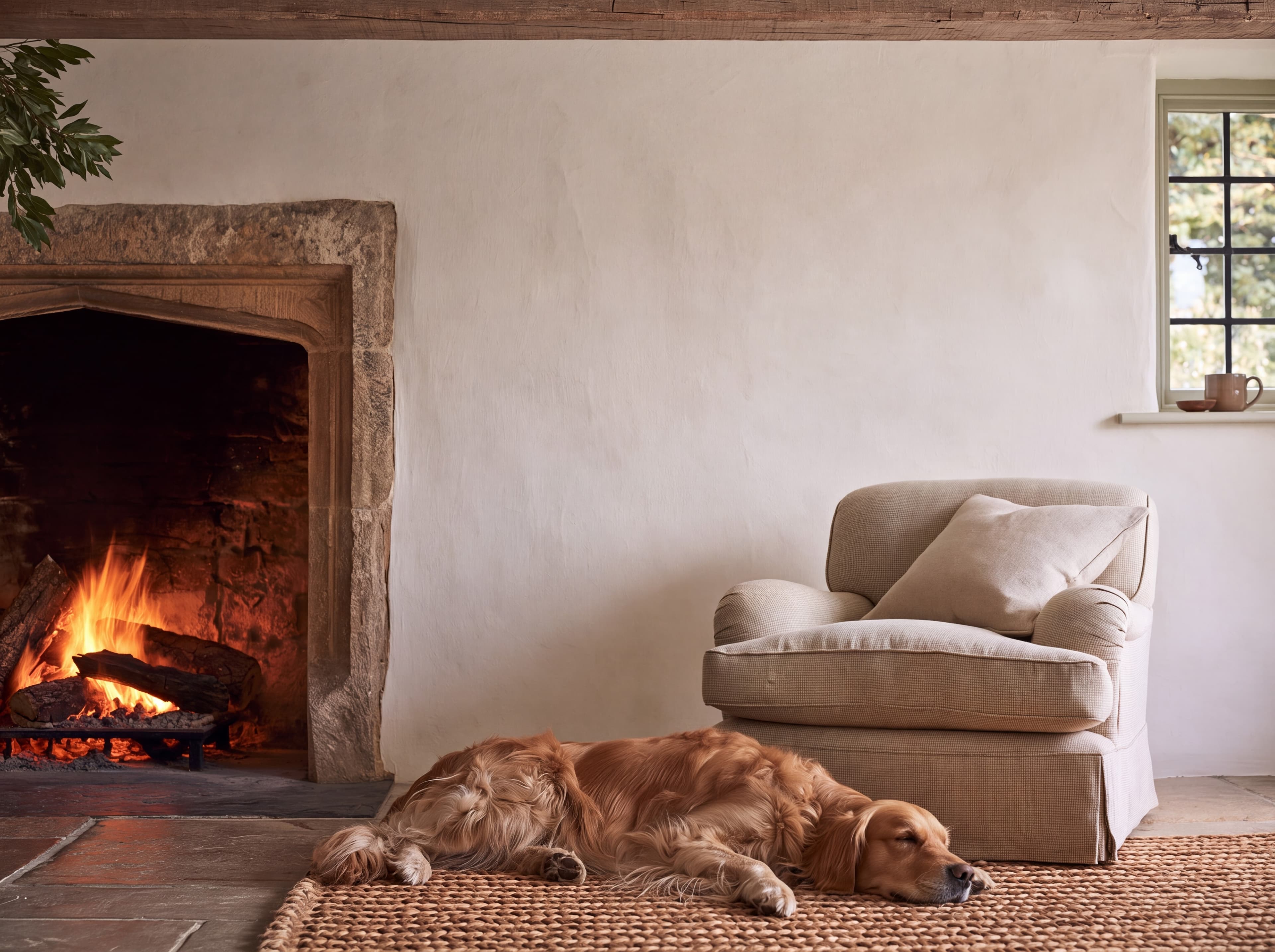
Room pick 12
Calibrated wall reference: 90 × 67.5 in (229 × 171 cm)
Try this room in the editor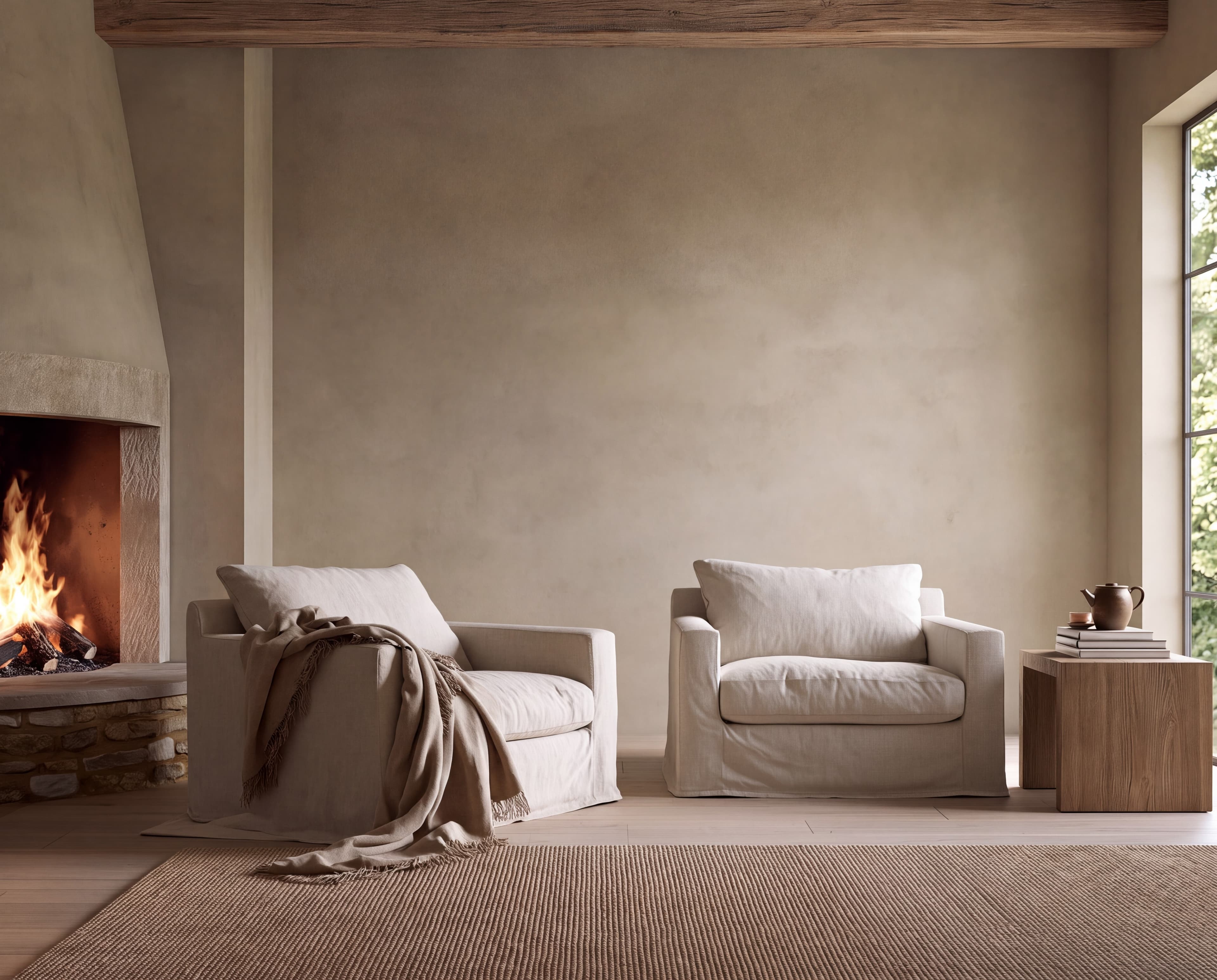
Room pick 13
Calibrated wall reference: 135 × 108 in (343 × 274 cm)
Try this room in the editor
Room pick 14
Calibrated wall reference: 60 × 75 in (152 × 191 cm)
Try this room in the editor
Room pick 15
Calibrated wall reference: 96 × 72 in (244 × 183 cm)
Try this room in the editor
Room pick 16
Calibrated wall reference: 51 × 76.5 in (130 × 194 cm)
Try this room in the editor
Room pick 17
Calibrated wall reference: 69.7 × 87.1 in (177 × 221 cm)
Try this room in the editor
Room pick 18
Calibrated wall reference: 68 × 85 in (173 × 216 cm)
Try this room in the editor
Room pick 19
Calibrated wall reference: 120 × 80 in (305 × 203 cm)
Try this room in the editor
Room pick 20
Calibrated wall reference: 88.3 × 70.7 in (224 × 180 cm)
Try this room in the editorGuide 1
A buyer looking at a print set wants two answers from the first image: do these three belong together, and will they fit my wall? Static PSD templates answer neither well. Most give you three identical frames at one fixed size, so a set of 12 × 16 prints looks the same as a set of 24 × 36 posters. Real-size placement fixes that. The posters keep their proportions, and the room tells the buyer how big the set is.
Keep the three designs visibly related: a shared palette, the same frame, and the same orientation. Different subjects are fine. That is what makes it a series rather than a triptych, where one image is split across three panels.
Guide 2
Add the three outer widths and both gaps. Three 24 × 36 in posters in thin frames are about 25.5 in wide each, so with 3 in gaps the set spans 82.5 in. That suits a sofa of around 120 in. Three 12 × 16 in prints with 2.5 in gaps span about 46 in, which fits a bedroom side wall or a smaller sofa.
Mats change the answer. An 8 × 10 in print with a 1.5 in mat and a thin frame is about 12.5 in wide, so three of them need 42 in, not 30. Enter the size the buyer receives, framed or unframed, so the mockup and the listing agree.
Guide 3
Use equal gaps of 2 to 3 in for medium prints and 3 to 4 in for large posters. Align the tops or the centers, never both loosely. Matching frames hold the set together. Mixed frames make three prints look like three separate purchases.
Size reference
These are visual starting points, not universal room rules. Use the complete framed object or multi-panel group, then verify the result with the exact furniture and wall dimensions available to you.
| Placement | Starting point | Check before export |
|---|---|---|
| 3 × 24 × 36 in above a sofa | About 82 in across with 3 in gaps and thin frames. | Aim for roughly two thirds of the sofa width. |
| 3 × 12 × 16 in on a bedroom wall | About 46 in across with 2.5 in gaps. | Keep the bottom edge 6 to 10 in above a headboard or lamp. |
| 3 × 8 × 10 in above a desk | About 42 in across once 1.5 in mats are added. | Include the mat and frame in every size you list. |
Open the planner set to three frames, then carry the layout into the editor.
1
Use the real product file and preserve its natural aspect ratio.
2
Select one of the popular rooms, enter the physical dimensions, and use only presentation controls that match the real product.
3
Check scale, wall contrast, lighting, and the listing crop before downloading.
Upload all three designs to one room, set each to the real print size, and keep the gaps equal. Choose a wall whose free width fits the whole set, then export the image for your listing.
Common sets are 8 × 10, 11 × 14, 12 × 16, and 18 × 24 in. Pick the size from the wall: the full set, gaps included, should cover about two thirds of the furniture below it.
Two to three inches works for most medium prints, and three to four inches for large posters. Keep both gaps the same.
A triptych splits one image across three panels. A set of 3 is three separate designs that share a style. Both need equal gaps and a room that fits the full span.
Yes, if that is what you sell. A larger center poster with two smaller ones works well. Show the exact sizes in the mockup and list each one.
Upload the artwork, choose one of the selected rooms, enter the real dimensions, and export a listing-ready image without a template file.
Open the editorRoom selection and guidance reviewed by WallMockup product team. Last materially reviewed 2026-10-18. Popularity follows the editor preset order, which is maintained by completed production downloads.