Etsy mockups
Etsy mockups for wall art listings
Make every photo an Etsy wall art listing needs from one upload: the room hero, the close-up, the size reference and the alternate rooms. Each mockup shows the print at the size you actually sell, with the frame you actually ship. No Photoshop and no template files.
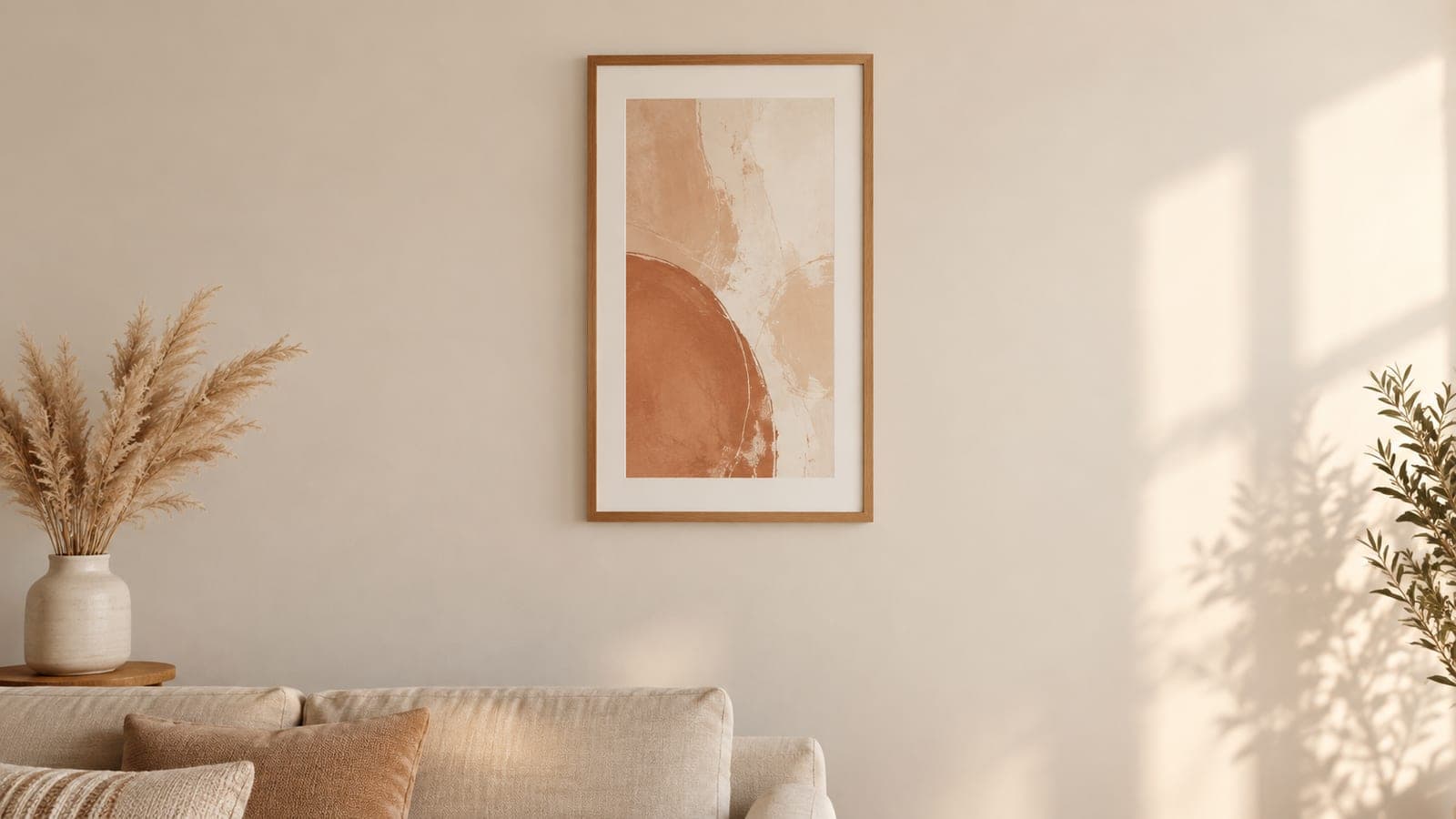
How to make mockups for Etsy
Three steps, and the middle one is the one most mockup tools skip.
Upload your artwork
Any JPG or PNG. Nothing to install, and no template file to open in Photoshop first.
Set the real print size
Enter the size you actually sell, 8x10 or 18x24, and the art scales against the room's real dimensions.
Frame it and export
Pick a frame and mat, then export a landscape room photo sized for an Etsy listing.
Scale is what buyers are actually asking about
The question behind most unanswered Etsy messages is “how big is this on my wall”. A mockup that floats artwork on a blank wall at an invented size does not answer it, and a wrong answer turns into a return.
Every room here is measured, so an 11x14 looks like an 11x14 next to the sofa and a 24x36 looks like a 24x36. If you sell the same design in five sizes, the difference between those listings becomes visible instead of theoretical.
See the art mockup generator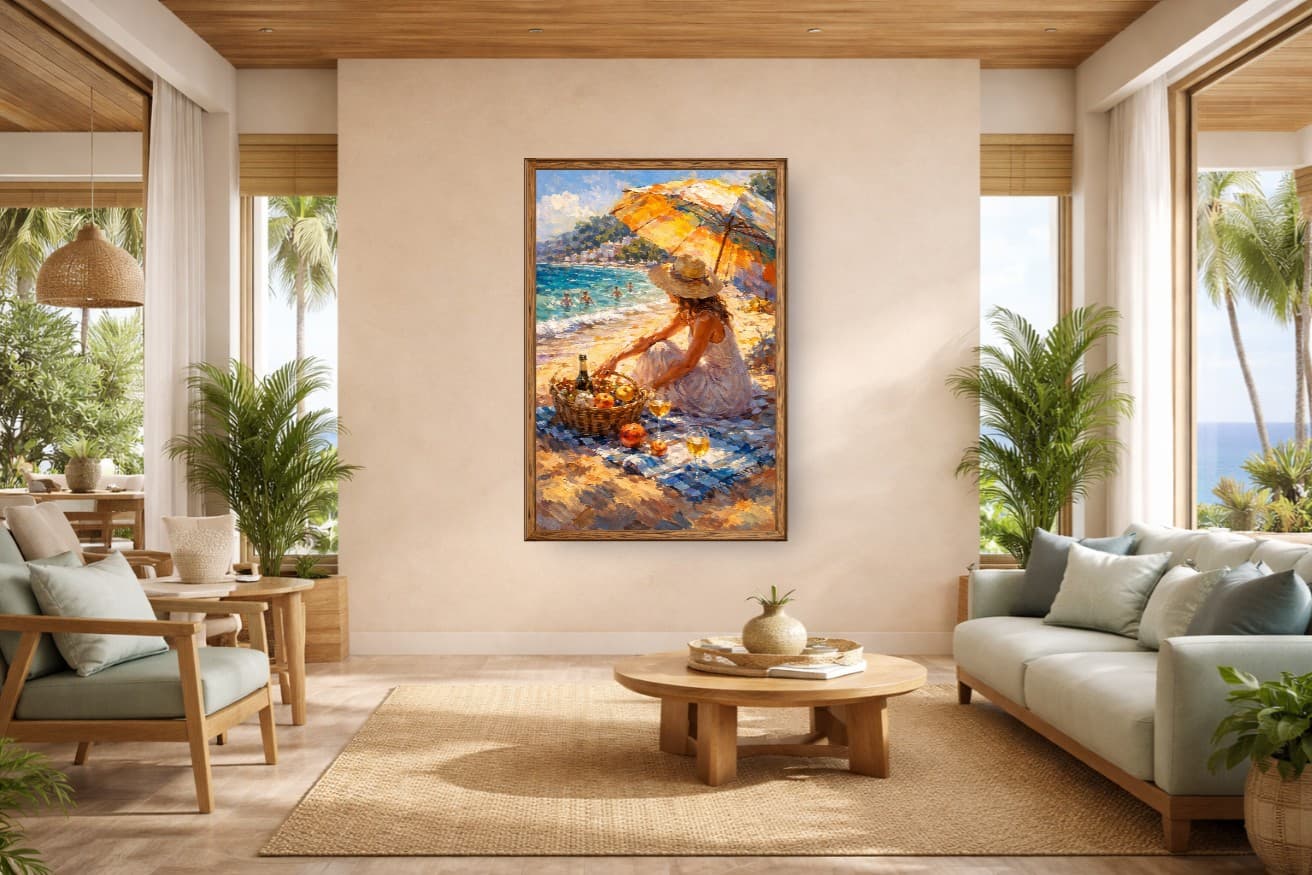
Exports that pass Etsy’s image rules
- Recommended width and height
- 2000 px
- First-photo minimum before Etsy ranks it lower
- 635 px
- Files above this may fail to upload
- 1 MB
- Shape Etsy asks for in the first photo
- Landscape
The landscape rule is inconvenient when almost every art print is portrait. A landscape room photo solves it: Etsy gets the horizontal frame it wants, and the portrait print stays whole inside the square, portrait, and landscape thumbnail crops. Run any file through the Etsy listing photo size checker before you upload it.
Your 10 Etsy photo slots, planned
Etsy gives each listing ten photos. Five that each answer a different buyer question do more than ten views of the same room. This is the order that works for wall art, and what to make for each slot.
| Slot | What it shows | Buyer question | How to make it |
|---|---|---|---|
| 1 | Room hero | Will this fit my style and room? | A landscape room mockup with the print at its real size. This is the thumbnail, so pick the room that matches your buyer. |
| 2 | Close-up detail | What does the artwork look like up close? | The same mockup exported with close-up framing, which crops to the artwork and keeps its detail sharp. |
| 3 | Size reference | How big will it feel on my wall? | Your print at two sizes in the same room, or one size beside furniture with known dimensions. |
| 4 | What is included | Do I get a file, a print, or a framed piece? | A simple graphic from your design tool. WallMockup does not add text to exports. |
| 5 | Alternate room or frame | Can I picture it somewhere else? | A second room style, or the same room with a different frame finish. |
| 6-10 | Optional extras | Does it work for my size or decor? | More sizes, frames or rooms, only when each one answers something the first five did not. |
The full reasoning for each slot is in how many photos an Etsy wall art listing needs.
Etsy mockups by room
Use one or two signature rooms across the shop and match the room to the buyer: nursery prints in a nursery, office art above a desk.
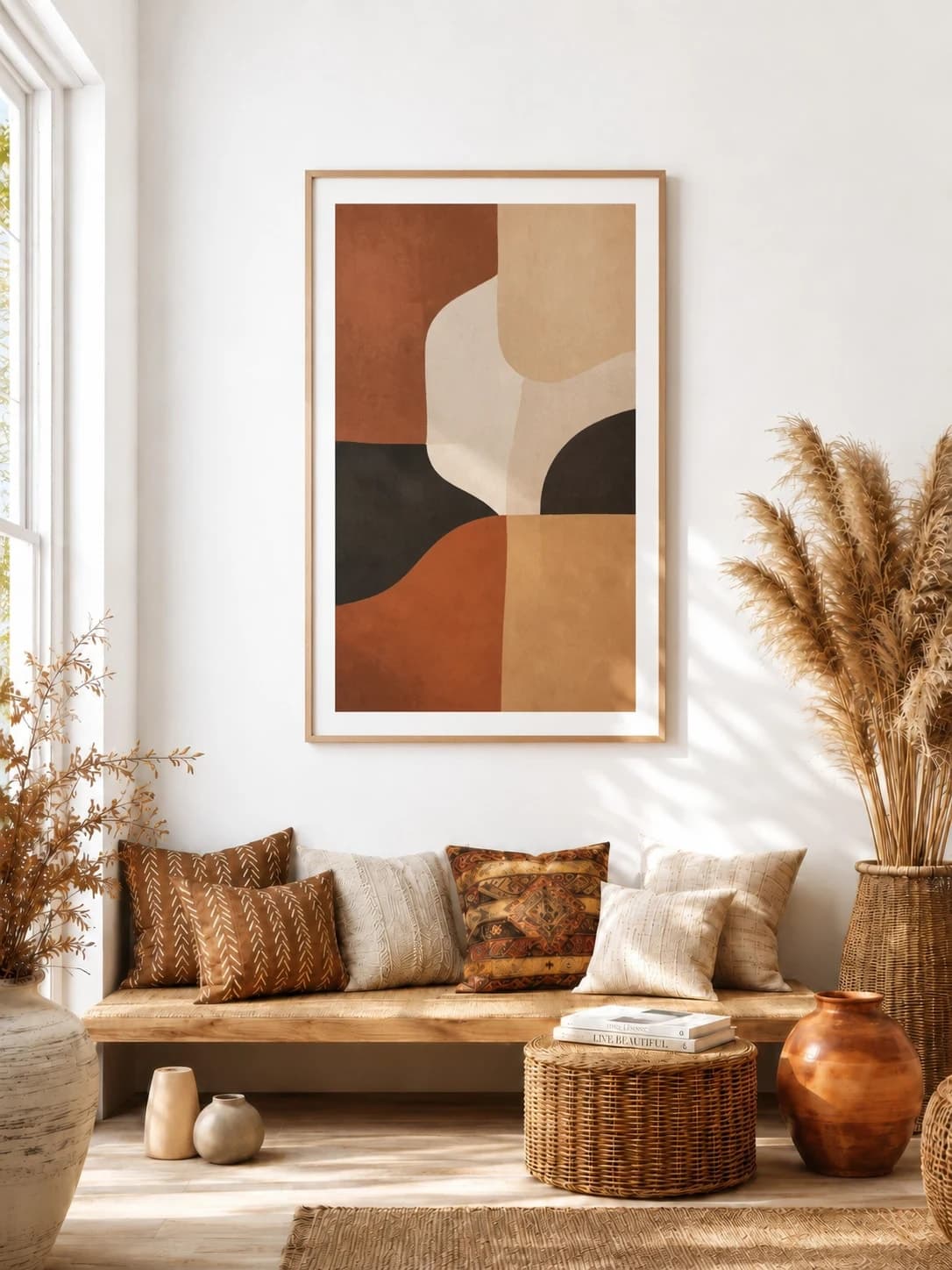
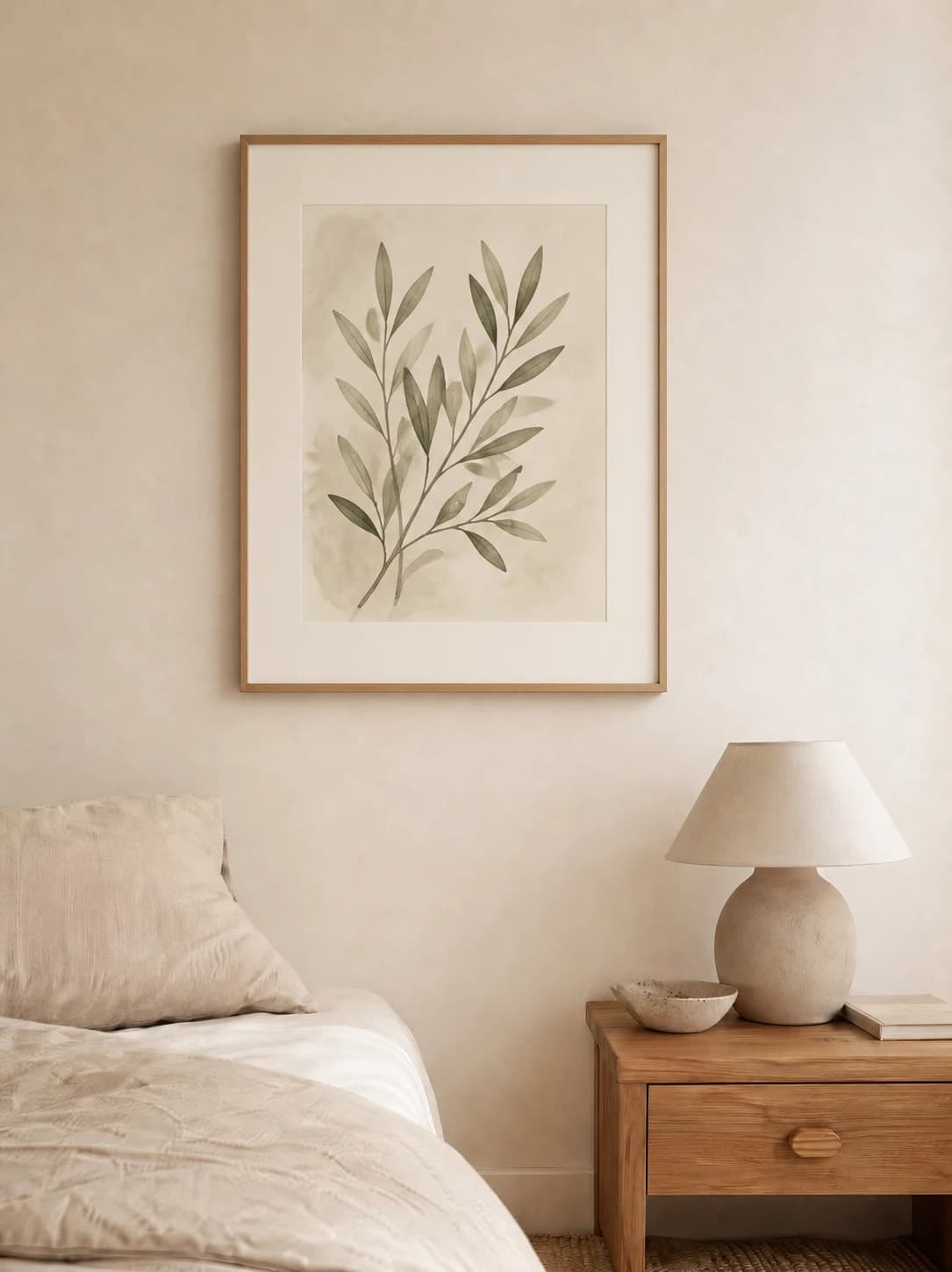
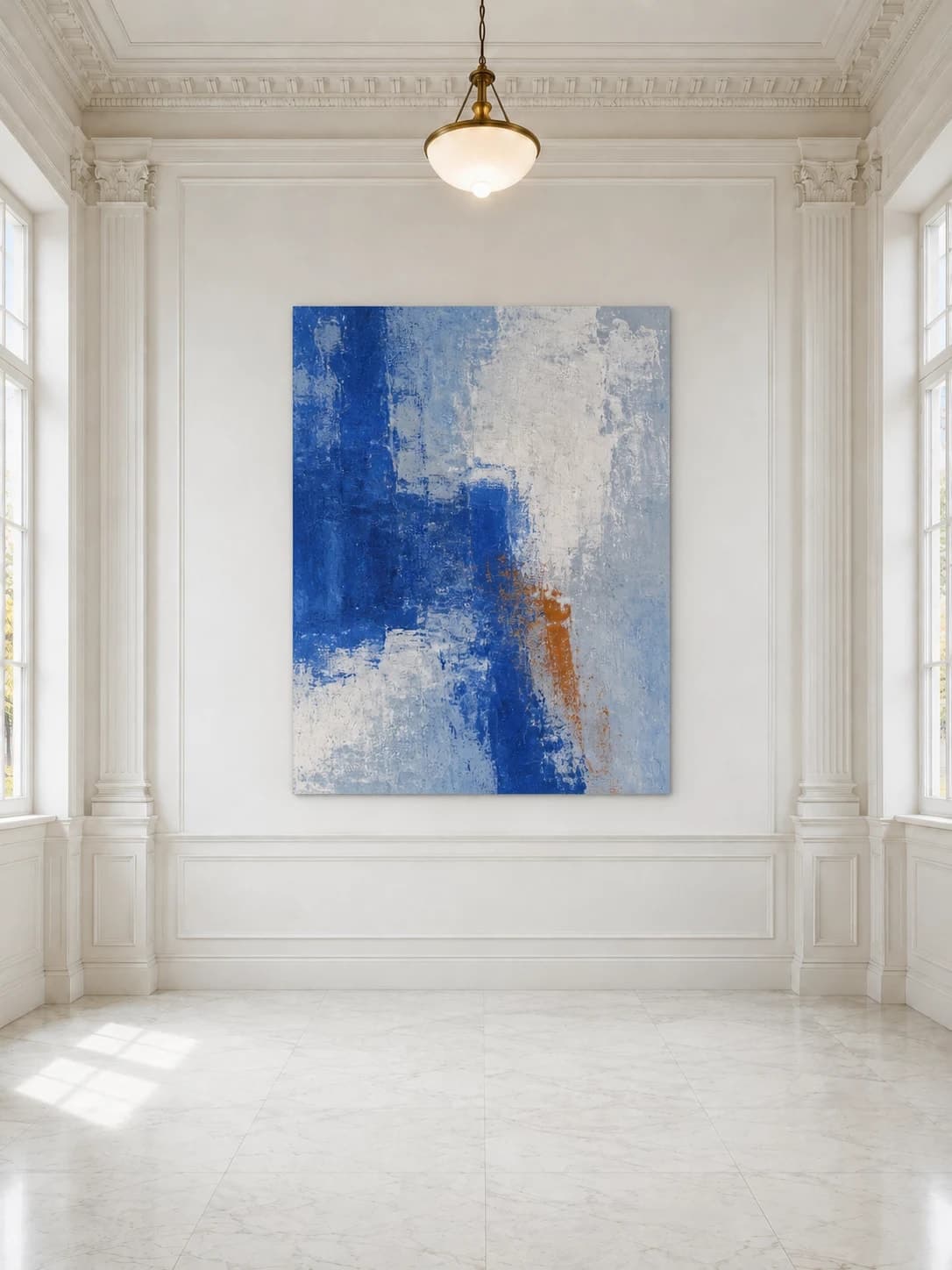
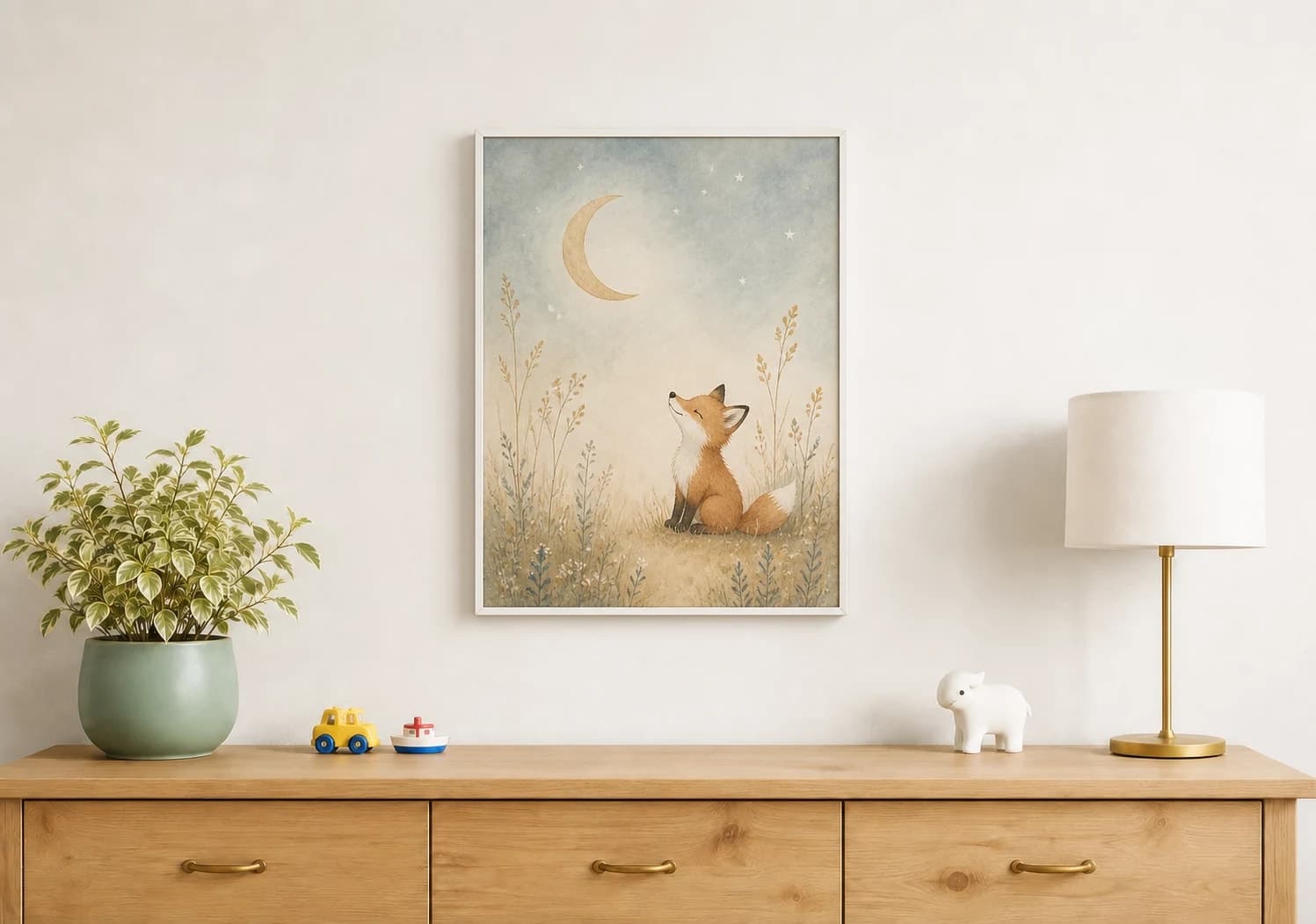
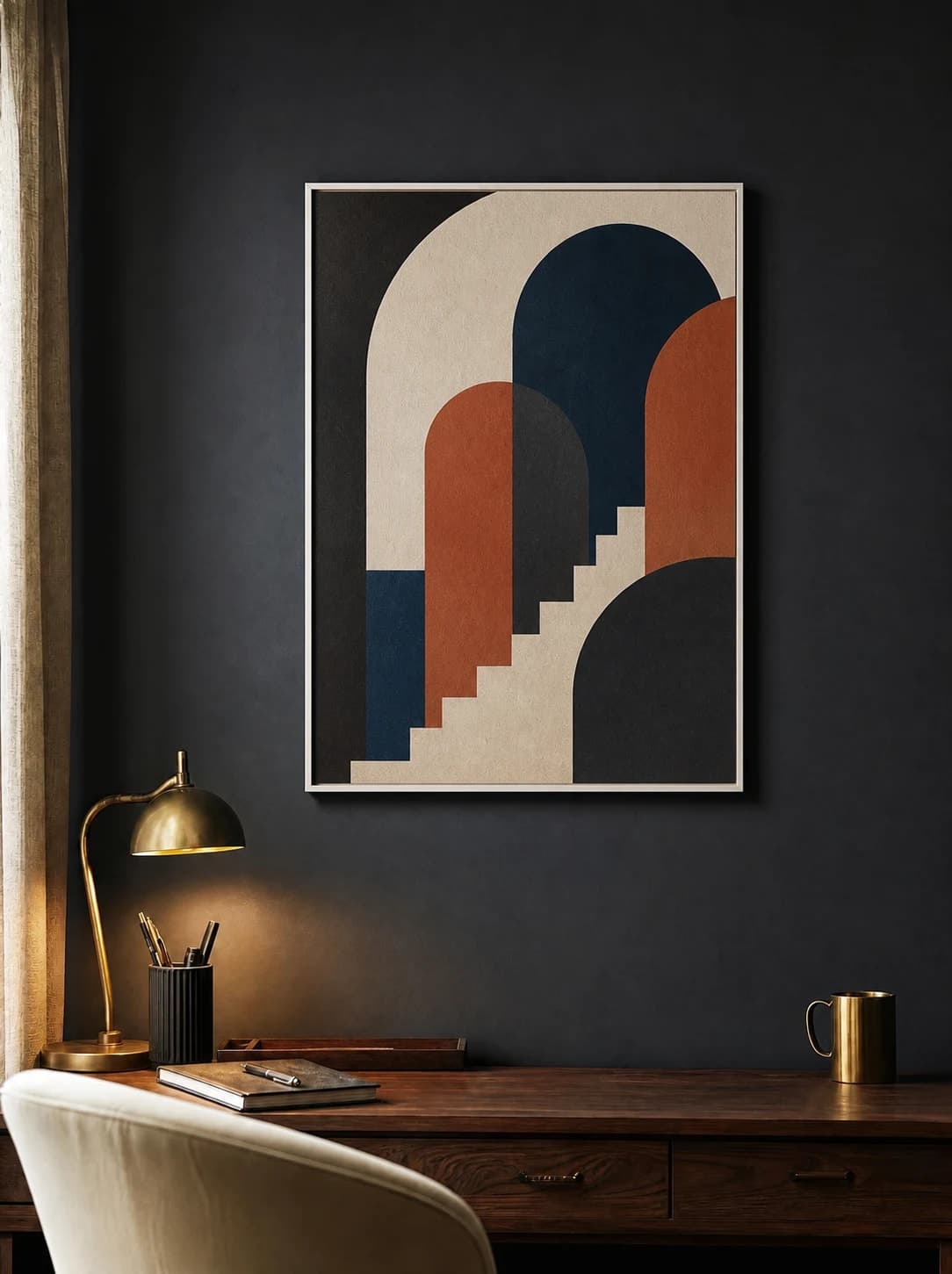
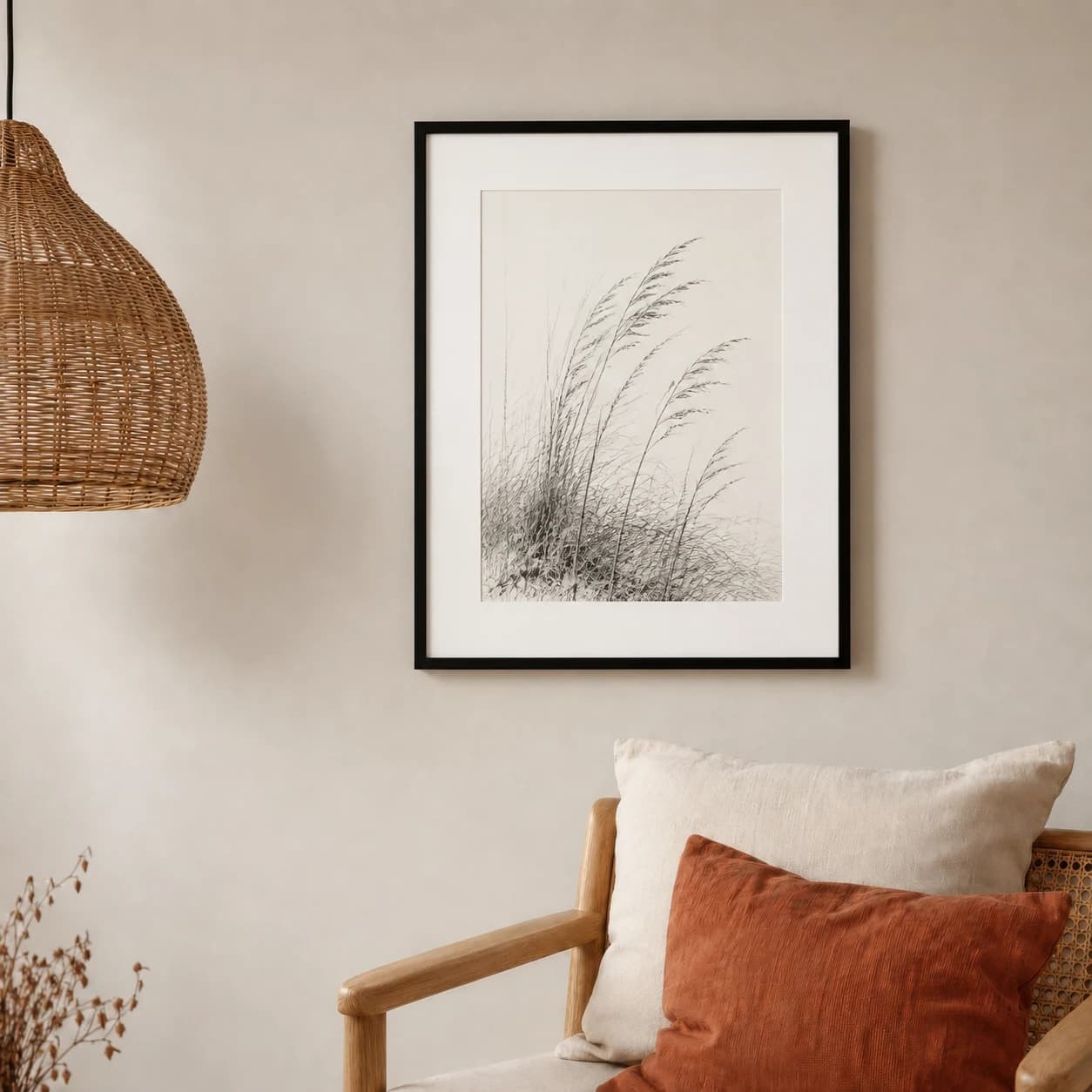
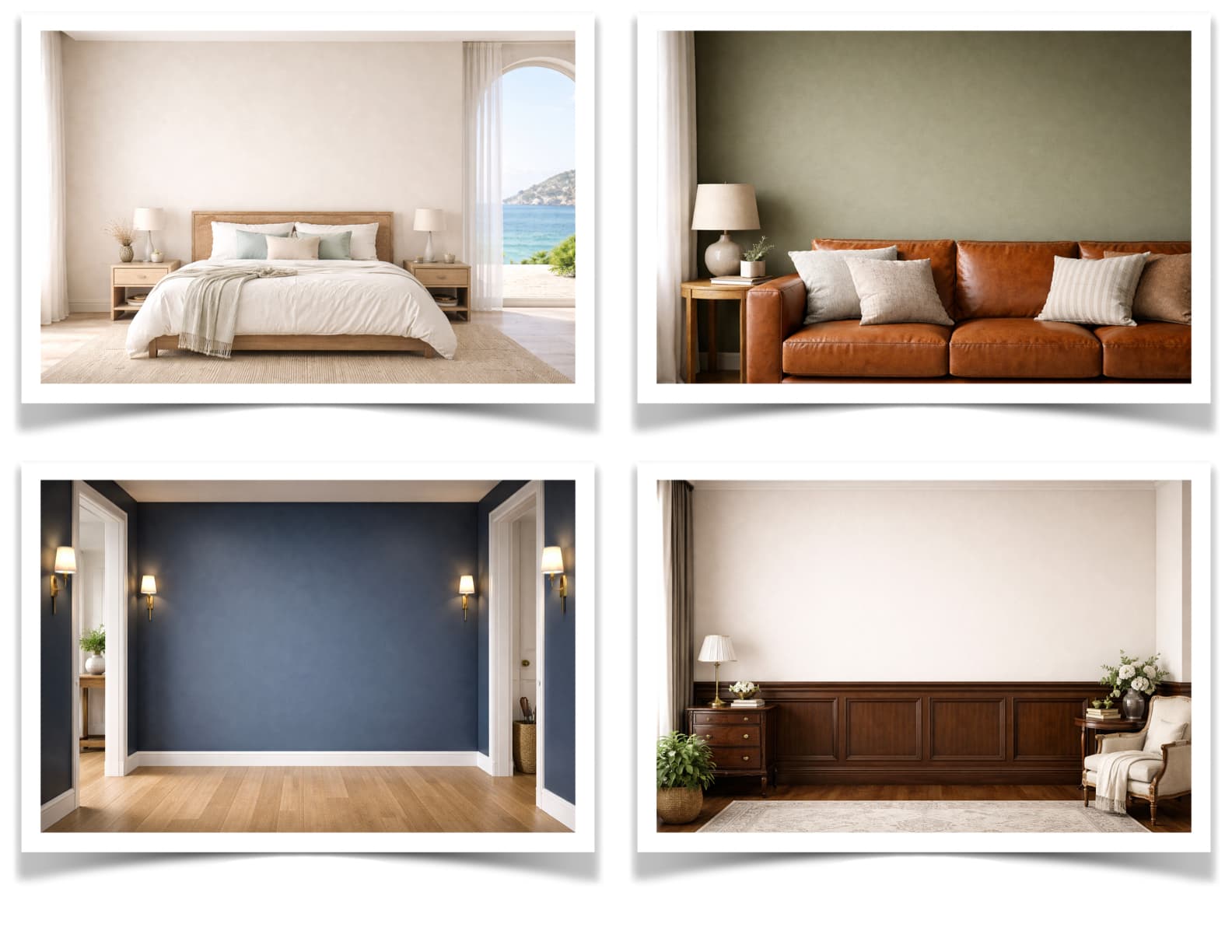
One room style across the whole shop
Shoppers browse Etsy in a grid. When every listing uses a different stock room, the grid reads as a collection of unrelated products. Picking one or two signature rooms and reusing them is the cheapest branding decision a print shop can make.
To fill the slots faster, the Bulk Generator takes one upload and renders up to 60 room and frame combinations at once. Sessions save automatically, so the room, frame, and sizing you settled on are still there the next time you add a listing.
Make a full listing set with the Bulk GeneratorWhat to check in any Etsy mockup generator
Many mockup tools fit your file to a frame by ratio. Fewer show the print at the size the buyer will receive, which is what Etsy buyers ask about. Ask these questions of any tool, including this one.
| Question | WallMockup |
|---|---|
| Shows the print at its real size | Yes. Enter the size you sell, in inches or cm, and the art scales against the measured room. |
| Exports large enough for Etsy | Yes. Up to 8192 px on the long edge on desktop and 4096 px on phones and tablets. |
| Makes a full listing set from one upload | Yes. The Bulk Generator renders up to 60 room and frame combinations at once. |
| Close-up crop of the artwork | Yes. Close-up framing crops the export to the artwork for slot 2. |
| Needs Photoshop or PSD templates | No. Everything runs in the browser. |
| Can you try it before paying | Yes. The 7-day trial includes up to 10 exports in any rolling 24-hour window. |
Side-by-side reviews of other tools: Placeit alternative, best art mockup tools.
Etsy mockup questions
Are these Etsy mockups free?
You can make them free during the 7-day trial, which includes up to 10 exports in any rolling 24-hour window. After that, the $5.99 Creator pack gives 100 credits for AI rooms and HD exports, and Pro is $4.99 a month with unlimited exports.
How do you make mockups for Etsy?
Upload your artwork, place it on a room photo at the size you actually sell, add the frame you actually ship, and export. The important part is scale: the artwork has to be sized against the real dimensions of the room, or the mockup will misrepresent the product and generate returns. WallMockup does this in the browser, with no Photoshop file to open.
What size should an Etsy mockup be?
Etsy recommends at least 2000 pixels on width and height, and warns that files over 1 MB may not finish uploading. Your first listing photo must clear 635 pixels or Etsy ranks the listing lower. Check any photo against those rules with the Etsy listing photo size checker.
Should an Etsy mockup be portrait or landscape?
Landscape. Etsy asks for a horizontal or square first photo and advises against square crops, which is awkward when most art prints are portrait. A landscape room photo with the portrait print hanging inside it satisfies Etsy's shape preference and keeps the whole artwork visible in every thumbnail crop.
Can I use these mockups commercially in my Etsy shop?
Yes. Mockups you export are yours to use in Etsy listings, ads, and social posts. There is no attribution requirement and no watermark on paid exports.
How many mockups does an Etsy listing need?
Five images that each answer a different buyer question outperform ten that repeat the same view: a room hero, a close crop, a size reference, a what-is-included note, and one alternate room or frame. Etsy gives you ten slots but does not require you to fill them.
Guides for Etsy sellers
- How to Sell Art on Etsy
Niche, print sizes, listing photos, titles, and pricing.
- How Many Photos Should a Listing Have?
What each of Etsy's ten image slots should show.
- Etsy Fee Calculator
See what Etsy takes and what you keep on each sale.
- Etsy Listing Photo Size Checker
Test a photo against Etsy's pixel and file size rules.
- Poster Size Guide
Map your variants to ratios, pixels, frames, and mats.
Make your next listing photo
Upload one piece of artwork and export a true-to-scale room photo. It takes about two minutes, and you can try it before paying for anything.