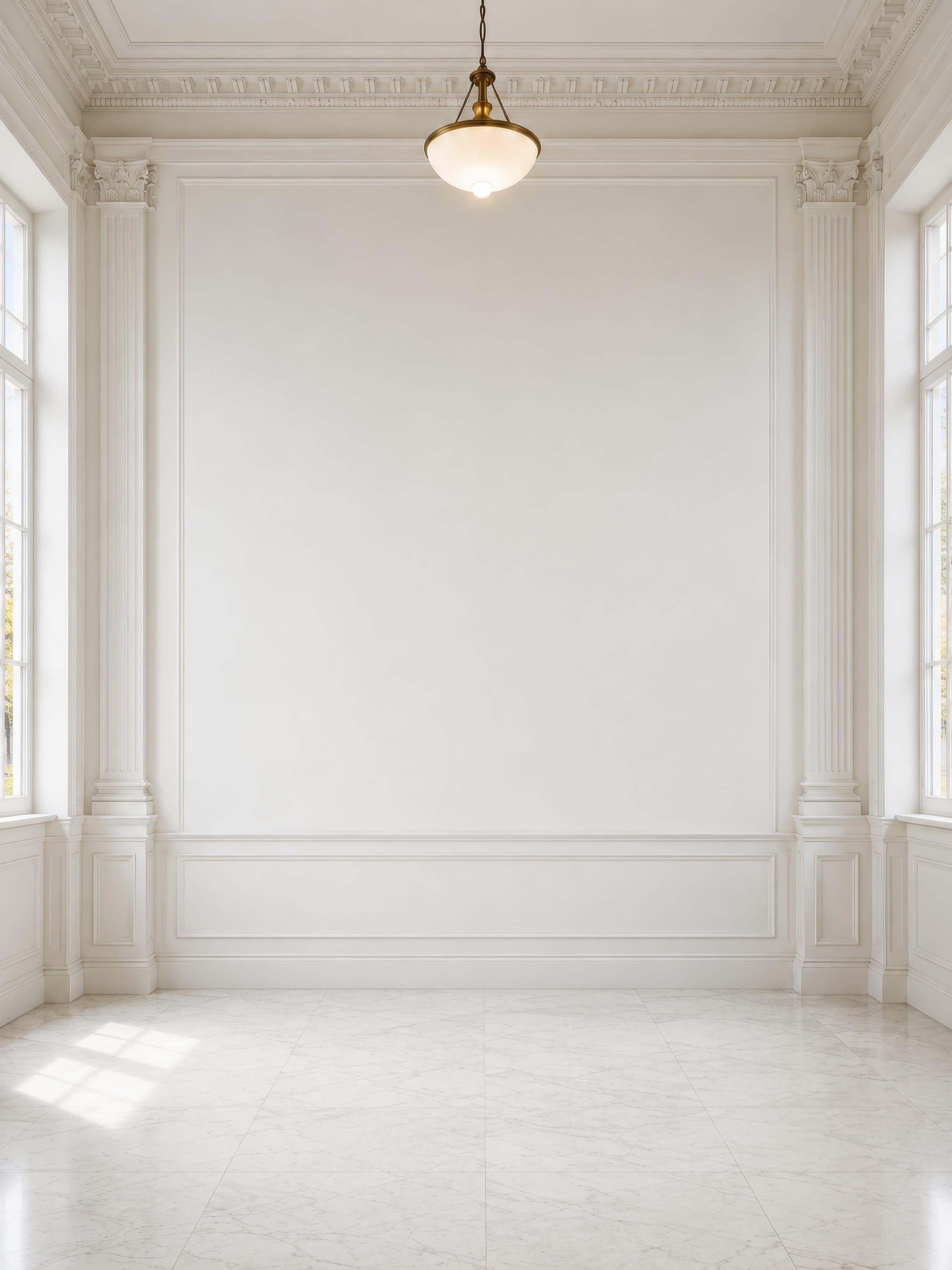
Room pick 1
Close bright neoclassical gallery interior with a large clean white wall framed by ornate columns and side windows
Calibrated wall reference: 120.1 × 160.1 in (305 × 407 cm)
Try this room in the editor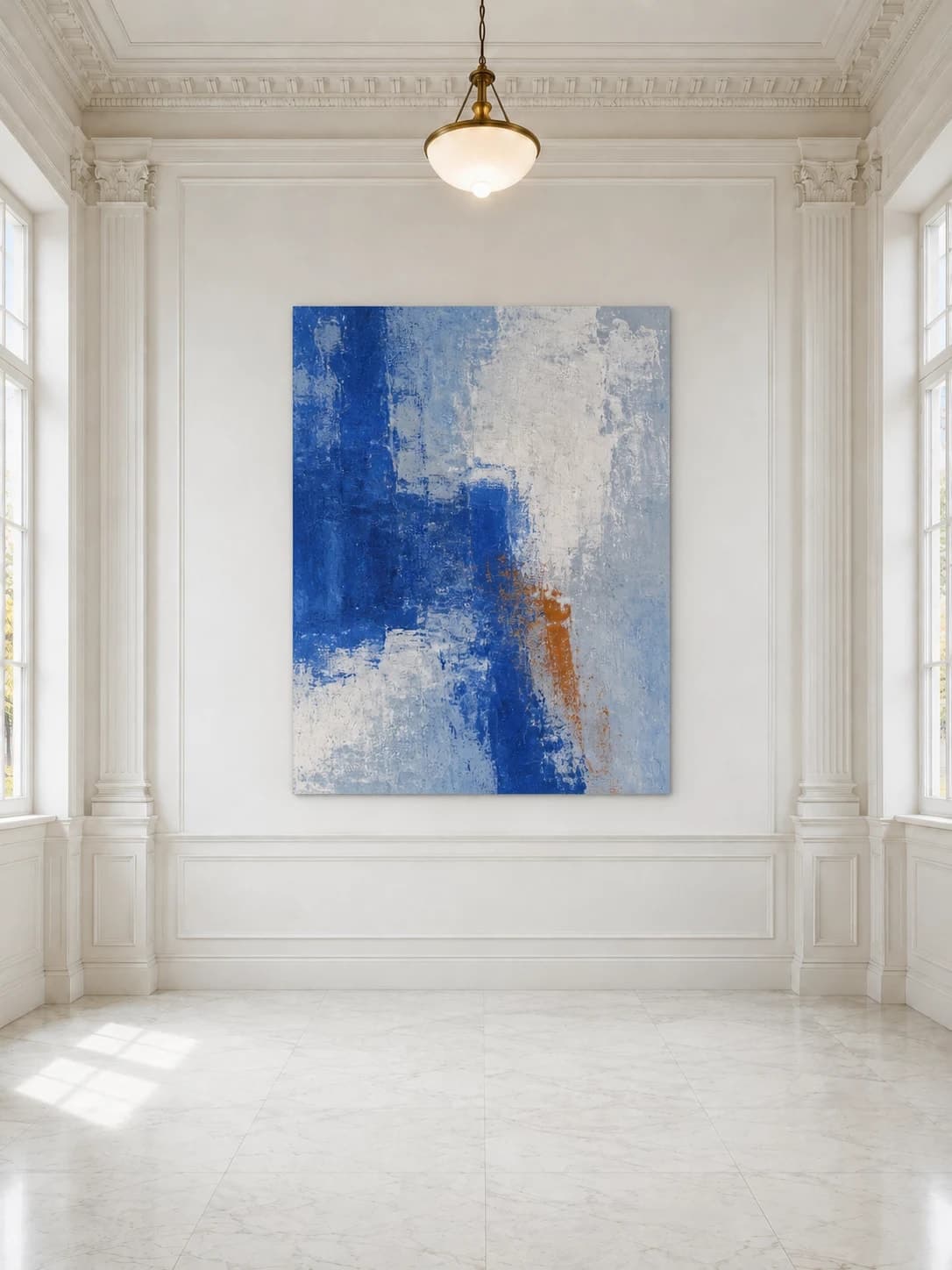
Exhibition mockups
An exhibition mockup should communicate viewing distance, scale, and the relationship between works without pretending to be a residential gallery wall. Use calibrated gallery rooms, generous negative space, and consistent lighting to present one original or a complete series clearly.
Exact room opens in the editor · 30 compatible presets · PNG, JPG, and WEBP export
Best for
Inspiration of use
These generated inspiration examples use the same top-ranked WallMockup rooms available below. Compare the scale, frame, and layout choices, then open the matching blank room to replace the example art with your own.
36 × 48 in / 91 × 122 cm work · unframed
The large blue field remains the focus while the unframed edge keeps the presentation honest to a canvas or panel product.
Try this exact room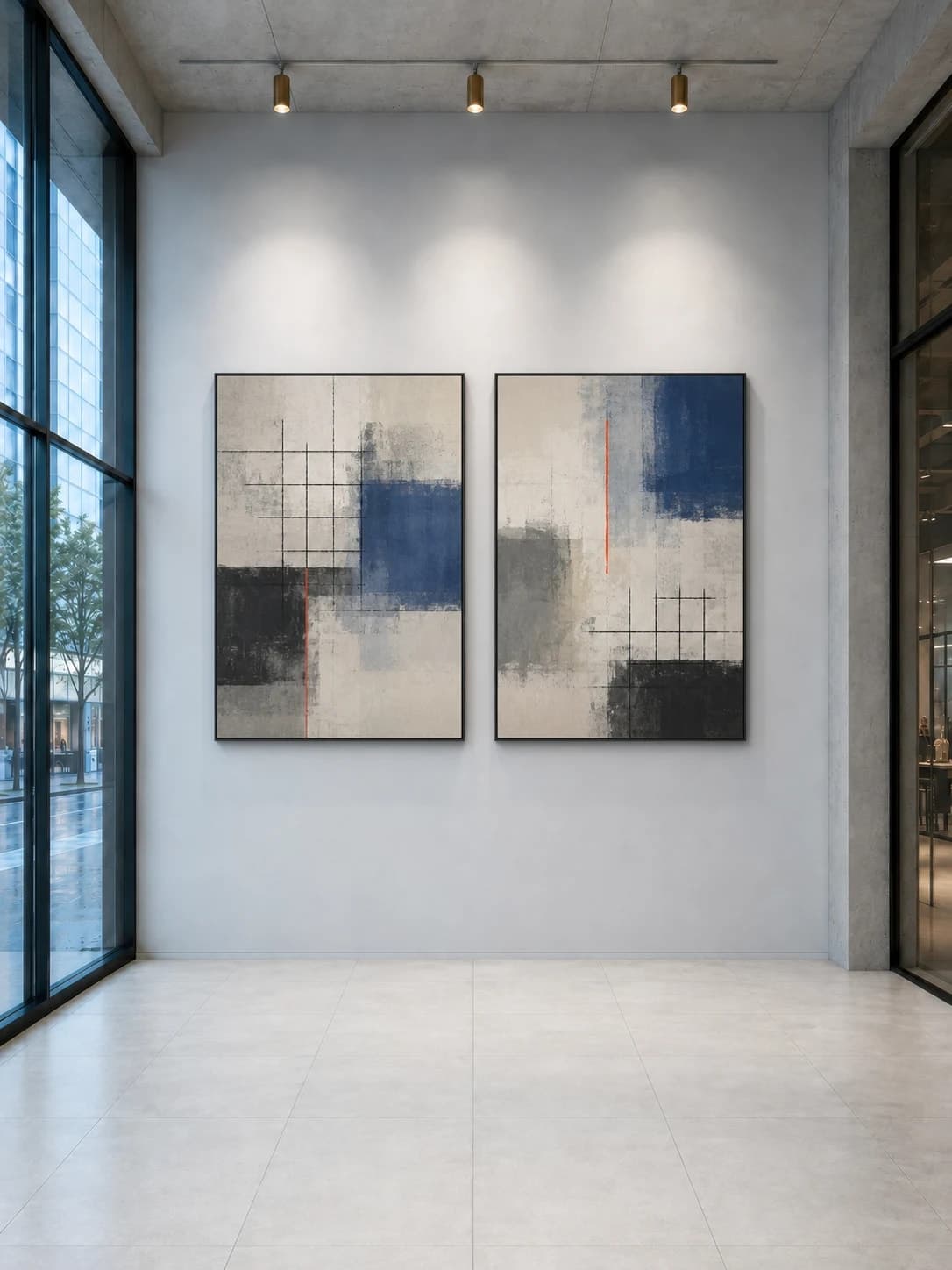
Two 30 × 40 in / 76 × 102 cm works · thin black frames
Consistent frames, spacing, and spotlights make two separate works read as one exhibition decision.
Try this exact room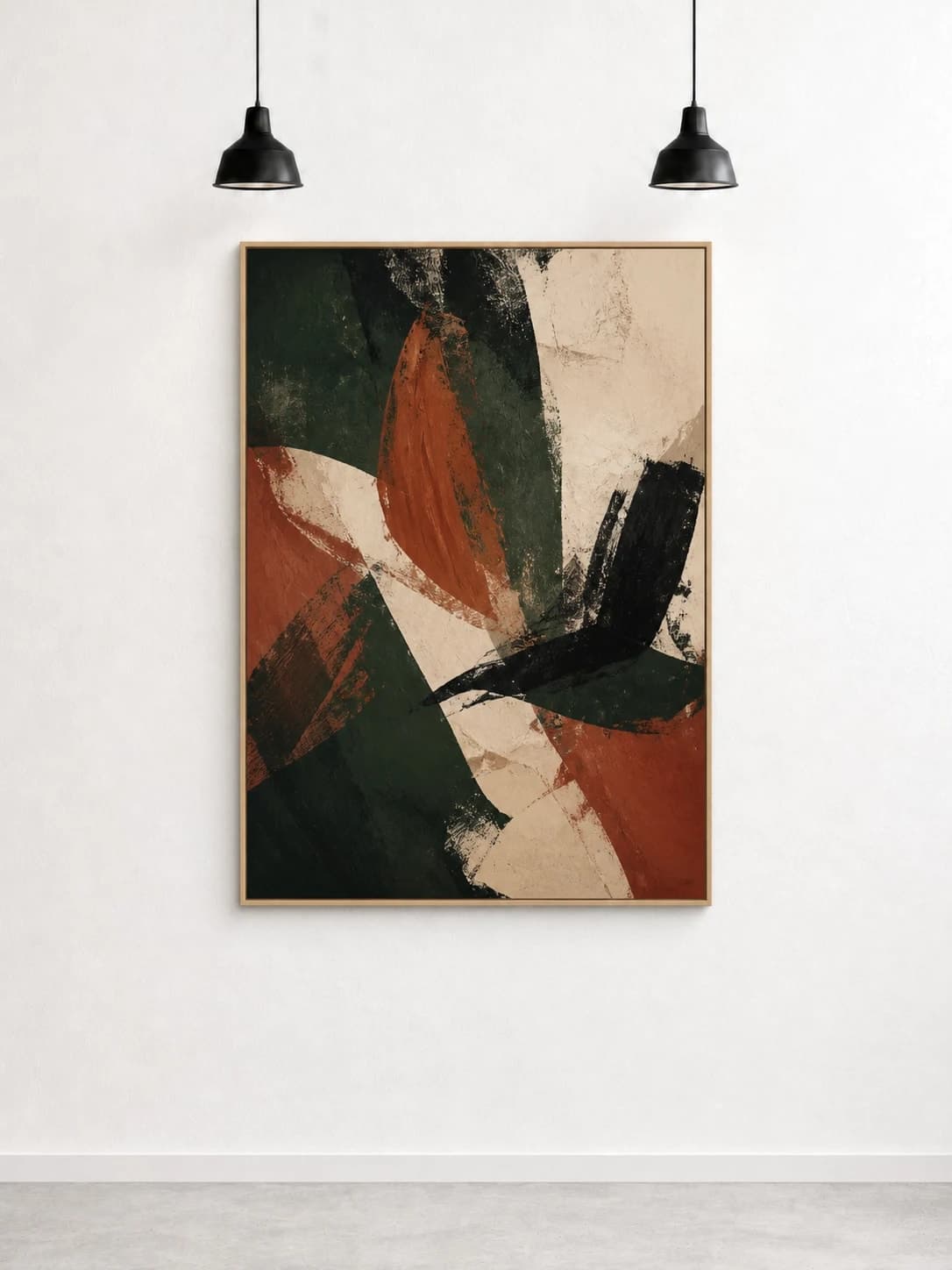
36 × 48 in / 91 × 122 cm work · natural oak frame
Natural oak softens the high-contrast painting while the central placement follows the room's pendant-light rhythm.
Try this exact roomChosen from real usage
These are the three highest gallery presets in completed-download order: a formal neoclassical wall, a modern corridor, and a minimal textured white exhibition wall.
Room pick 1
Calibrated wall reference: 120.1 × 160.1 in (305 × 407 cm)
Try this room in the editor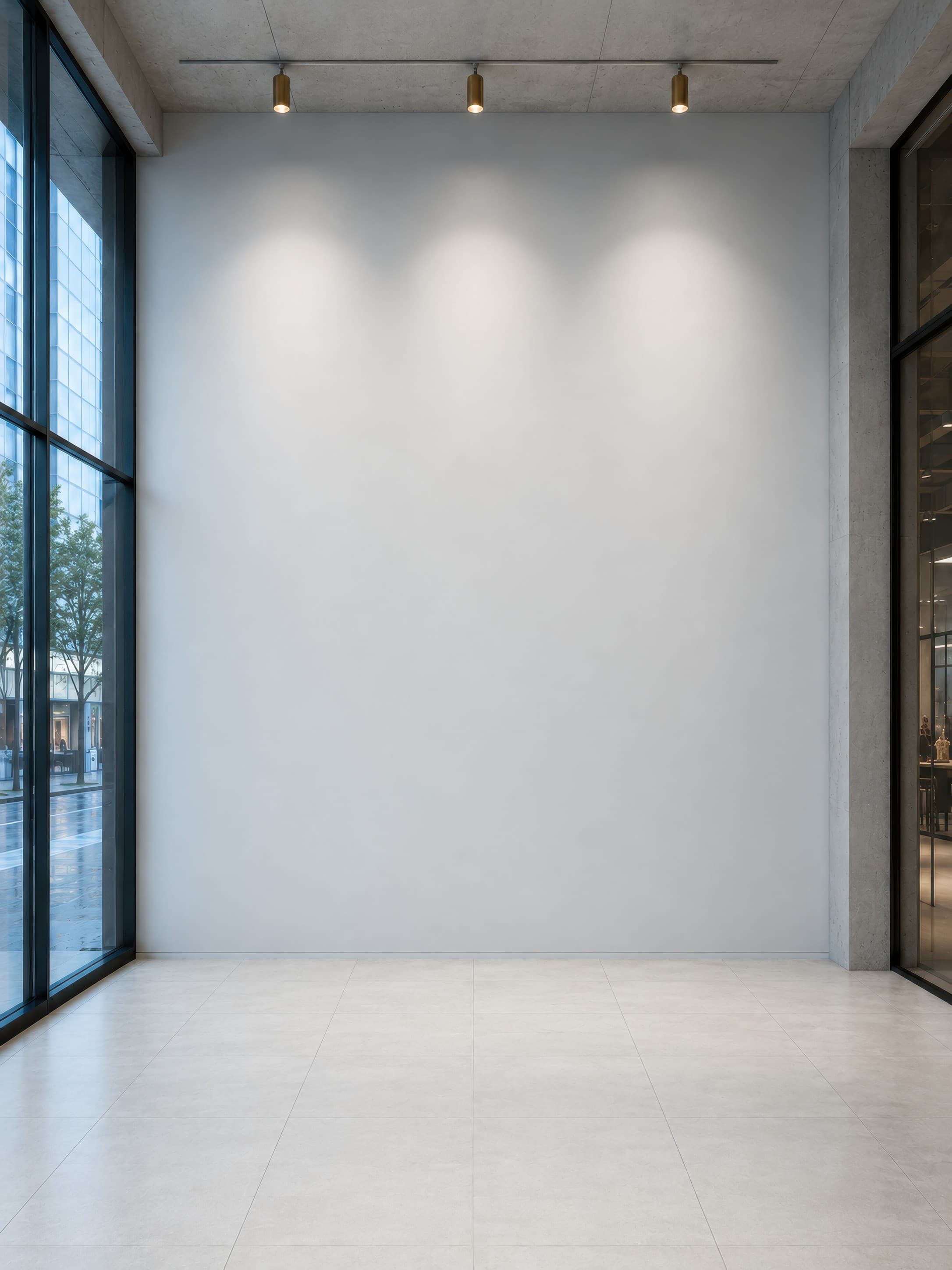
Room pick 2
Calibrated wall reference: 116.6 × 155.5 in (296 × 395 cm)
Try this room in the editor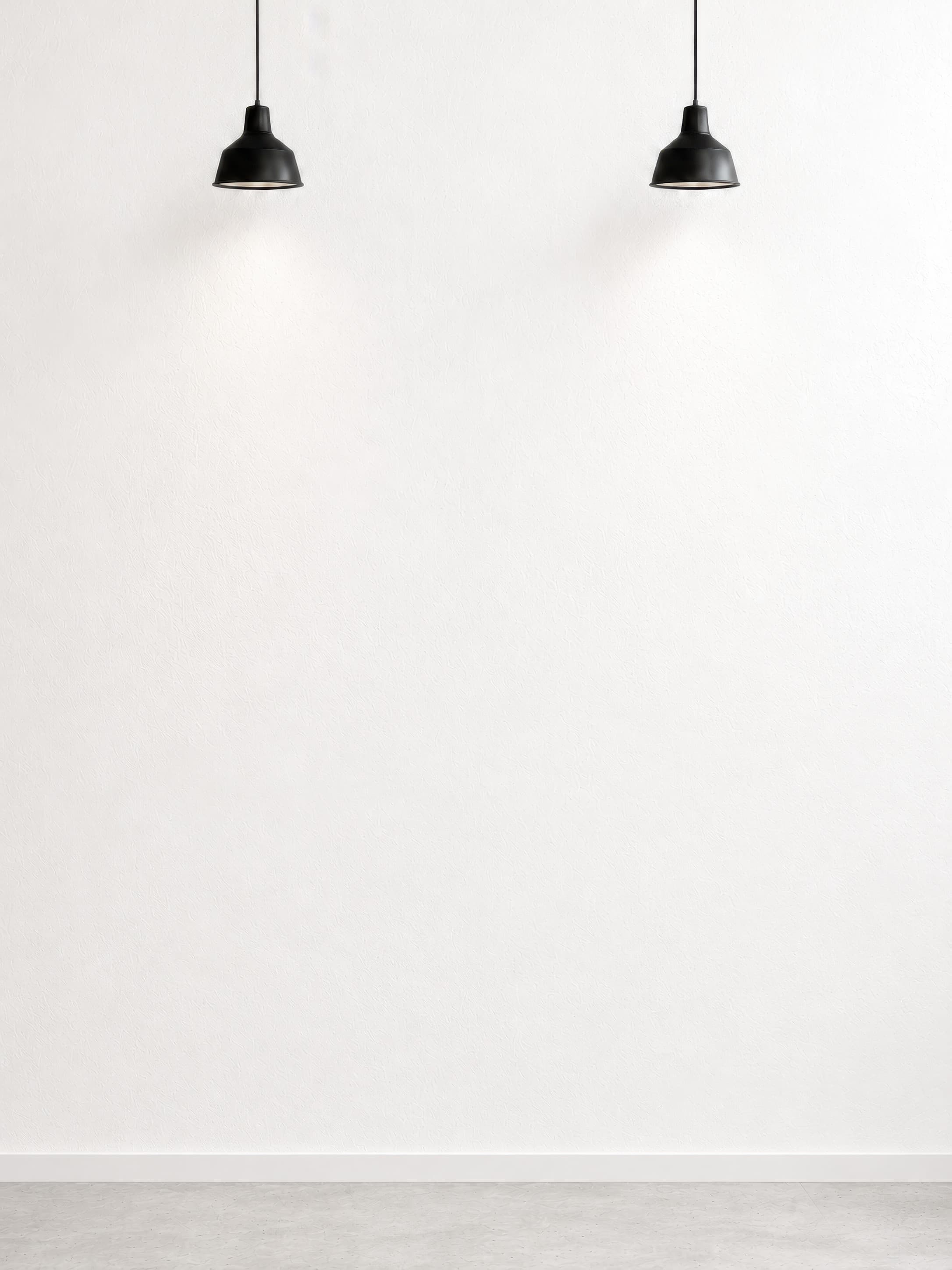
Room pick 3
Calibrated wall reference: 72 × 96 in (183 × 244 cm)
Try this room in the editor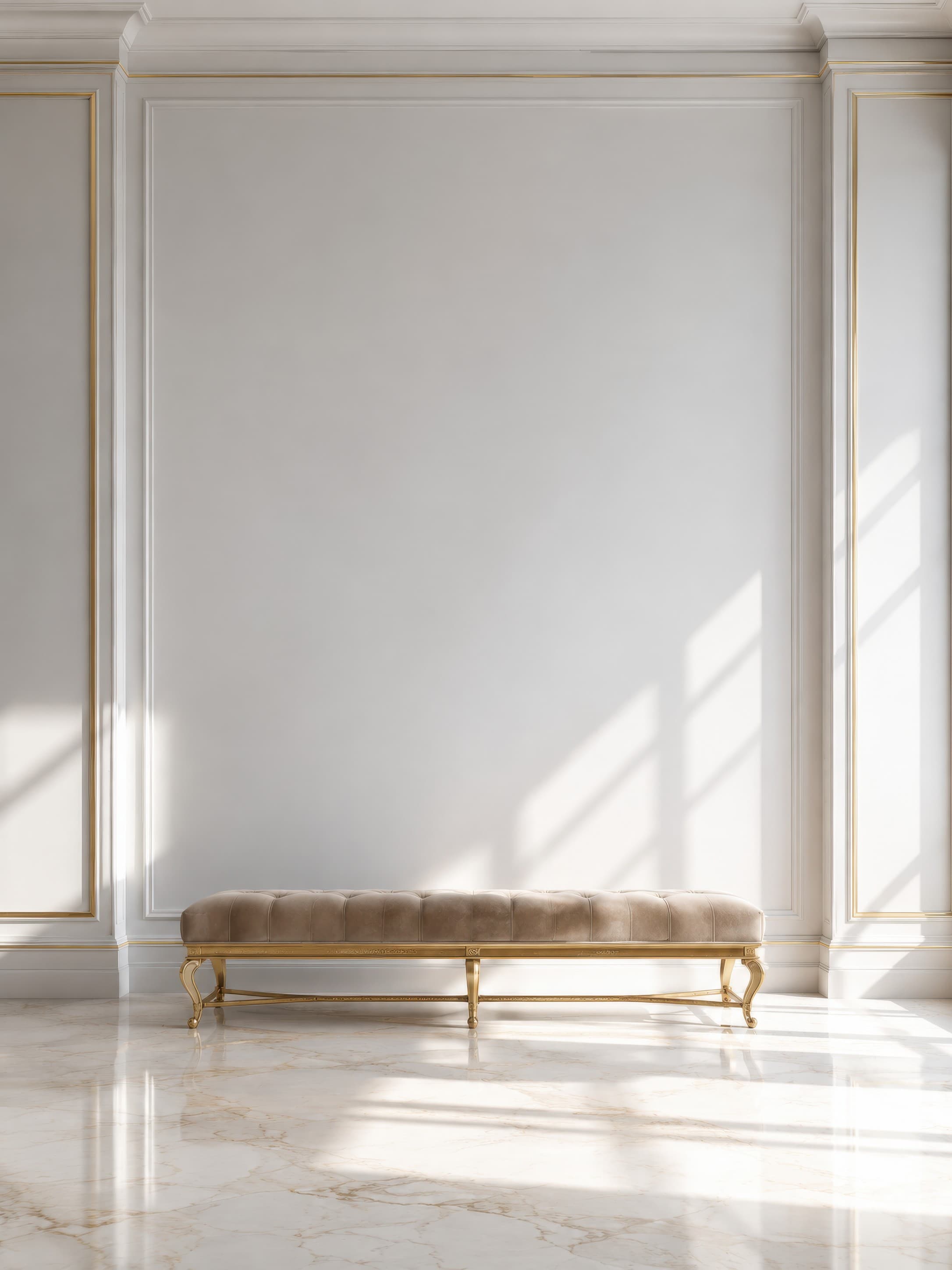
Room pick 4
Calibrated wall reference: 99 × 132 in (251 × 335 cm)
Try this room in the editor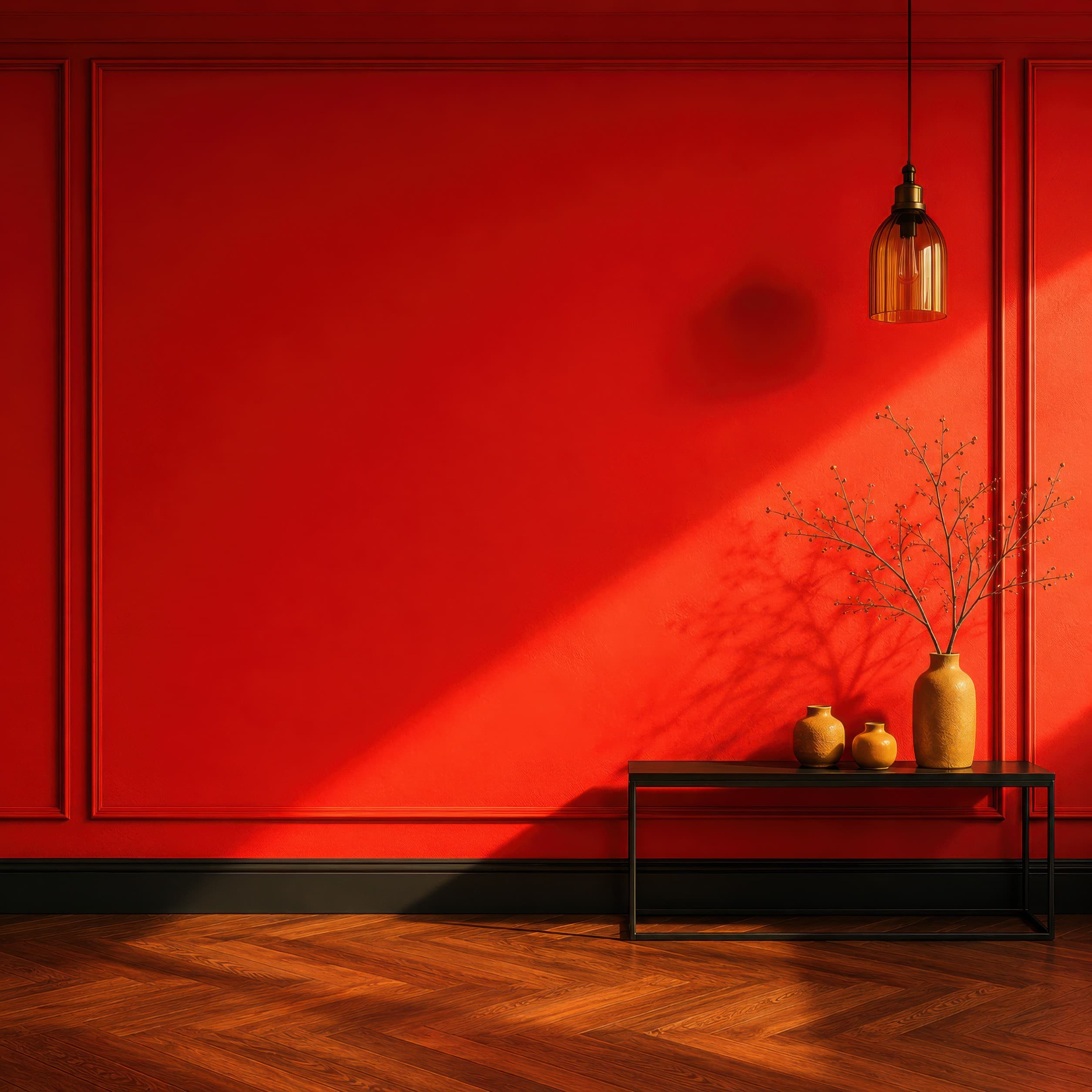
Room pick 5
Calibrated wall reference: 112.8 × 112.8 in (287 × 287 cm)
Try this room in the editor
Room pick 6
Calibrated wall reference: 139.4 × 99.6 in (354 × 253 cm)
Try this room in the editor
Room pick 7
Calibrated wall reference: 97.2 × 97.2 in (247 × 247 cm)
Try this room in the editor
Room pick 8
Calibrated wall reference: 139.4 × 99.6 in (354 × 253 cm)
Try this room in the editor
Room pick 9
Calibrated wall reference: 108 × 130 in (274 × 330 cm)
Try this room in the editor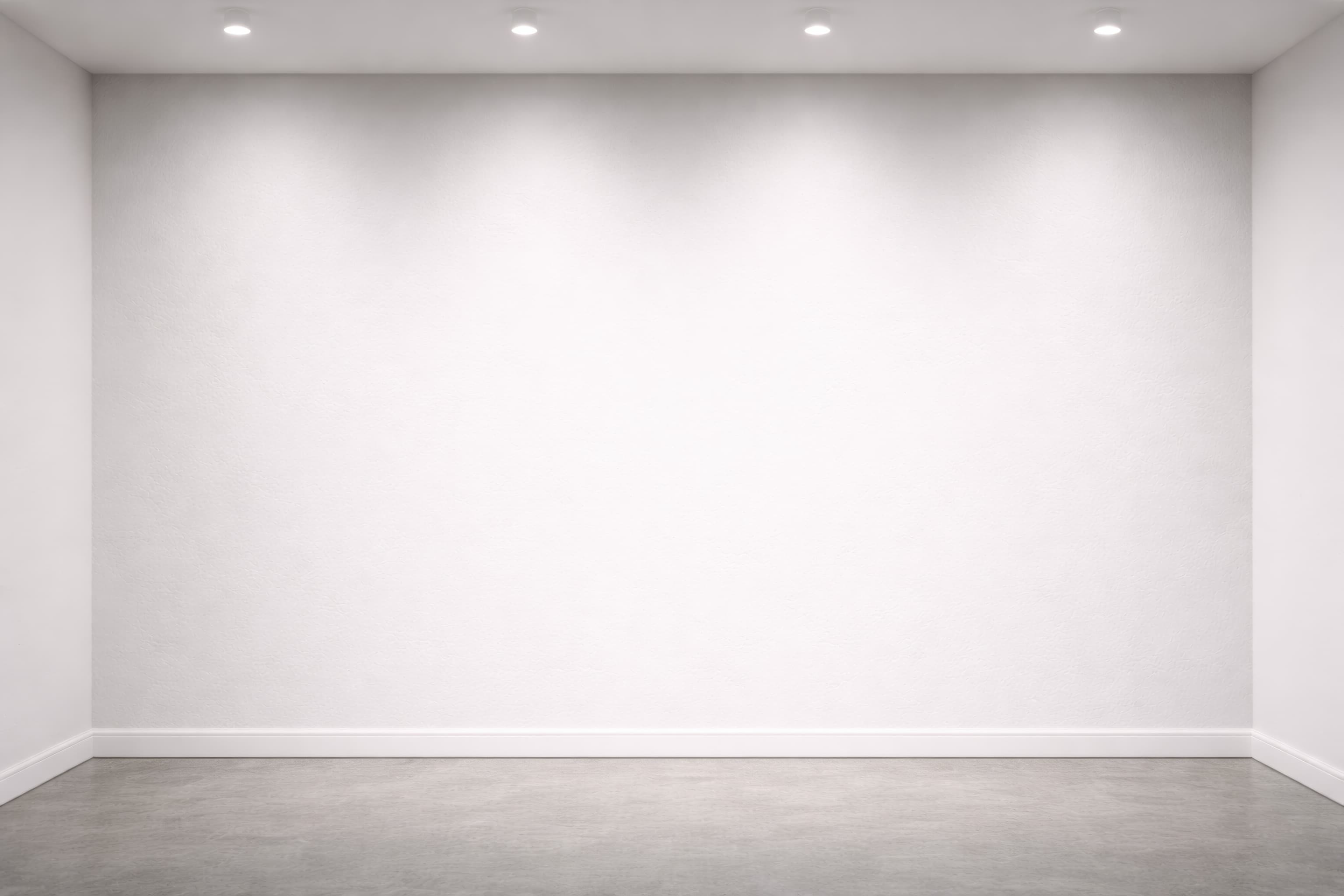
Room pick 10
Calibrated wall reference: 139.4 × 99.6 in (354 × 253 cm)
Try this room in the editor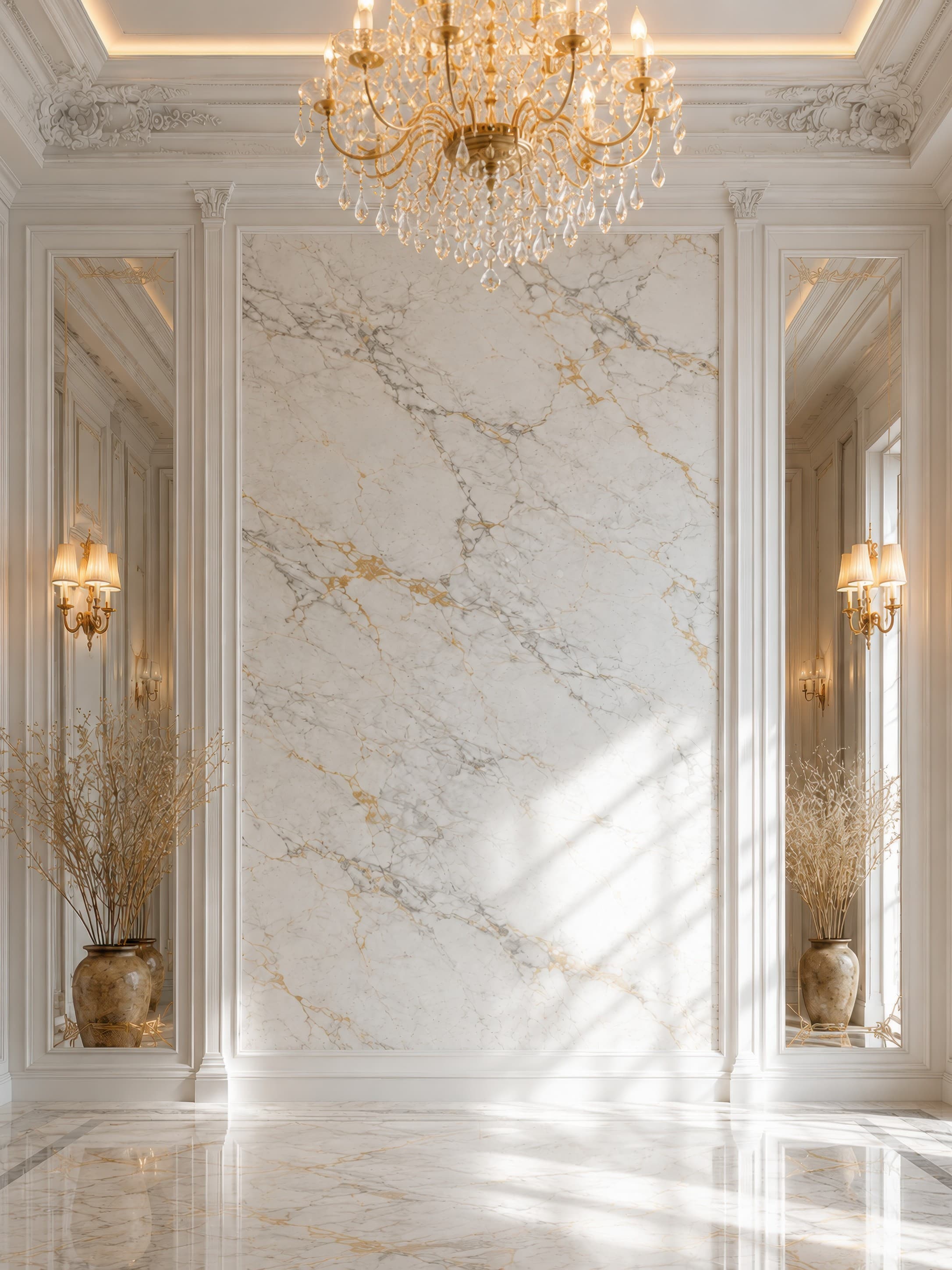
Room pick 11
Calibrated wall reference: 139.8 × 139.8 in (355 × 355 cm)
Try this room in the editor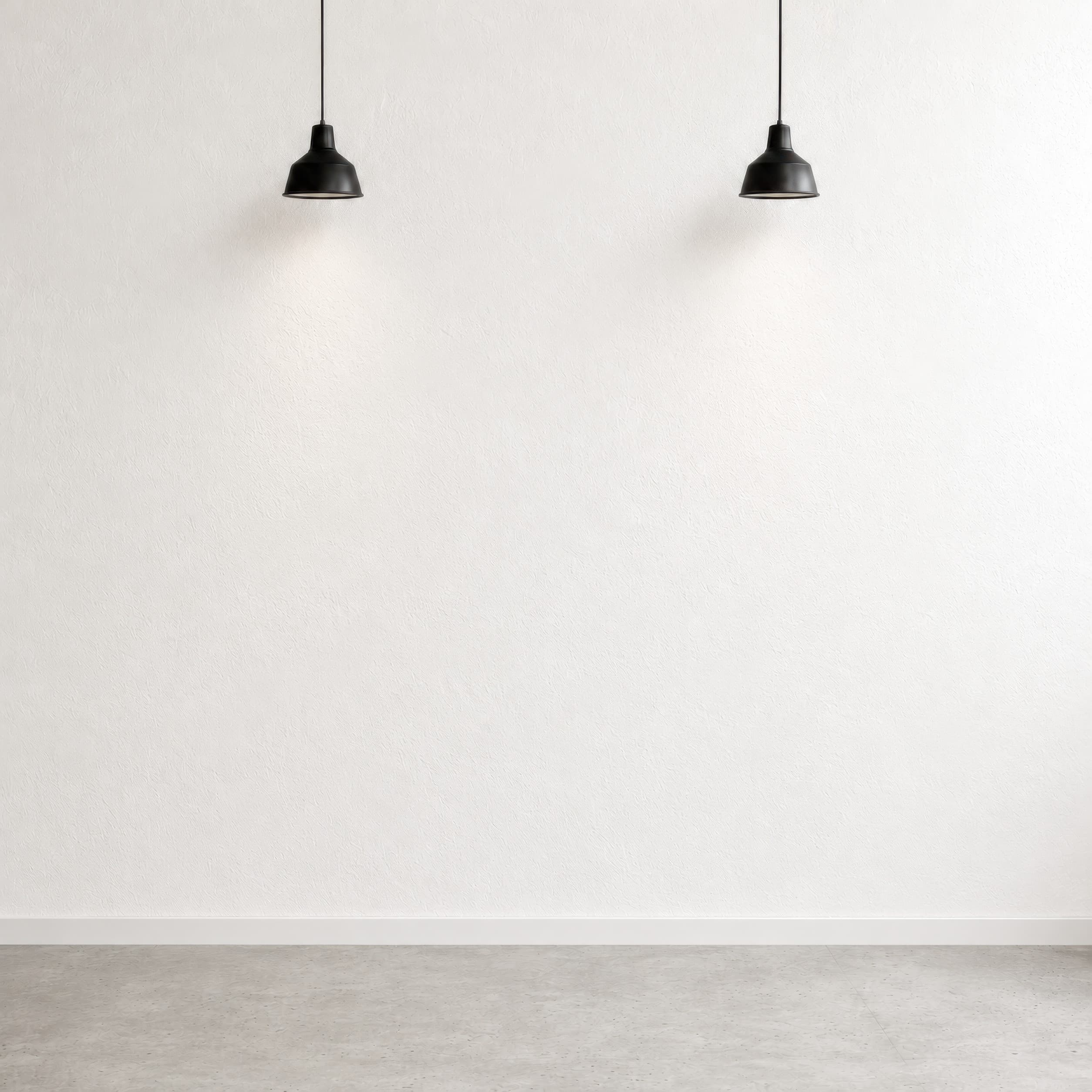
Room pick 12
Calibrated wall reference: 96 × 96 in (244 × 244 cm)
Try this room in the editor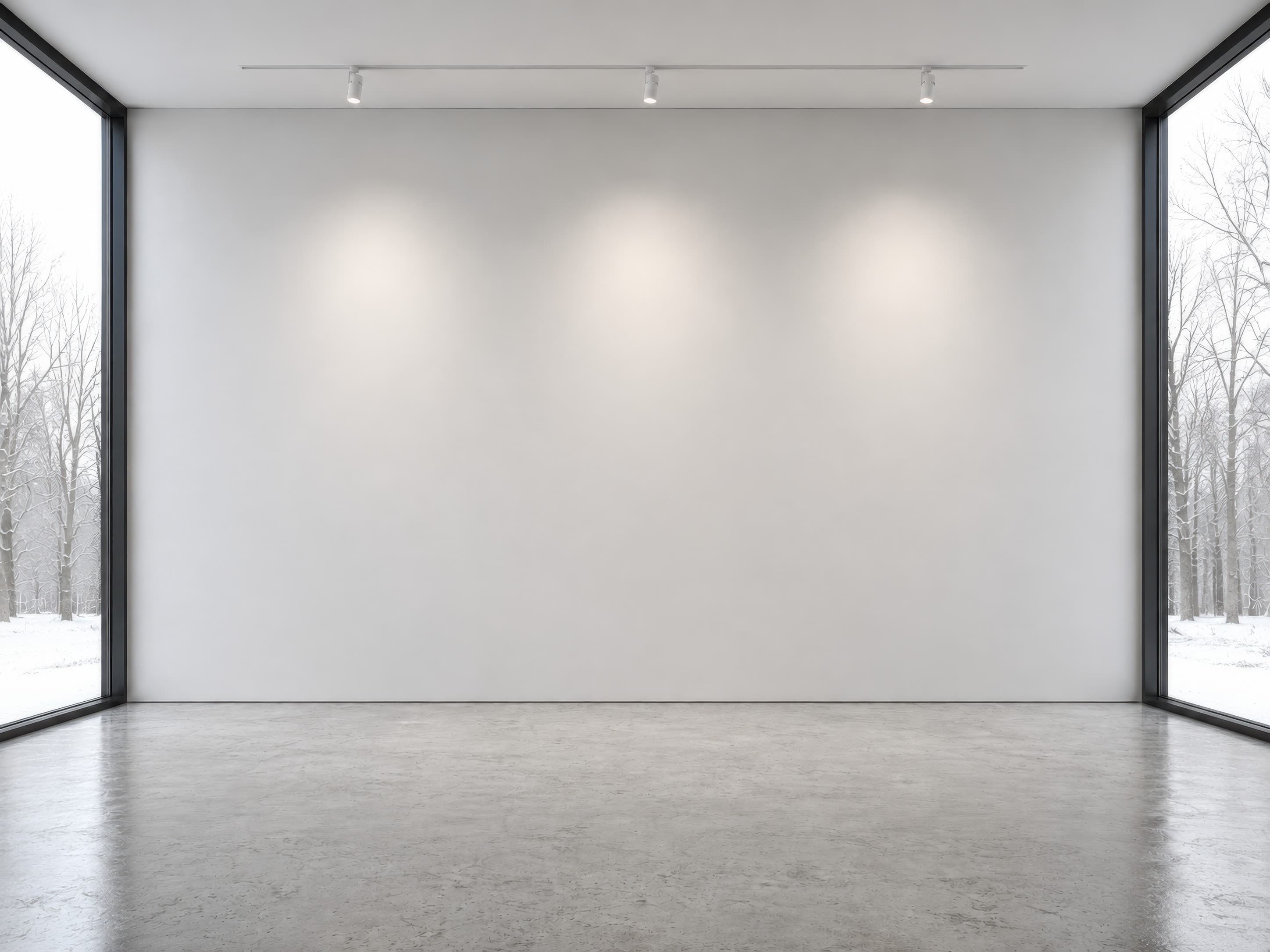
Room pick 13
Calibrated wall reference: 240 × 135 in (610 × 343 cm)
Try this room in the editor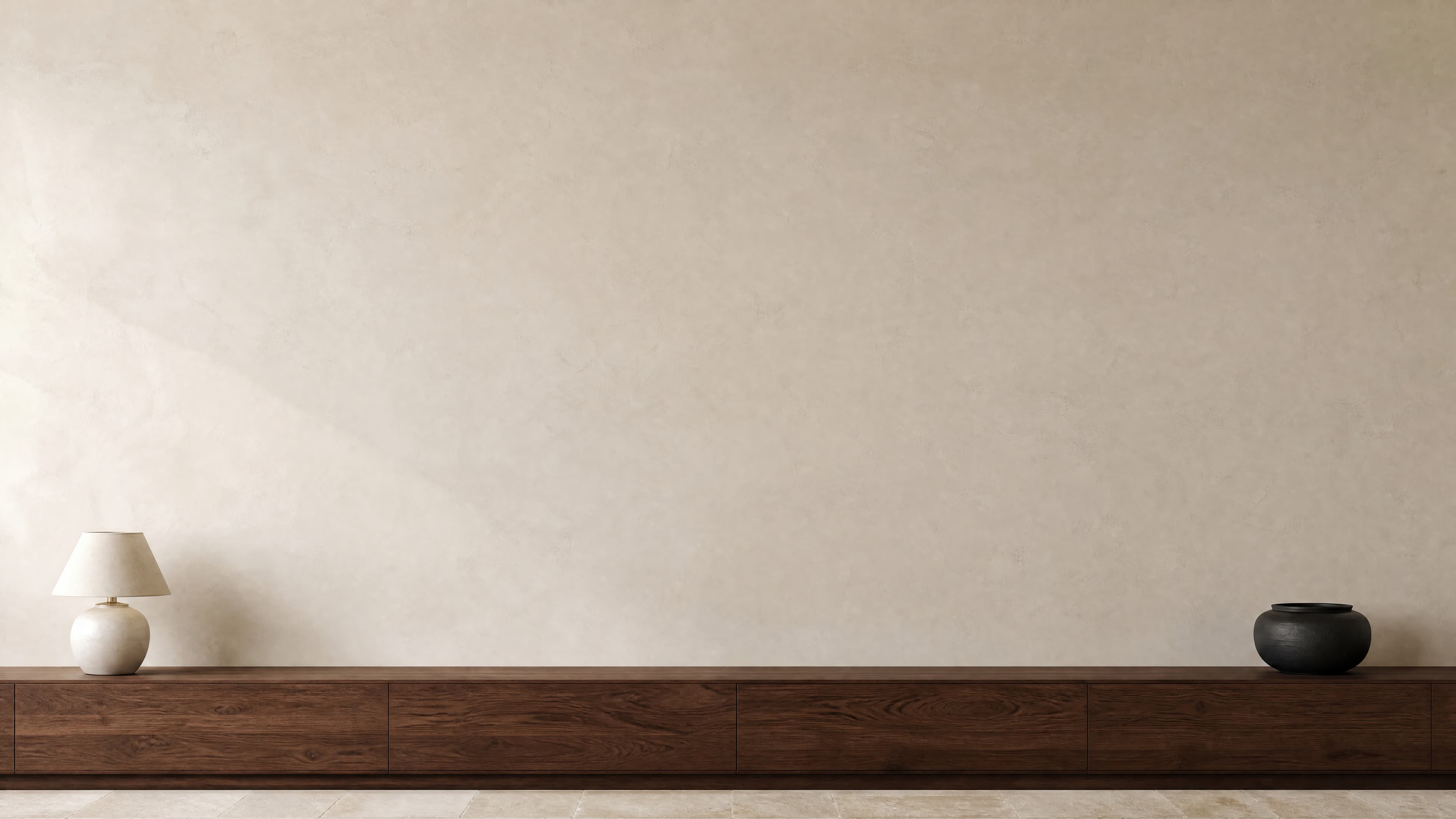
Room pick 14
Calibrated wall reference: 172.5 × 97 in (438 × 246 cm)
Try this room in the editor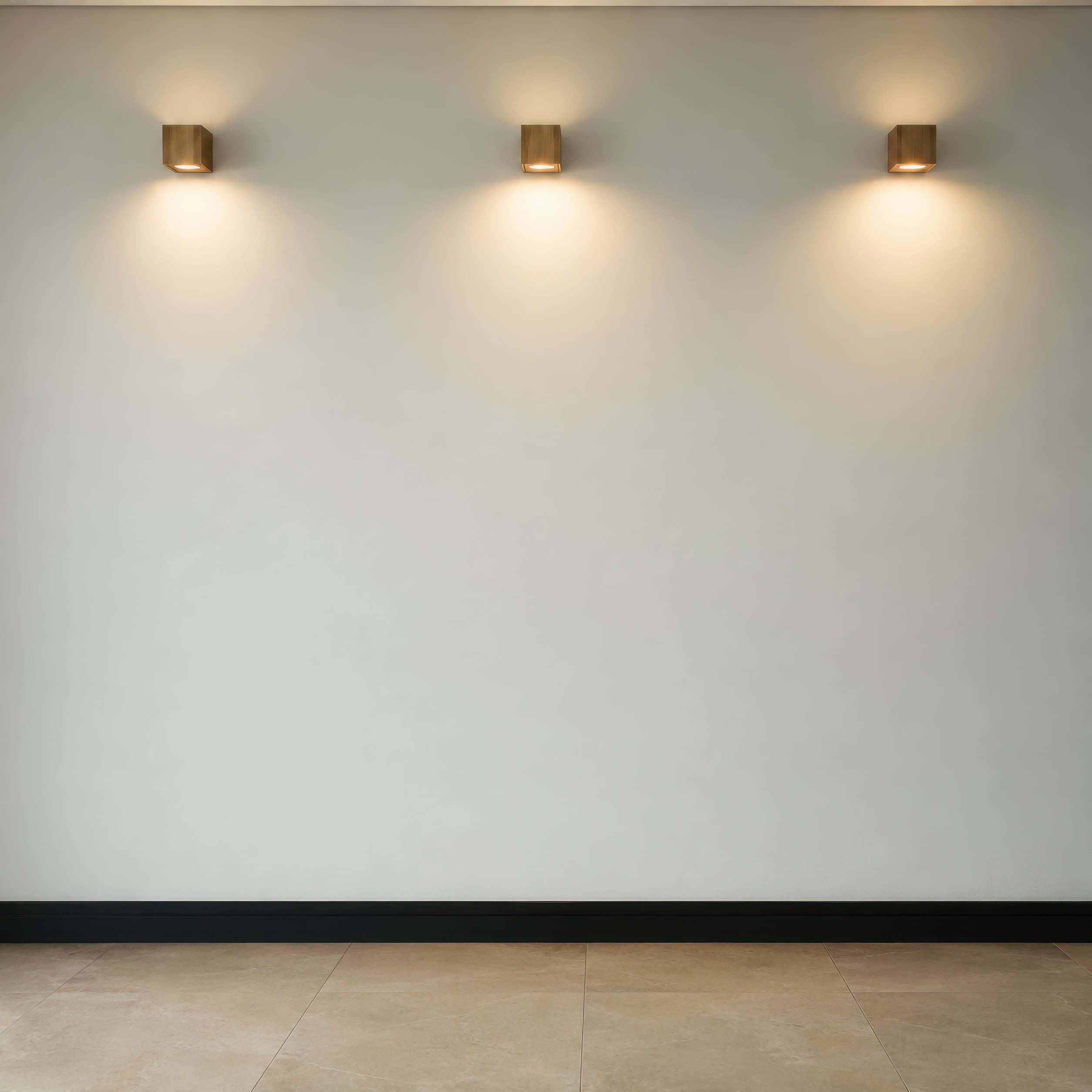
Room pick 15
Calibrated wall reference: 120 × 120 in (305 × 305 cm)
Try this room in the editor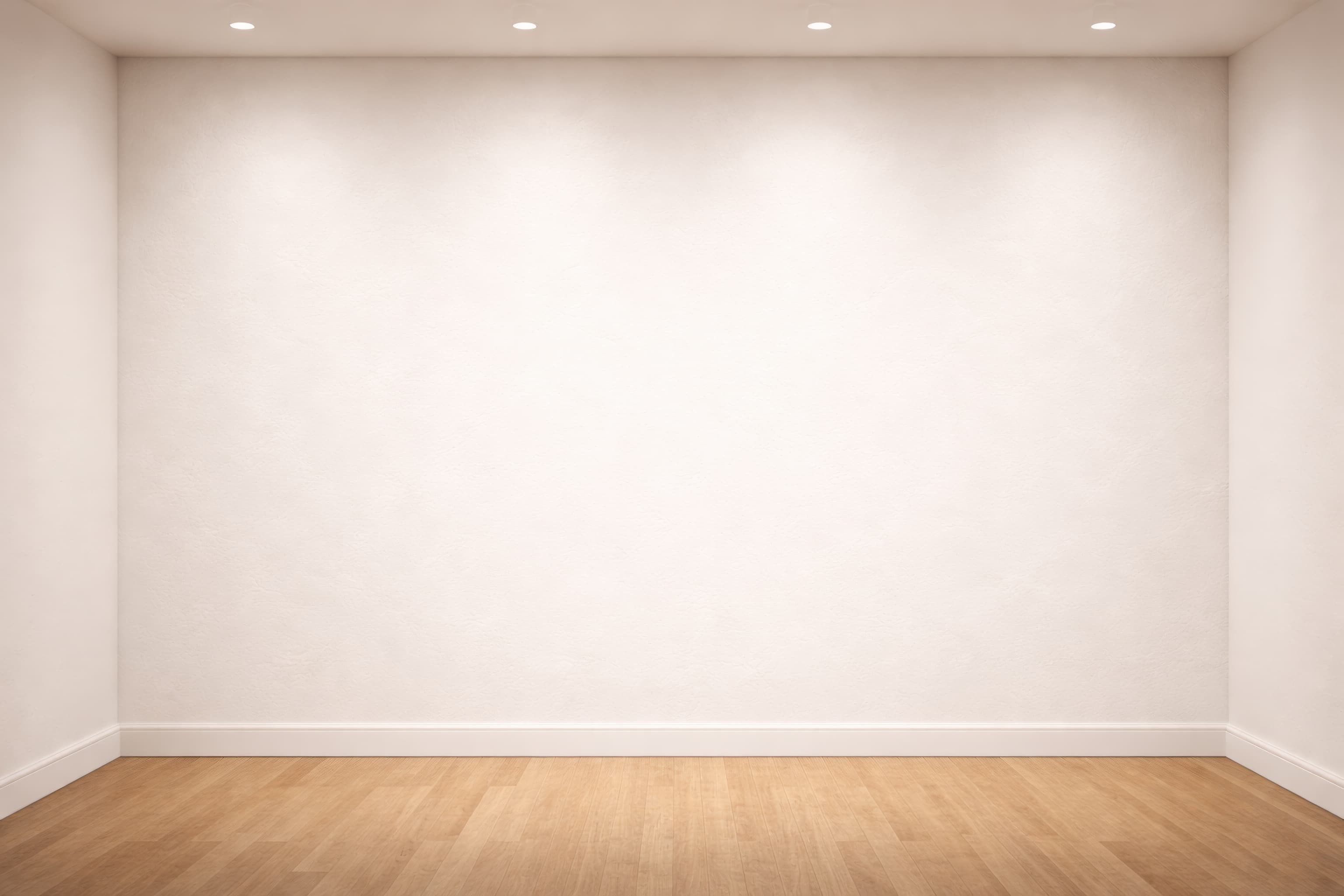
Room pick 16
Calibrated wall reference: 139.4 × 99.6 in (354 × 253 cm)
Try this room in the editor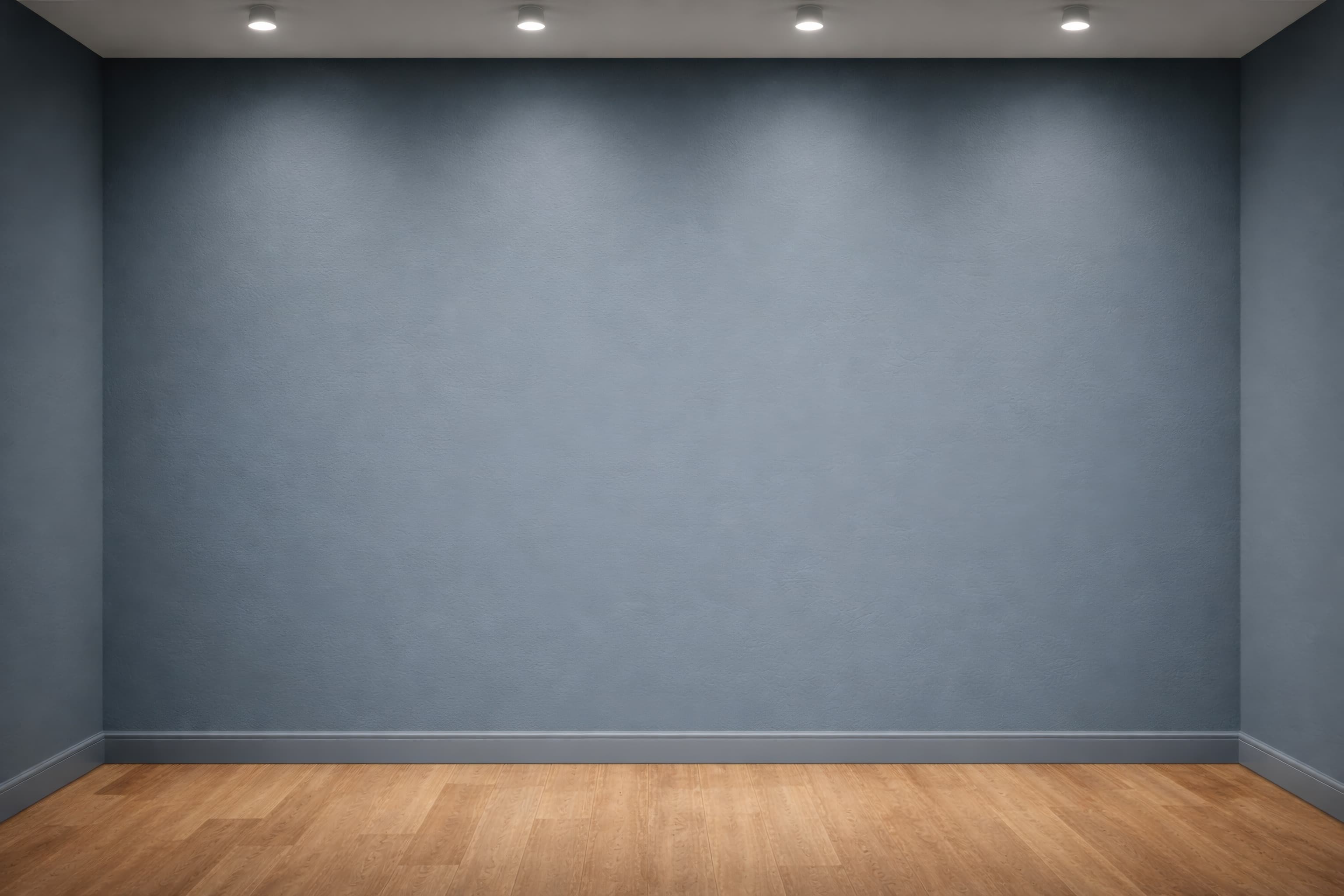
Room pick 17
Calibrated wall reference: 139.4 × 99.6 in (354 × 253 cm)
Try this room in the editor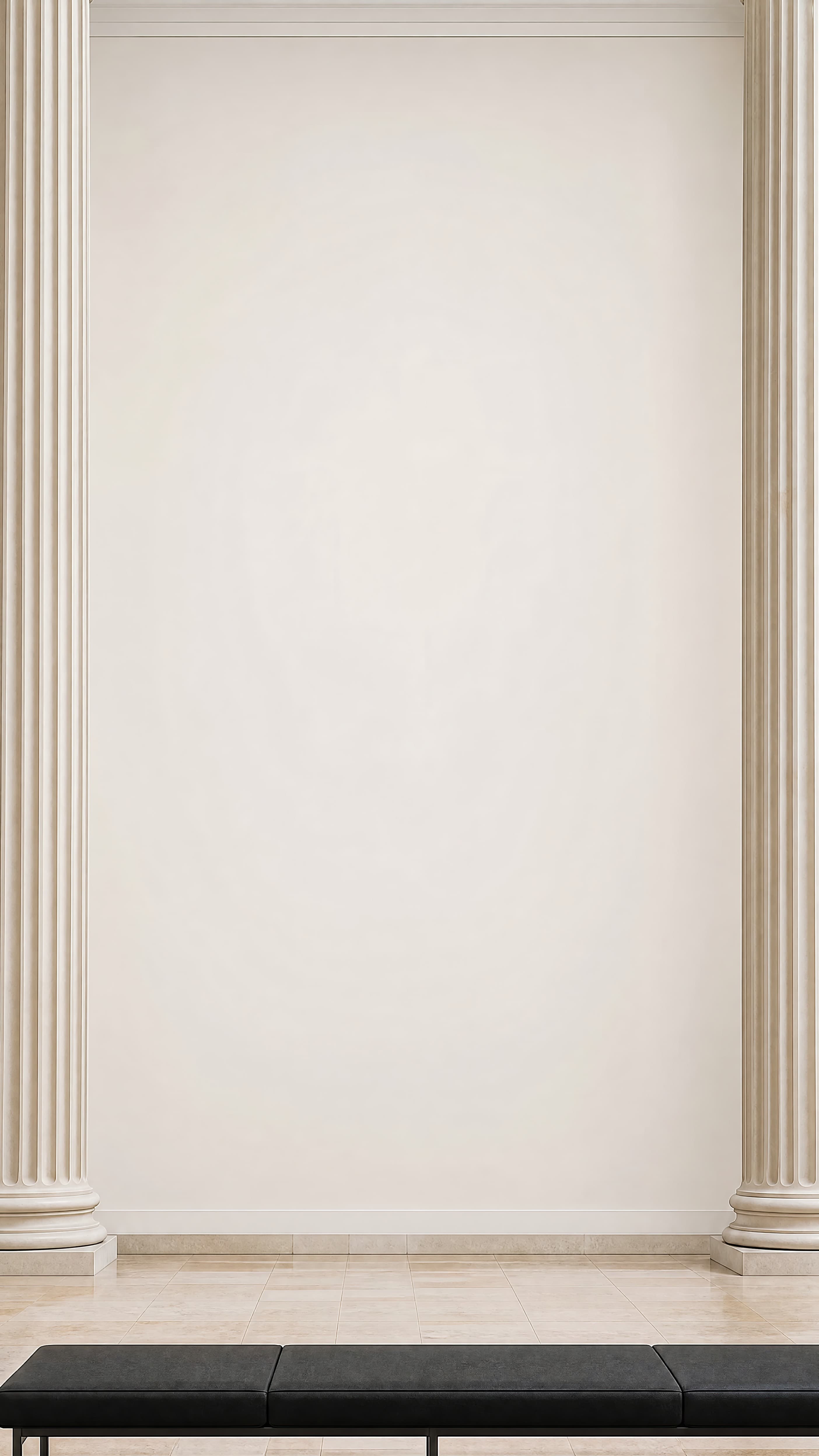
Room pick 18
Calibrated wall reference: 108 × 144 in (274 × 366 cm)
Try this room in the editor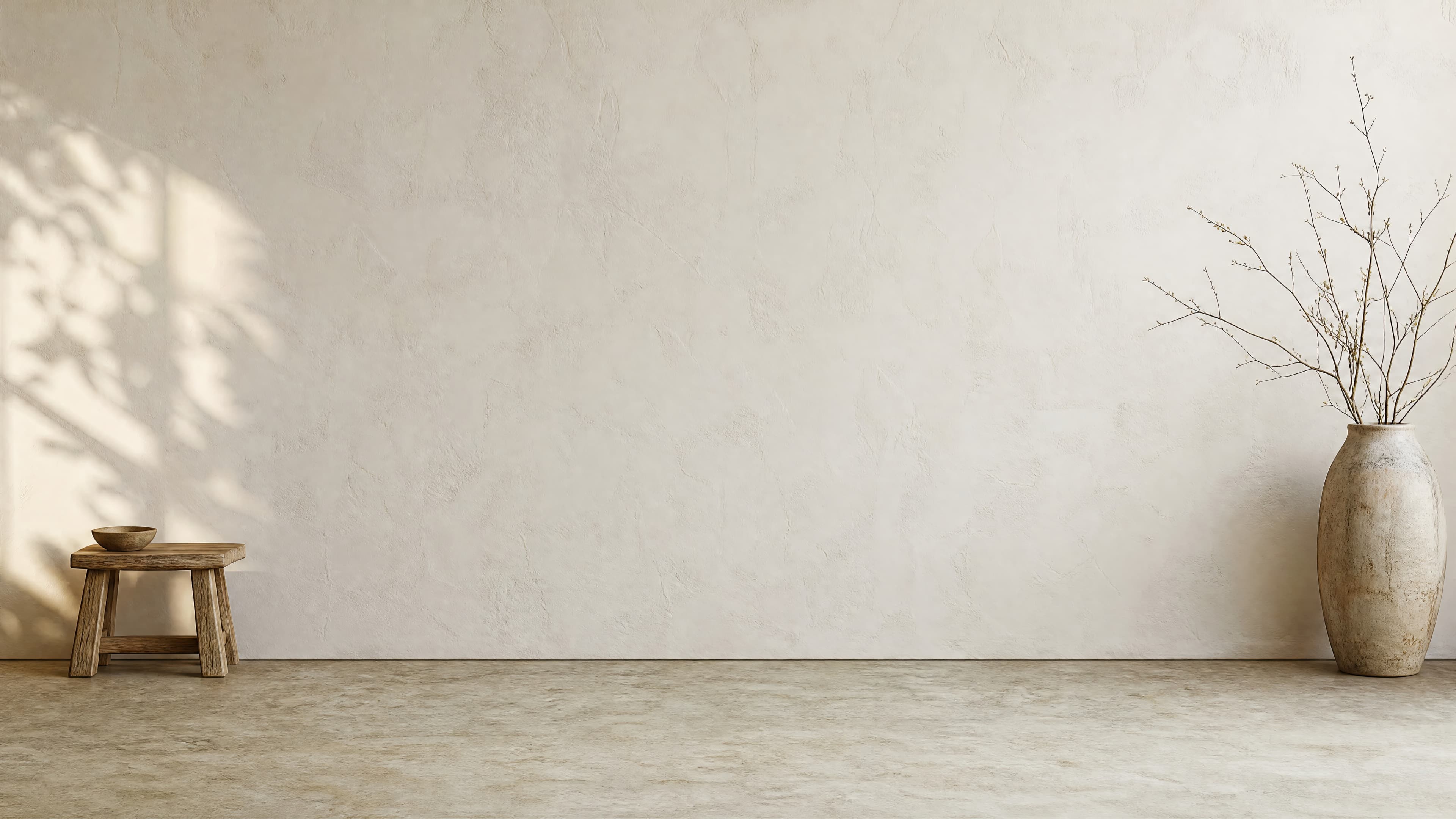
Room pick 19
Calibrated wall reference: 192 × 108 in (488 × 274 cm)
Try this room in the editor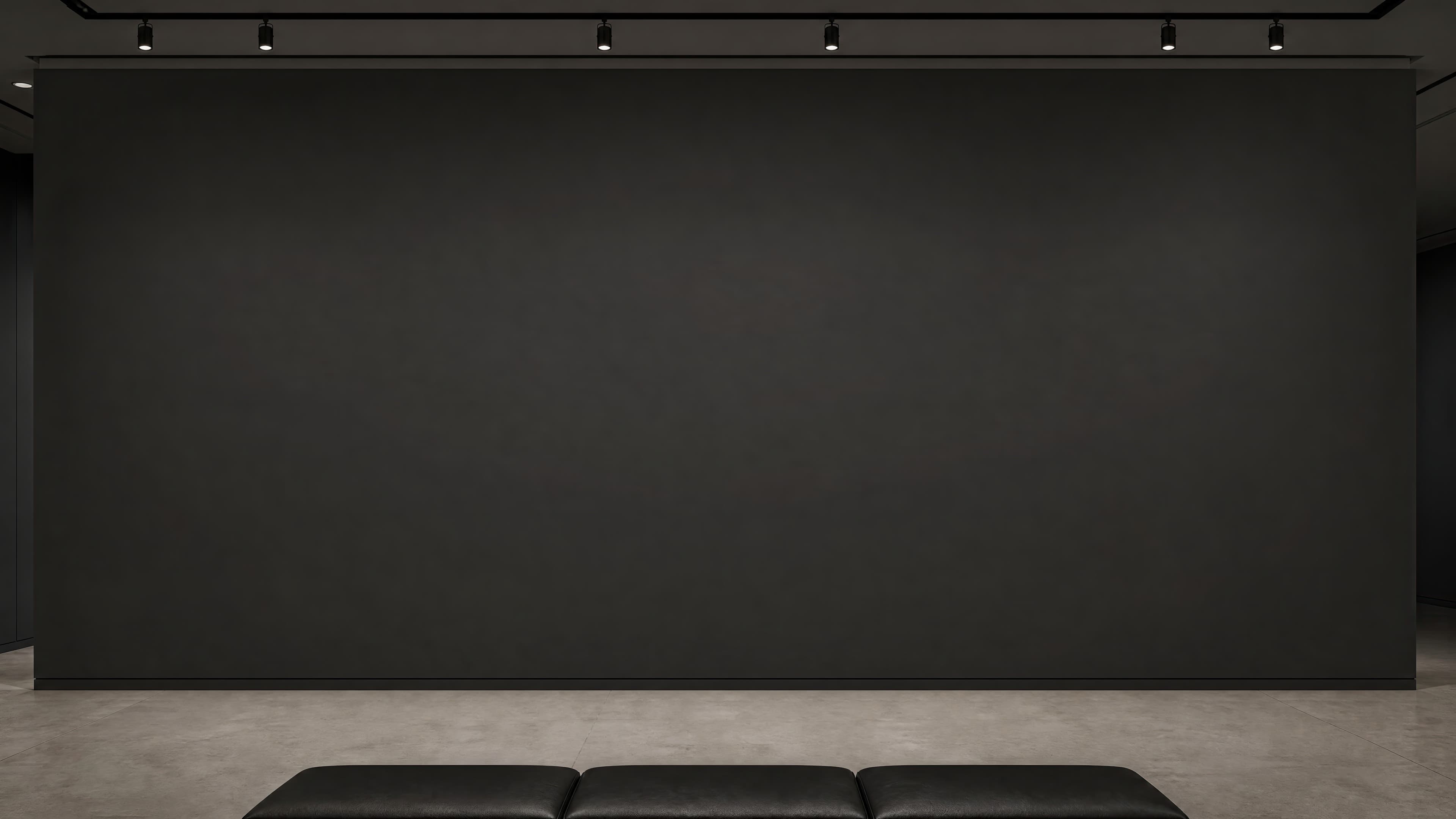
Room pick 20
Calibrated wall reference: 177.5 × 99.8 in (451 × 253 cm)
Try this room in the editorGuide 1
Gallery mockups suit originals, large photography, limited editions, and exhibition proposals because the room provides fewer domestic distractions. A formal paneled gallery can add weight to traditional or highly finished work. A white plaster wall is more neutral for contemporary art. A corridor helps demonstrate a sequence and viewing approach rather than only a straight-on hero view.
Use a single large work when scale is the main story. Use a pair or series when the relationship between pieces is part of the product or proposal. Keep labels, benches, and decorative objects secondary; if a label is shown, it must not imply a real exhibition or institution that does not exist.
Guide 2
Spotlights and pendant fixtures make gallery scenes convincing only when their illumination and frame shadows agree. Avoid a bright pool of light that stops at the frame edge or changes the artwork's whites. For glossy or glazed work, use restrained reflections; a perfectly reflection-free surface under dramatic gallery lights can look synthetic.
Viewing distance is part of the composition. A close room makes texture and frame depth easier to see, while a wider corridor proves scale and spacing. Use both when preparing a collector presentation, but keep the stated physical dimensions identical across views.
Guide 3
Label every mockup as a visualization. Include exact dimensions, frame treatment, and whether the view represents one work or a proposed series. The mockup can help a collector or curator understand scale, but it should not claim that the artwork has been installed in the pictured venue. For proposals, pair one wide installation view with a closer artwork detail.
Size reference
These are visual starting points, not universal room rules. Use the complete framed object or multi-panel group, then verify the result with the exact furniture and wall dimensions available to you.
| Placement | Starting point | Check before export |
|---|---|---|
| Single exhibition work | Choose a wall that leaves deliberate negative space around the exact outer dimensions. | Keep architectural edges visible so viewers can judge scale. |
| Series or pair | Use consistent center height and spacing unless the proposal intentionally varies them. | State each work's size and the full installed span. |
| Large-format work | Preserve floor, ceiling, or doorway cues instead of cropping the work until it fills the frame. | Inspect the result at room distance and in a detail crop. |
Calculate a single framed work or the total width of a proposed group.
1
Use the real product file and preserve its natural aspect ratio.
2
Select one of the popular rooms, enter the physical dimensions, and use only presentation controls that match the real product.
3
Check scale, wall contrast, lighting, and the listing crop before downloading.
An art-gallery mockup places work in an exhibition-style space for scale and presentation. A gallery-wall mockup usually means several framed pieces arranged together as one residential display.
Yes. Keep work sizes, center heights, and gaps explicit, and choose a wall with enough visible architecture to make the full installed span believable.
White and pale neutral walls make comparison easy, but colored, paneled, and concrete galleries can suit specific work. Use the wall that supports the proposal without changing the perceived color of the art.
Yes. State that it is a visualization and include the artwork's real dimensions and frame treatment. Do not imply that the pictured gallery is a real installation unless it is.
Upload the artwork, choose one of the selected rooms, enter the real dimensions, and export a listing-ready image without a template file.
Open the editorRoom selection and guidance reviewed by WallMockup product team. Last materially reviewed 2026-08-12. Popularity follows the editor preset order, which is maintained by completed production downloads.