Room mockups
Choose the environment that makes the artwork's audience, mood, and scale easy to understand.
Includes: Living room, Art Deco, bedroom, nursery, office, art gallery, or a nearly empty wall.
Wall art size calculator →Wall art mockup library
Room mockups answer where the artwork belongs. Format and layout mockups answer how the product is built or arranged. Browse both, choose a popular starting room, then open WallMockup to place the art at its real dimensions.
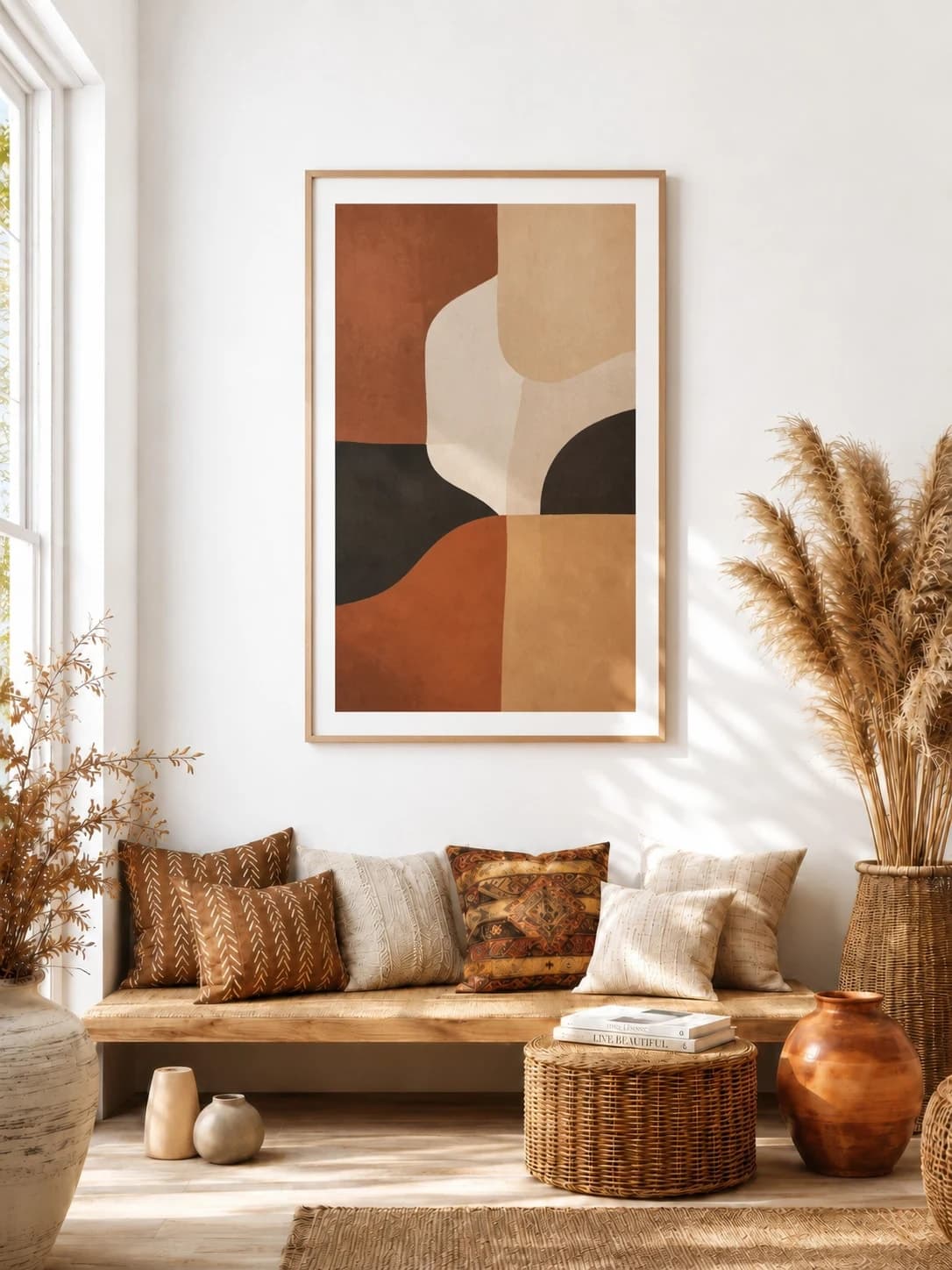
Choose the environment that makes the artwork's audience, mood, and scale easy to understand.
Includes: Living room, Art Deco, bedroom, nursery, office, art gallery, or a nearly empty wall.
Wall art size calculator →Show how the physical product or multi-piece arrangement will be framed, spaced, and delivered.
Includes: Gallery wall, canvas, framed print, poster, or triptych.
Frame, poster, and gallery planning tools →Start with the place where a buyer expects to see the art. Each guide compares popular rooms from the editor's completed-download ordering and explains the scale, lighting, and composition decisions that matter there.
Try 20 living room wall art mockups above sofas, consoles, and chairs. Compare realistic scale, lighting, frames, and recommended print sizes.
Explore this mockup →

Create Art Deco wall art mockups in luxury living rooms, offices, and dining rooms. Compare gold and vintage frames, real scale, and gallery wall layouts.
Explore this mockup →
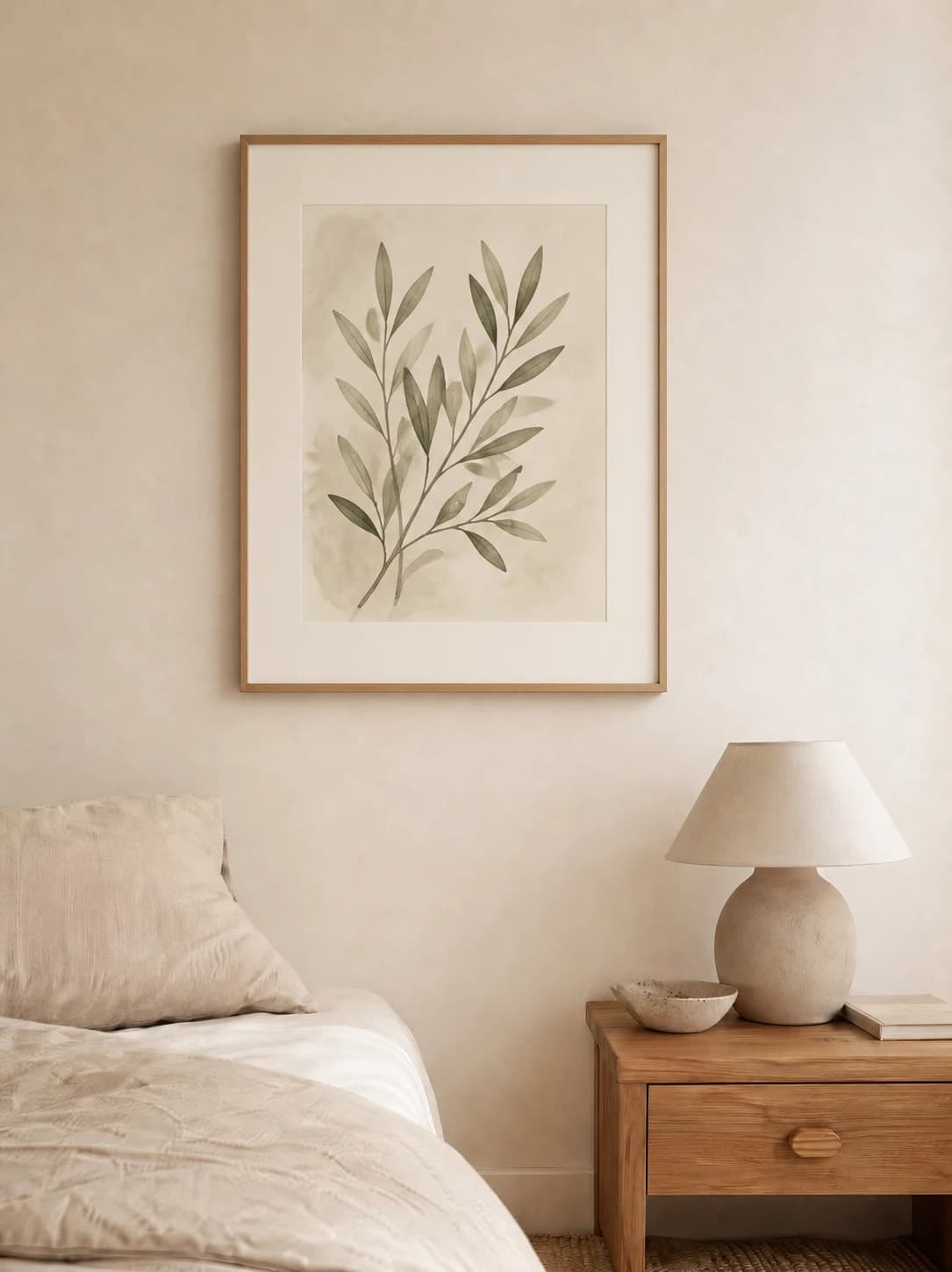
Create bedroom wall art mockups above beds and dressers. Compare popular bedroom rooms, print sizes, calm lighting, frames, and multi-piece layouts.
Explore this mockup →
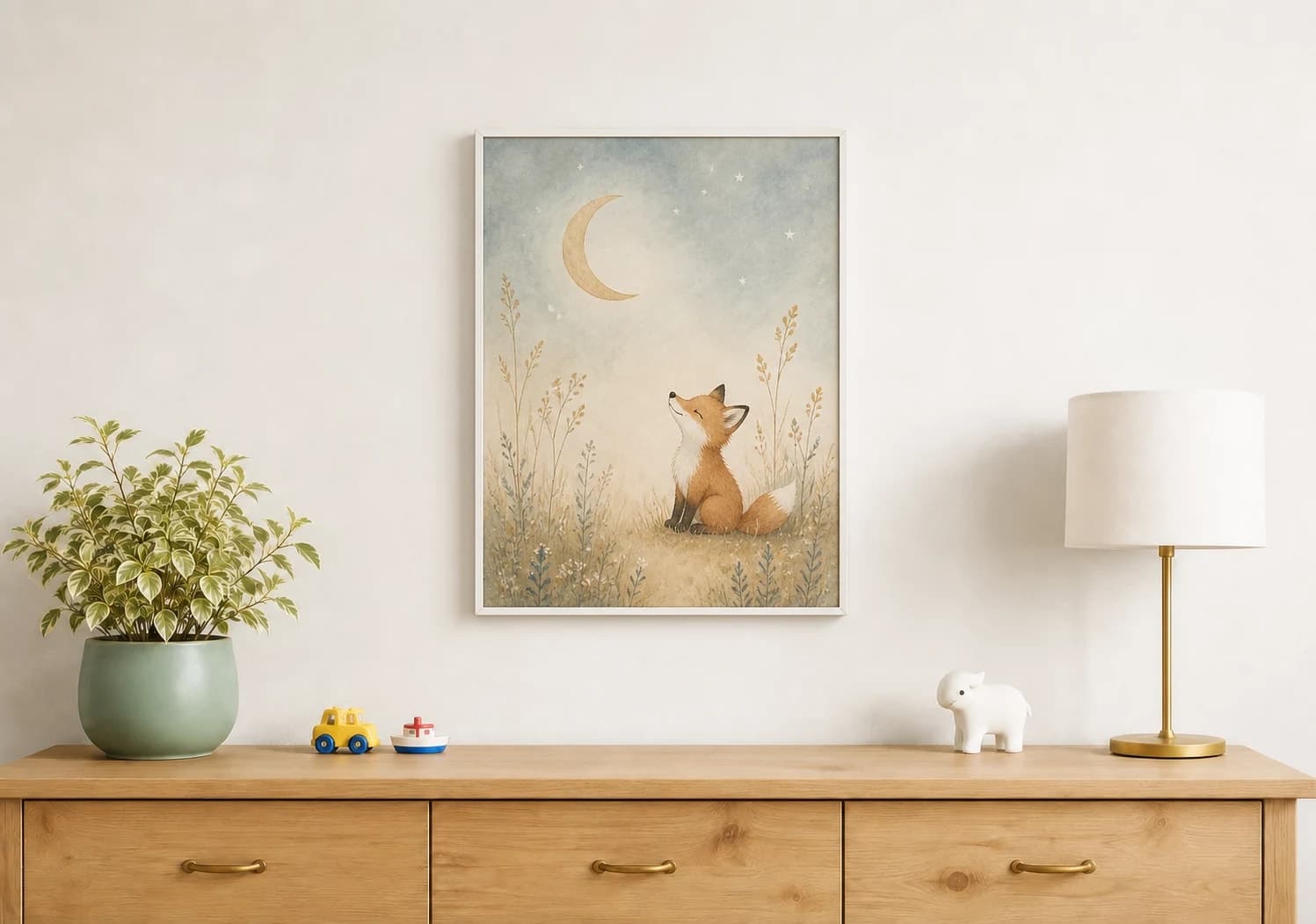
Create nursery wall art mockups for prints, sets, and illustrations. Compare popular kids rooms, gentle palettes, realistic print sizes, and frames.
Explore this mockup →
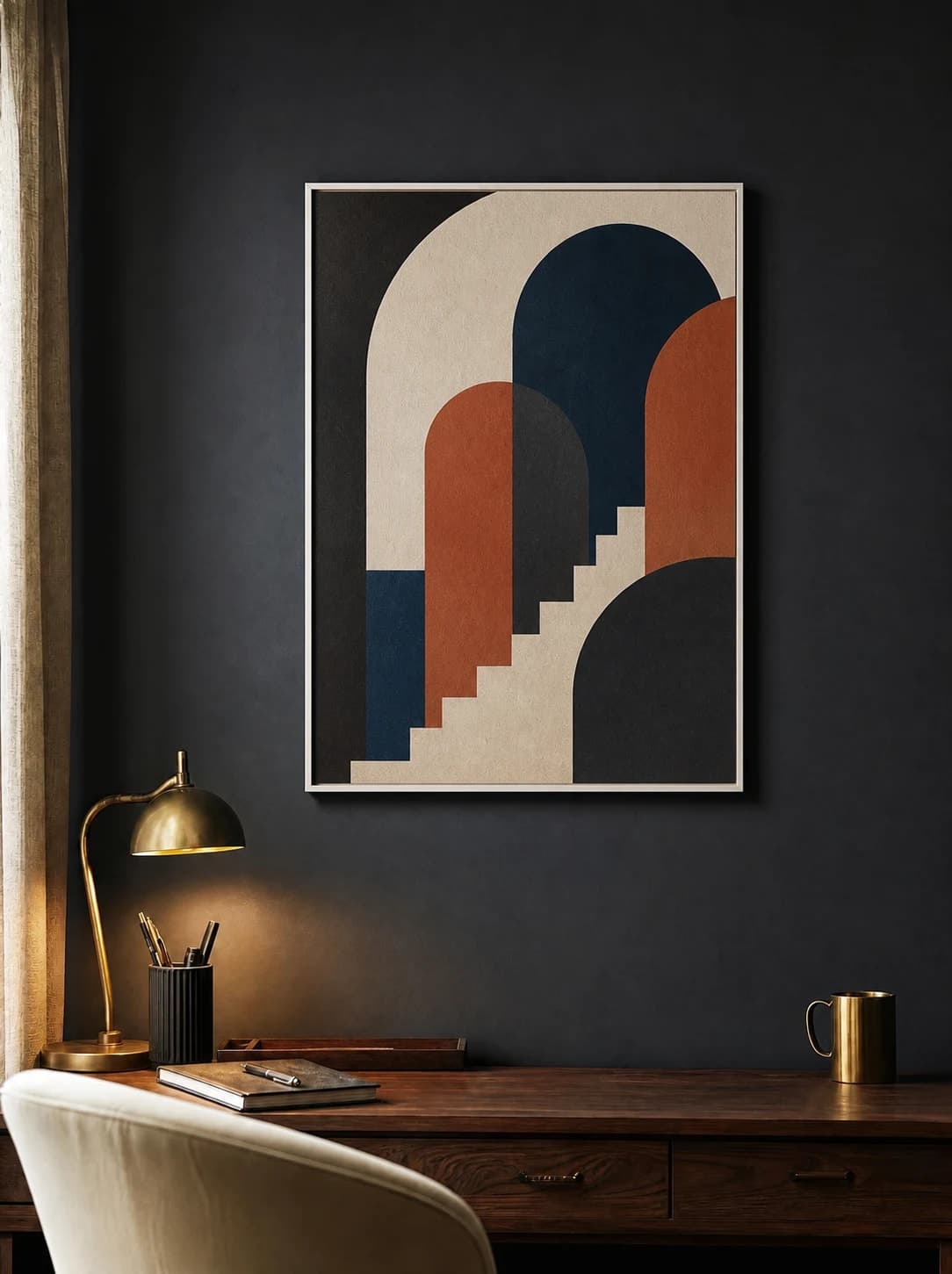
Create office wall art mockups above desks and in video-call backgrounds. Compare popular offices, print sizes, glare, frames, and professional styles.
Explore this mockup →
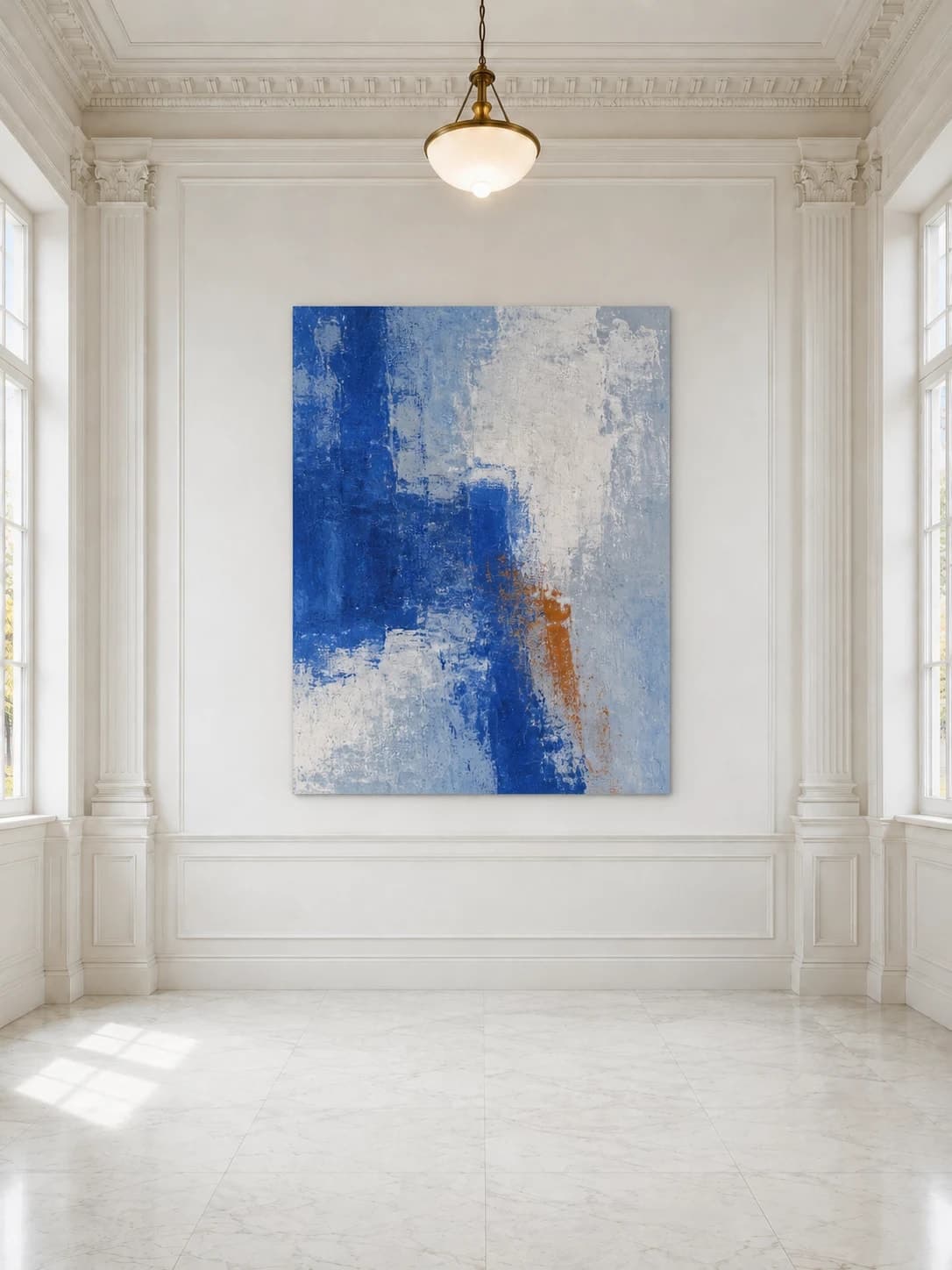
Create art gallery and exhibition wall mockups for originals, series, and large prints. Compare popular gallery rooms, scale, spacing, and lighting.
Explore this mockup →
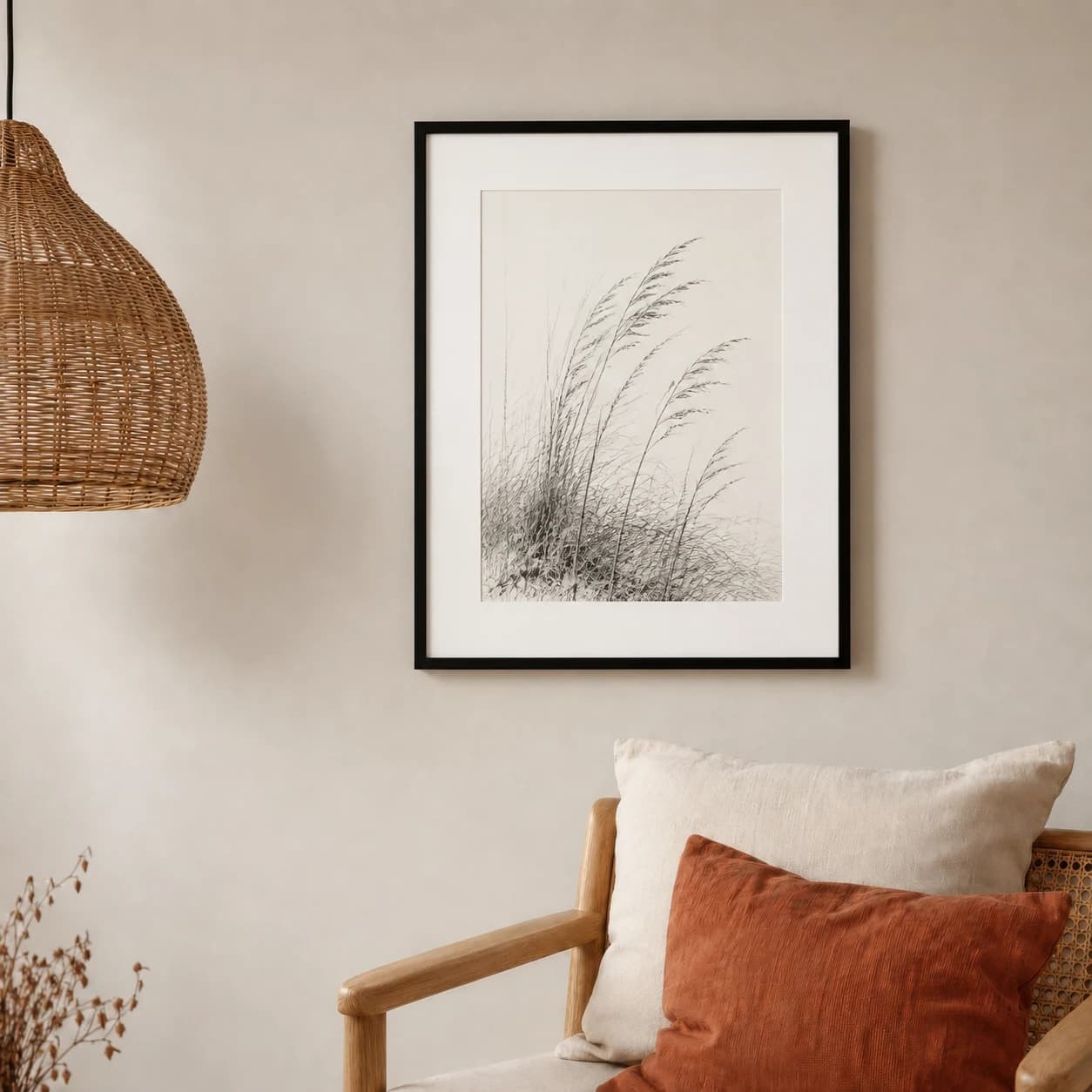
Create blank and empty wall mockups with low-distraction rooms. Compare popular minimal walls, realistic scale cues, wall colors, textures, and shadows.
Explore this mockup →
Start here when the product construction or relationship between pieces is the main decision. These pages distinguish paper, canvas, frames, posters, gallery walls, and three-panel installations.
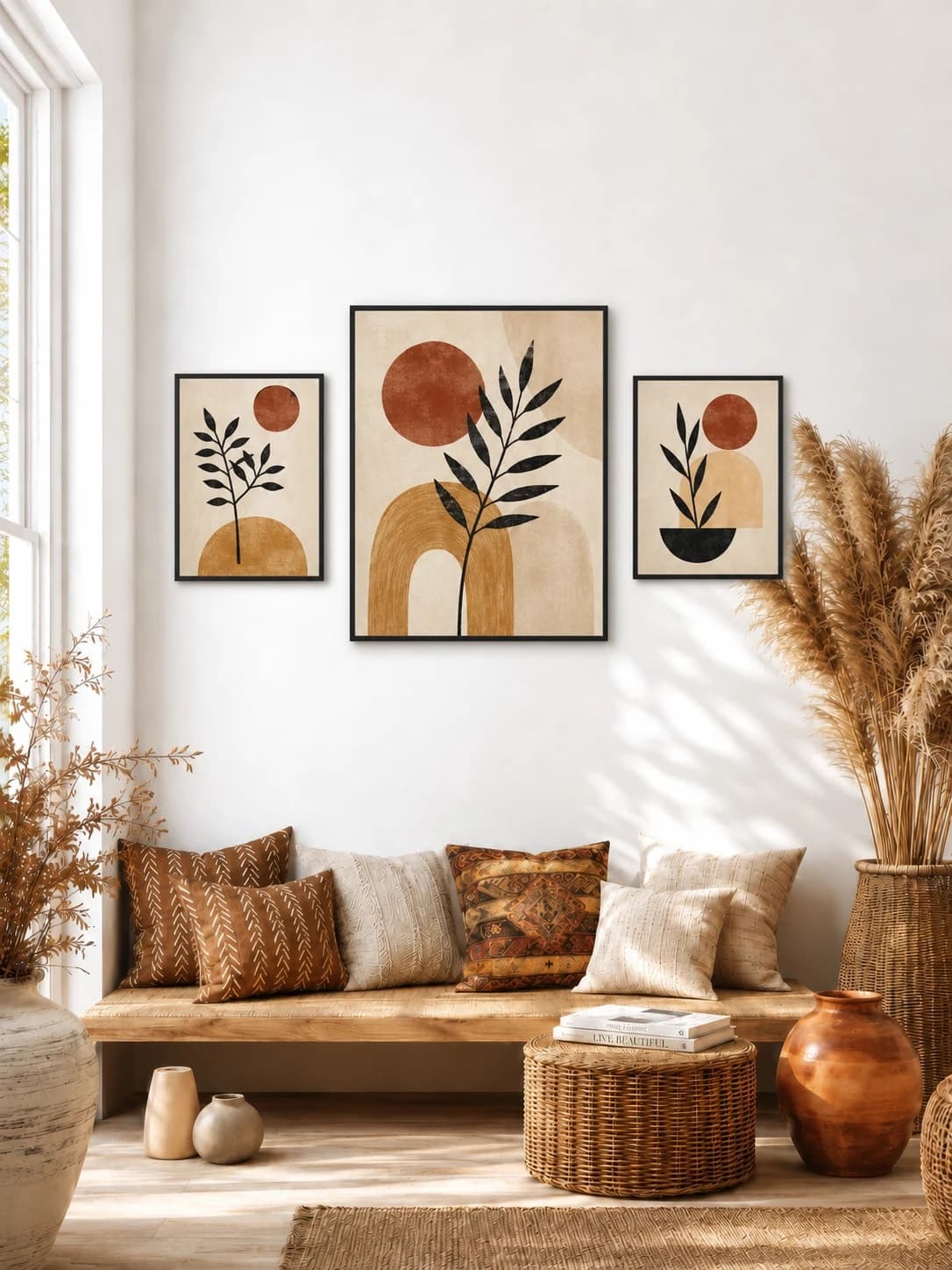
Arrange several independent artworks as one balanced residential display.
Explore this mockup →
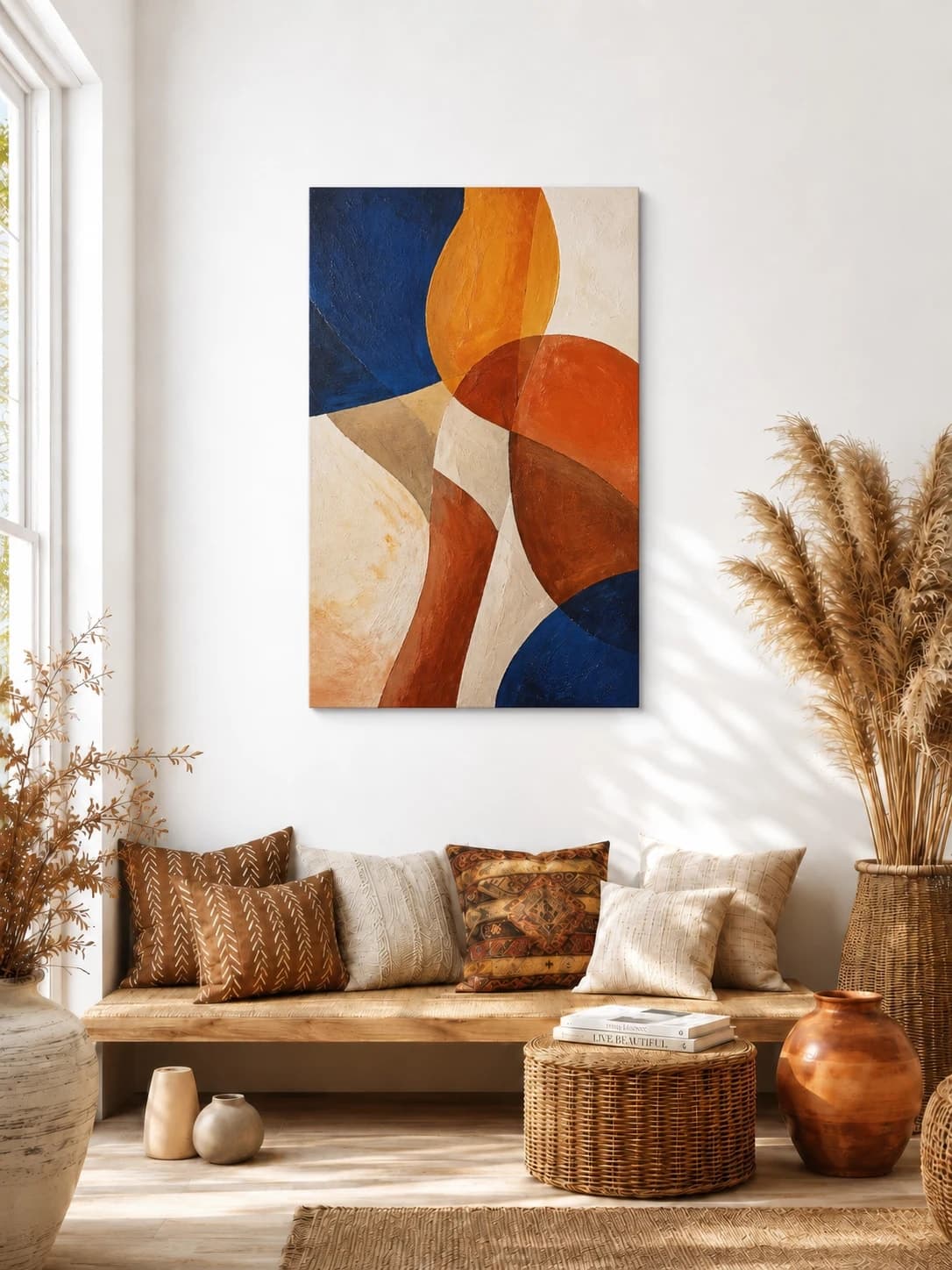
Create front-on canvas wall mockups at realistic size. Compare popular living rooms, galleries, and bedrooms while keeping canvas construction claims accurate.
Explore this mockup →
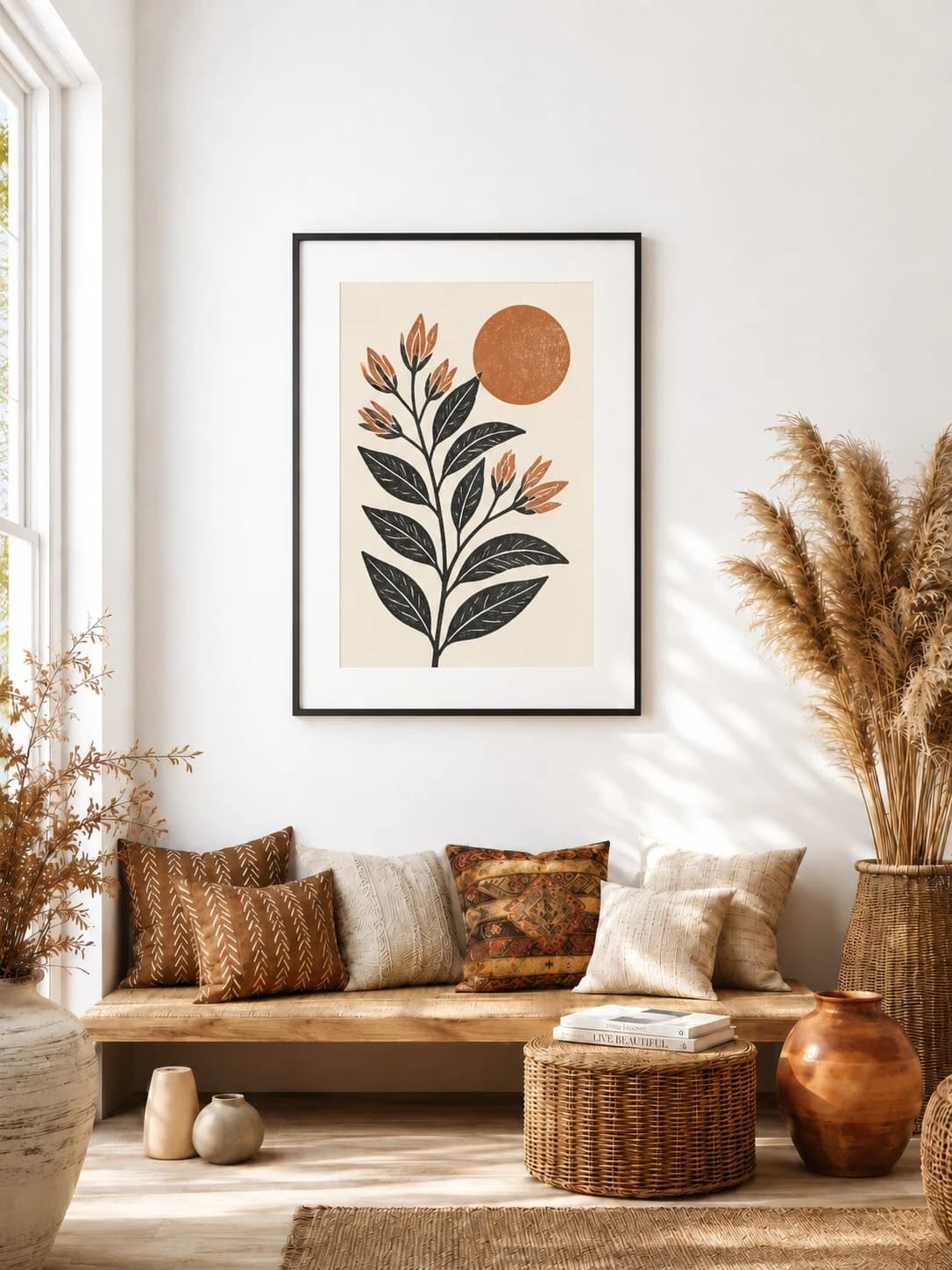
Compare frame finishes, mats, thickness, and the complete outer size.
Explore this mockup →
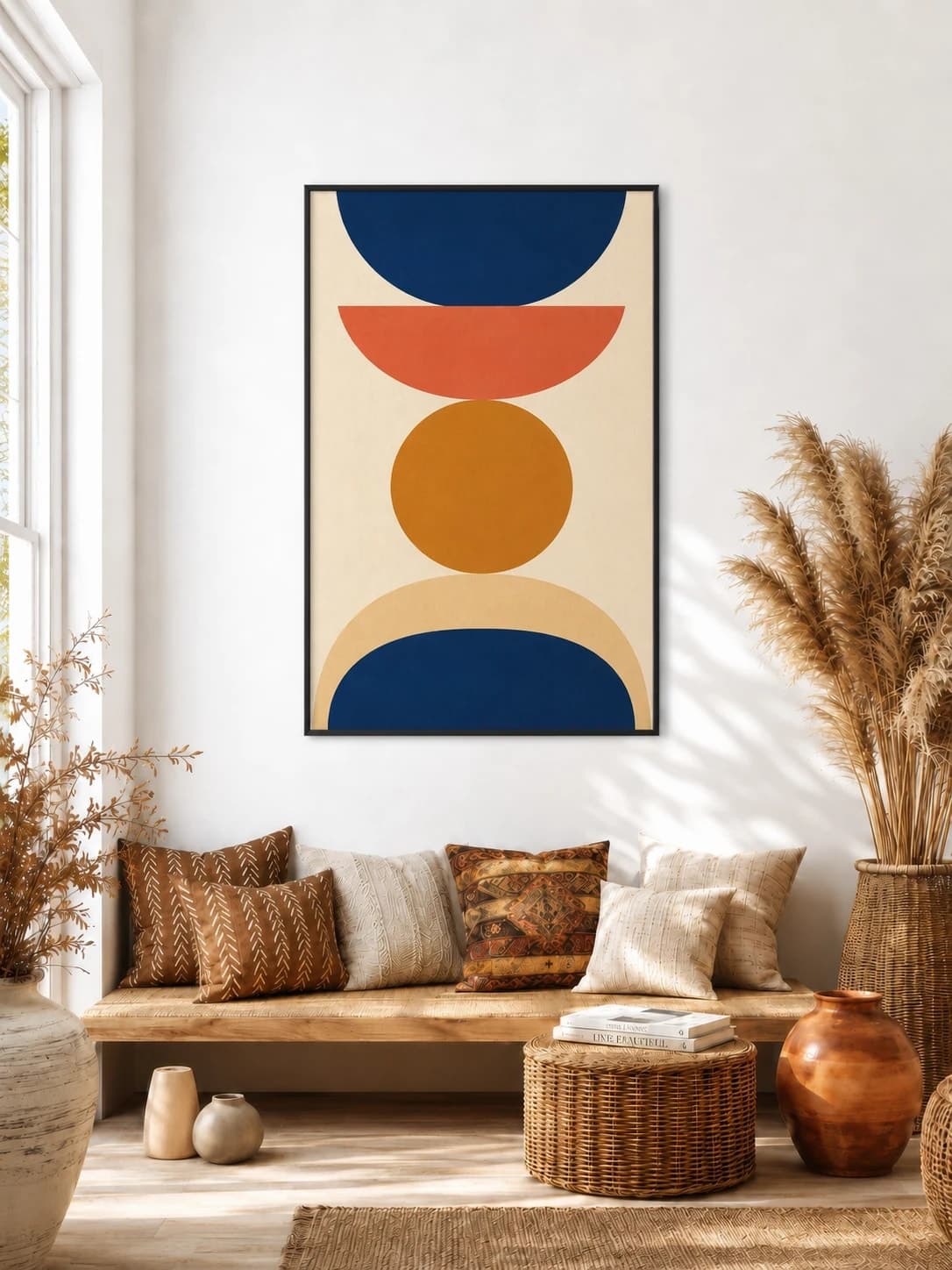
Show standard poster proportions, accurate print scale, and framed or unframed options.
Explore this mockup →
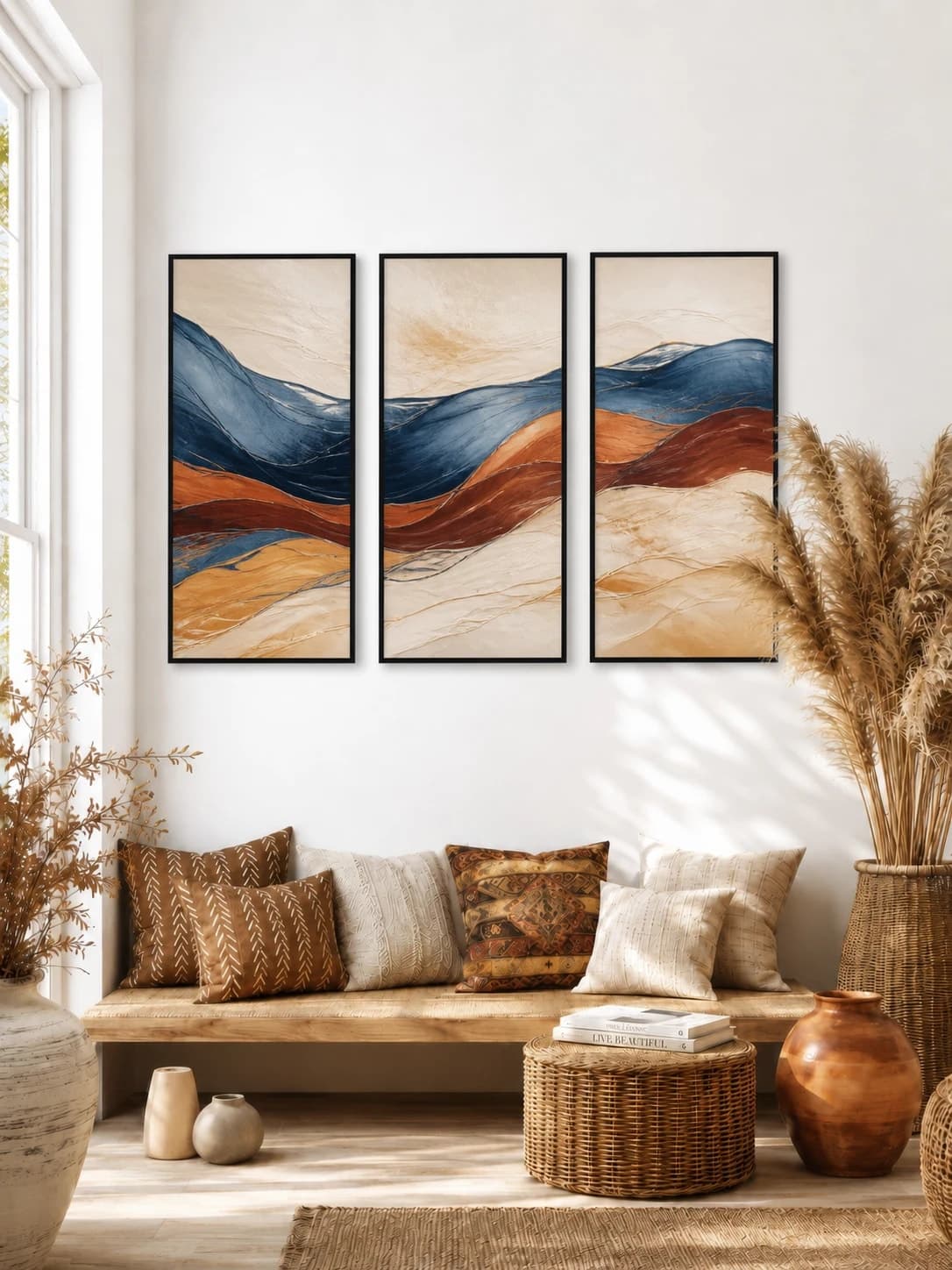
Create triptych mockups with three accurately sized panels and consistent gaps. Compare popular rooms, total group width, frames, and panoramic layouts.
Explore this mockup →
Choose efficiently
If the buyer cannot judge whether a print suits a sofa, bed, desk, or quiet wall, begin with a room guide. If the uncertainty is about mat width, canvas depth, poster proportion, or how several pieces fit together, begin with a format or layout guide. A listing can use both views, but each image should solve one problem clearly.
WallMockup keeps the same artwork dimensions while you change rooms, so a 16×20 print does not become a statement piece merely because the wall is larger. Use the size calculator for the outer display, then use the editor to check the result against real furniture and calibrated wall space.
Every category card uses a reviewed artwork-bearing inspiration example tied to an exact blank-room preset. Open a card to compare the display dimensions and treatment, then use its room handoff to replace the example art with your own.
Upload the artwork once, compare rooms without rebuilding a template, set the real print size, add the product’s frame or mat, and export.
Create a wall art mockupNeed the broad product overview? Visit wall art mockups. Ready to work? Use the art mockup generator. Mocking up a poster? See poster mockup.