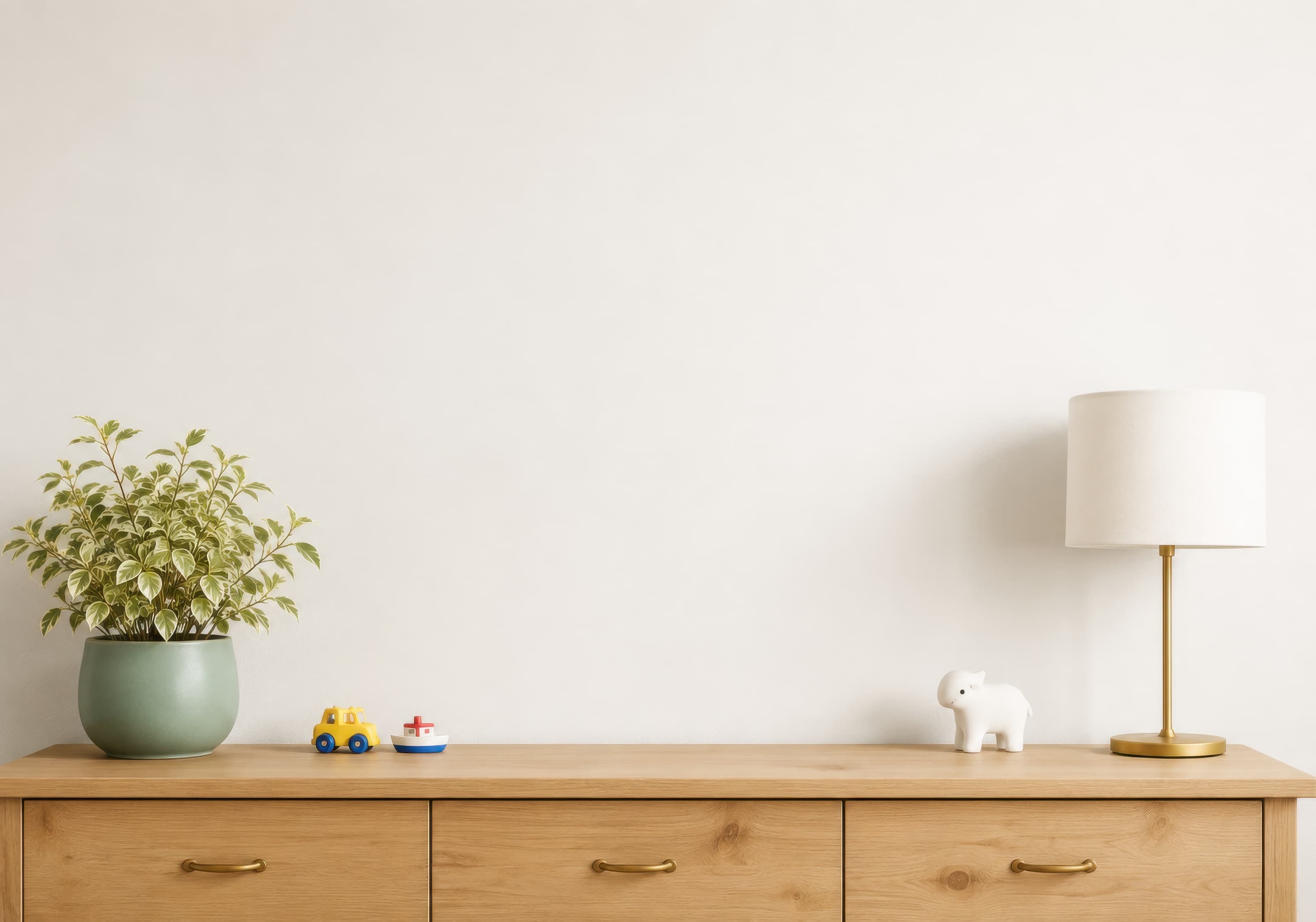
Room pick 1
Bright children’s room wall mockup with a pale wood dresser, green plant, toy accents, white animal figurine, and brass table lamp.
Calibrated wall reference: 70 × 49 in (178 × 124 cm)
Try this room in the editor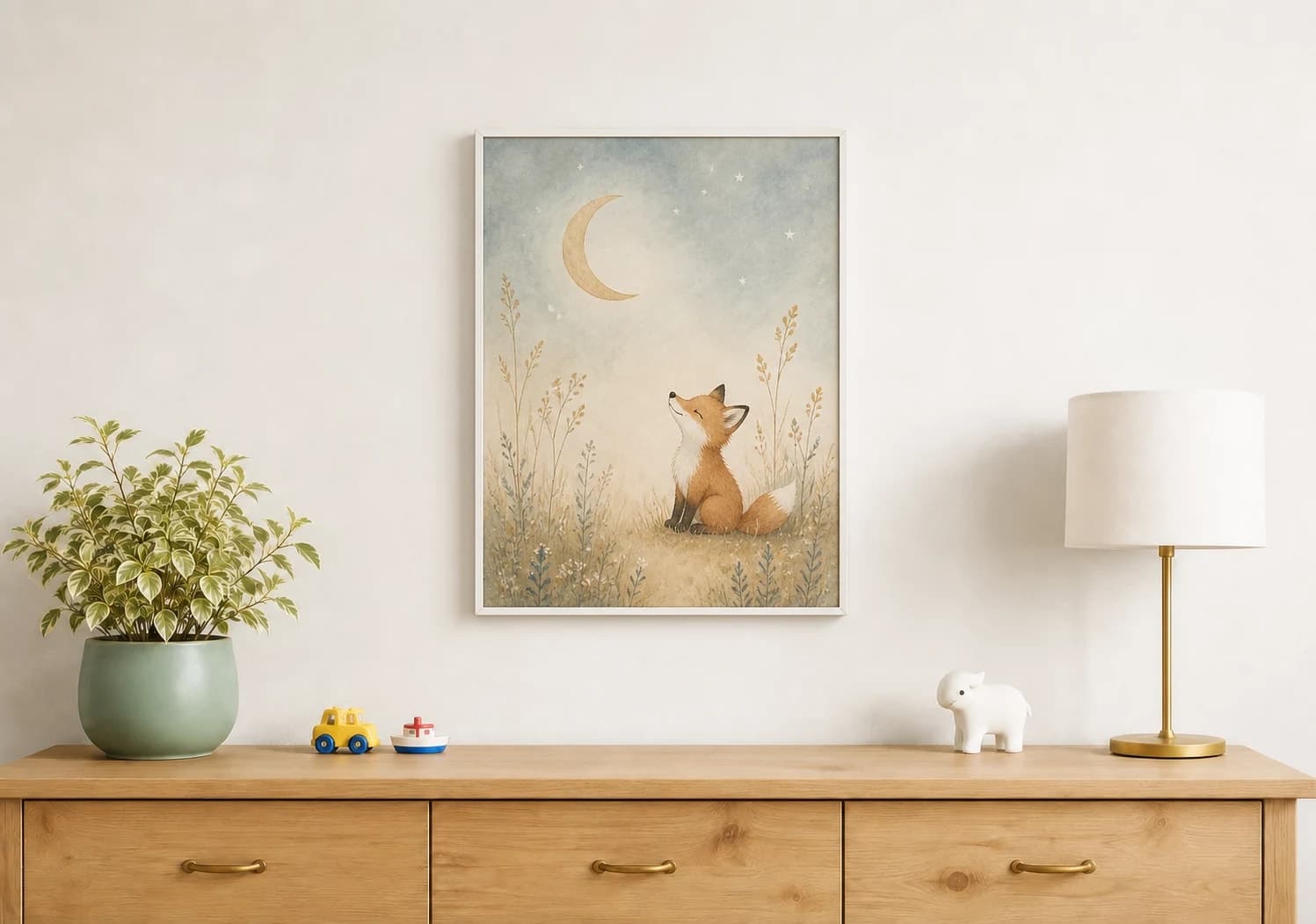
Nursery mockups
A nursery mockup should make a small print or coordinated set easy to understand without turning the room into the product. Choose a wall with simple furniture scale cues, keep the artwork colors faithful, and show the exact number and size of pieces included in the listing.
Exact room opens in the editor · 19 compatible presets · PNG, JPG, and WEBP export
Best for
Inspiration of use
These generated inspiration examples use the same top-ranked WallMockup rooms available below. Compare the scale, frame, and layout choices, then open the matching blank room to replace the example art with your own.
16 × 20 in / 41 × 51 cm print · slim white frame
The white frame keeps the illustrated fox light against the room while the dresser provides an immediate scale reference.
Try this exact room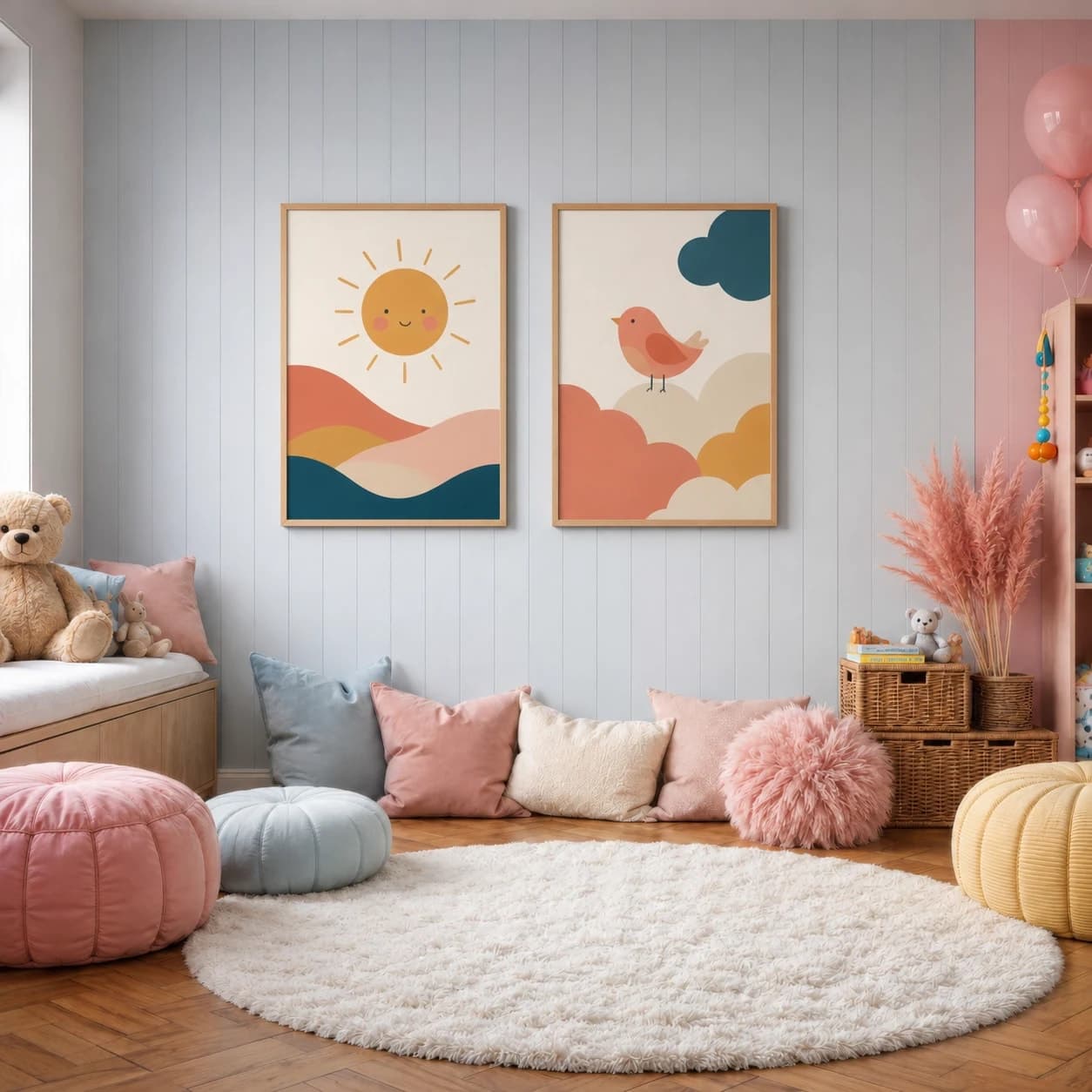
Two 12 × 16 in / 30 × 41 cm prints · oak frames
Deep teal and coral stay legible on the paneled wall, and equal gaps make the two illustrations feel like one product set.
Try this exact room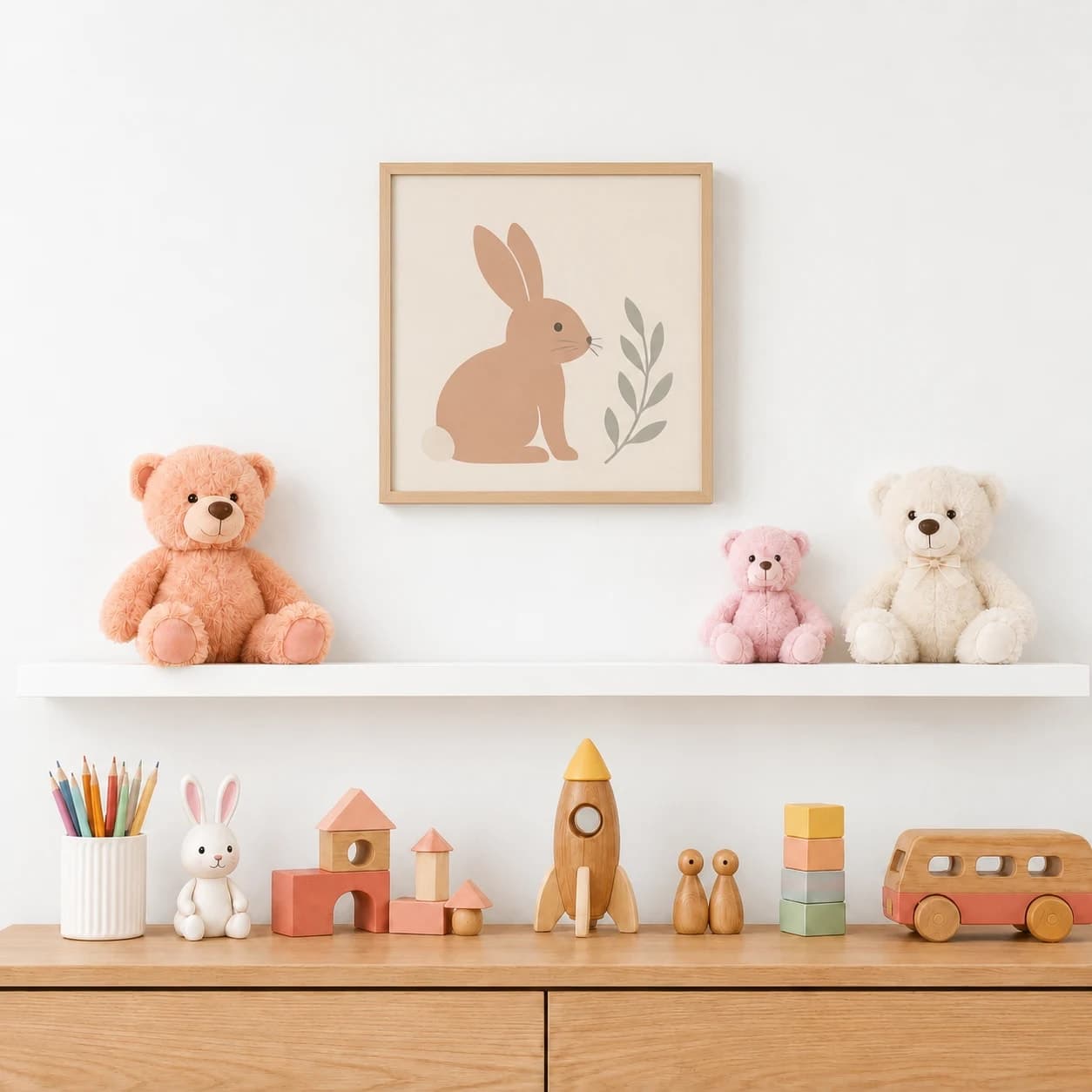
12 × 12 in / 30 × 30 cm print · natural wood frame
The shelf and toys make the modest 12-inch format believable while the simple palette keeps the artwork easy to read.
Try this exact roomChosen from real usage
These are the three highest kids-room presets in completed-download order. They provide dresser, playroom, and shelf-based scale cues without relying on one nursery color stereotype.
Room pick 1
Calibrated wall reference: 70 × 49 in (178 × 124 cm)
Try this room in the editor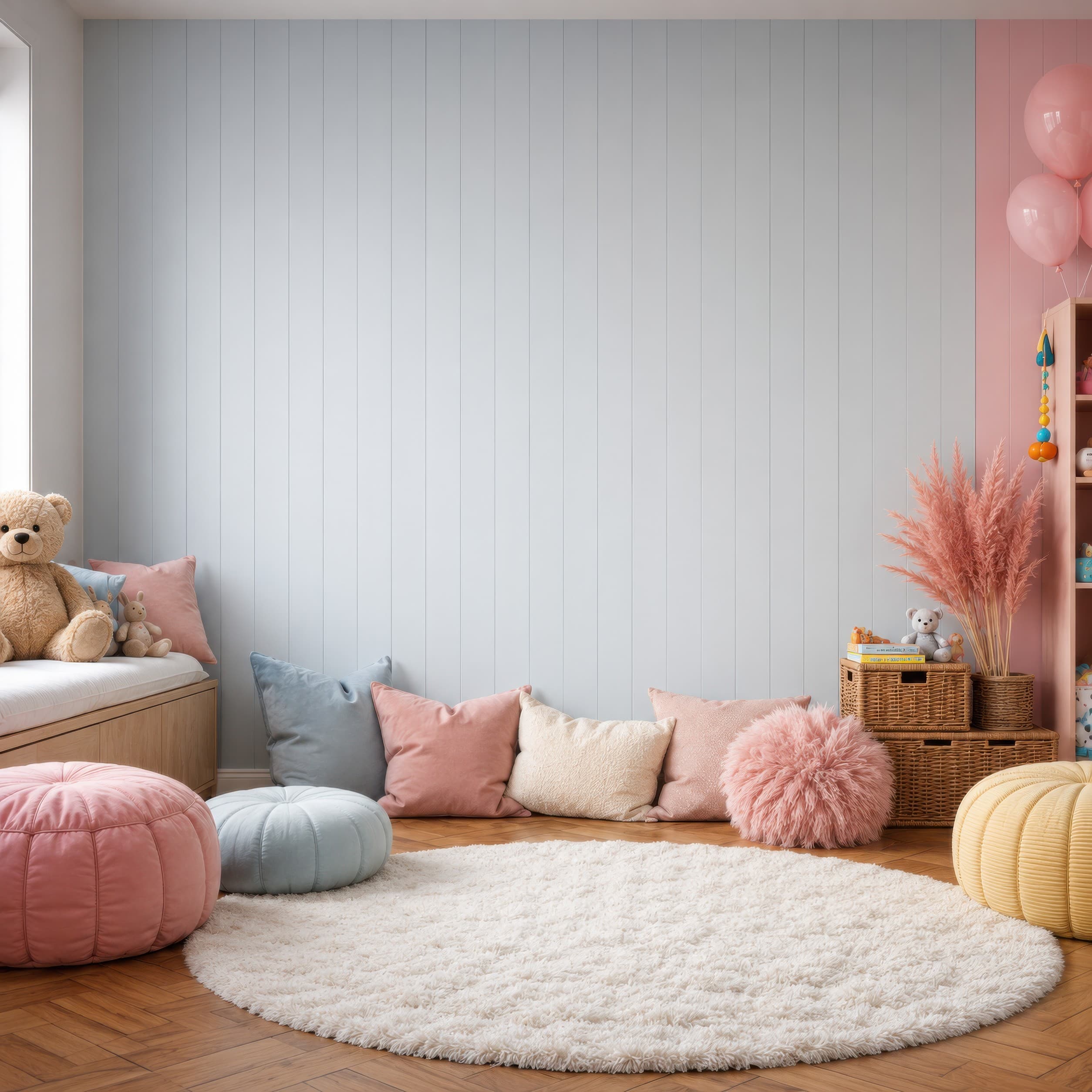
Room pick 2
Calibrated wall reference: 108 × 108 in (274 × 274 cm)
Try this room in the editor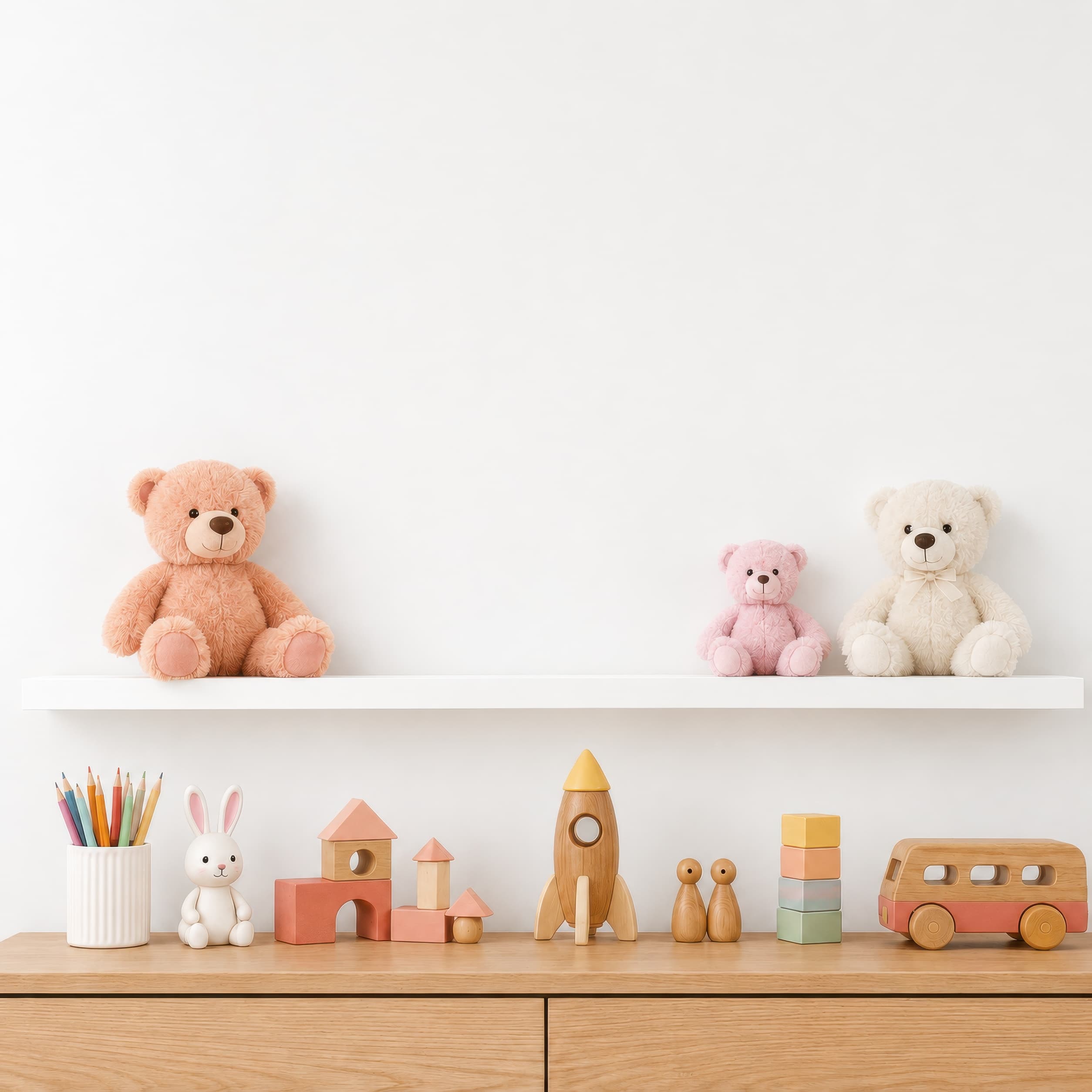
Room pick 3
Calibrated wall reference: 46 × 46 in (117 × 117 cm)
Try this room in the editor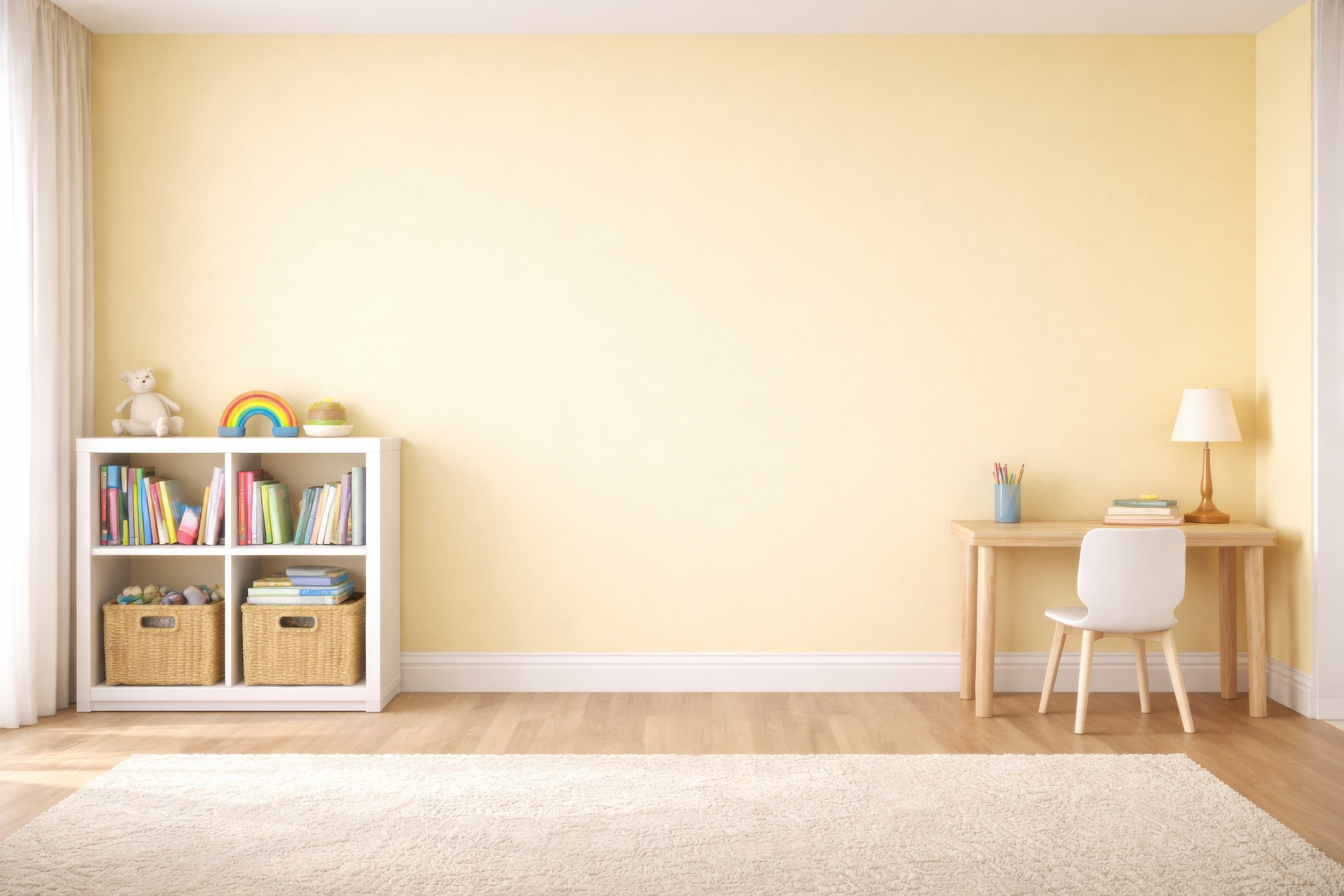
Room pick 4
Calibrated wall reference: 133.6 × 95.4 in (339 × 242 cm)
Try this room in the editor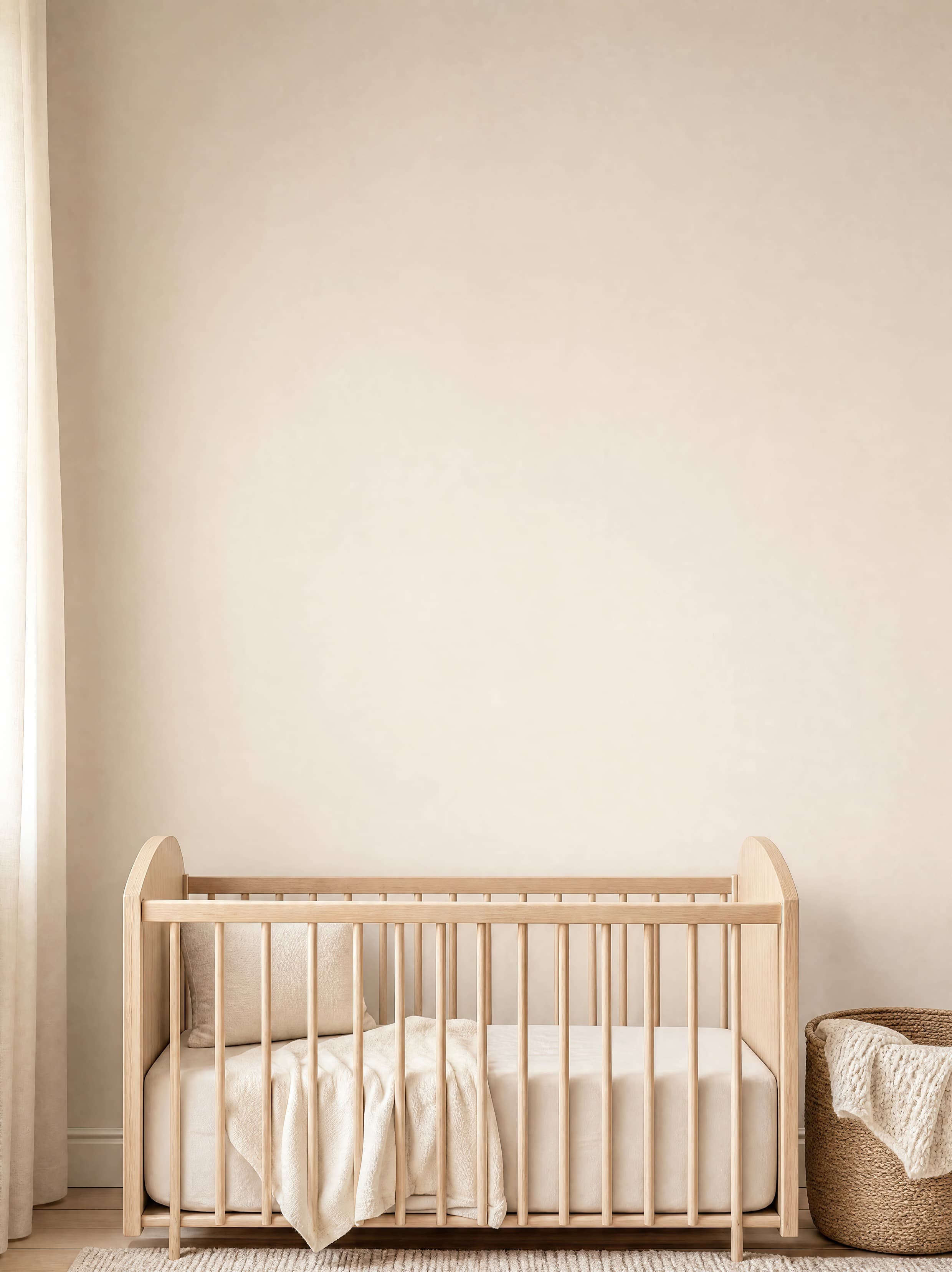
Room pick 5
Calibrated wall reference: 88 × 107.5 in (224 × 273 cm)
Try this room in the editor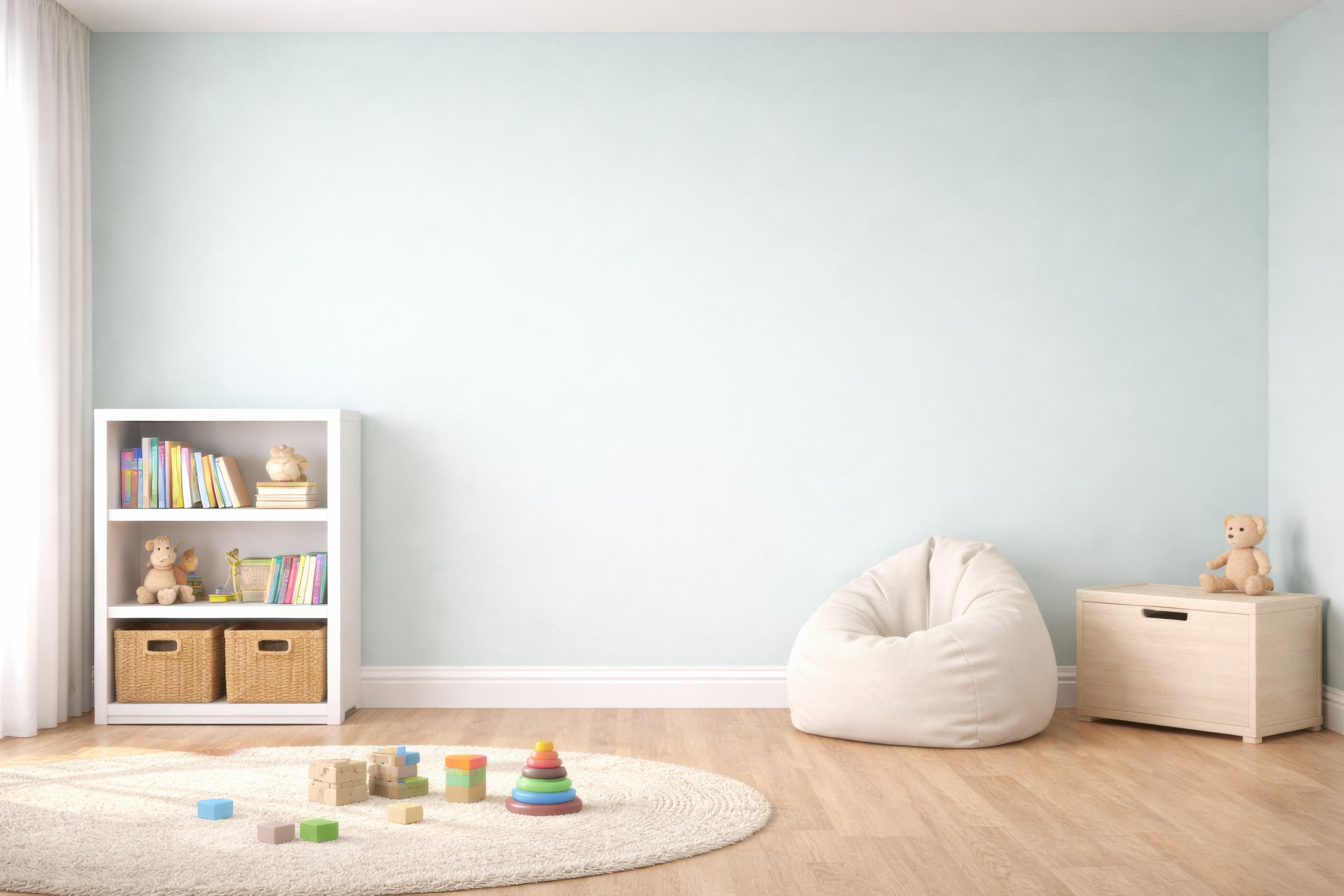
Room pick 6
Calibrated wall reference: 133.6 × 95.4 in (339 × 242 cm)
Try this room in the editor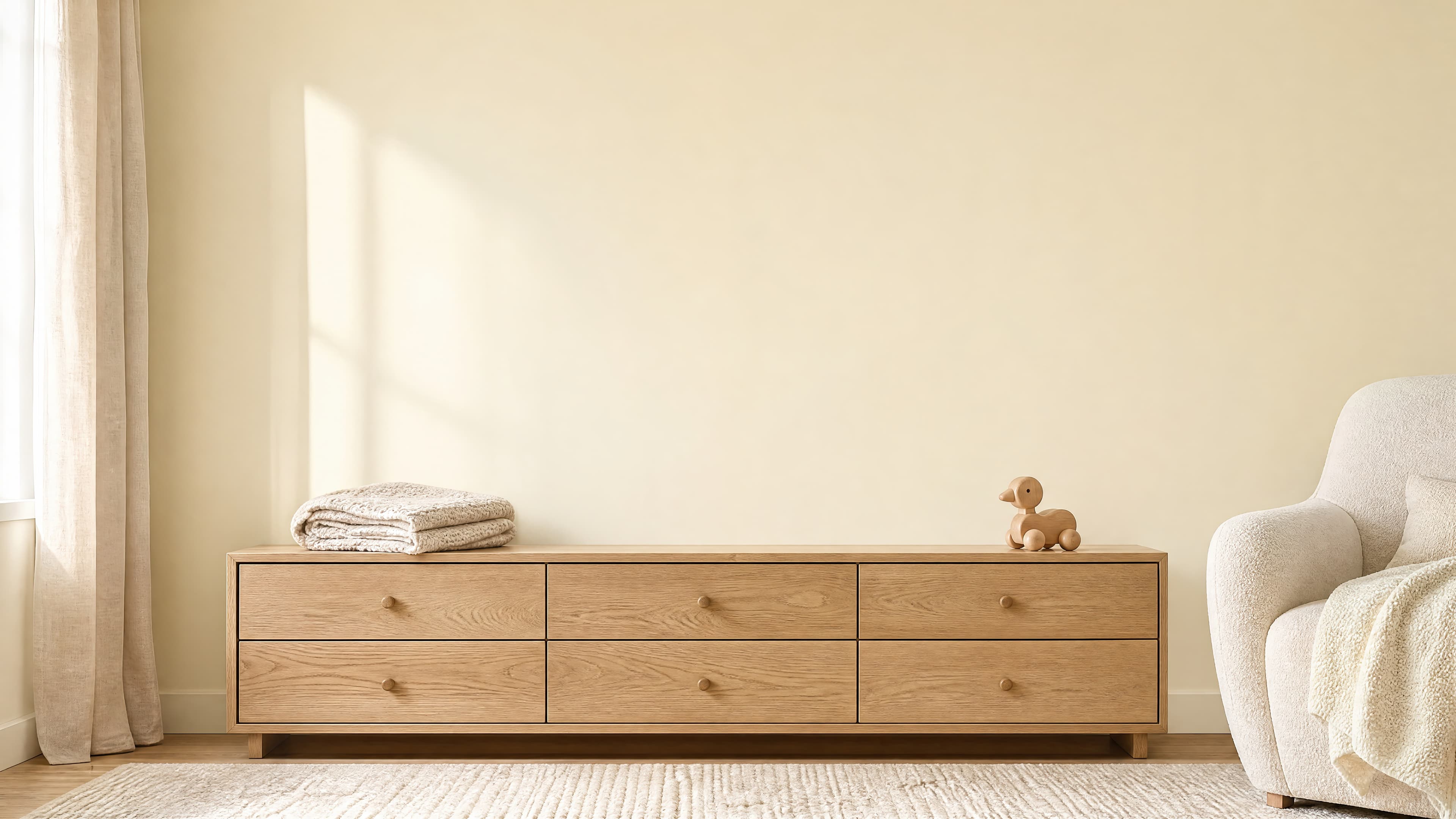
Room pick 7
Calibrated wall reference: 176 × 99 in (447 × 251 cm)
Try this room in the editor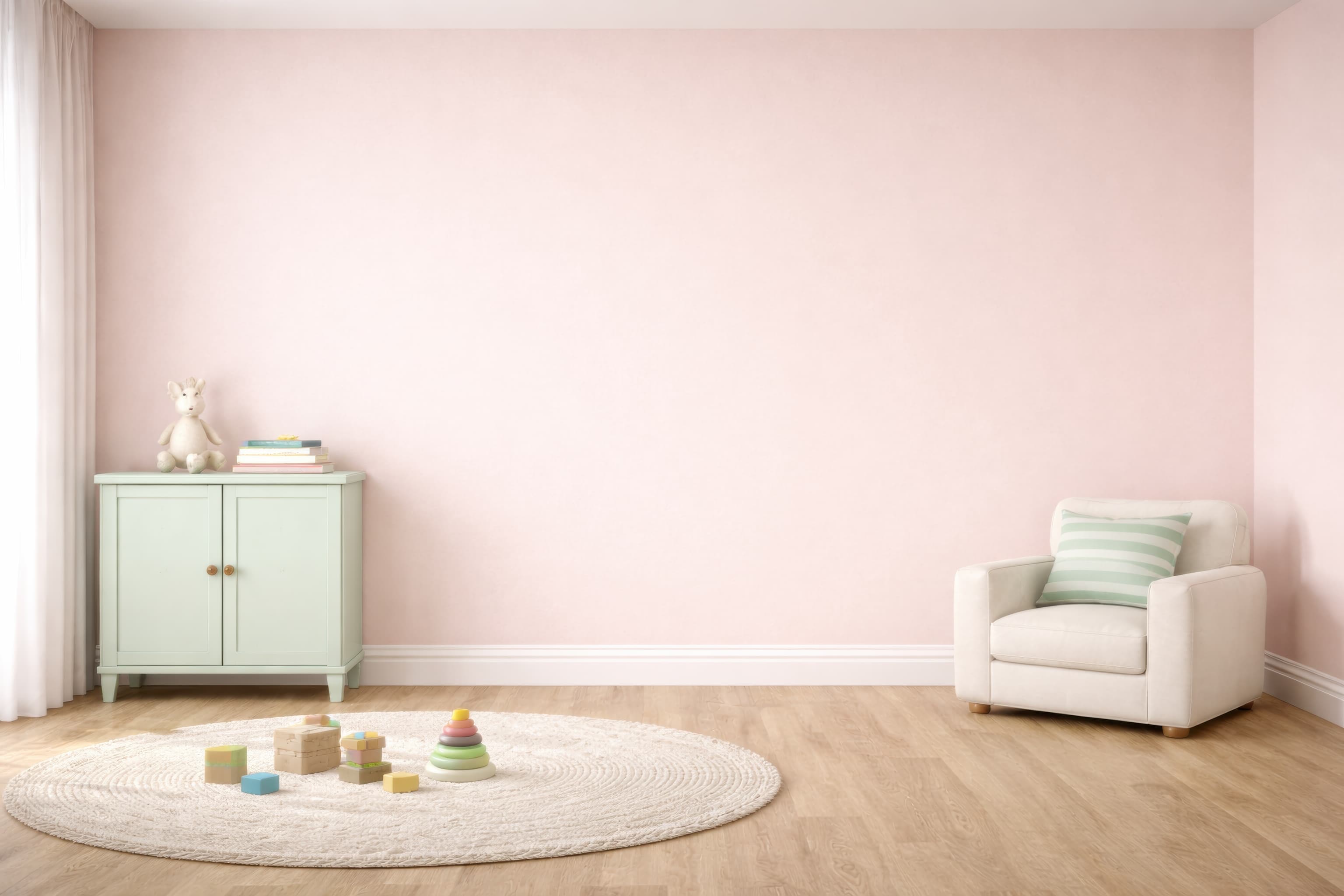
Room pick 8
Calibrated wall reference: 133.6 × 95.4 in (339 × 242 cm)
Try this room in the editor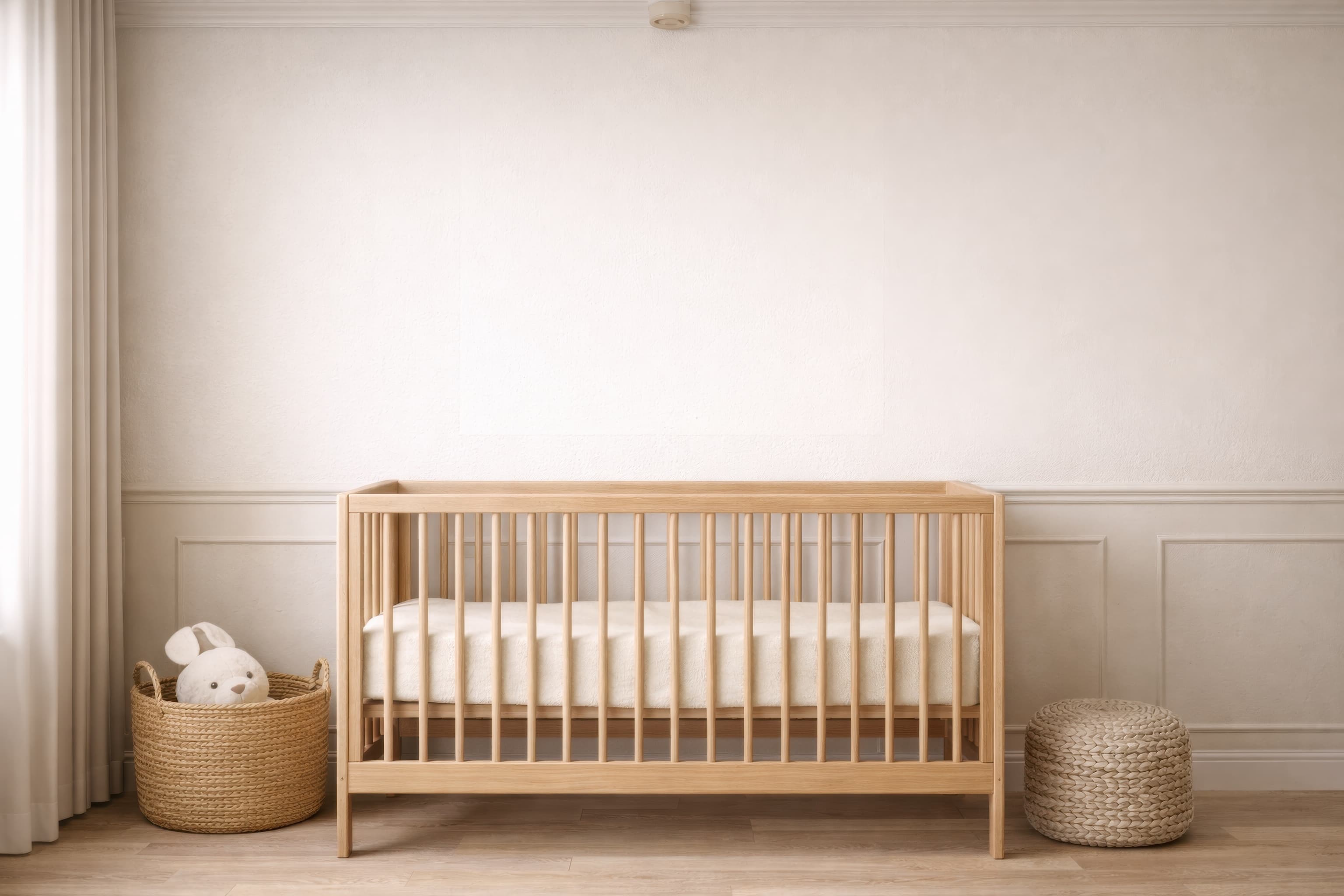
Room pick 9
Calibrated wall reference: 109.2 × 78 in (277 × 198 cm)
Try this room in the editor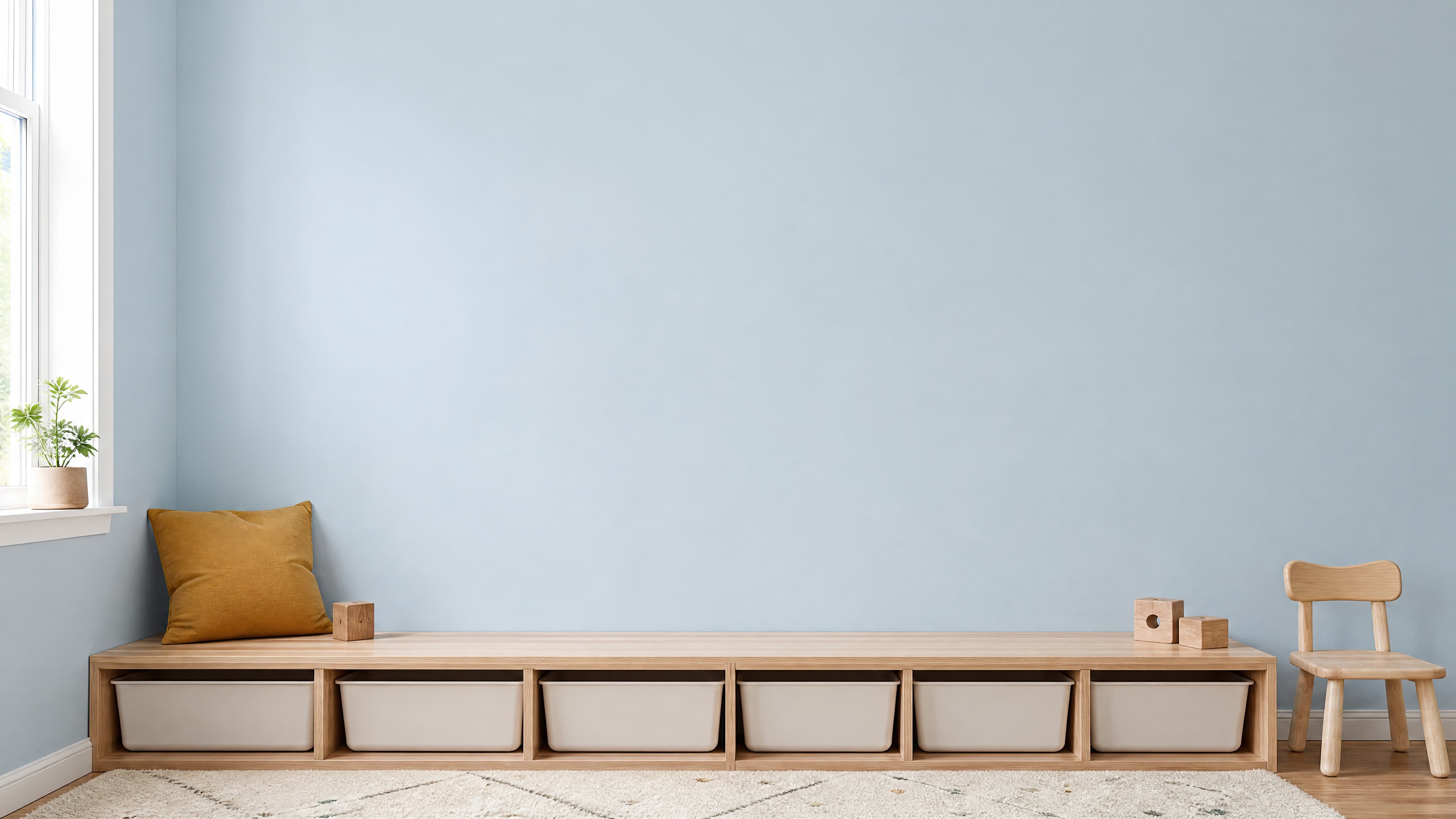
Room pick 10
Calibrated wall reference: 176 × 99 in (447 × 251 cm)
Try this room in the editor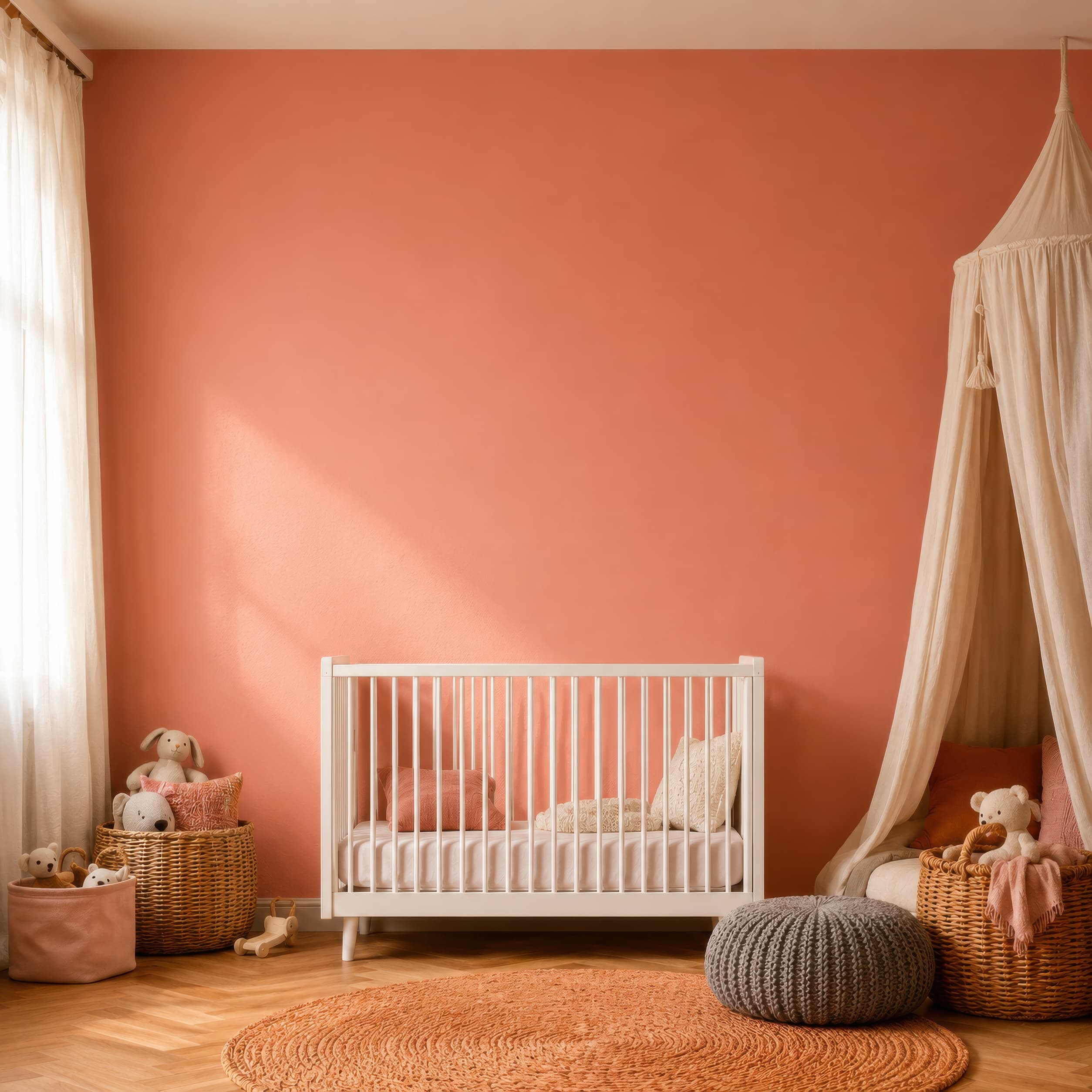
Room pick 11
Calibrated wall reference: 105.3 × 105.3 in (267 × 267 cm)
Try this room in the editor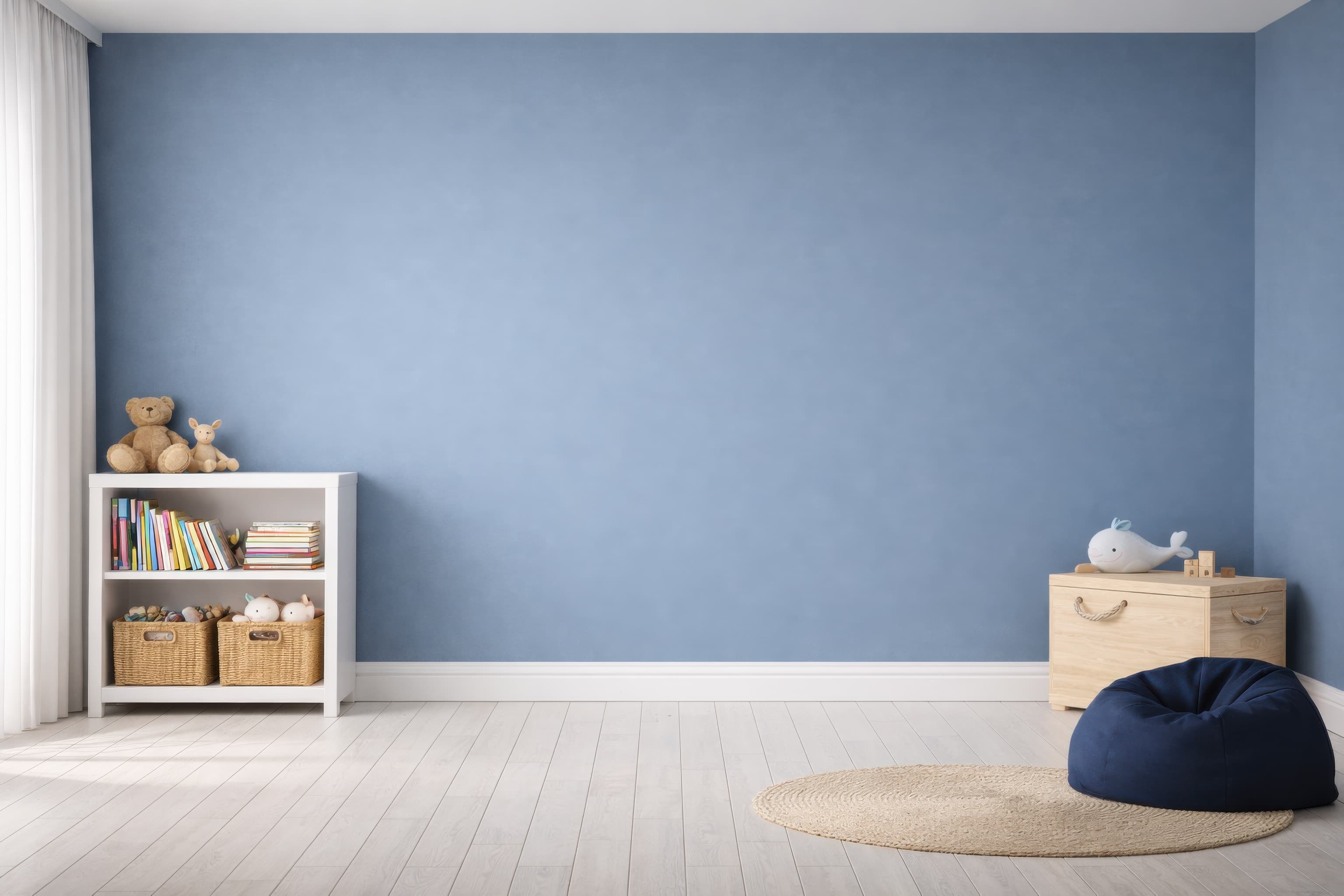
Room pick 12
Calibrated wall reference: 133.6 × 95.4 in (339 × 242 cm)
Try this room in the editor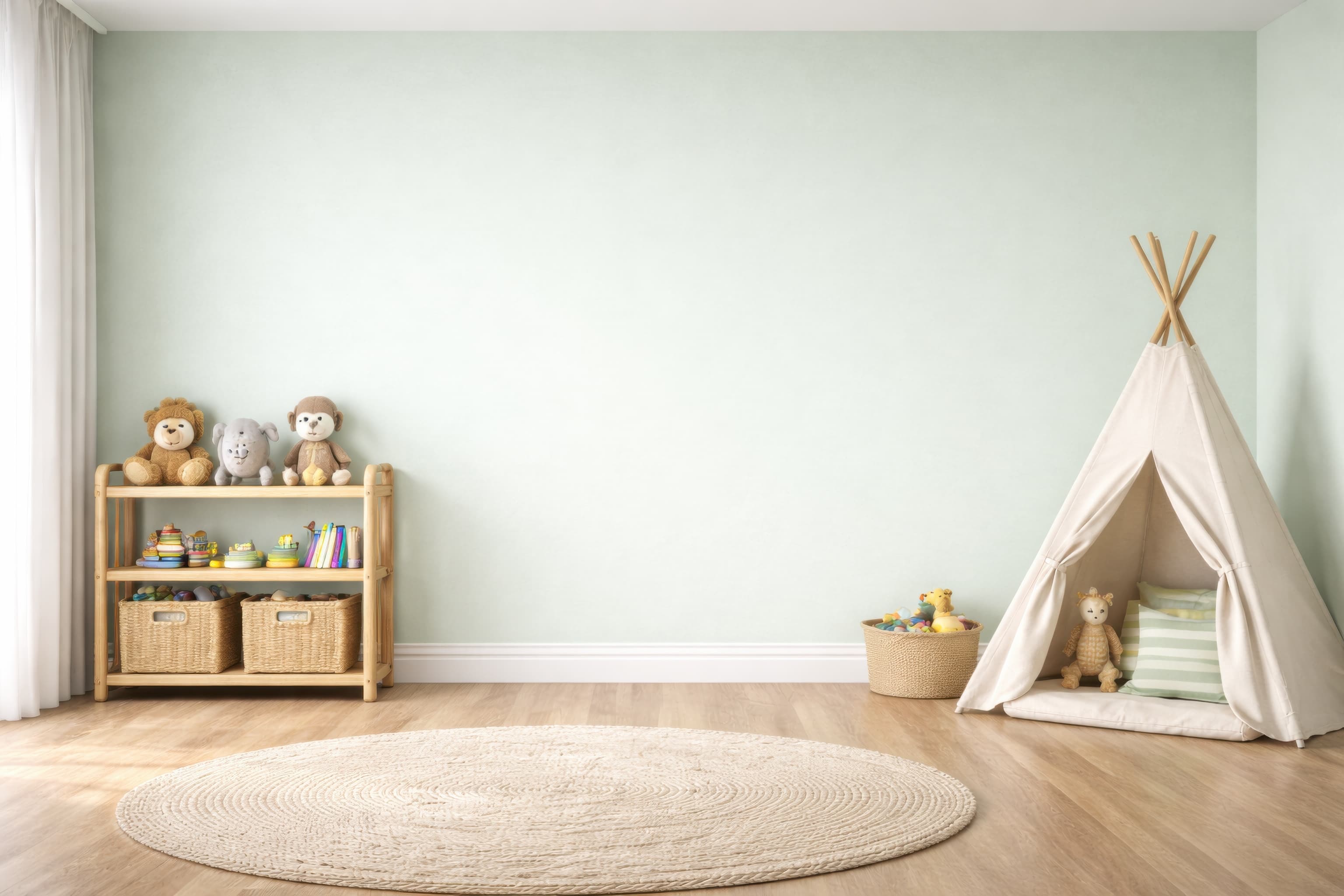
Room pick 13
Calibrated wall reference: 133.6 × 95.4 in (339 × 242 cm)
Try this room in the editor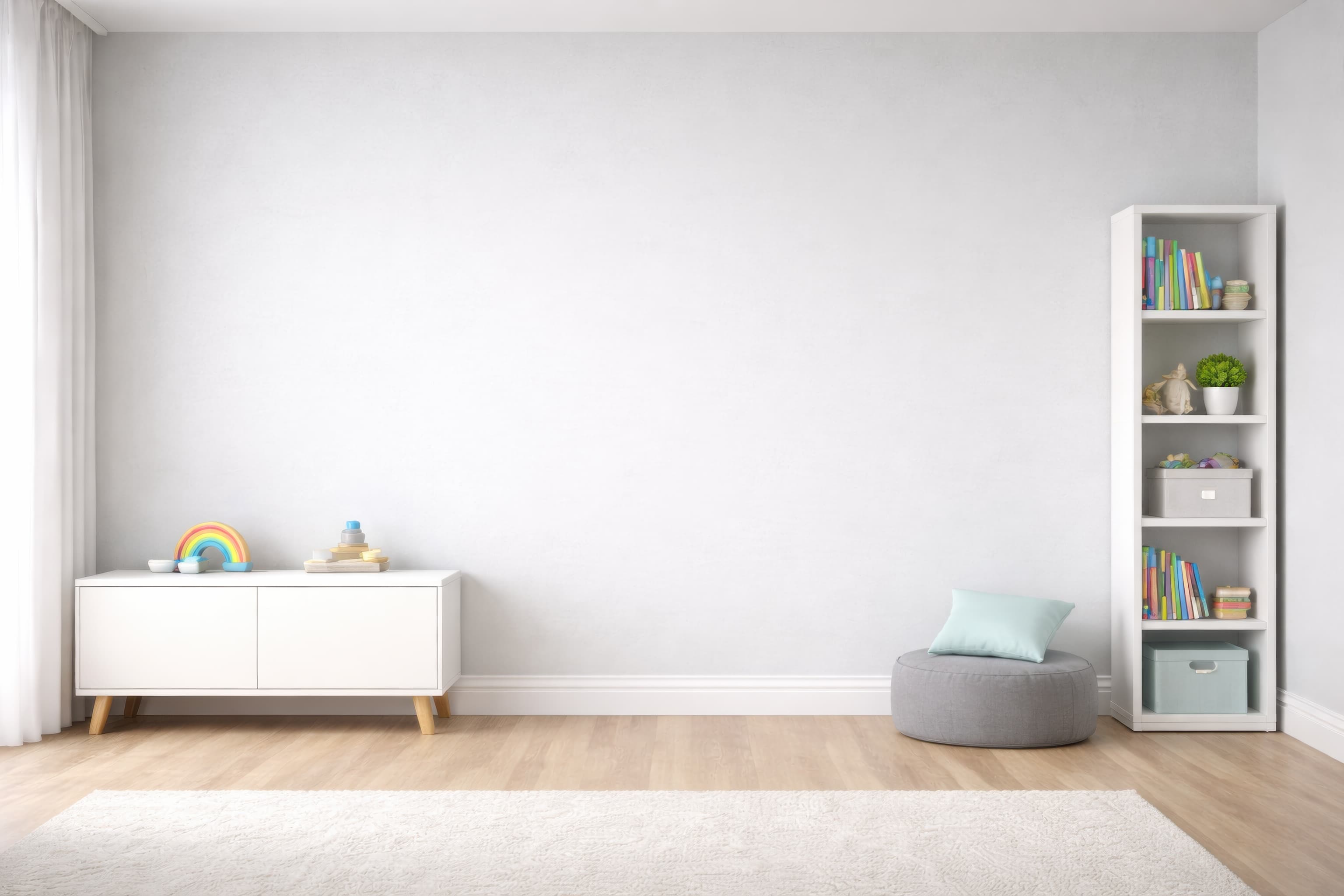
Room pick 14
Calibrated wall reference: 133.6 × 95.4 in (339 × 242 cm)
Try this room in the editor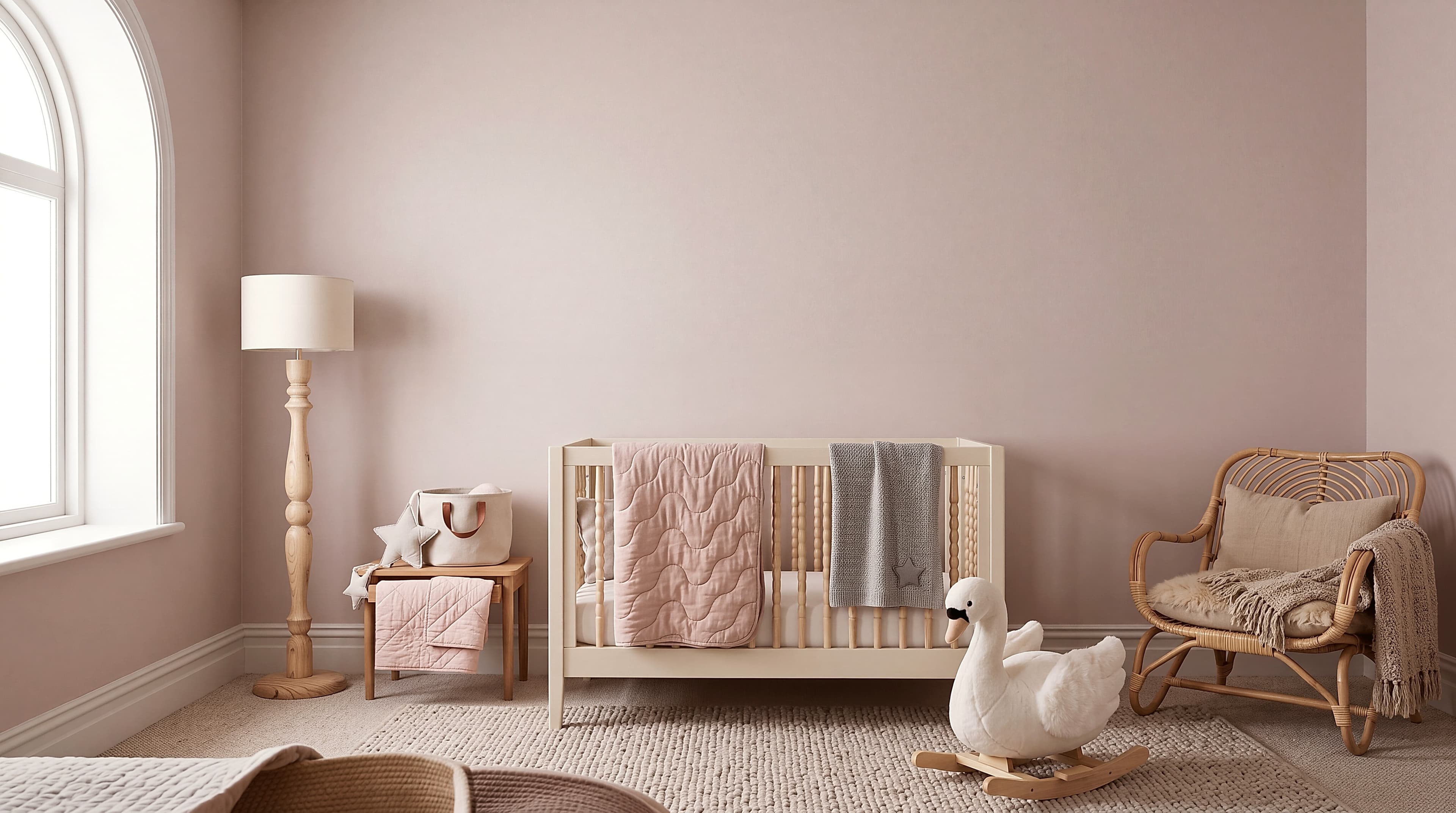
Room pick 15
Calibrated wall reference: 173.7 × 97 in (441 × 246 cm)
Try this room in the editor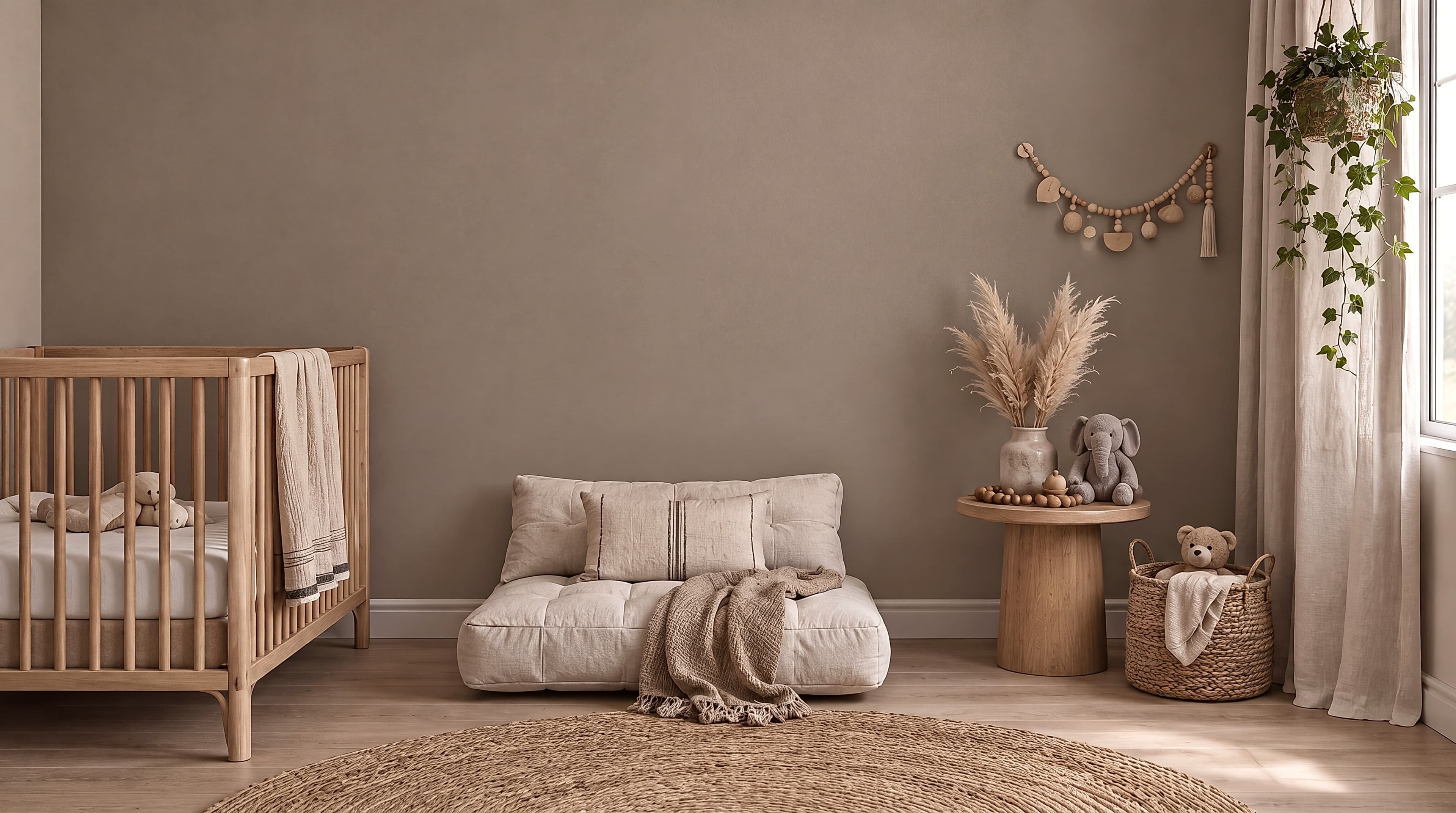
Room pick 16
Calibrated wall reference: 163.3 × 91.1 in (415 × 231 cm)
Try this room in the editor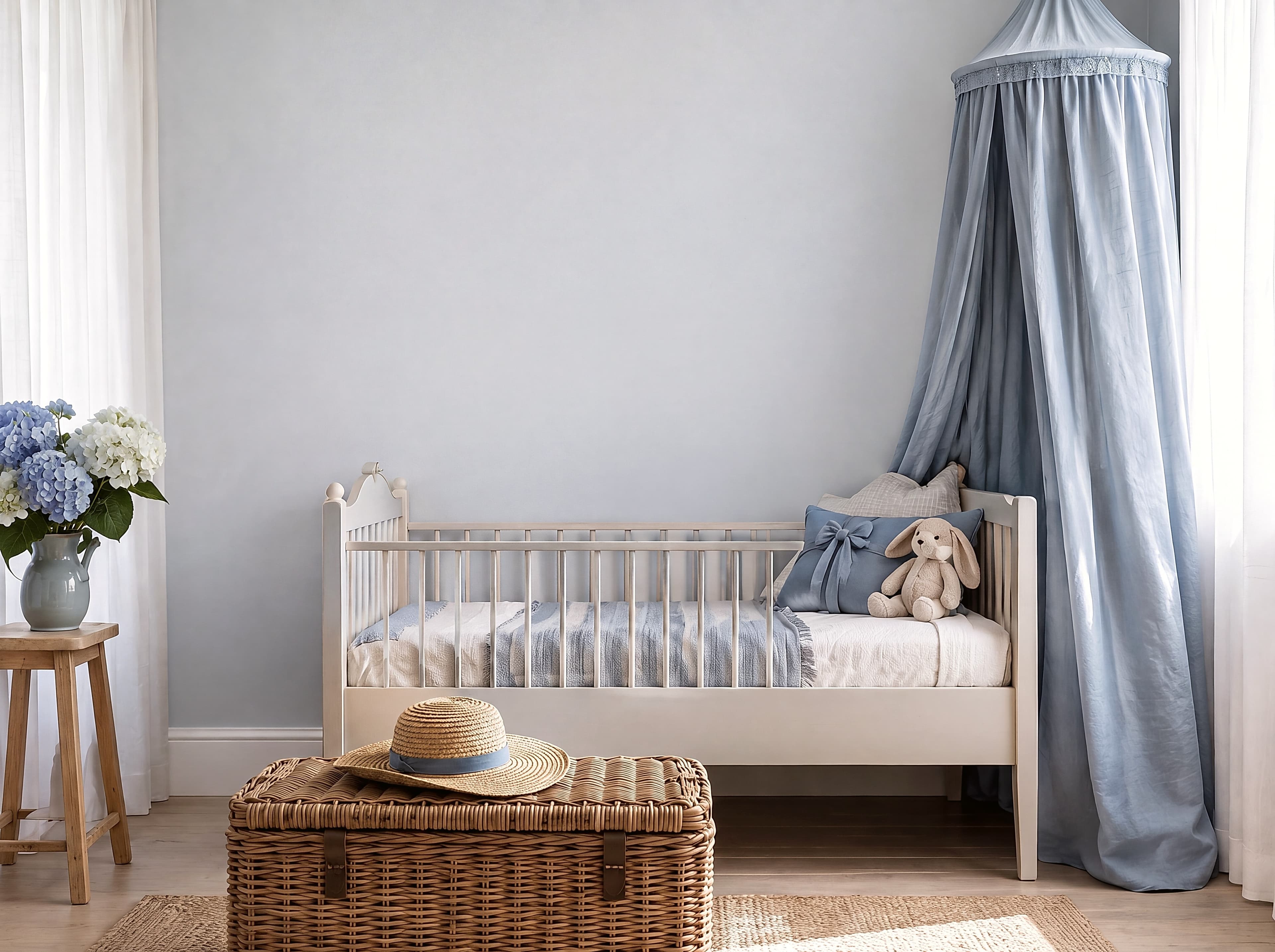
Room pick 17
Calibrated wall reference: 116.7 × 87.2 in (296 × 221 cm)
Try this room in the editor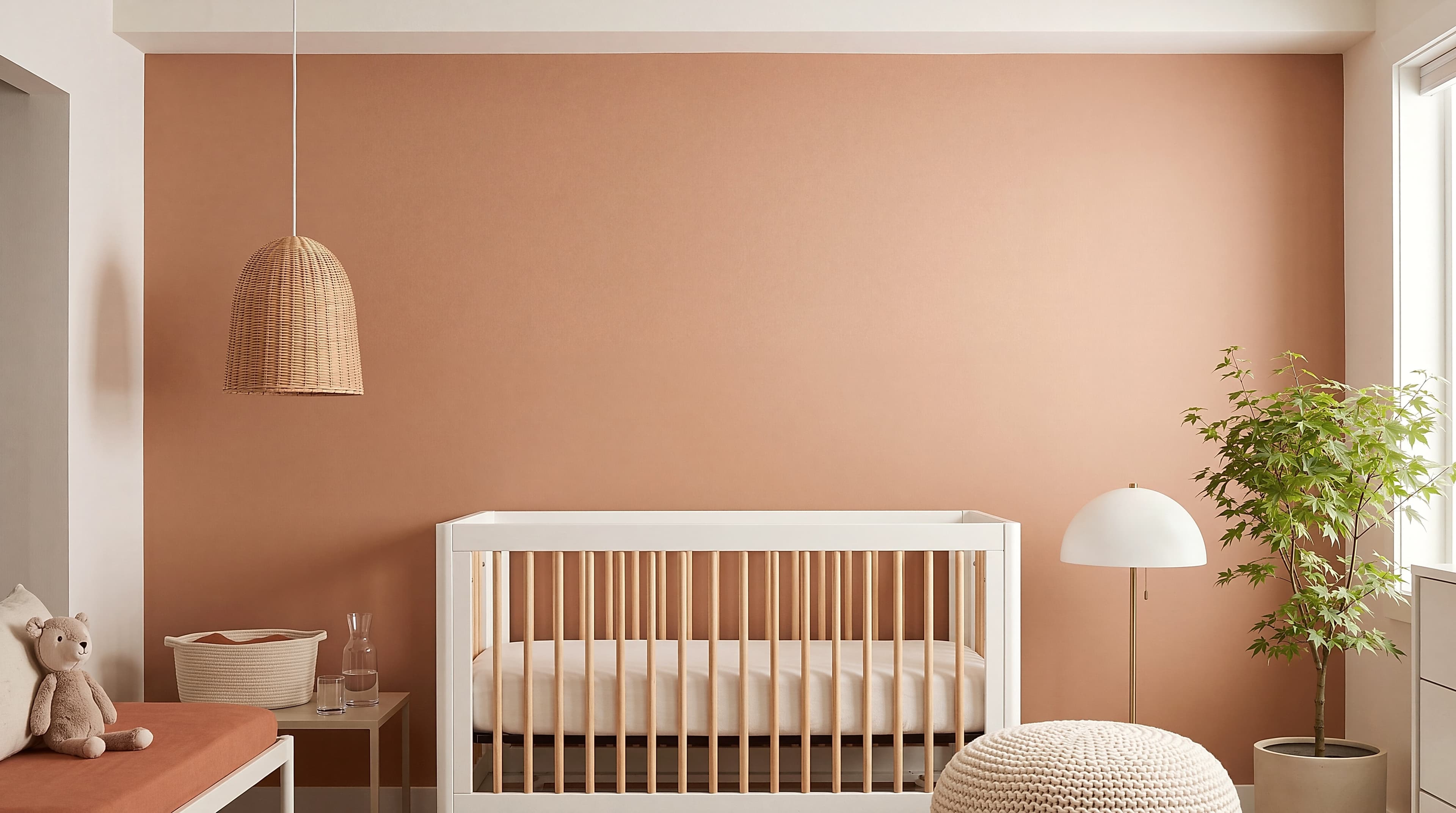
Room pick 18
Calibrated wall reference: 151.6 × 84.6 in (385 × 215 cm)
Try this room in the editor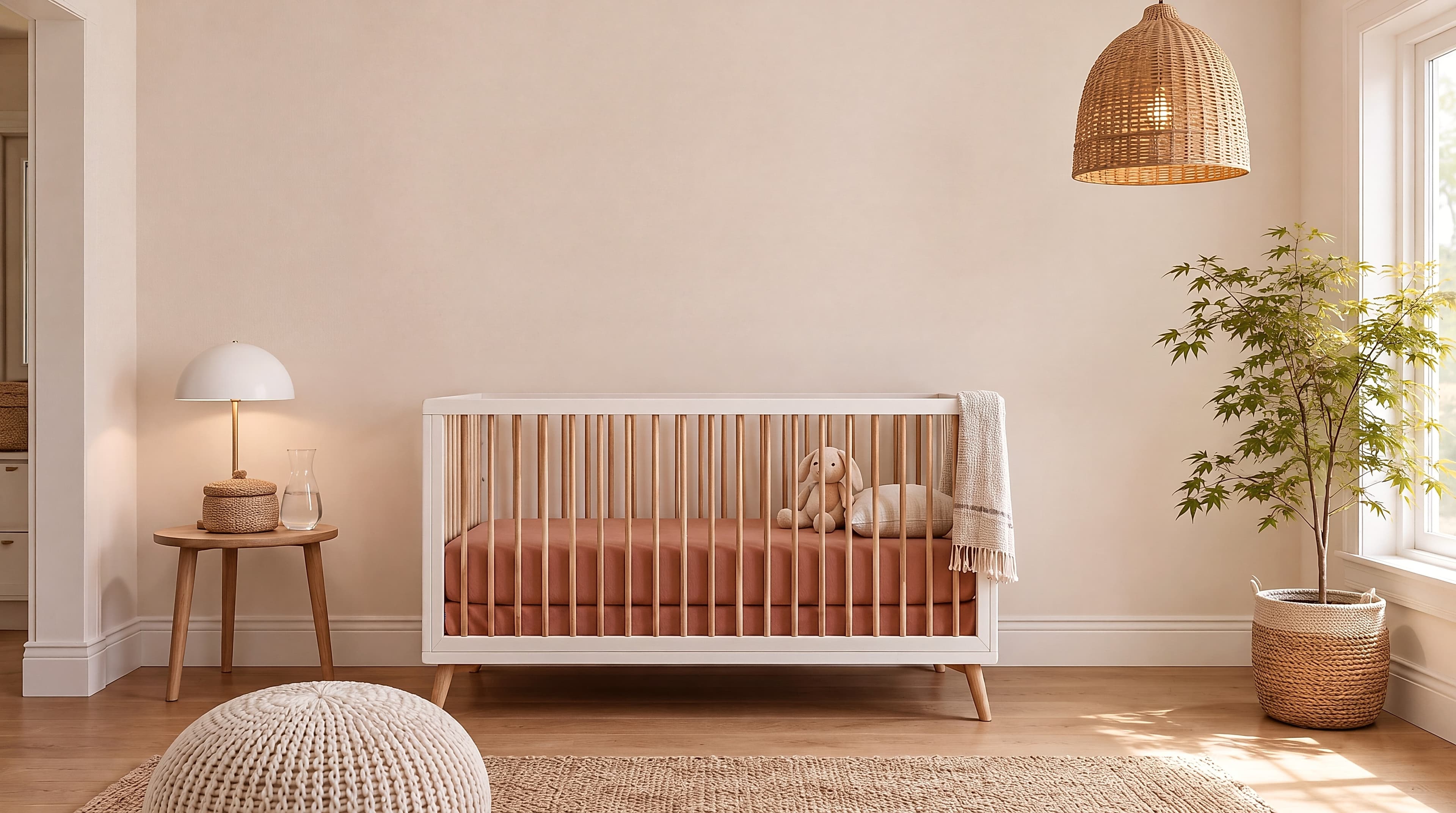
Room pick 19
Calibrated wall reference: 162.5 × 90.8 in (413 × 231 cm)
Try this room in the editorGuide 1
Nursery listings often sell pairs, trios, or printable sets. The mockup should show the exact number of files or prints included, in the same orientation and proportion. If a listing contains several size ratios, use one ratio for the hero image and explain alternatives elsewhere rather than stretching the design to fit every frame.
Illustration, playful typography, animals, maps, botanicals, and gentle abstracts all suit nursery scenes. A neutral dresser room gives colorful artwork room to lead. A pastel playroom can show how soft work behaves in a more expressive interior. Use both only when they address a real buyer decision, not simply to add more lifestyle images.
Guide 2
White paper, pale mats, and cream walls can blend together. A thin wood or colored frame, a restrained shadow, or a slightly contrasting wall keeps the product boundary clear. Avoid heavy filters that turn paper gray or shift a print's pastel palette. The hero image should be the most color-faithful view.
Use props as scale cues rather than as claims about real installation. This page is about creating a product mockup, not structural mounting or child-safety advice. Keep practical installation guidance out of the copy unless it has a qualified source and separate review.
Guide 3
Choose one neutral nursery scene for most hero images and one secondary room for variety. Consistent framing, crop, and scale make a group of designs look like a collection. Buyers can then compare the artwork itself instead of wondering whether a change in room or frame means a different product.
Size reference
These are visual starting points, not universal room rules. Use the complete framed object or multi-panel group, then verify the result with the exact furniture and wall dimensions available to you.
| Placement | Starting point | Check before export |
|---|---|---|
| Above a dresser | Keep the full framed group narrower than the visible furniture surface. | Include mats, frames, and gaps when stating the displayed size. |
| Over a low shelf | Use smaller art that remains readable beside toys and decor. | Do not enlarge a 12×16 print until it looks like a poster. |
| Print set | Use identical outer sizes and consistent gaps unless the listing sells a mixed-size set. | State both the individual print size and the approximate group width. |
Check the outer dimensions for one print or a coordinated set.
1
Use the real product file and preserve its natural aspect ratio.
2
Select one of the popular rooms, enter the physical dimensions, and use only presentation controls that match the real product.
3
Check scale, wall contrast, lighting, and the listing crop before downloading.
Illustrations, animals, alphabets, gentle abstracts, maps, botanicals, and coordinated print sets are easy to understand in nursery rooms. The best scene preserves the artwork's actual palette and provides a believable furniture scale cue.
Matching outer sizes and frames make the included set clearer. Mixed frames can work when that styling is intentional, but do not let the frame variety obscure which prints the customer receives.
Choose a dresser, shelf, or compact wall scene and enter the real dimensions. Keep nearby objects visible so a 12×16 or 8×10 print reads as a deliberately small product.
Yes. Repeating one neutral hero scene and frame treatment makes a shop feel coherent and lets customers compare designs quickly. Add a second lifestyle scene only when it demonstrates a different palette or scale.
Upload the artwork, choose one of the selected rooms, enter the real dimensions, and export a listing-ready image without a template file.
Open the editorRoom selection and guidance reviewed by WallMockup product team. Last materially reviewed 2026-08-12. Popularity follows the editor preset order, which is maintained by completed production downloads.