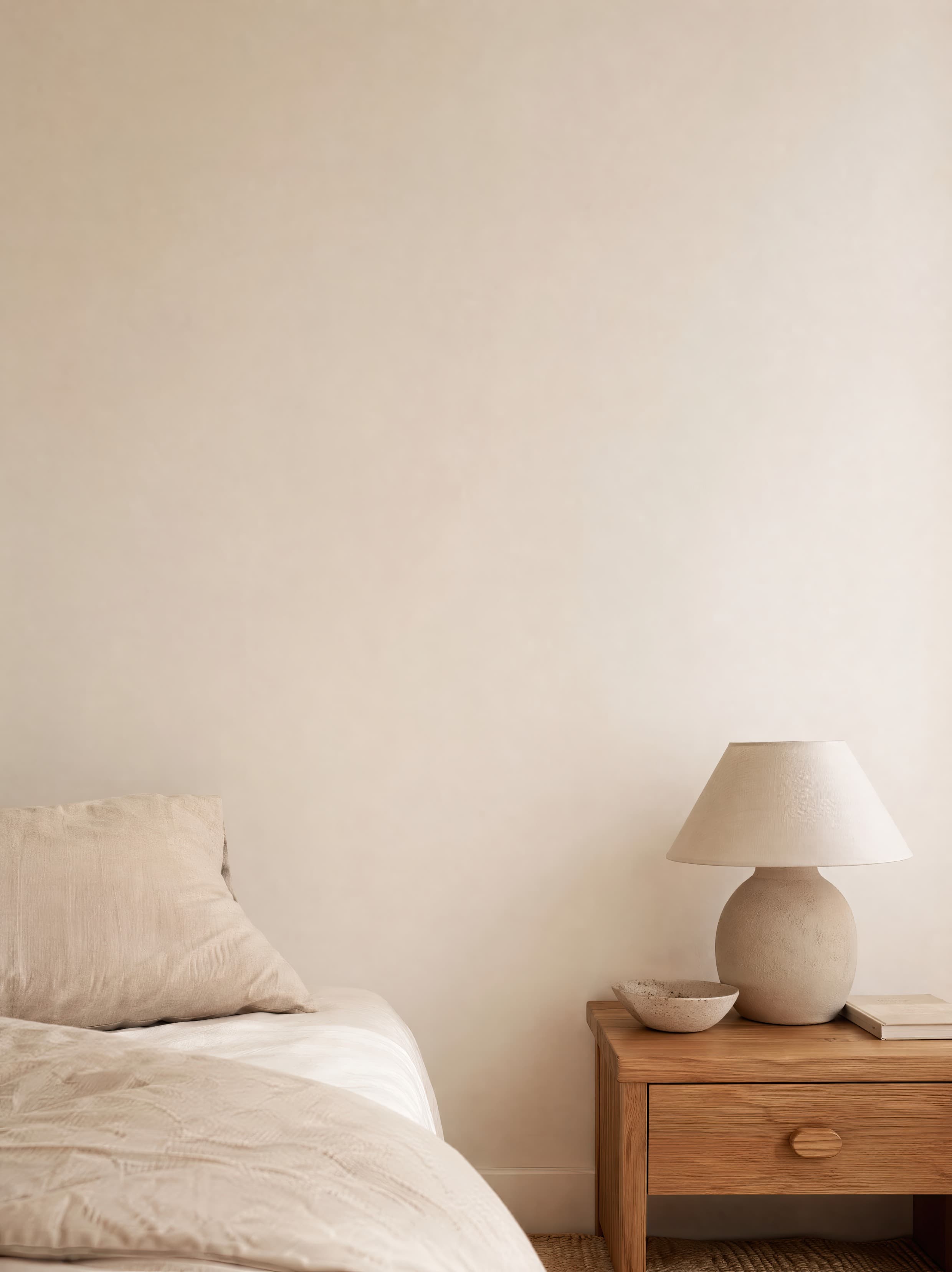
Room pick 1
Soft linen bedroom corner with an empty ivory wall above a bed and warm wood nightstand
Calibrated wall reference: 64.8 × 86.4 in (165 × 219 cm)
Try this room in the editor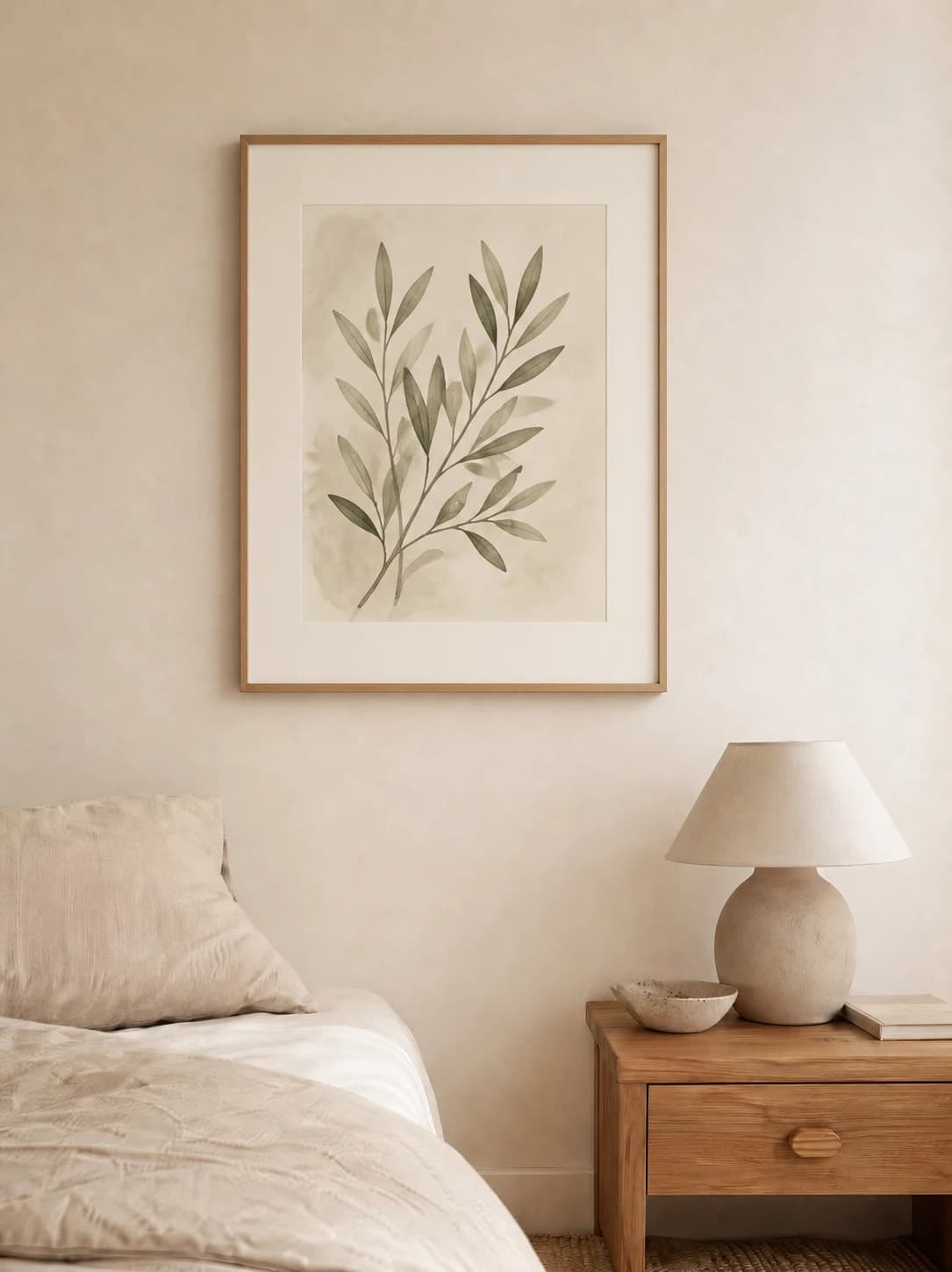
Bedroom mockups
Bedroom mockups work best when the headboard, bedding, and artwork read as one believable composition. Use the real print dimensions, judge the complete framed width against the bed, and choose lighting that preserves the artwork's color while keeping the room restful.
Exact room opens in the editor · 37 compatible presets · PNG, JPG, and WEBP export
Best for
Inspiration of use
These generated inspiration examples use the same top-ranked WallMockup rooms available below. Compare the scale, frame, and layout choices, then open the matching blank room to replace the example art with your own.
18 × 24 in / 46 × 61 cm print · oak frame · 2 in mat
A pale mat and warm oak frame separate the quiet botanical from the cream wall without overpowering the bedside furniture.
Try this exact room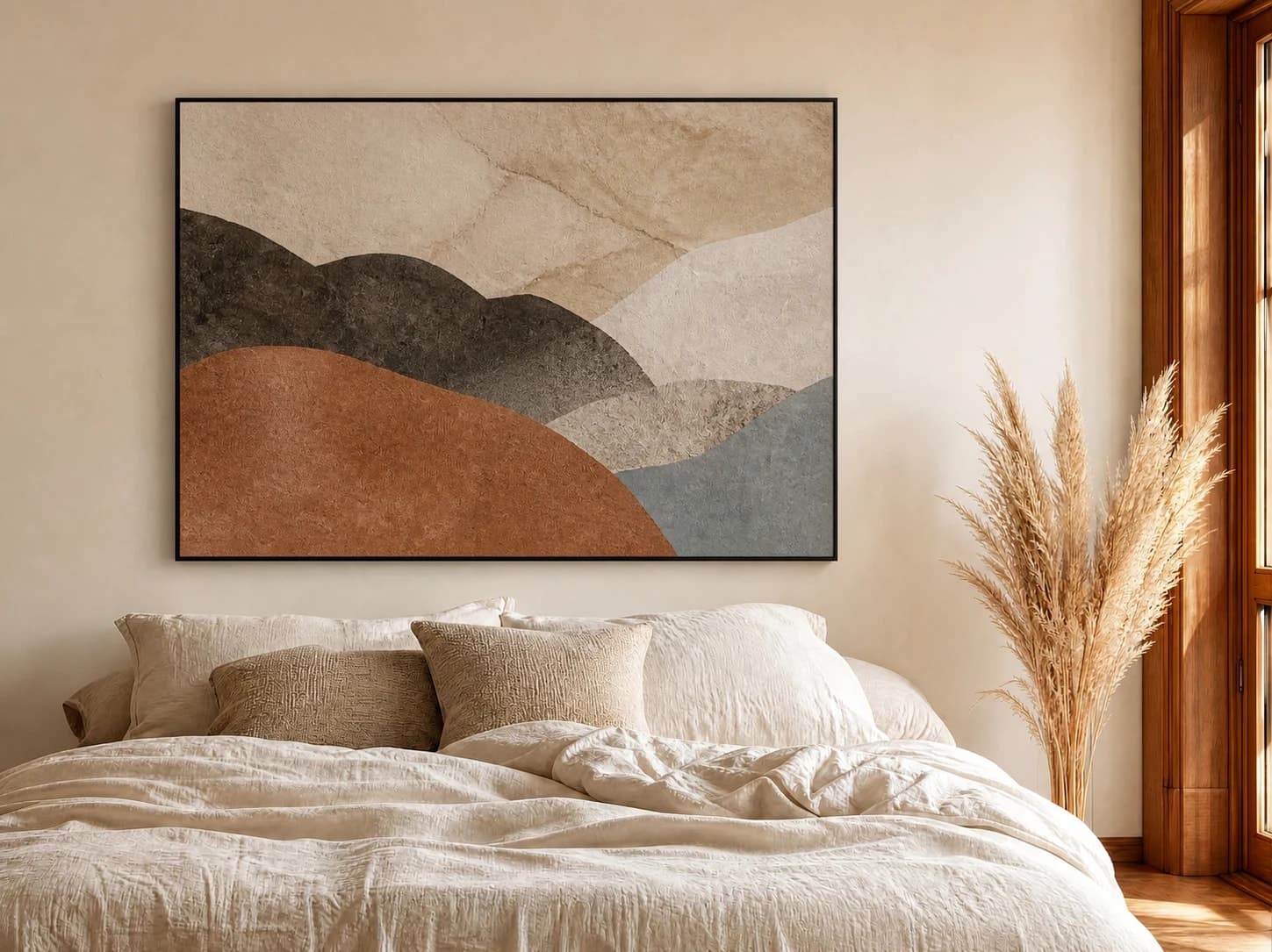
40 × 30 in / 102 × 76 cm landscape · thin black frame
The wide 4:3 work follows the bed's horizontal line while a thin black edge keeps the muted palette readable.
Try this exact room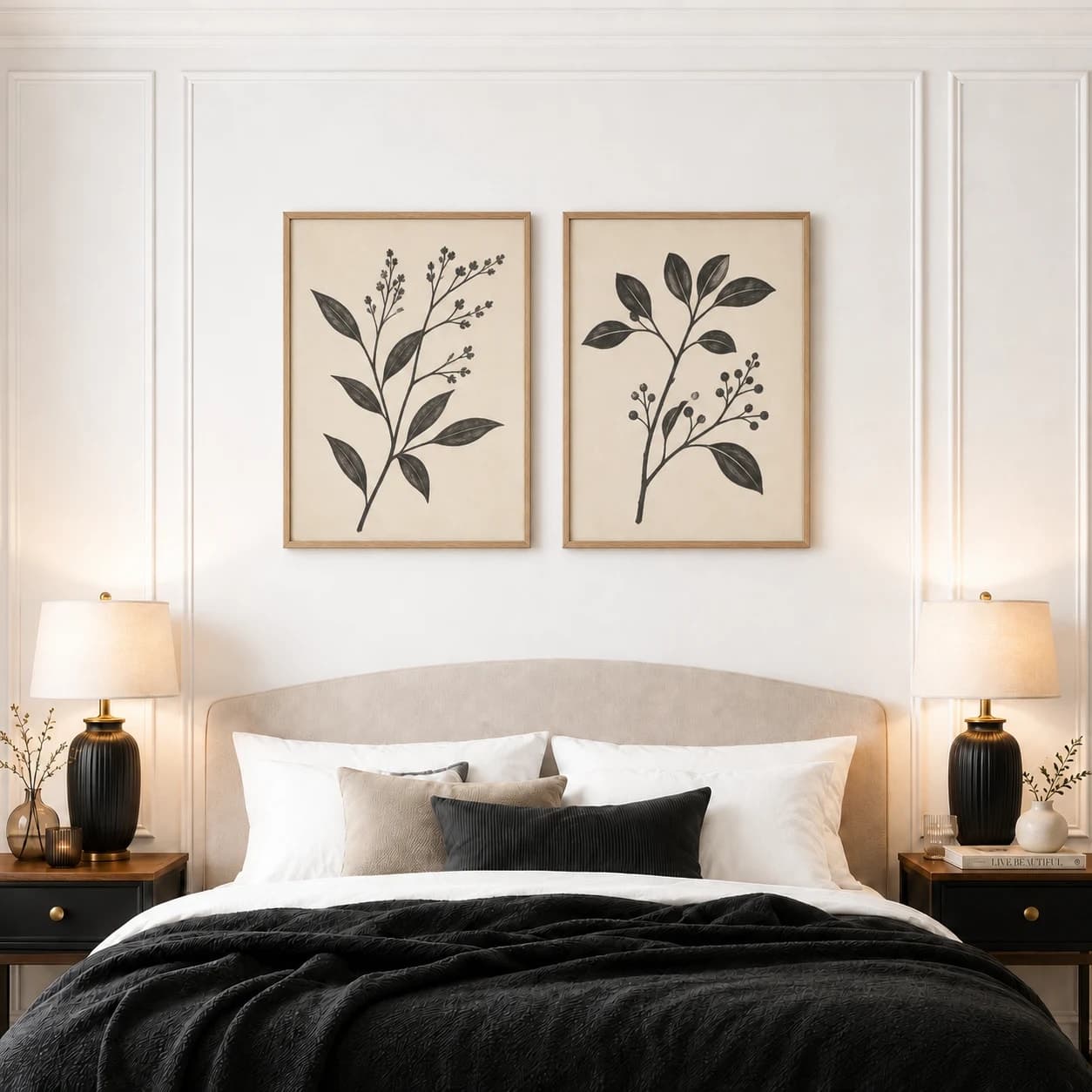
Two 16 × 20 in / 41 × 51 cm prints · oak frames
Matching frame widths and a controlled center gap make the two prints read as one group against the symmetrical molding.
Try this exact roomChosen from real usage
These are the three highest bedroom presets in completed-download order: a portrait-friendly side wall, a broad neutral bed wall, and a symmetrical paneled room.
Room pick 1
Calibrated wall reference: 64.8 × 86.4 in (165 × 219 cm)
Try this room in the editor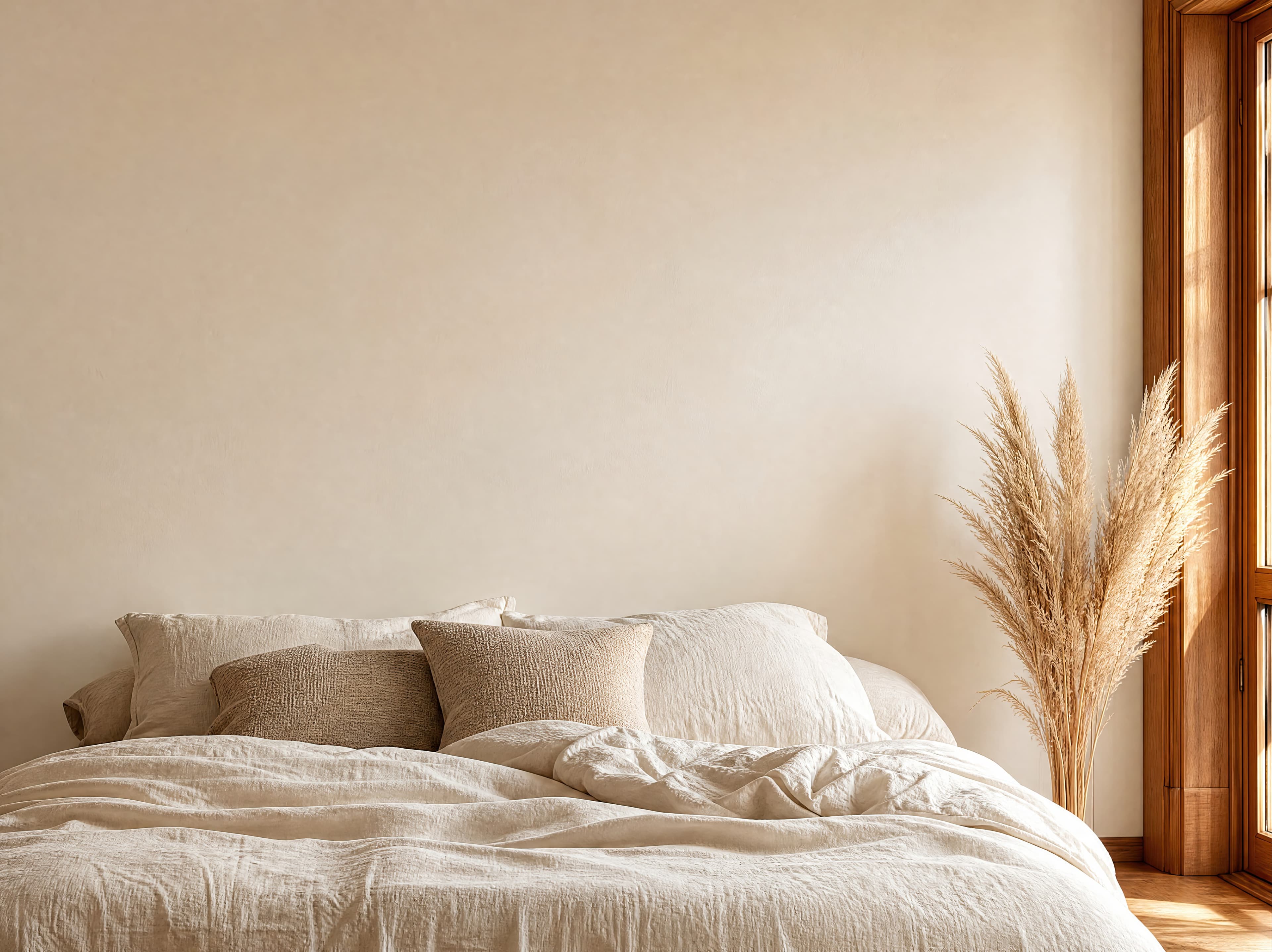
Room pick 2
Calibrated wall reference: 141.5 × 106.1 in (359 × 269 cm)
Try this room in the editor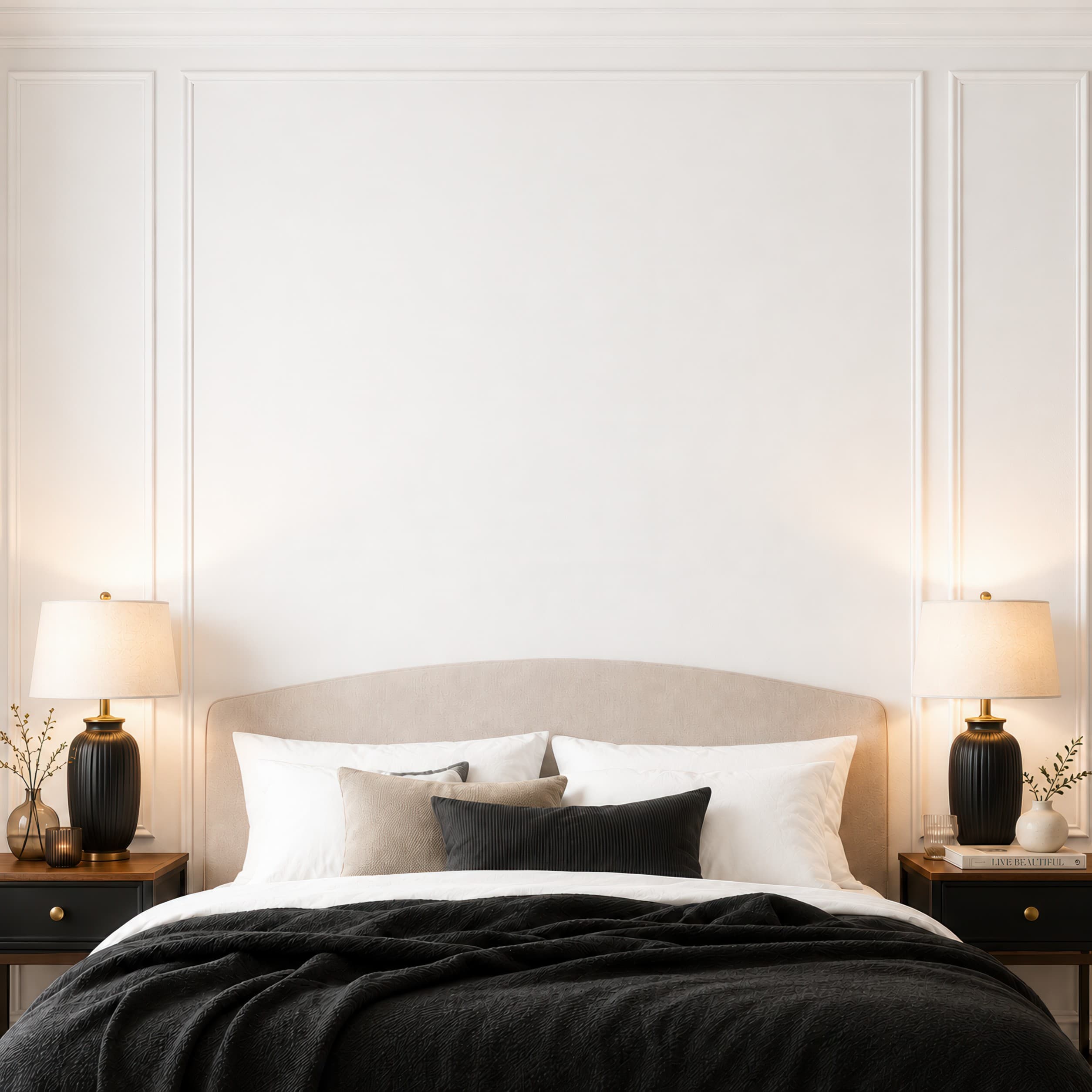
Room pick 3
Calibrated wall reference: 96.3 × 96.3 in (245 × 245 cm)
Try this room in the editor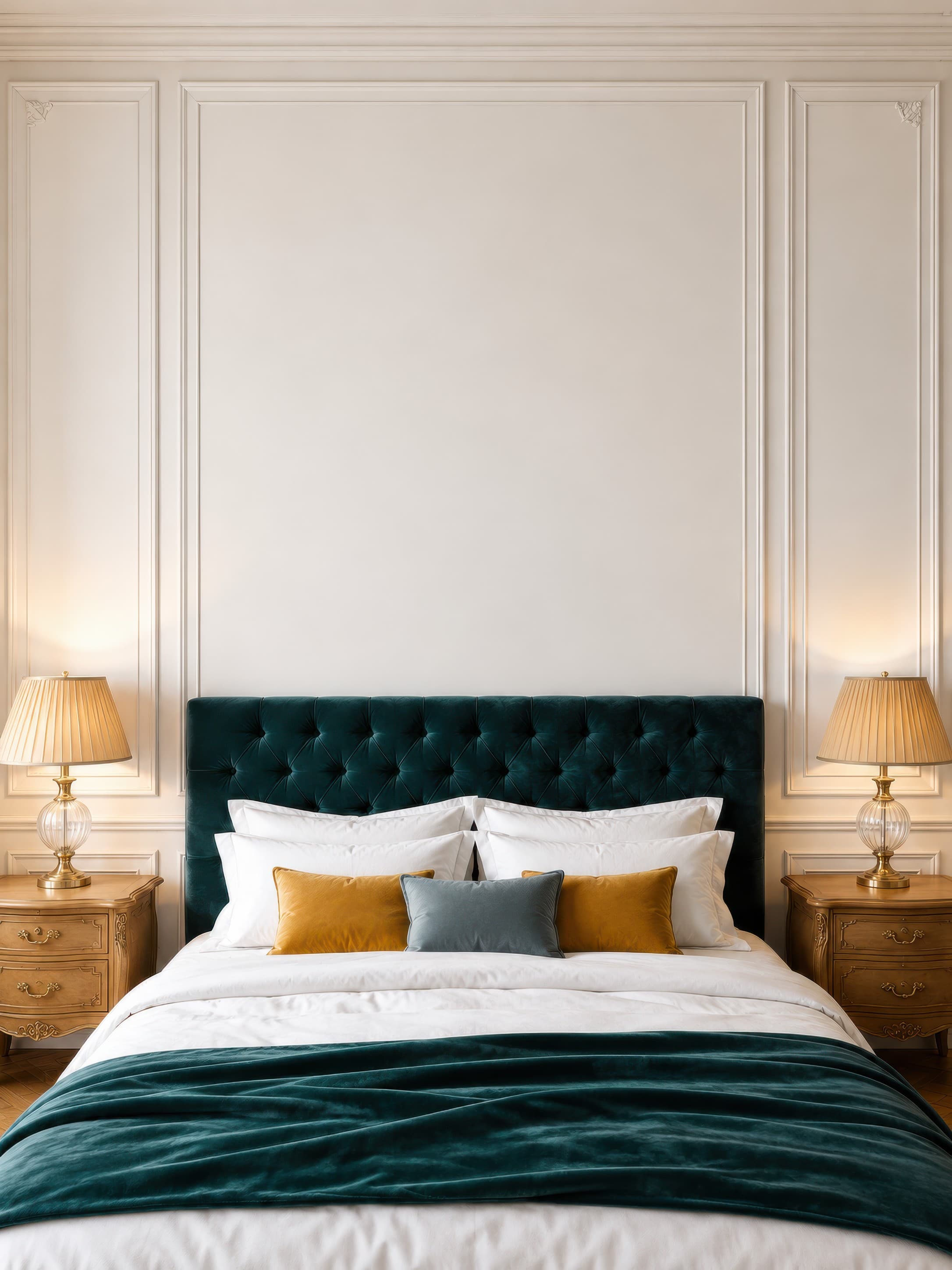
Room pick 4
Calibrated wall reference: 102.6 × 136.8 in (261 × 347 cm)
Try this room in the editor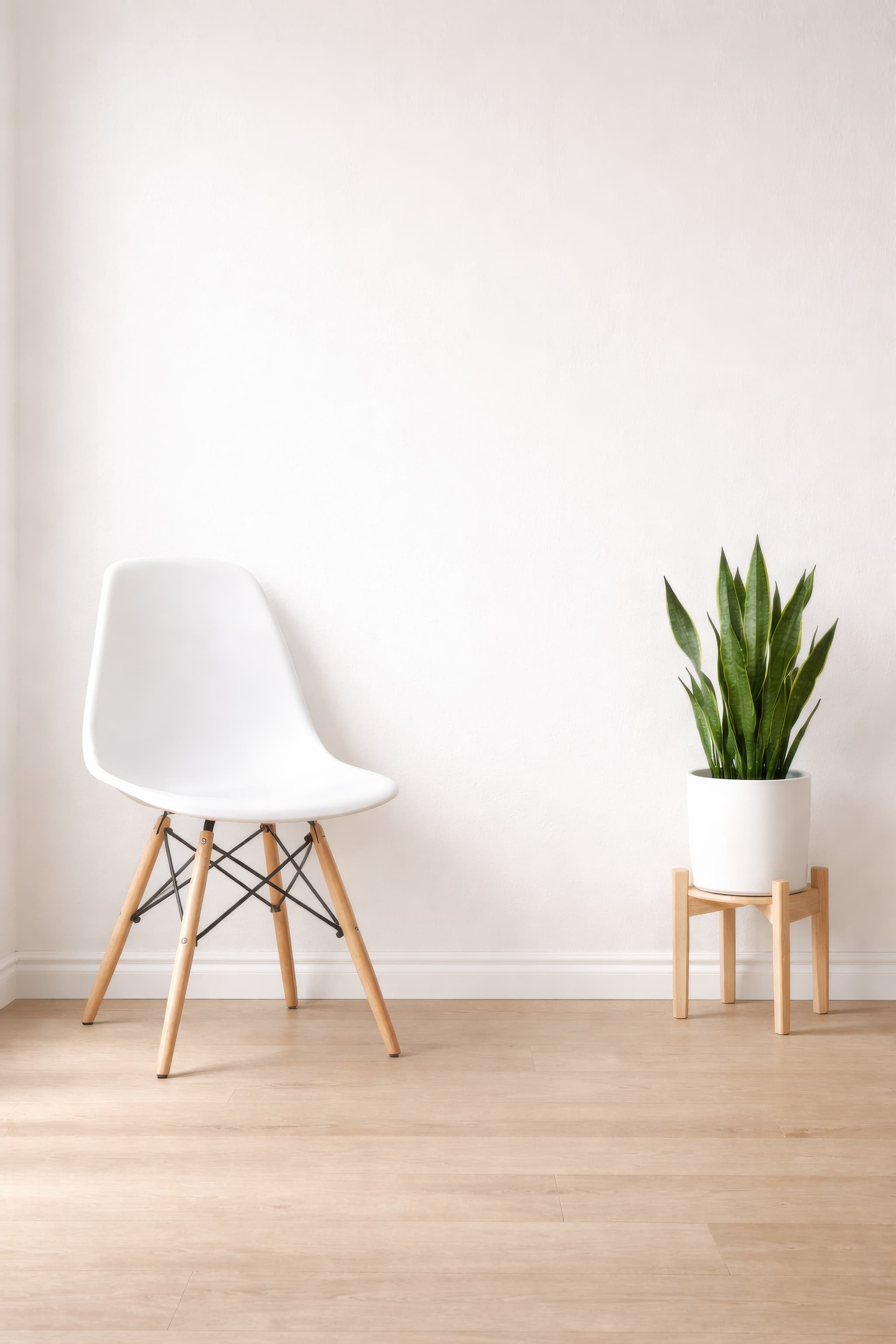
Room pick 5
Calibrated wall reference: 70 × 100 in (178 × 254 cm)
Try this room in the editor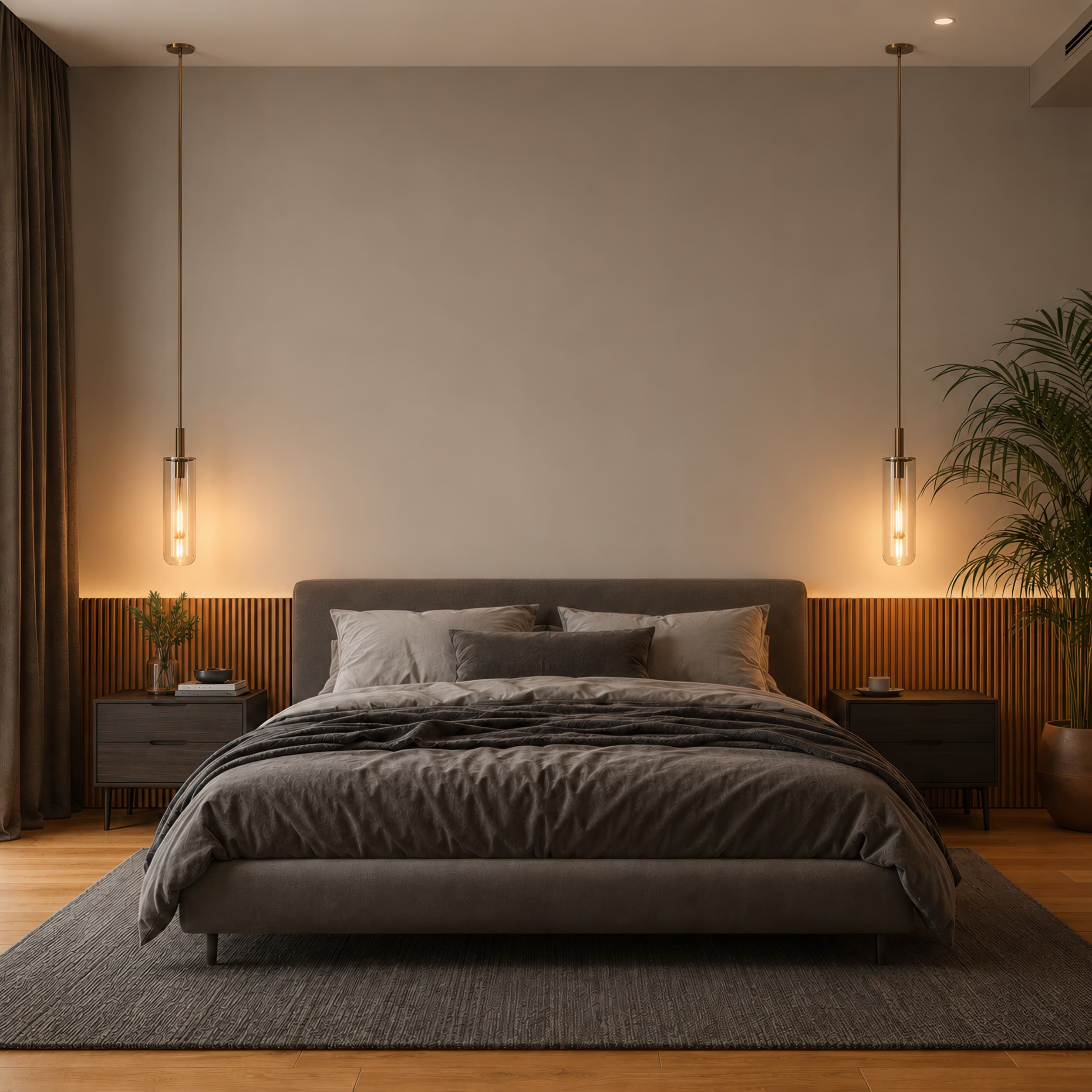
Room pick 6
Calibrated wall reference: 125 × 125 in (318 × 318 cm)
Try this room in the editor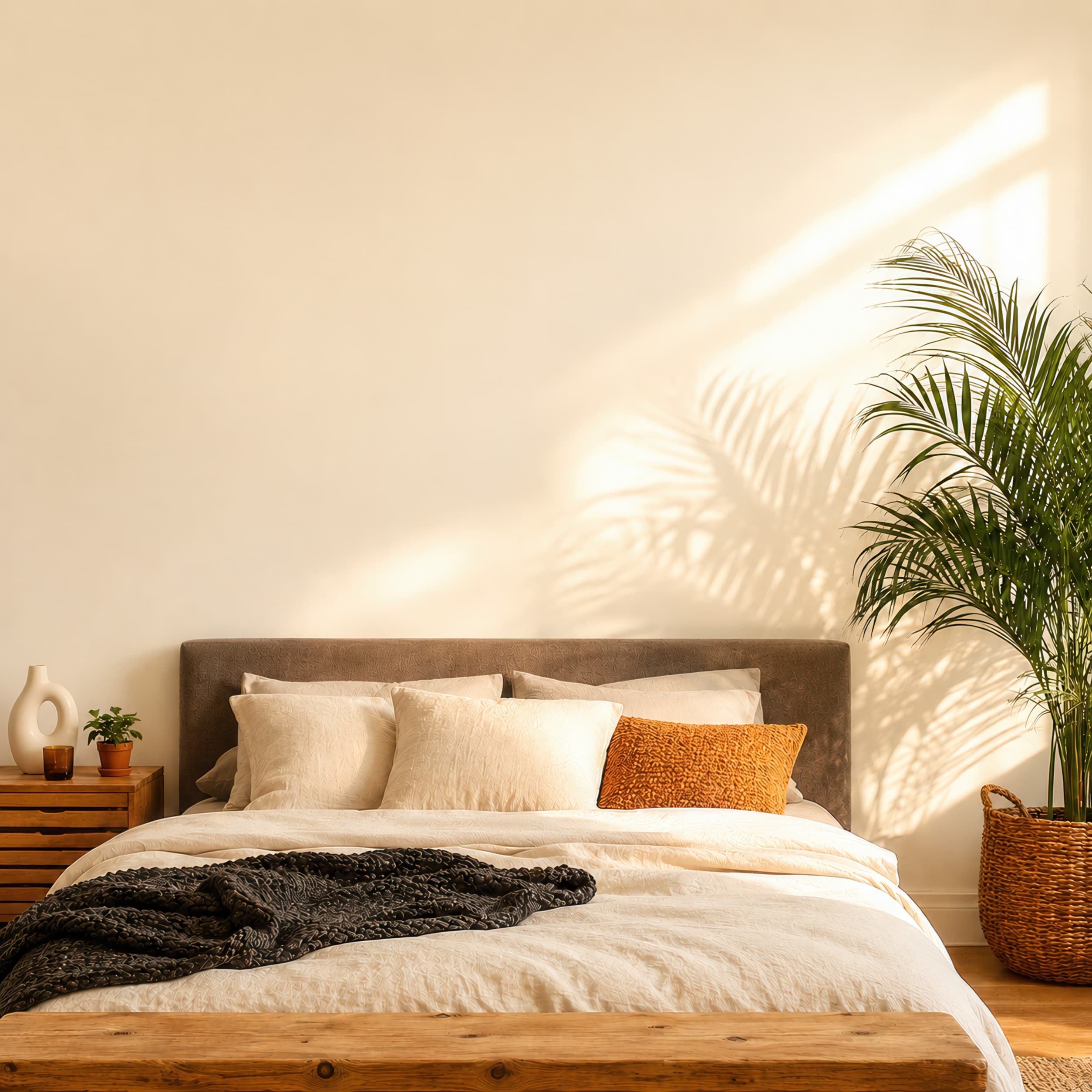
Room pick 7
Calibrated wall reference: 92.7 × 92.7 in (235 × 235 cm)
Try this room in the editor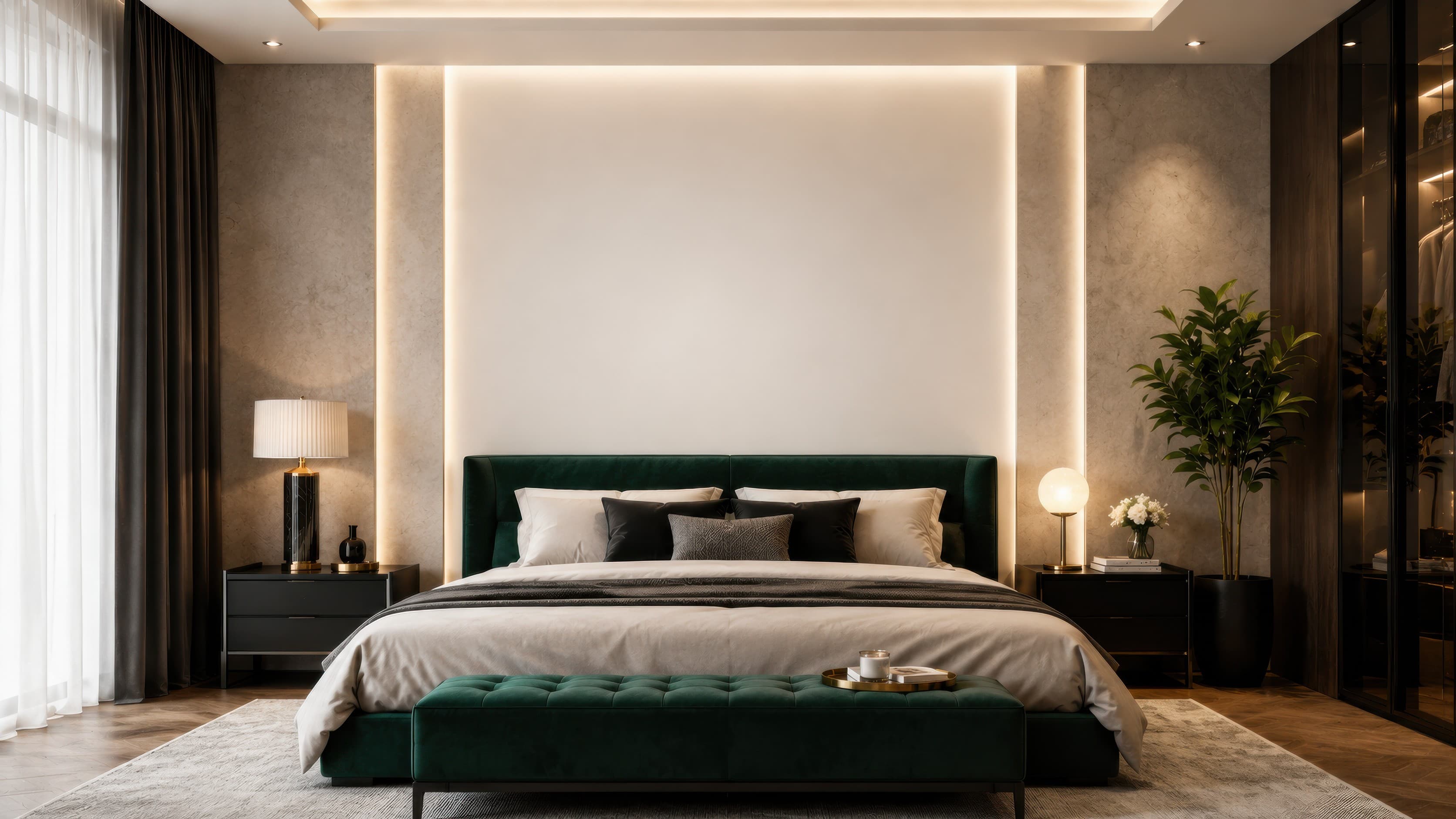
Room pick 8
Calibrated wall reference: 176 × 99 in (447 × 251 cm)
Try this room in the editor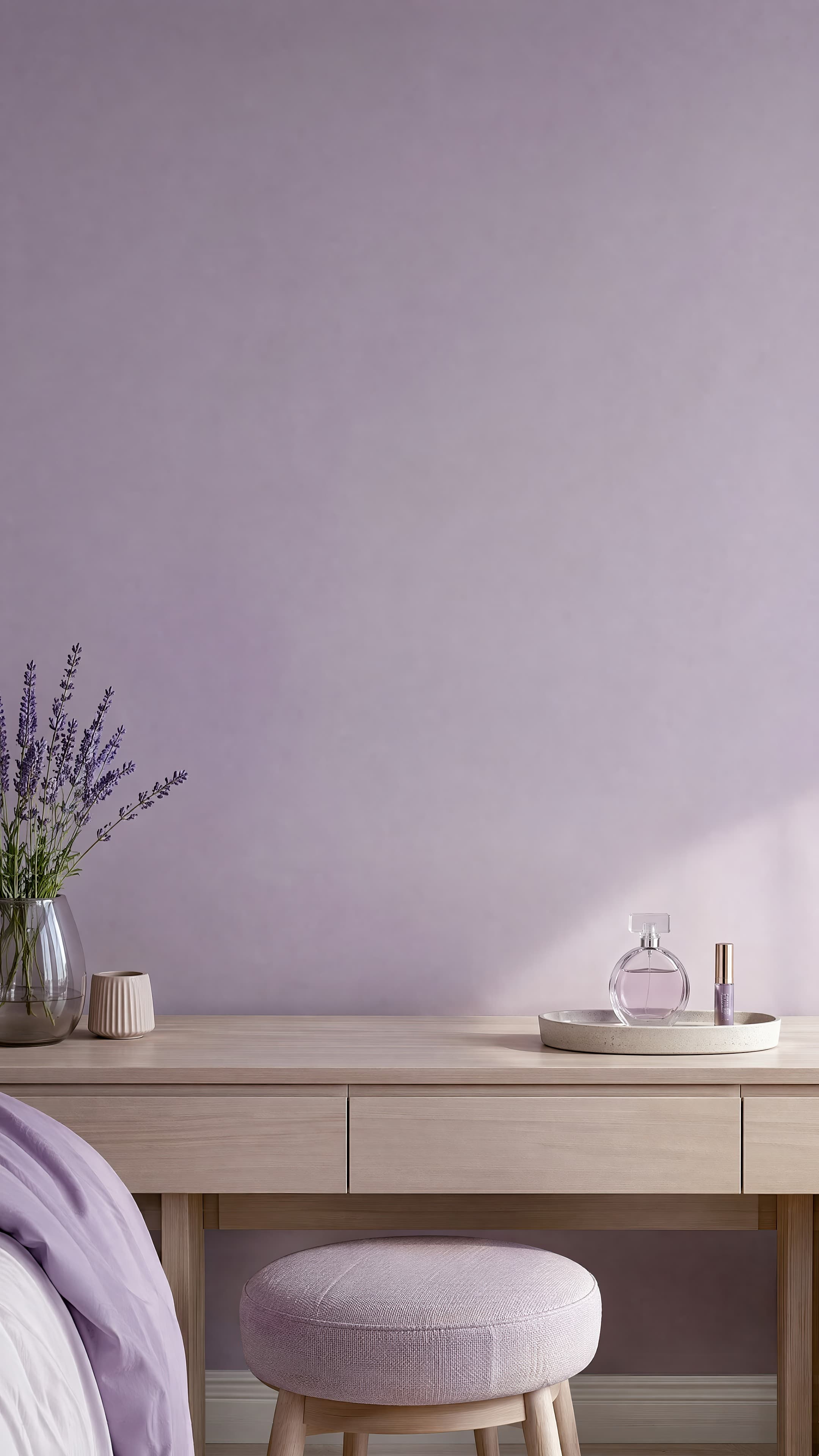
Room pick 9
Calibrated wall reference: 54.6 × 69.4 in (139 × 176 cm)
Try this room in the editor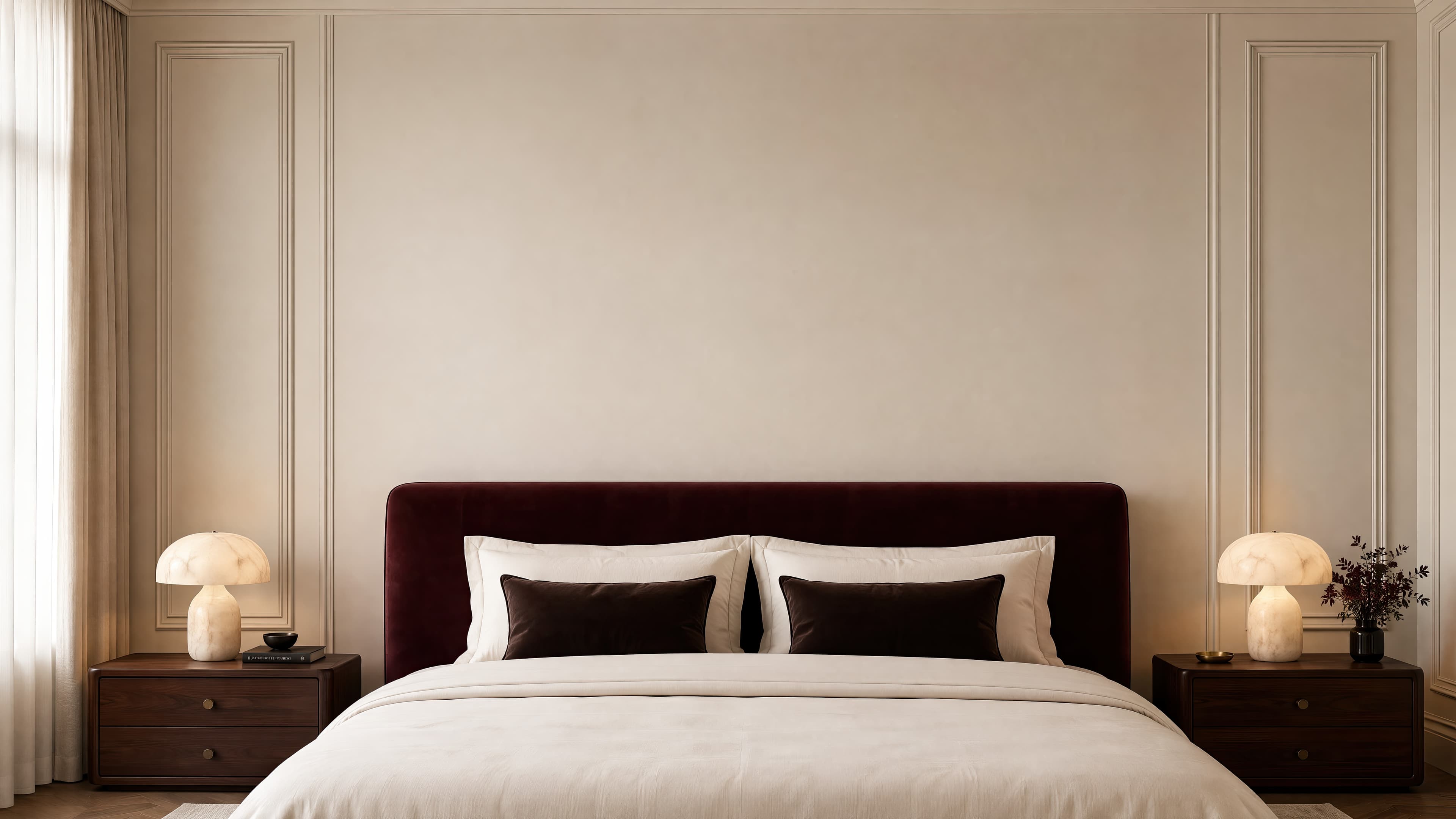
Room pick 10
Calibrated wall reference: 184.3 × 103.7 in (468 × 263 cm)
Try this room in the editor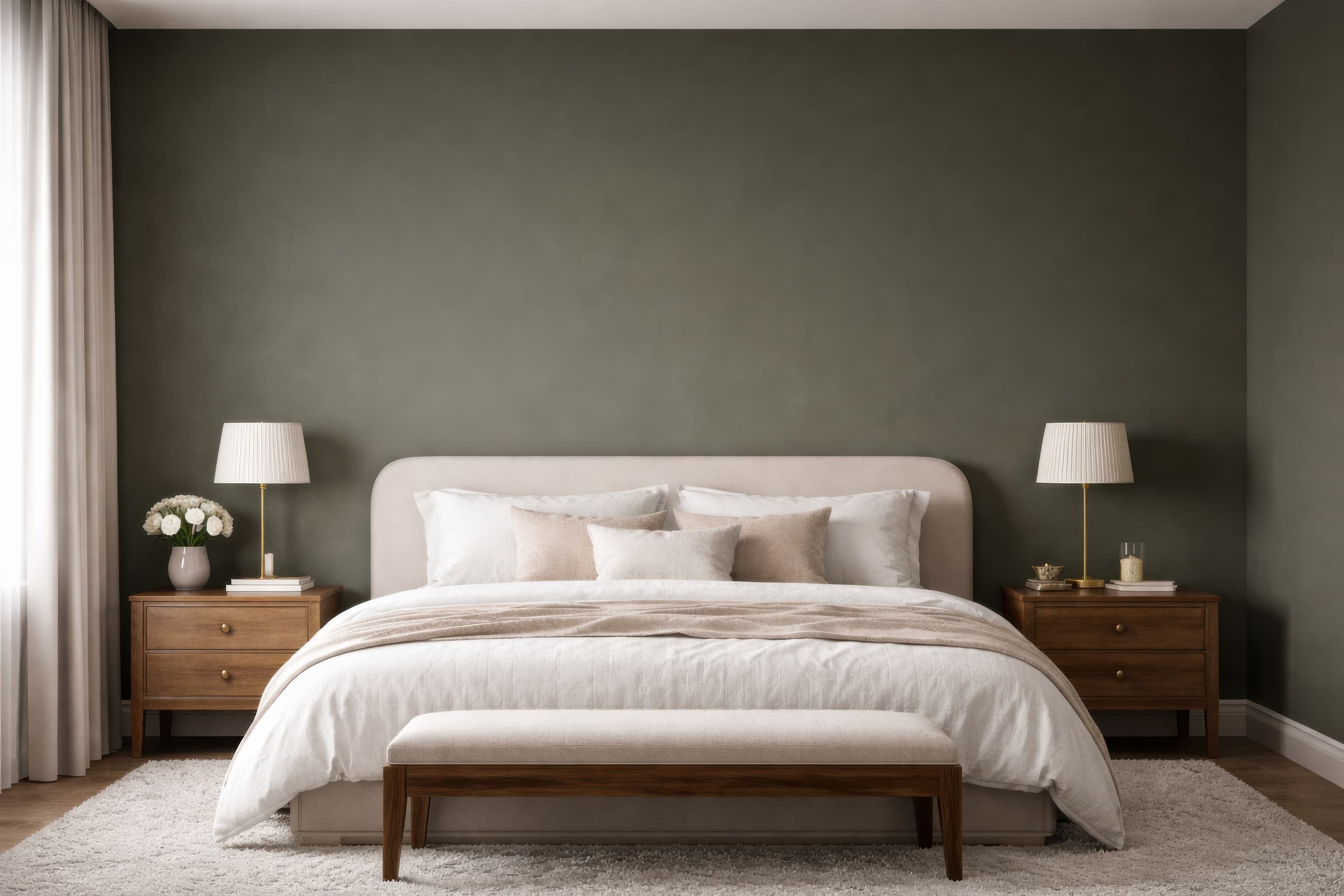
Room pick 11
Calibrated wall reference: 141.1 × 94.1 in (358 × 239 cm)
Try this room in the editor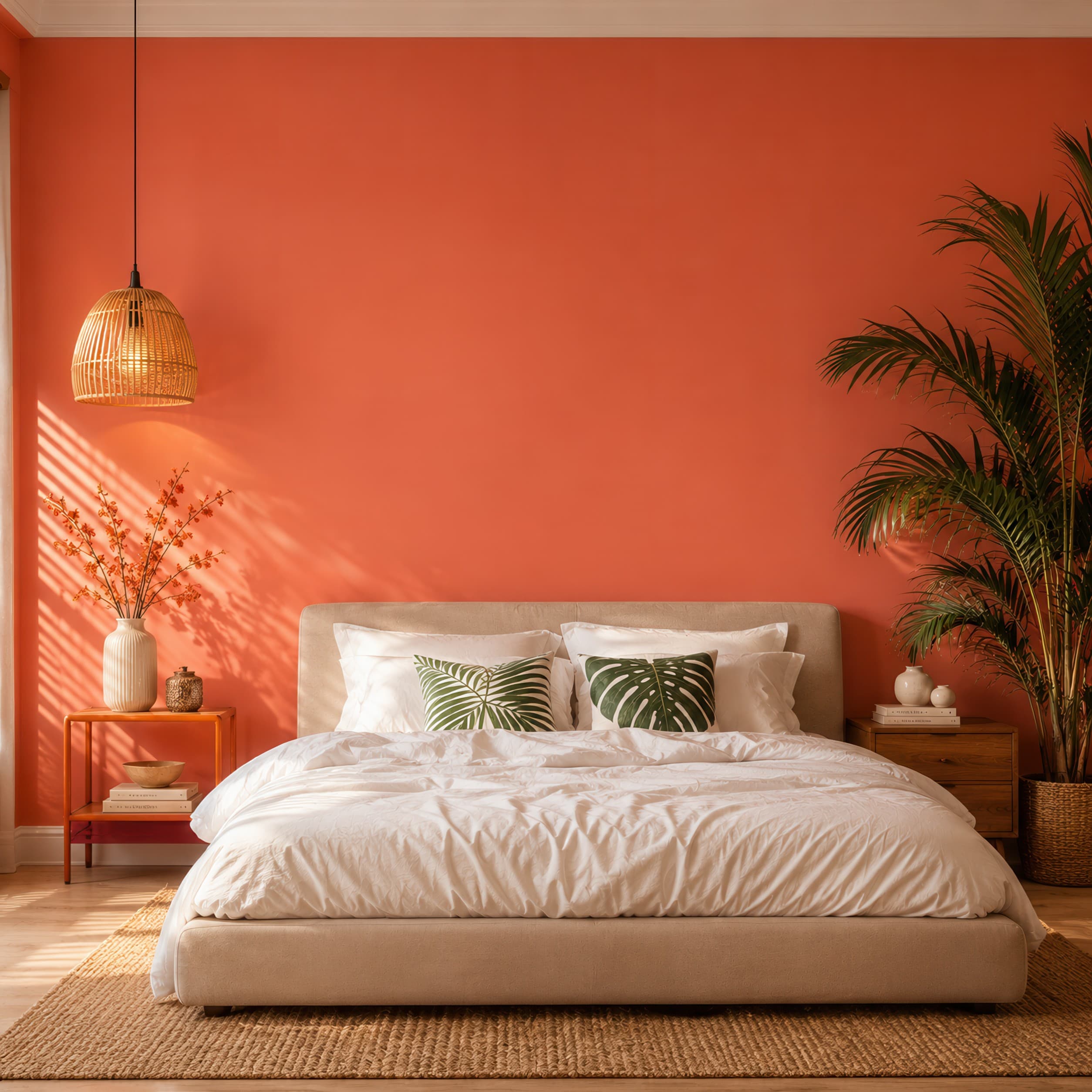
Room pick 12
Calibrated wall reference: 112.5 × 112.5 in (286 × 286 cm)
Try this room in the editor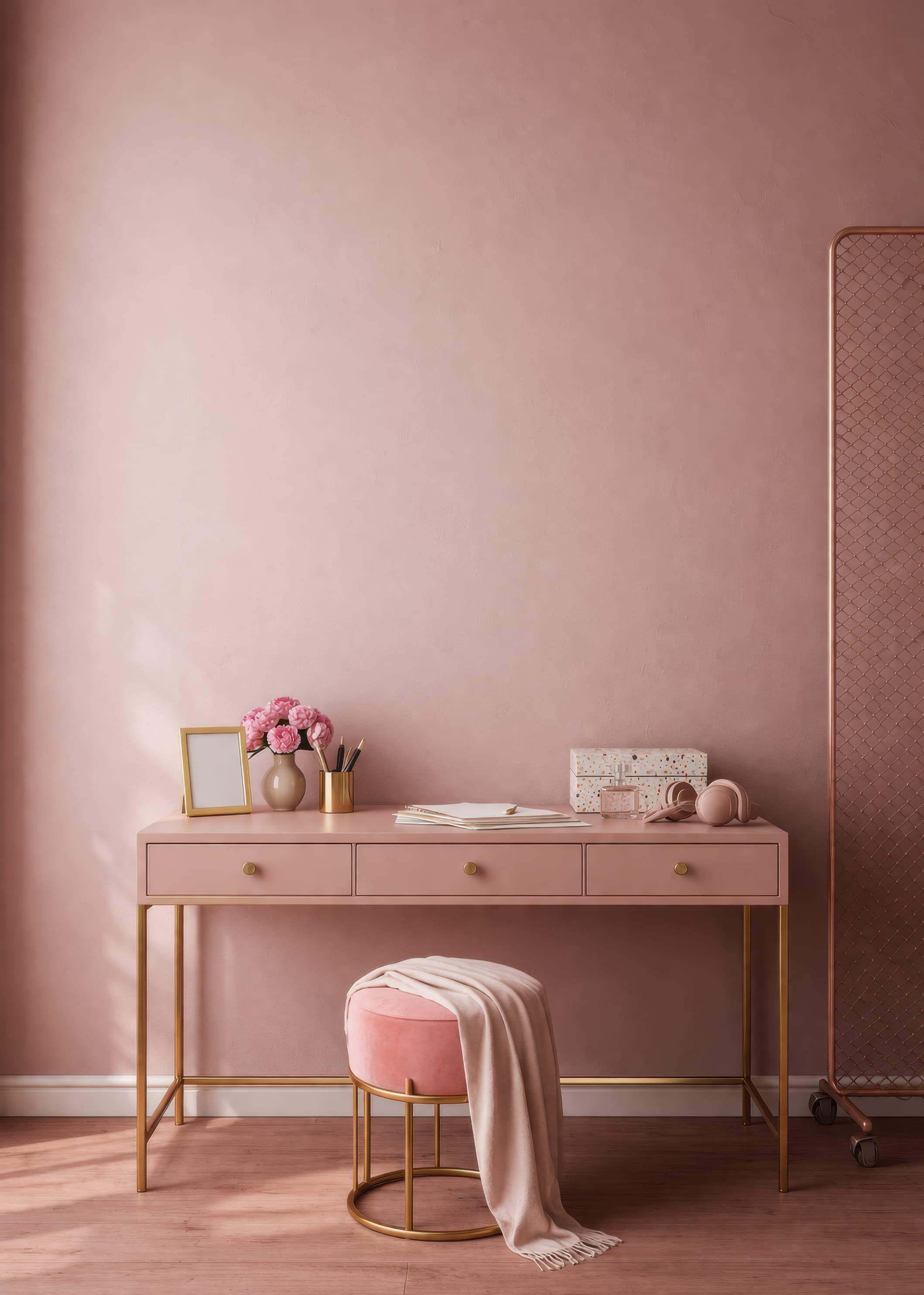
Room pick 13
Calibrated wall reference: 100 × 140 in (254 × 356 cm)
Try this room in the editor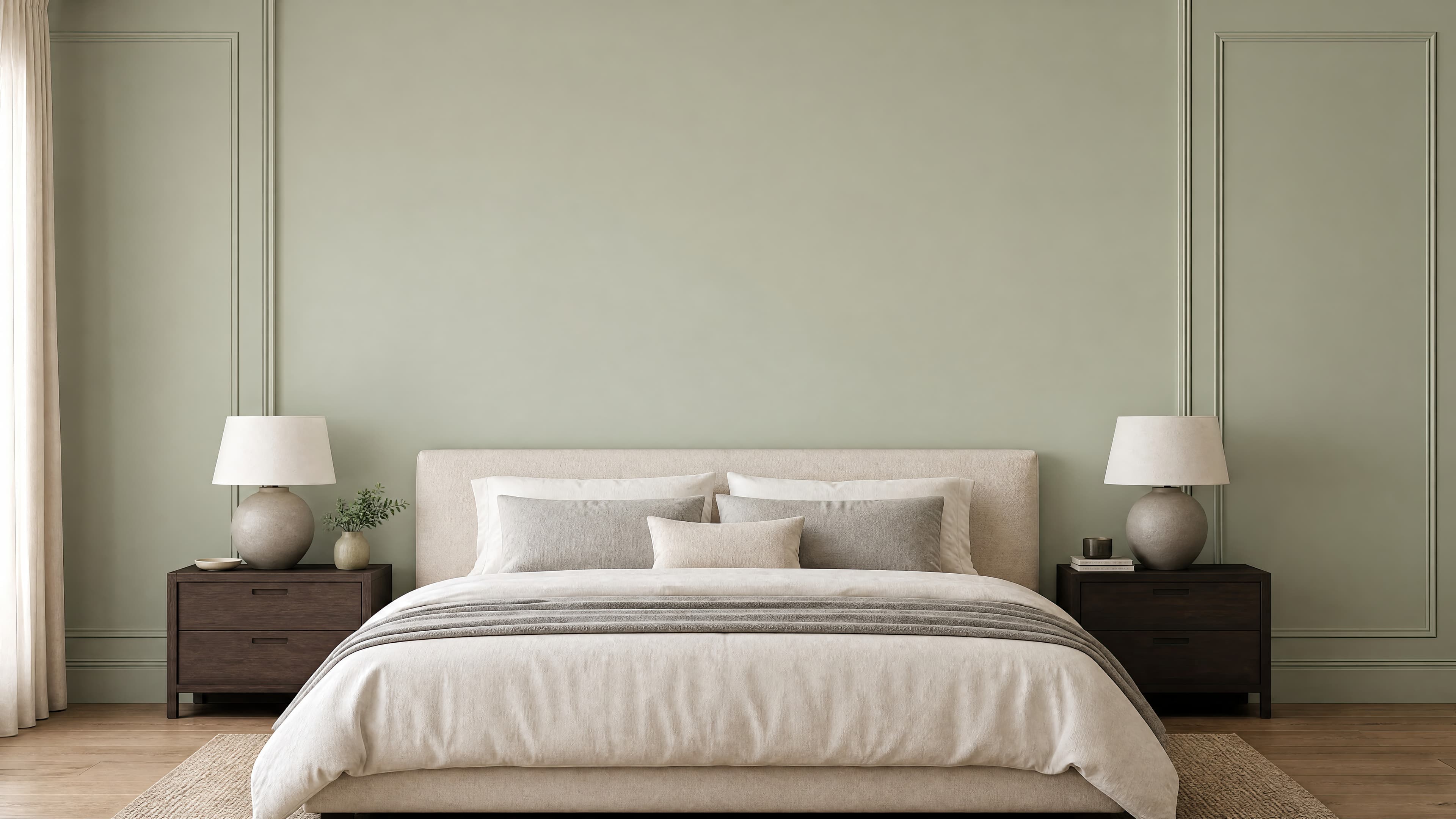
Room pick 14
Calibrated wall reference: 192 × 108 in (488 × 274 cm)
Try this room in the editor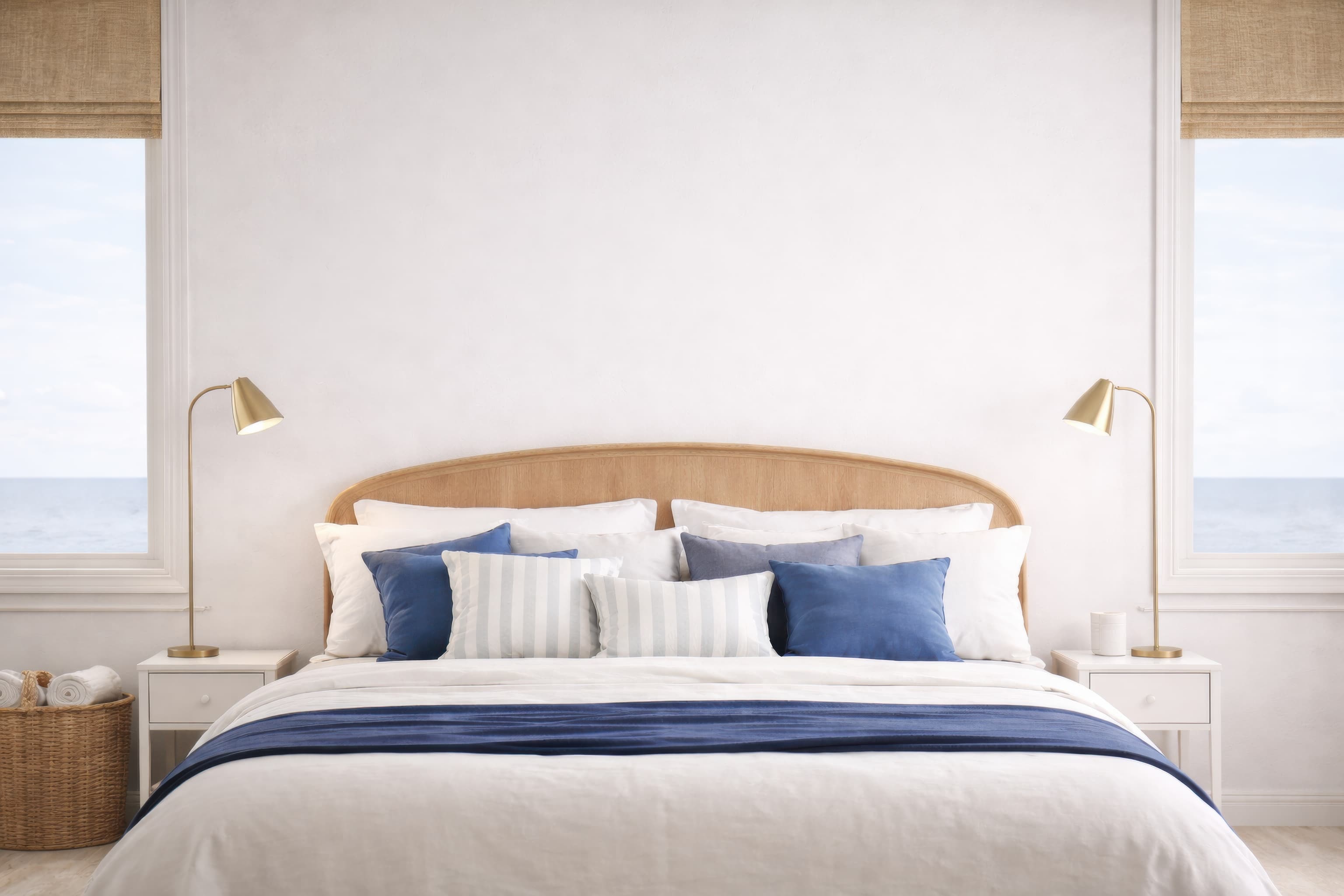
Room pick 15
Calibrated wall reference: 156 × 104 in (396 × 264 cm)
Try this room in the editor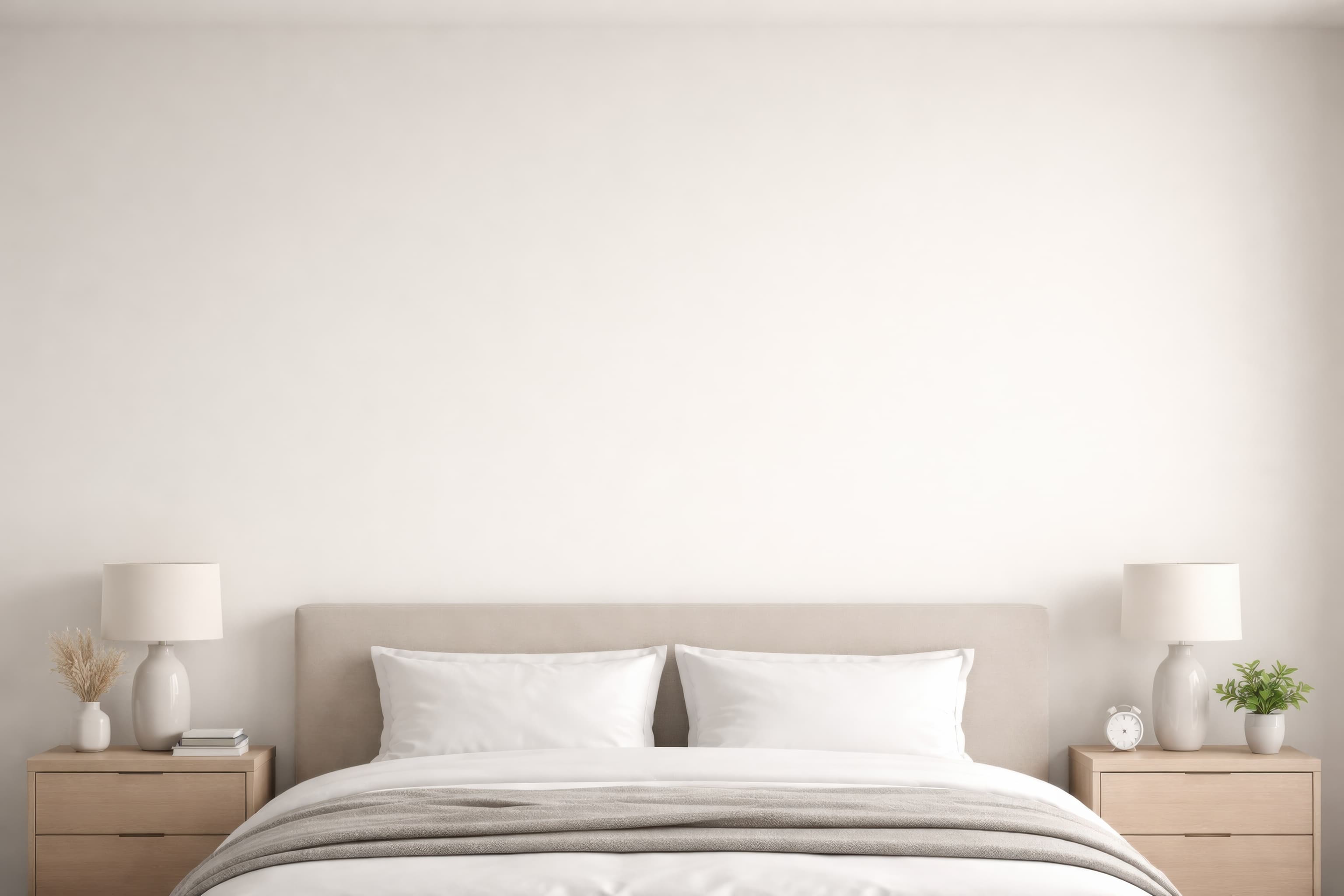
Room pick 16
Calibrated wall reference: 115.2 × 76.8 in (293 × 195 cm)
Try this room in the editor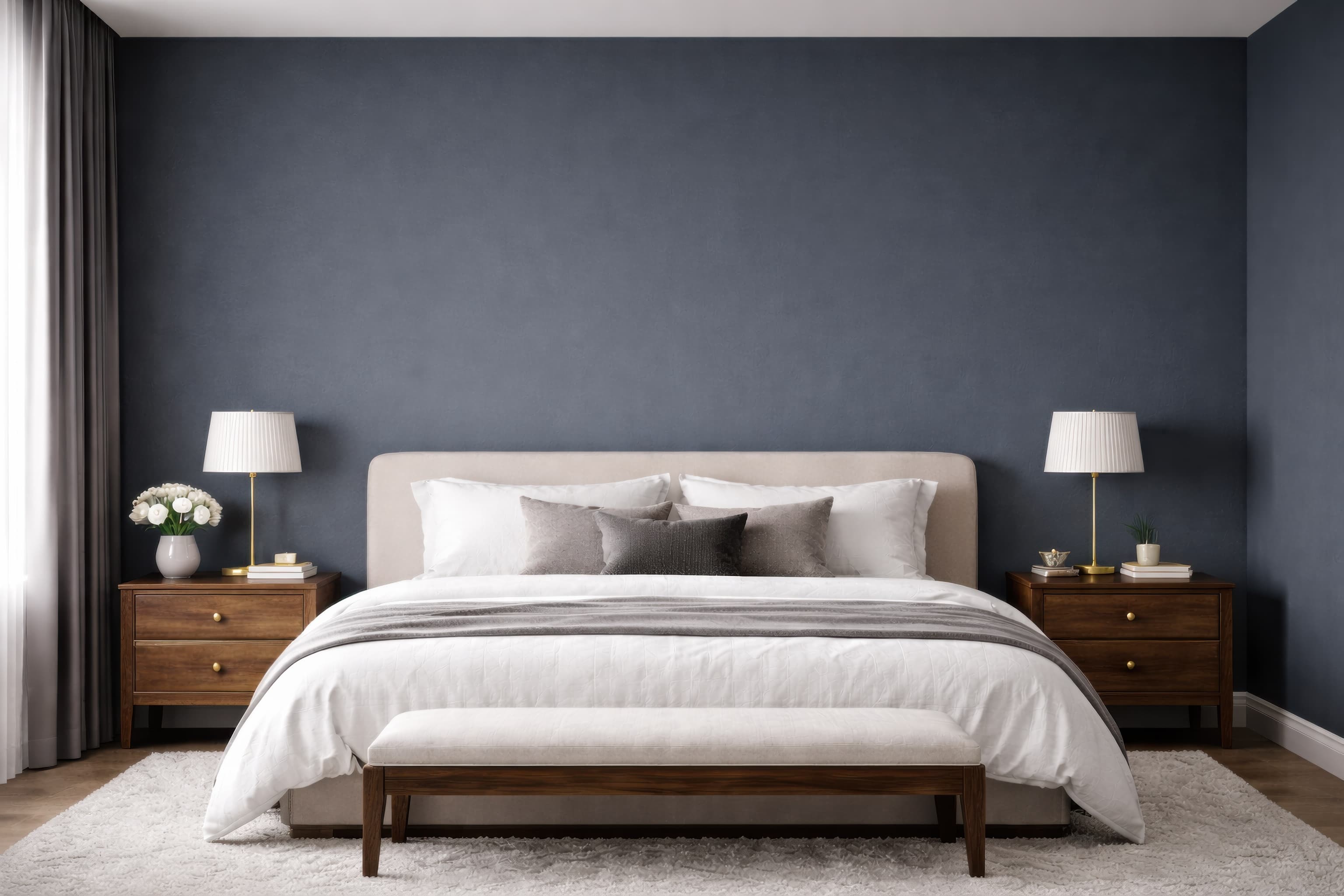
Room pick 17
Calibrated wall reference: 144 × 96 in (366 × 244 cm)
Try this room in the editor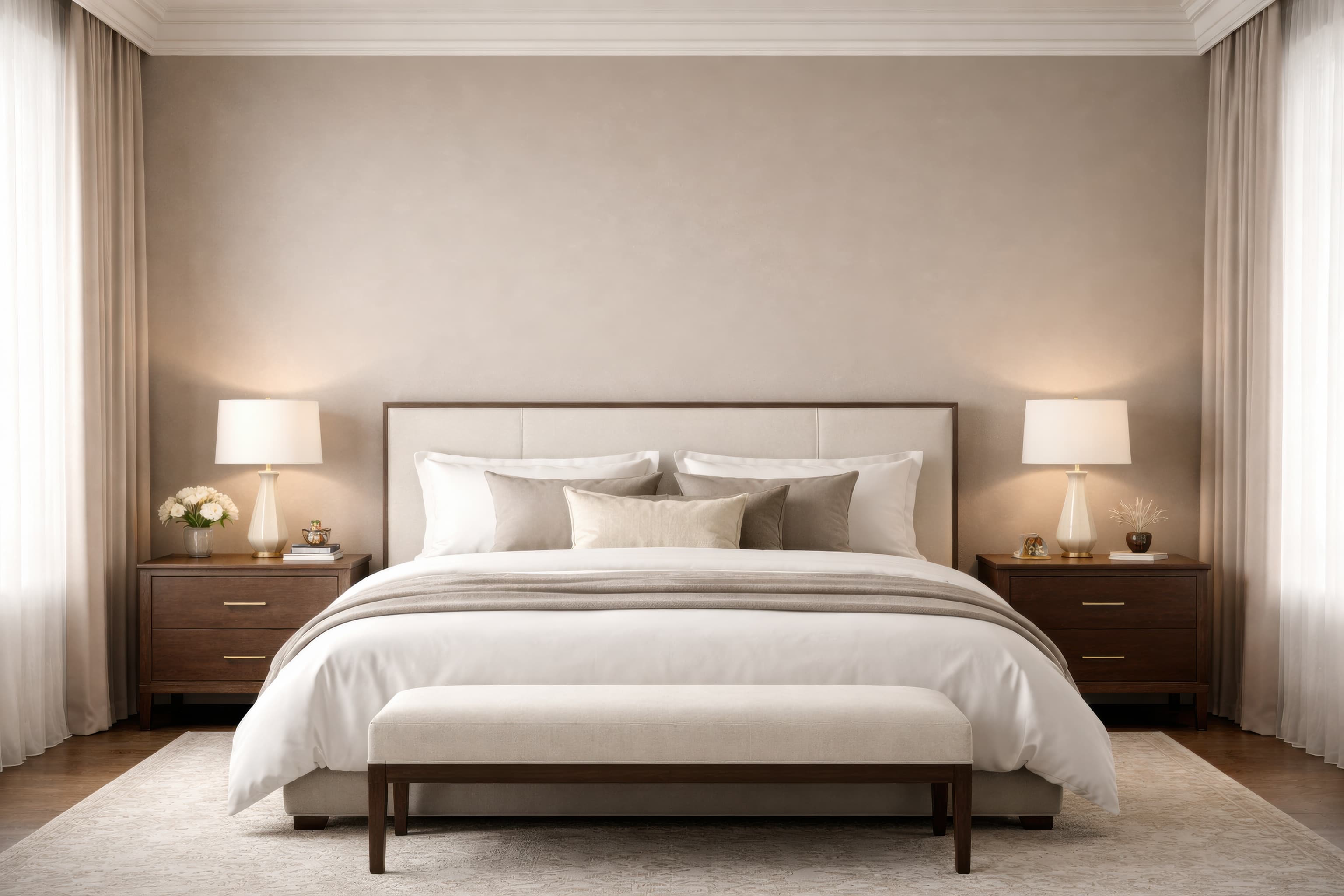
Room pick 18
Calibrated wall reference: 159.3 × 106.1 in (405 × 269 cm)
Try this room in the editor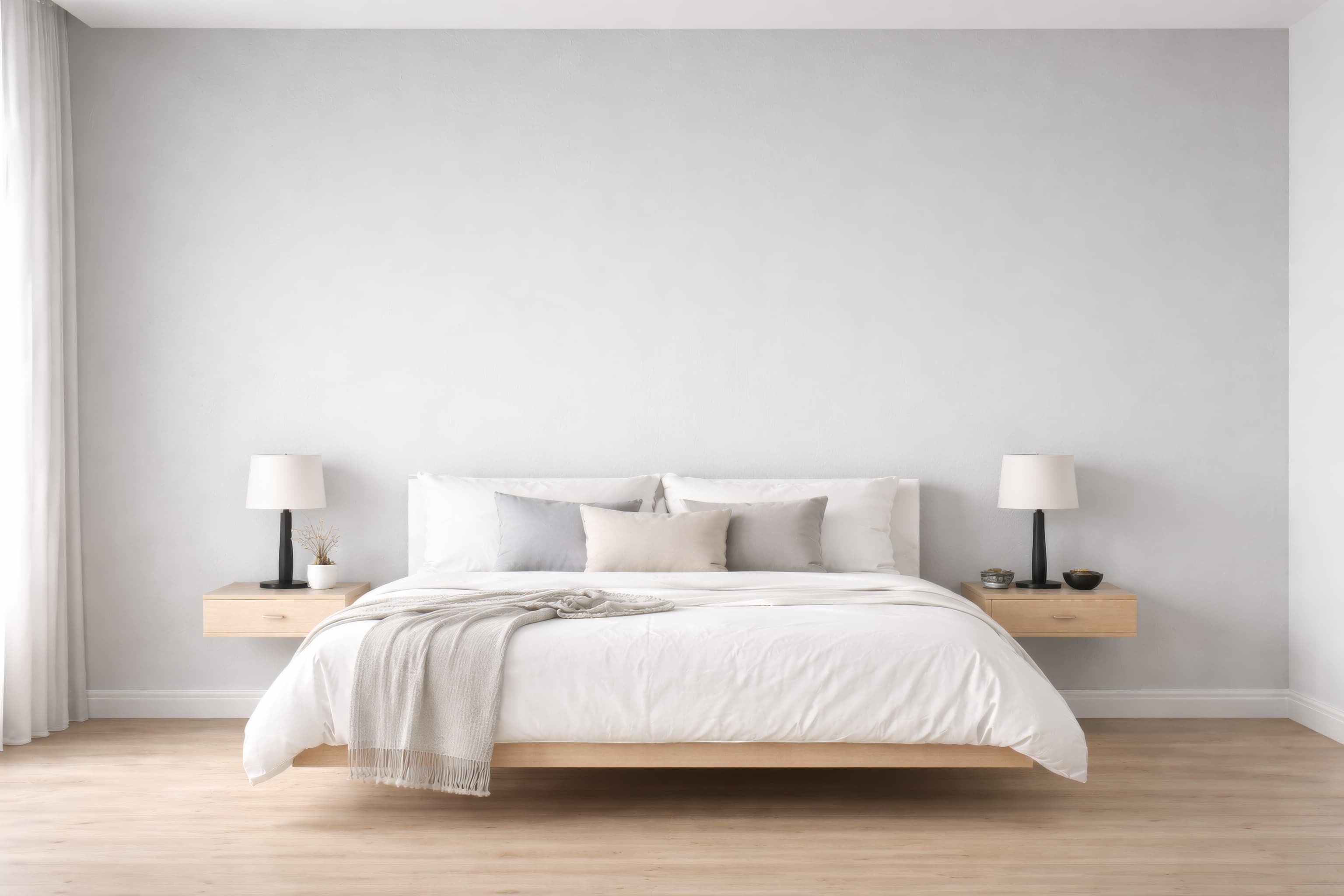
Room pick 19
Calibrated wall reference: 146.9 × 97.9 in (373 × 249 cm)
Try this room in the editor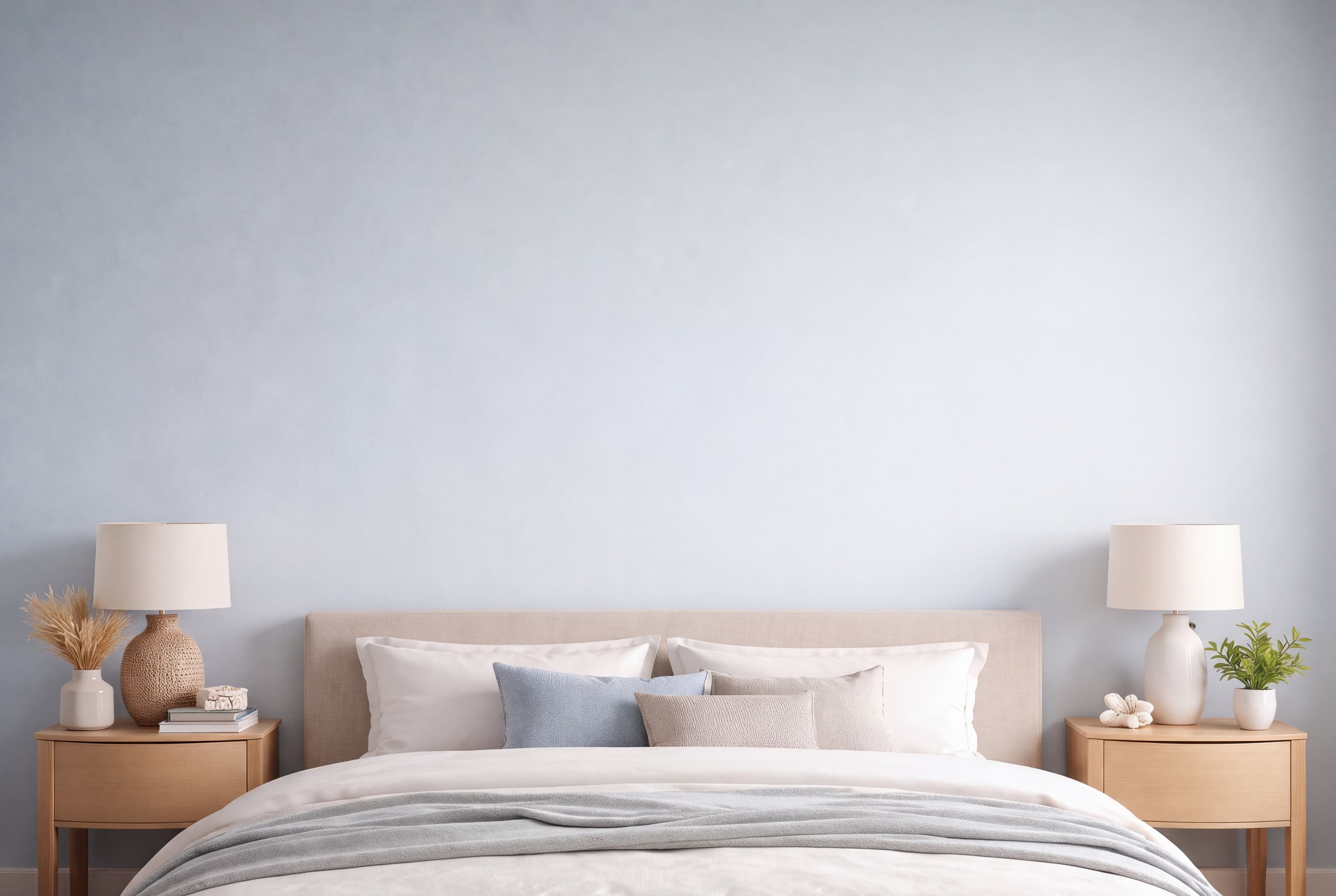
Room pick 20
Calibrated wall reference: 121.6 × 83.6 in (309 × 212 cm)
Try this room in the editorGuide 1
A bed creates a strong horizontal anchor. Panoramic photography, landscape-format abstracts, diptychs, and triptychs naturally follow that line. A single portrait can work when the wall is narrow or the camera shows only one side of the bed, but centering a small portrait over a wide headboard often makes the product appear undersized. Choose the room angle before deciding which product size to feature.
Bedrooms often suit quieter work, but quiet does not have to mean beige. Deep photography, graphic shapes, and colorful painting can work when the frame and wall provide enough separation. The listing image should represent the design accurately; do not mute a vivid print simply to make it fit a neutral room trend.
Guide 2
Warm bedside lamps and low-contrast daylight can make a bedroom feel inviting, yet strong amber light may shift whites and pale backgrounds. Use a neutral or softly warm hero scene when color accuracy matters, then add a moodier room as a secondary lifestyle view. Check pale frames against cream walls and dark frames against headboards so their edges remain visible.
Paneled walls introduce useful structure but can compete with thin line art. Position the piece inside a panel when the architecture allows it, and avoid placing a frame edge directly on a molding line. In an angled room, keep the art's perspective consistent with the wall instead of stretching it to look front-facing.
Guide 3
If a print is sold in several sizes, choose one clearly labeled hero size and use a size chart for the rest. Repeating the same artwork above different beds without dimensions can make buyers distrust the scale. For sets, label the individual panel size and the approximate total group width so the mockup and product options tell the same story.
Size reference
These are visual starting points, not universal room rules. Use the complete framed object or multi-panel group, then verify the result with the exact furniture and wall dimensions available to you.
| Placement | Starting point | Check before export |
|---|---|---|
| Above a queen bed | A 36–45 inch total framed width is a practical starting range for a 60-inch bed. | Measure the headboard if it is wider than the mattress. |
| Above a king bed | A 46–57 inch total framed width is a practical starting range for a 76-inch bed. | Include panel gaps and frame width when using a set. |
| Above a dresser | Keep the framed piece or group narrower than the dresser surface. | Account for mirrors, lamps, and tall objects already in the composition. |
Start with a queen bed or enter the exact headboard width.
1
Use the real product file and preserve its natural aspect ratio.
2
Select one of the popular rooms, enter the physical dimensions, and use only presentation controls that match the real product.
3
Check scale, wall contrast, lighting, and the listing crop before downloading.
For a 60-inch queen bed, about 36–45 inches of total framed width is a useful starting range. Use the actual headboard width when it extends beyond the mattress, and include gaps for a multi-panel set.
Both can work. One large piece makes the product immediately readable, while a pair or triptych follows a wide headboard well. Choose the arrangement you actually sell and show its full outer width accurately.
Yes. Portrait art is convincing on a bedroom side wall, above a dresser, or in a crop focused on one side of the bed. Use a broad above-bed scene for horizontal work or grouped portraits.
Use a mat when it matches the product or a realistic framing option. A wider mat can make small work feel intentional, but remember that it increases the outer framed size shown against the bed.
Upload the artwork, choose one of the selected rooms, enter the real dimensions, and export a listing-ready image without a template file.
Open the editorRoom selection and guidance reviewed by WallMockup product team. Last materially reviewed 2026-08-12. Popularity follows the editor preset order, which is maintained by completed production downloads.