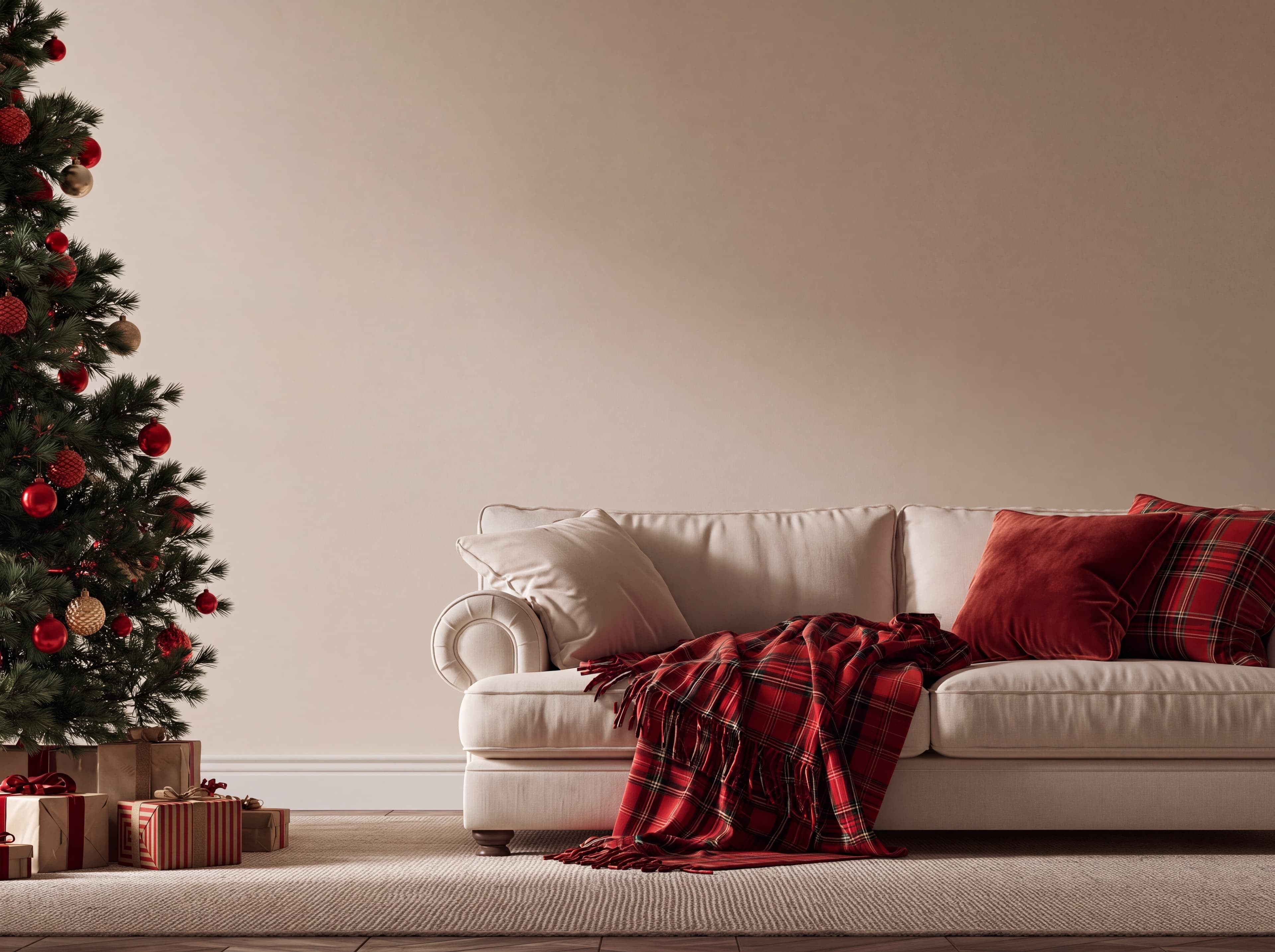
Room pick 1
Traditional Christmas living room with a warm beige wall, cream rolled-arm sofa, red tartan throw, and decorated fir tree
Calibrated wall reference: 123.5 × 92.6 in (314 × 235 cm)
Try this room in the editor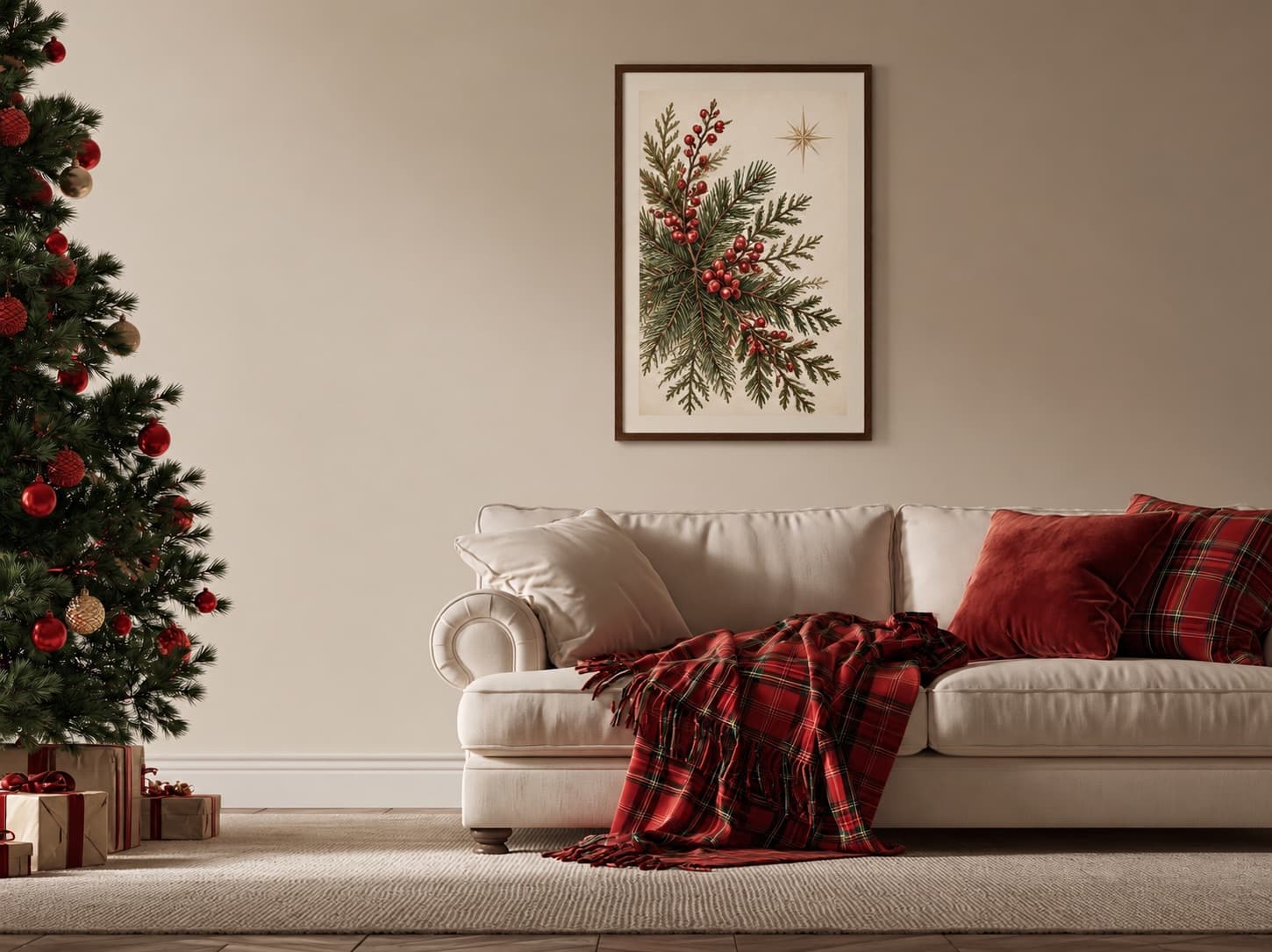
Christmas mockups
Place your Christmas print, poster, or framed artwork in a decorated room without hiding the product behind seasonal props. Explore all 21 Christmas walls, compare real display sizes and frame finishes, then open the exact blank room in the editor to add your own art.
Exact room opens in the editor · 29 compatible presets · PNG, JPG, and WEBP export
Useful for
Best for
Inspiration of use
These generated inspiration examples use the same top-ranked WallMockup rooms available below. Compare the scale, frame, and layout choices, then open the matching blank room to replace the example art with your own.
24 × 36 in / 61 × 91 cm portrait print · walnut frame
The ivory paper and walnut frame separate the evergreen illustration from the beige wall, while the red berries relate to the tree ornaments and plaid throw.
Try this exact room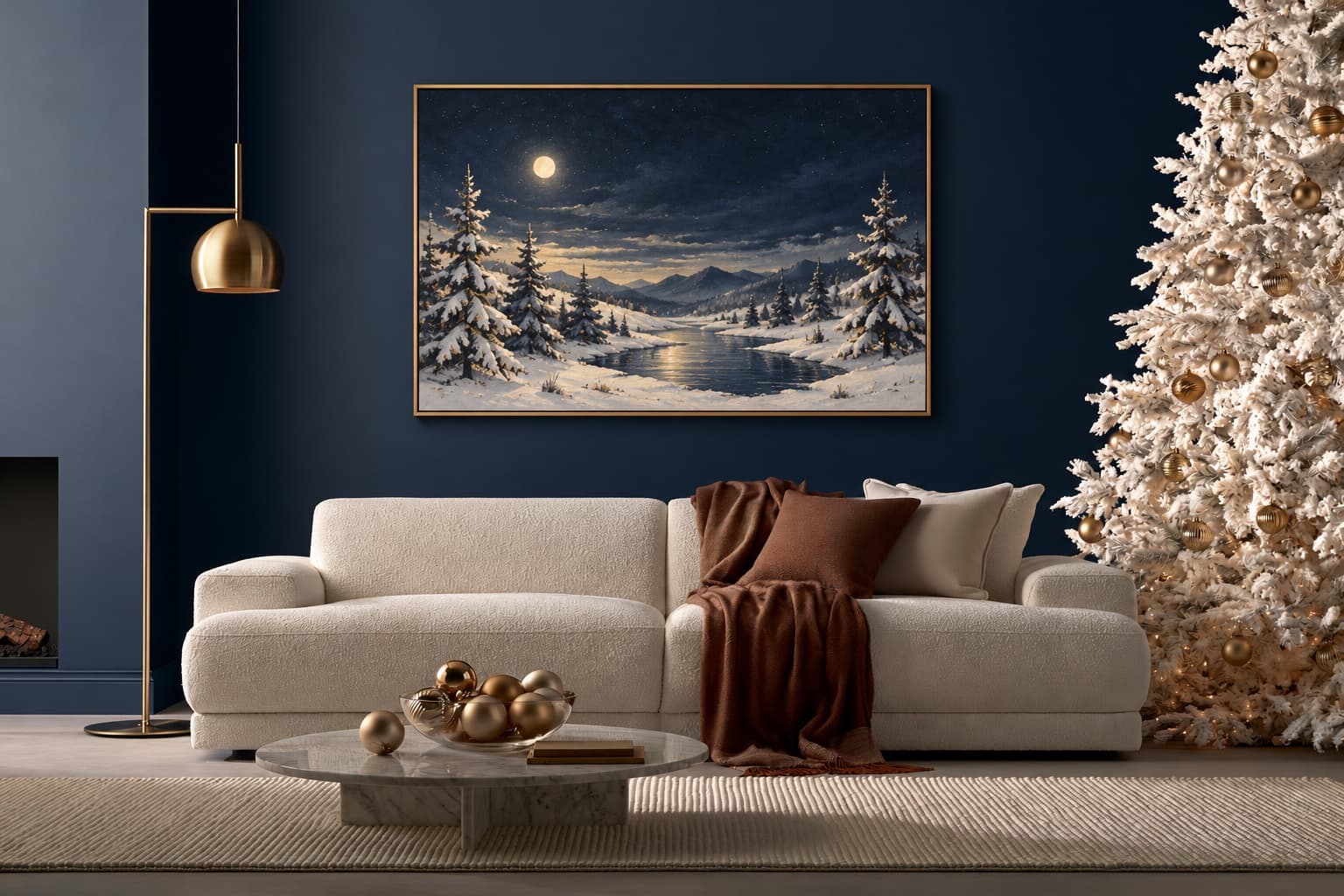
40 × 30 in / 102 × 76 cm landscape print · thin brass frame
The pale snow stays legible against navy, and the thin brass edge relates to the room's lamp and gold tree ornaments.
Try this exact room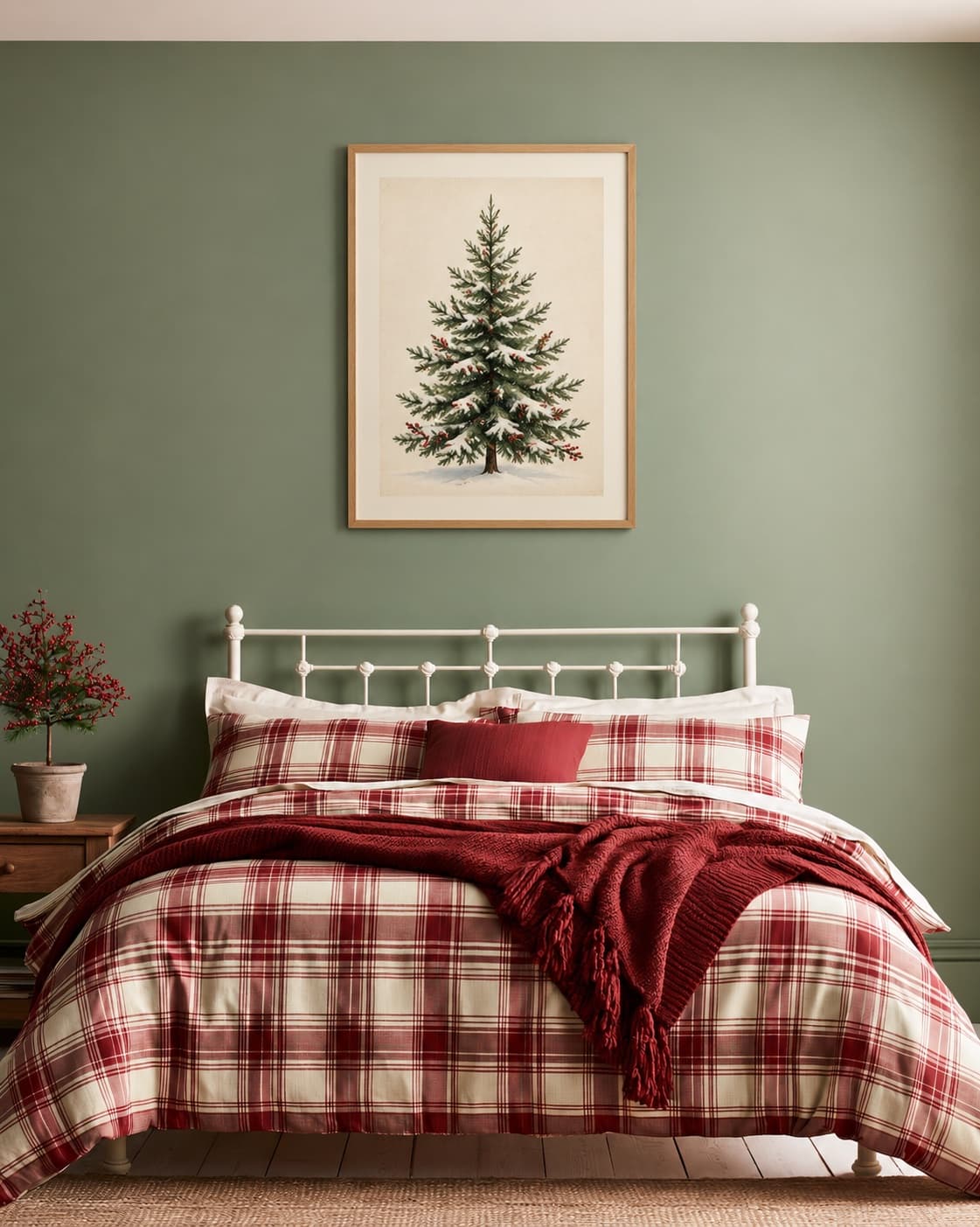
24 × 30 in / 61 × 76 cm portrait print · oak frame and mat
The small red berries echo the bedding, while the cream mat and oak frame keep the seasonal art distinct from the muted sage wall.
Try this exact roomBrowse every Christmas room
All 21 Christmas presets are shown, with three editorial examples first. The set ranges from traditional and luxury living rooms to bedrooms, entryways, a kids room, a kitchen, an office, dining space, and small seasonal vignettes. Each card opens that exact blank wall in the editor.
Room pick 1
Calibrated wall reference: 123.5 × 92.6 in (314 × 235 cm)
Try this room in the editor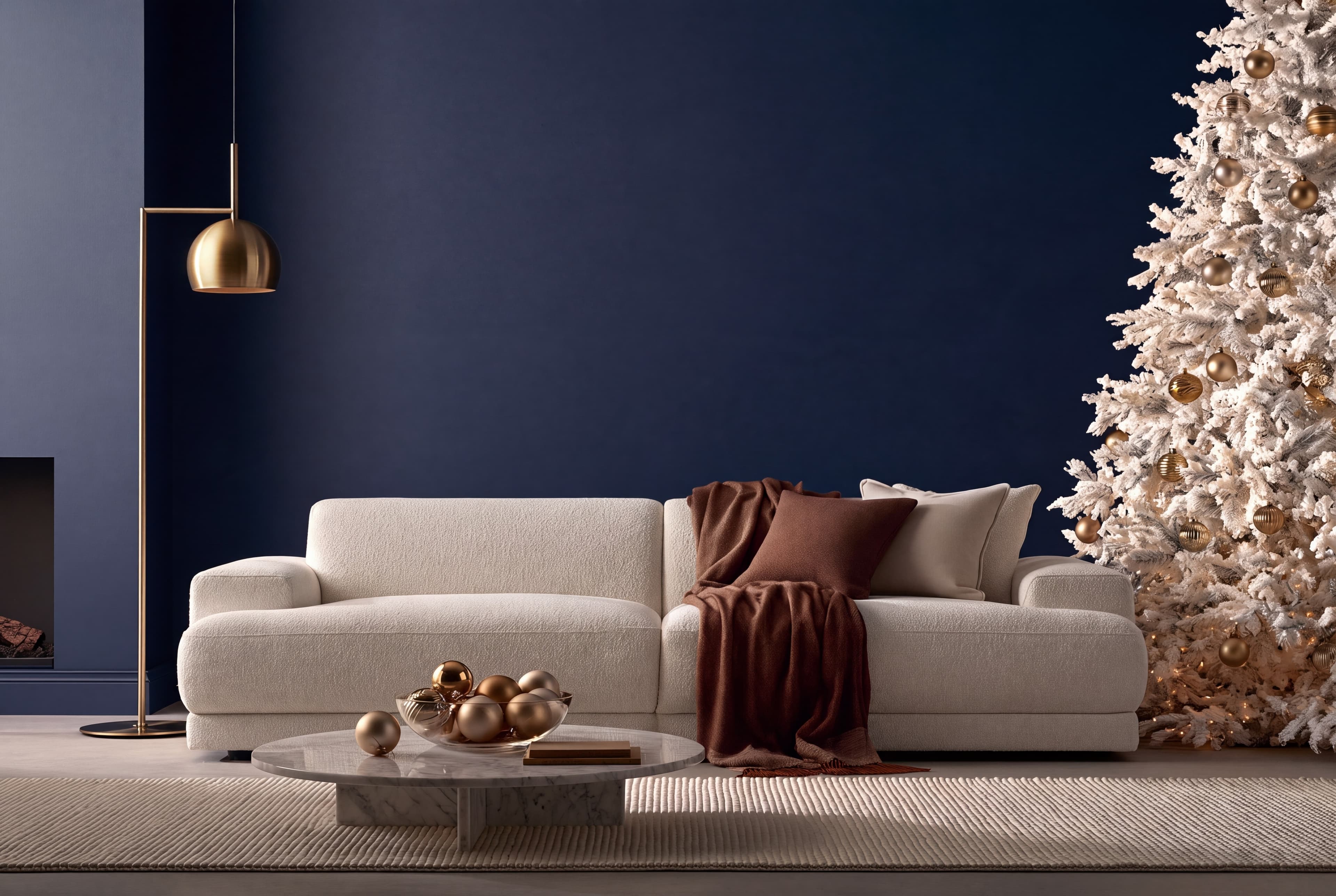
Room pick 2
Calibrated wall reference: 134.8 × 89.9 in (342 × 228 cm)
Try this room in the editor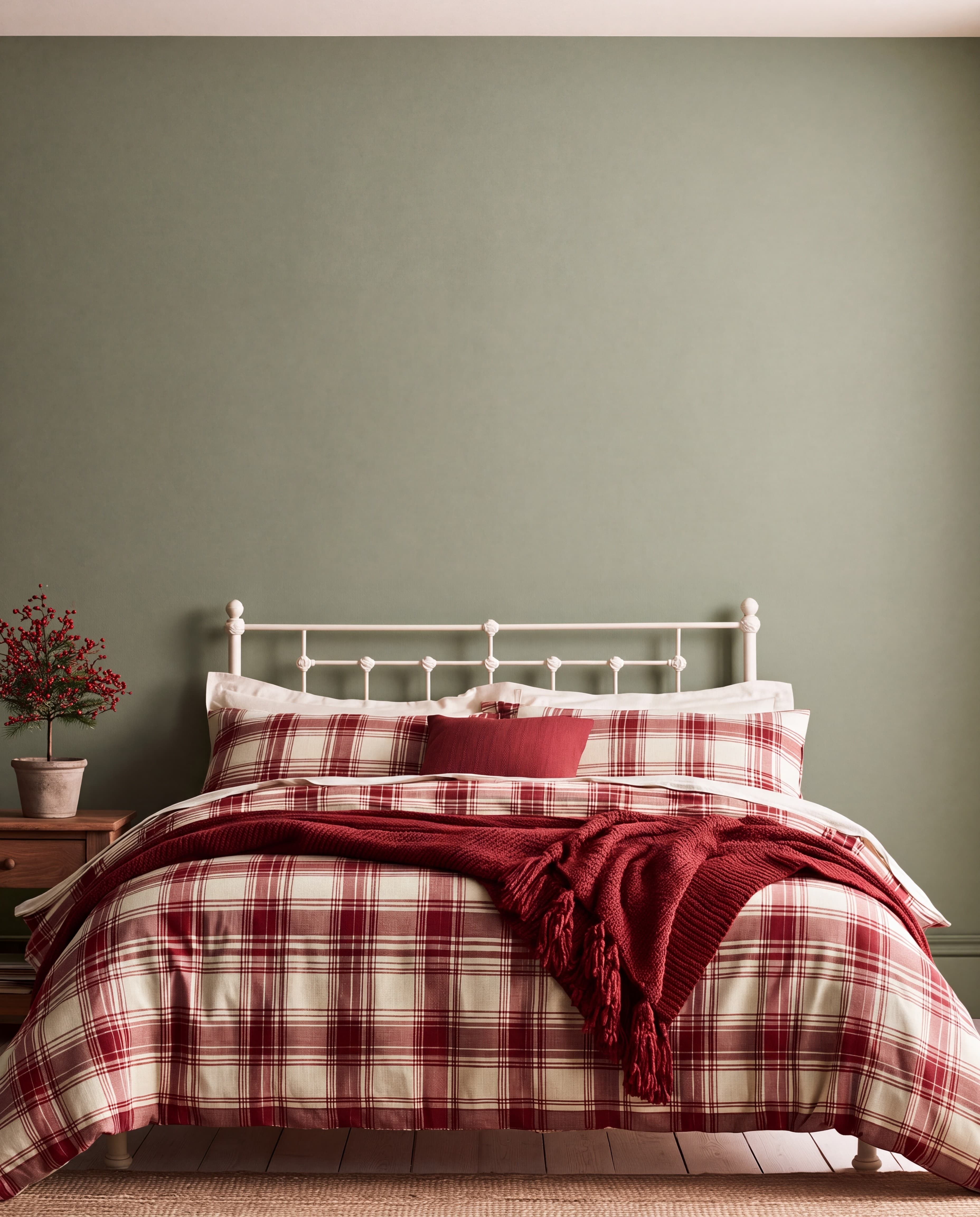
Room pick 3
Calibrated wall reference: 85 × 106.3 in (216 × 270 cm)
Try this room in the editor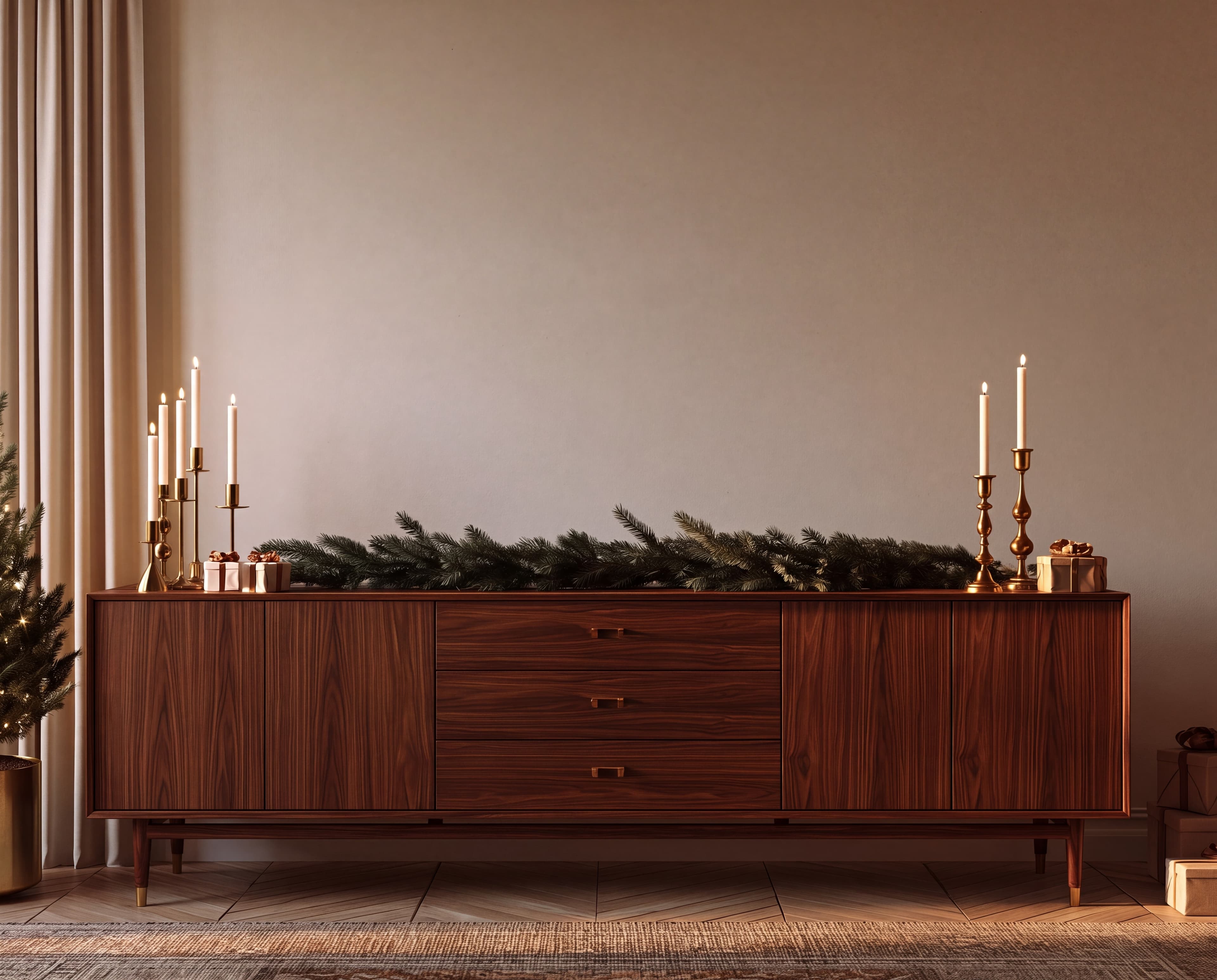
Room pick 4
Calibrated wall reference: 101.2 × 81 in (257 × 206 cm)
Try this room in the editor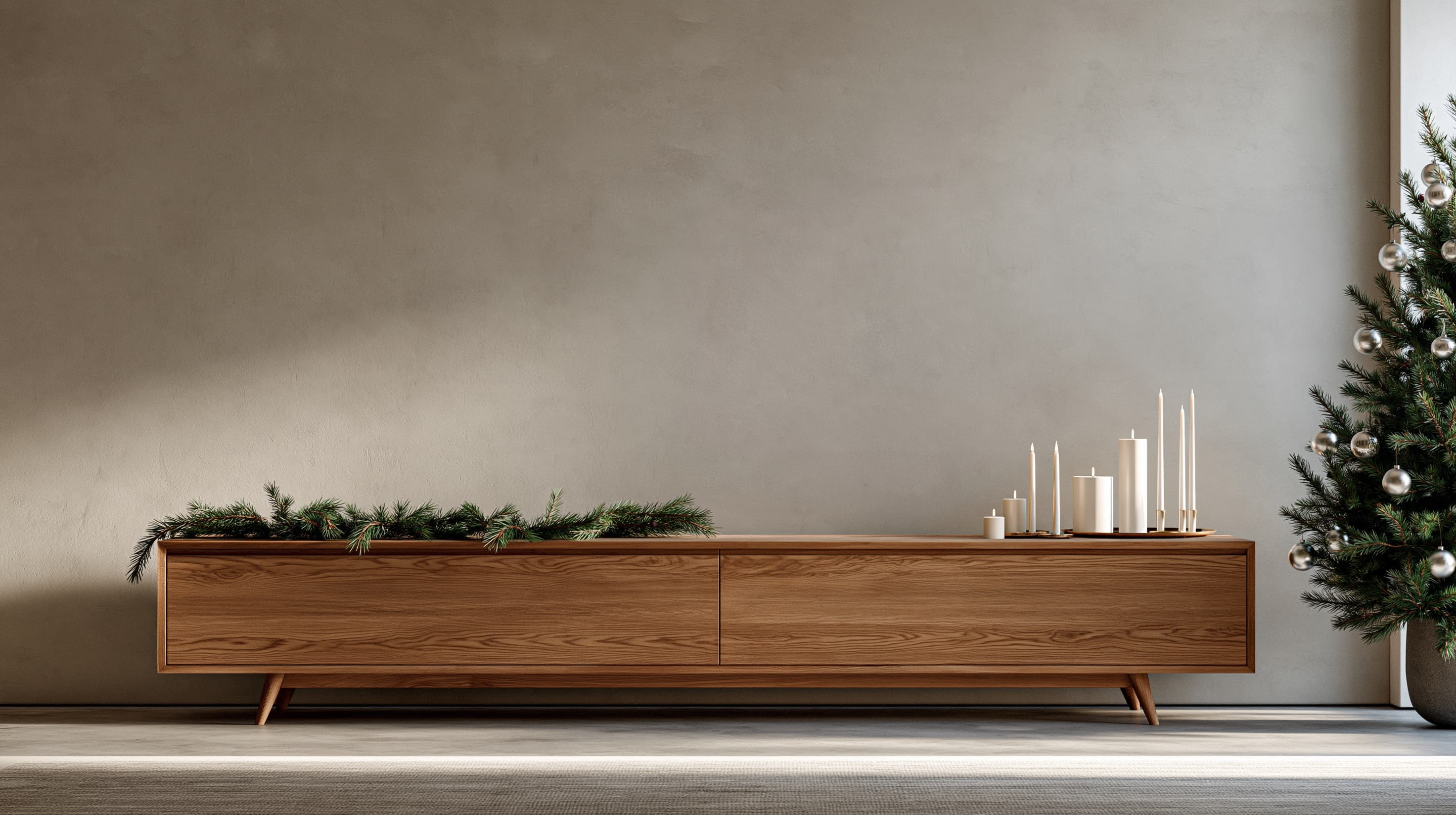
Room pick 5
Calibrated wall reference: 137.8 × 77.5 in (350 × 197 cm)
Try this room in the editor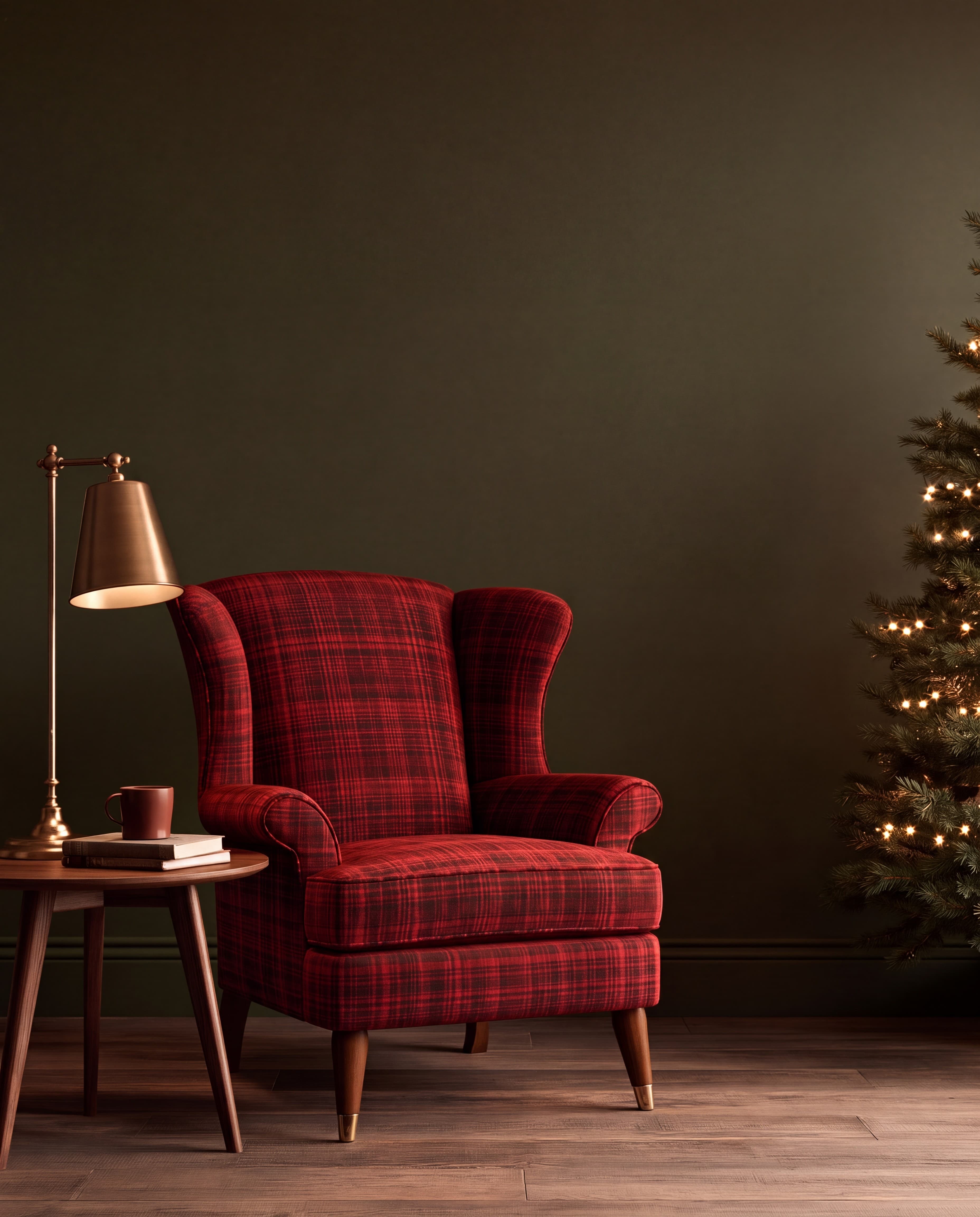
Room pick 6
Calibrated wall reference: 68.4 × 85.5 in (174 × 217 cm)
Try this room in the editor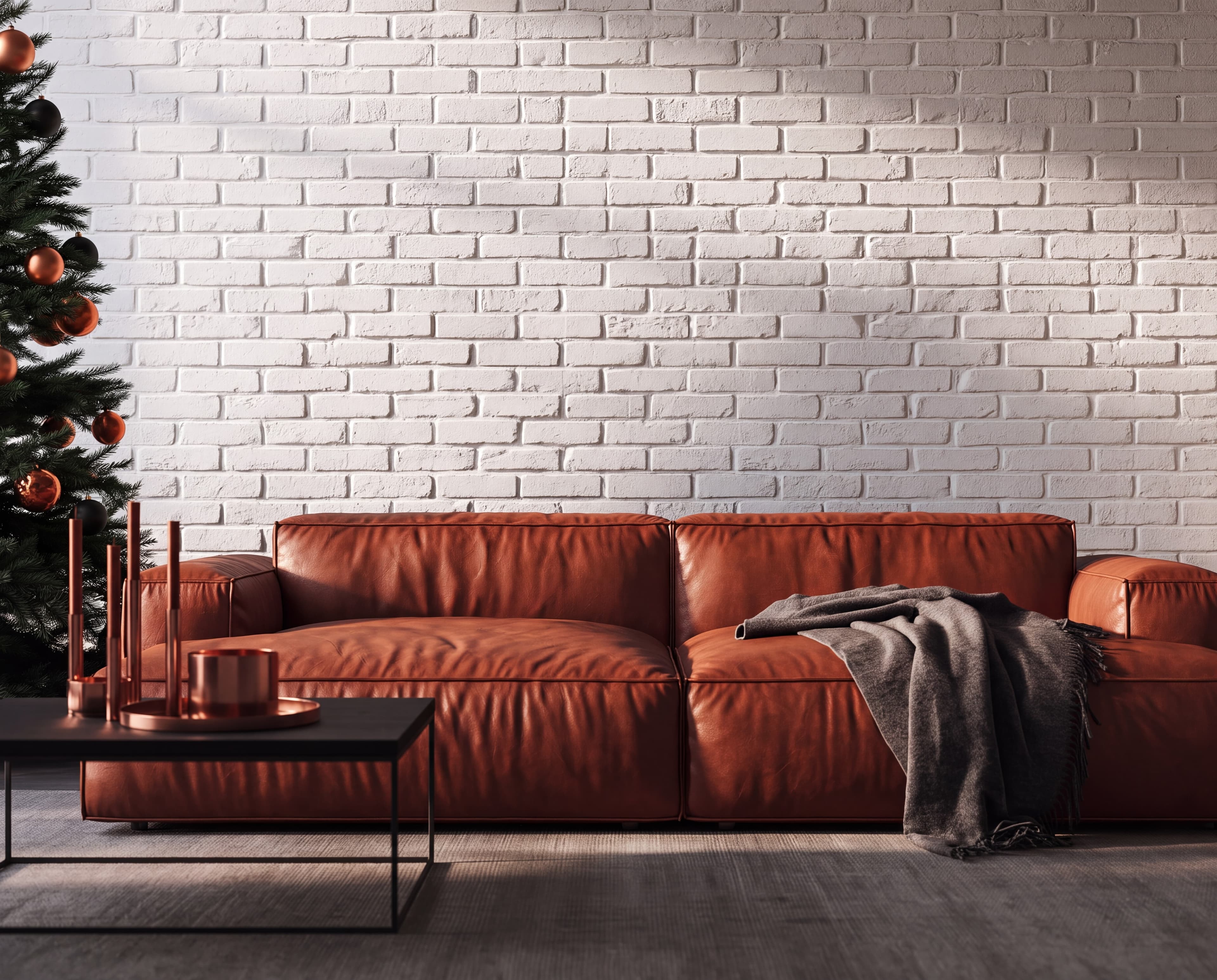
Room pick 7
Calibrated wall reference: 118 × 94.4 in (300 × 240 cm)
Try this room in the editor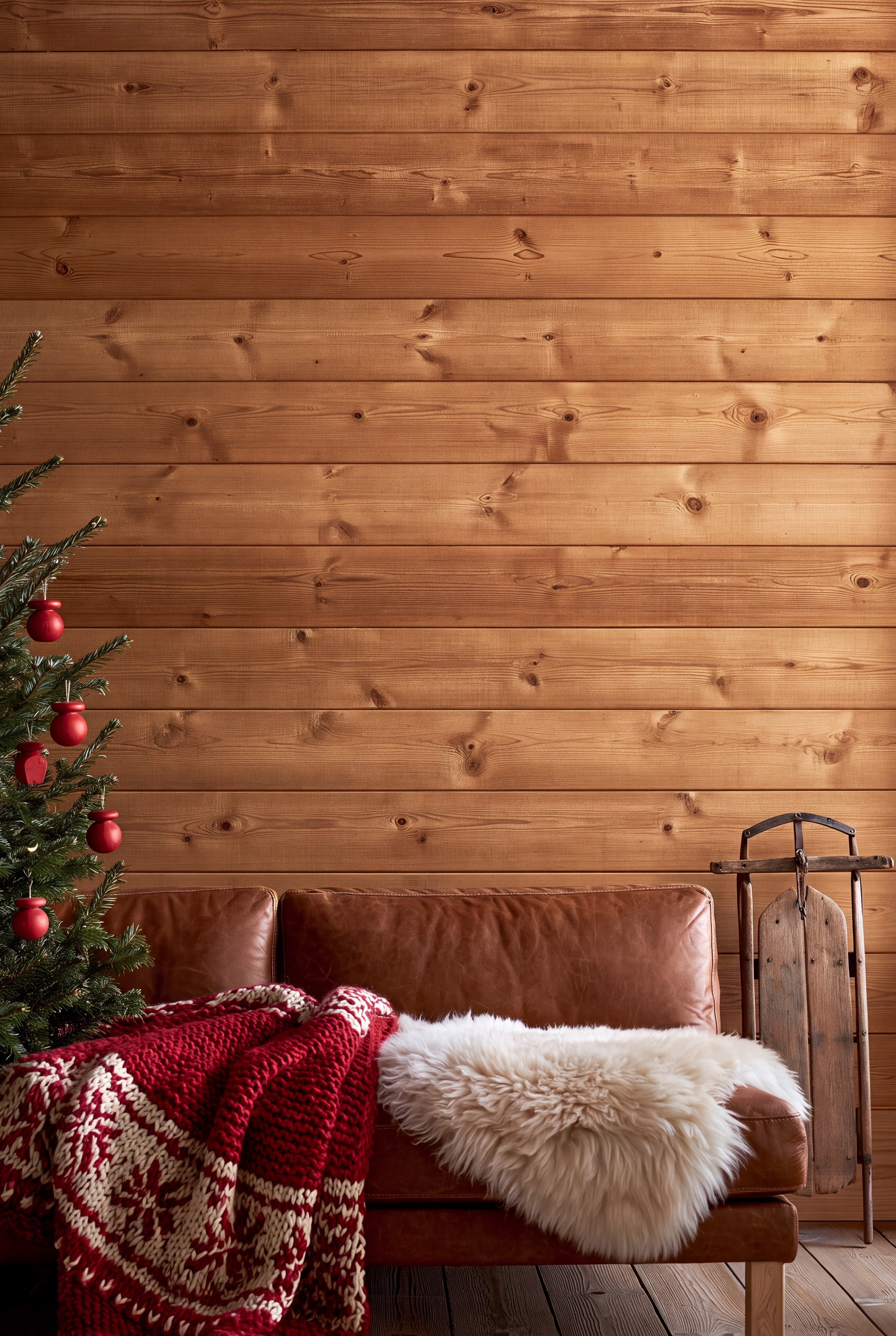
Room pick 8
Calibrated wall reference: 56.9 × 85.3 in (145 × 217 cm)
Try this room in the editor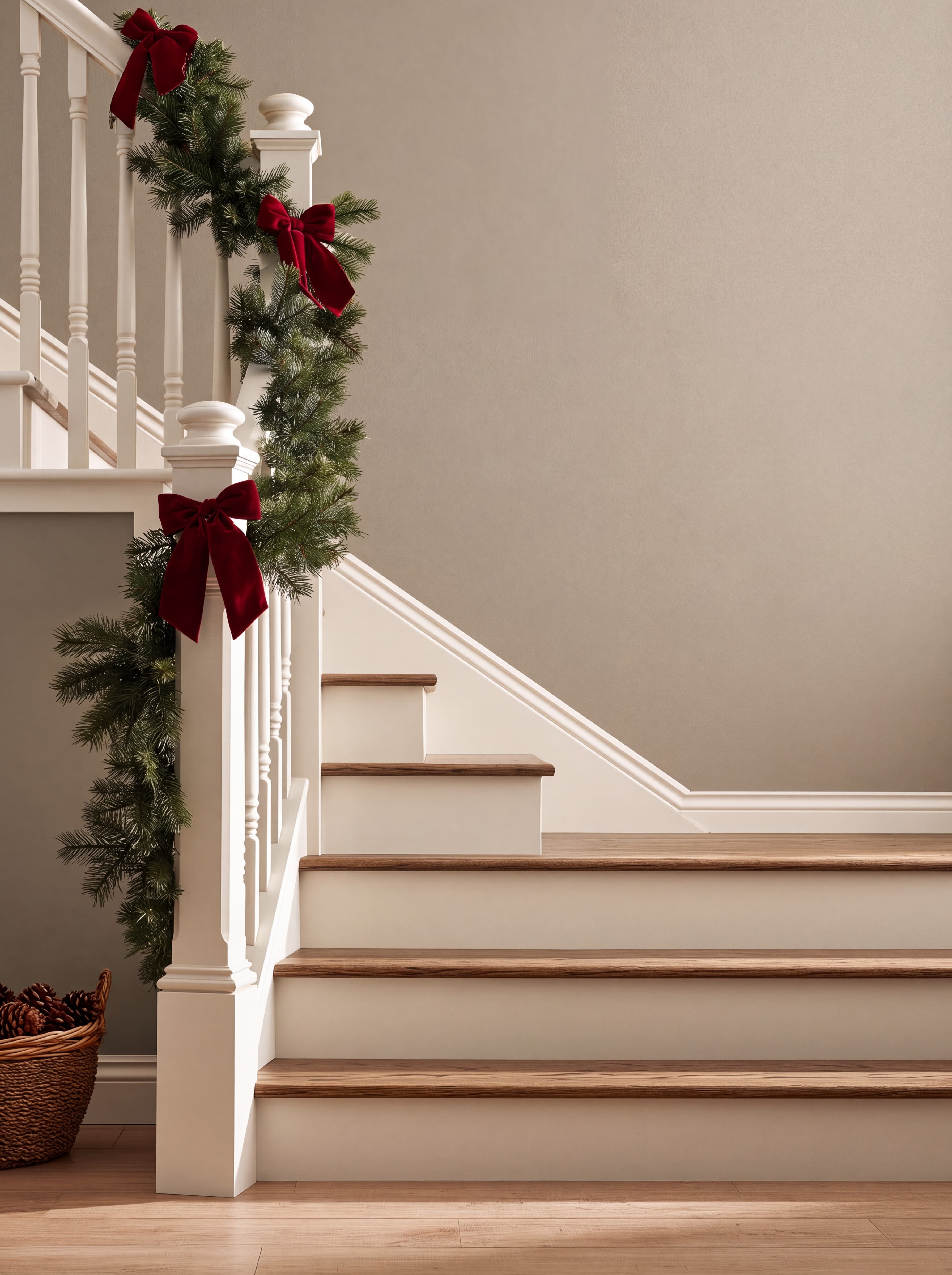
Room pick 9
Calibrated wall reference: 64 × 85.4 in (163 × 217 cm)
Try this room in the editor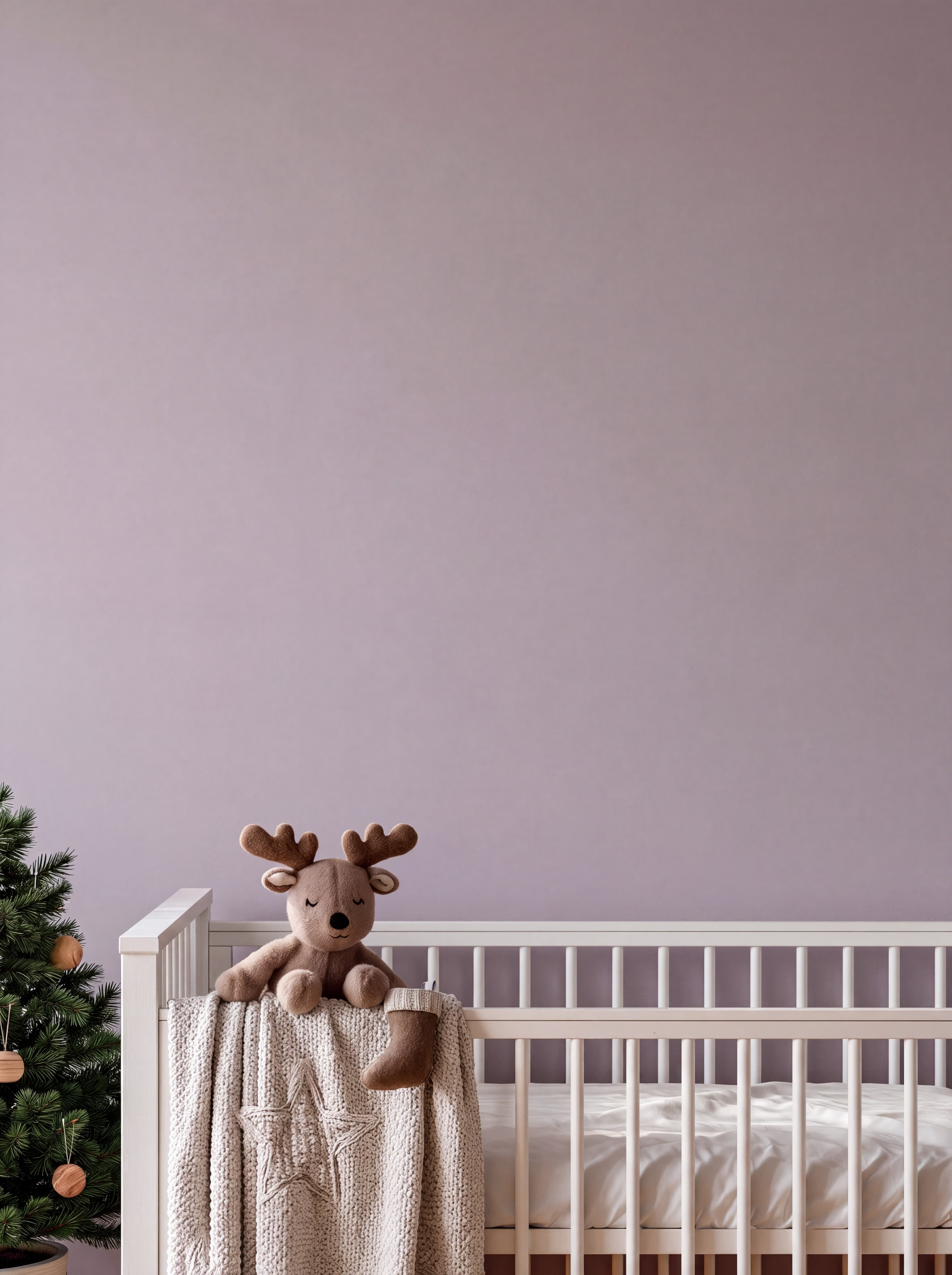
Room pick 10
Calibrated wall reference: 54.6 × 72.8 in (139 × 185 cm)
Try this room in the editor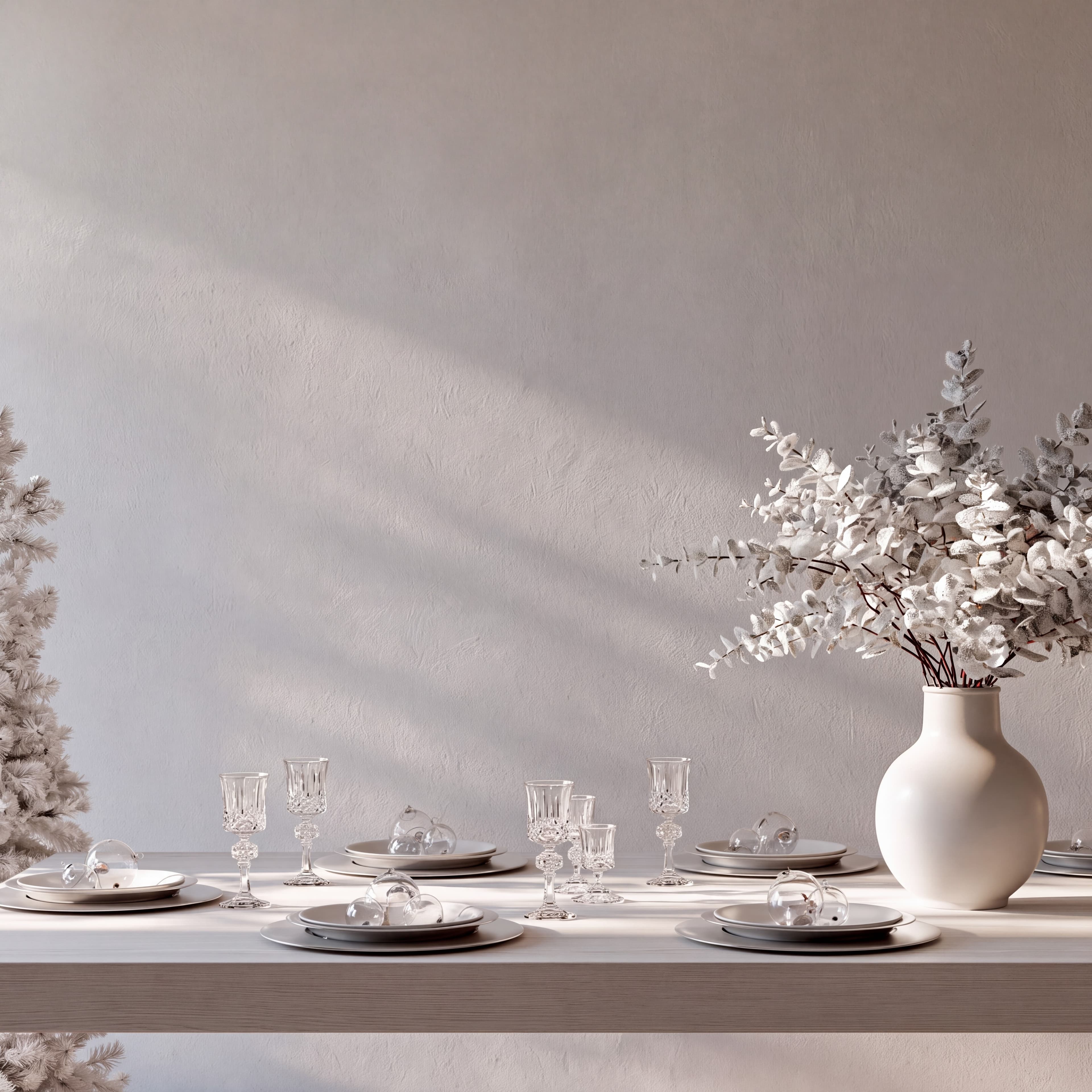
Room pick 11
Calibrated wall reference: 57 × 57 in (145 × 145 cm)
Try this room in the editor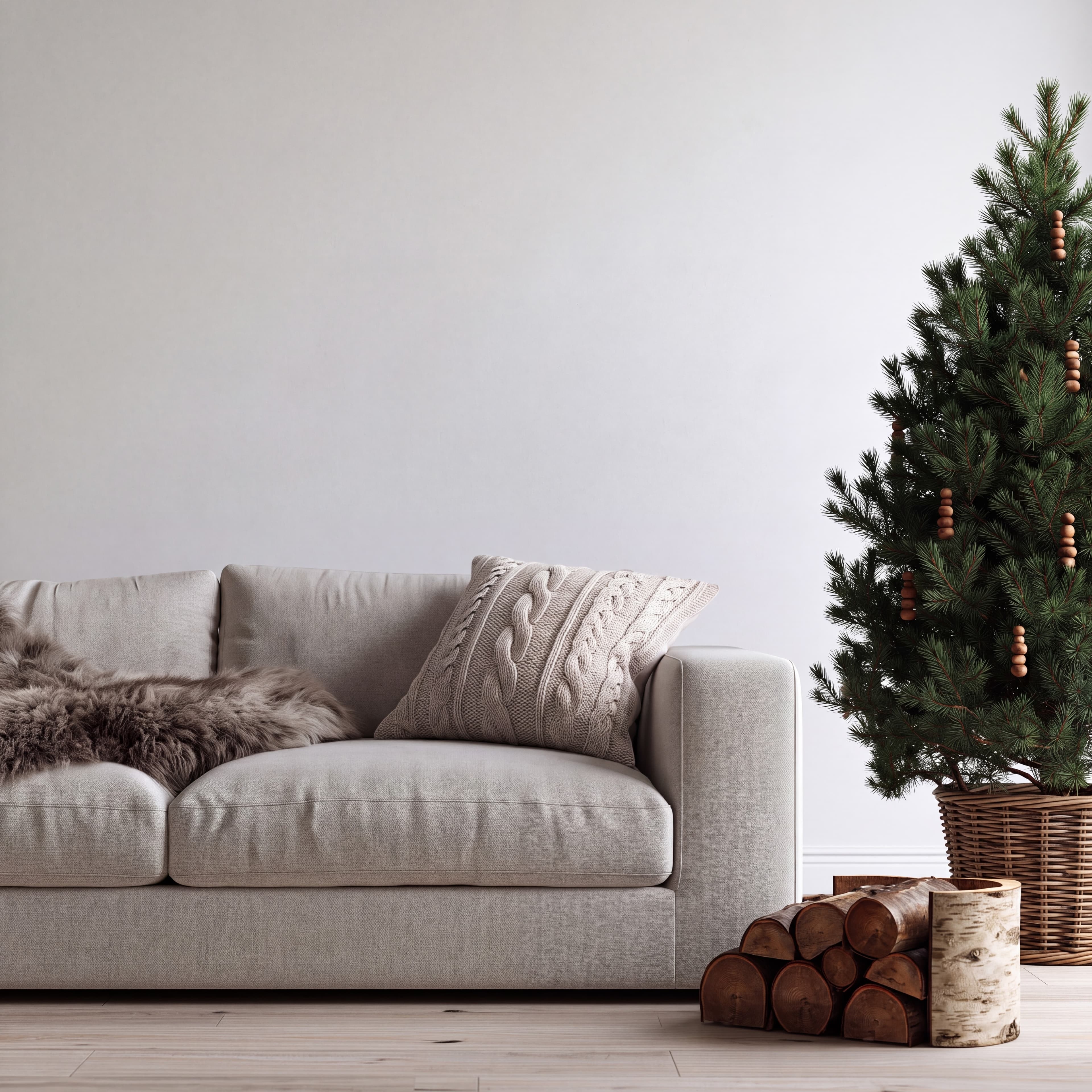
Room pick 12
Calibrated wall reference: 90 × 90 in (229 × 229 cm)
Try this room in the editor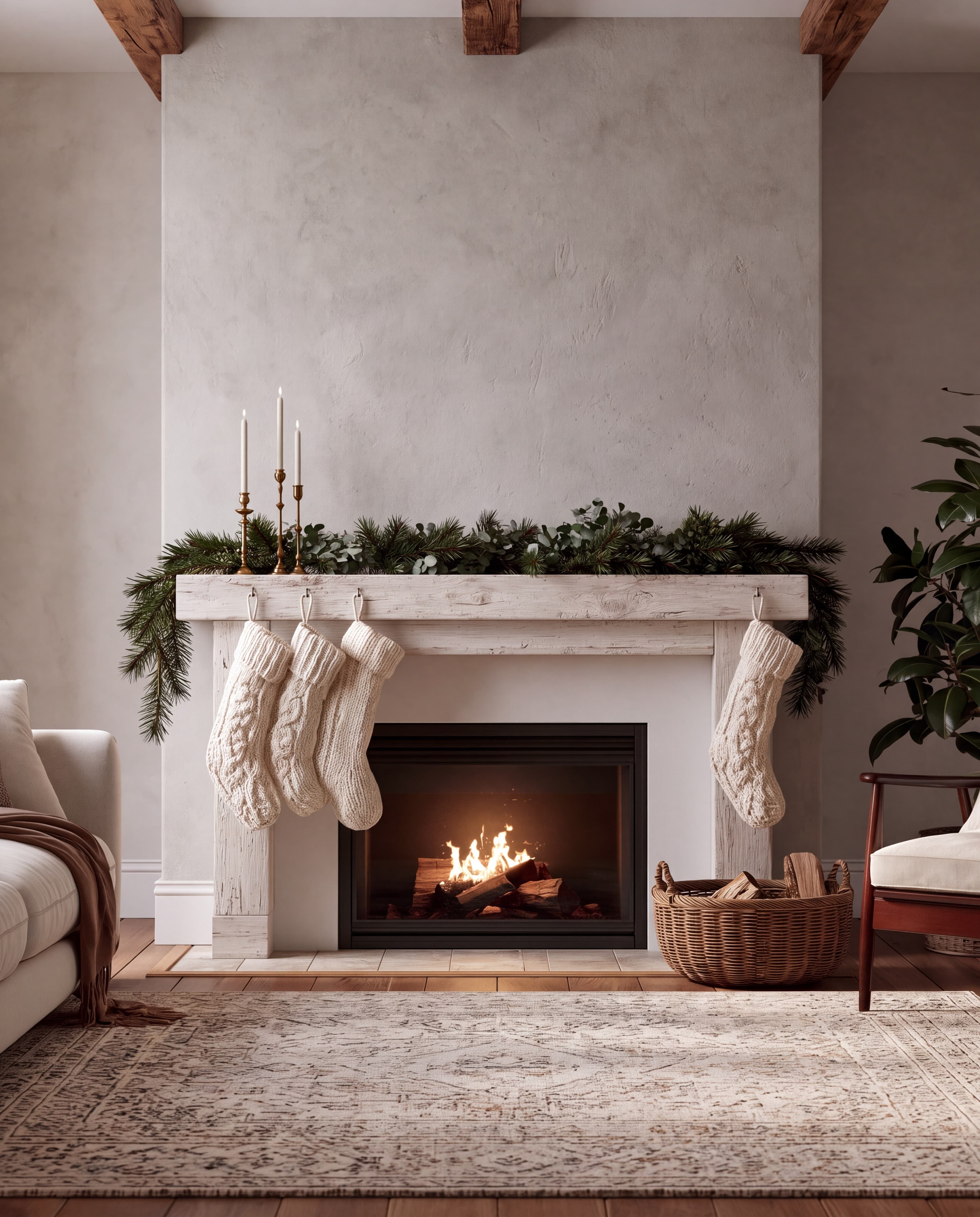
Room pick 13
Calibrated wall reference: 88 × 110 in (224 × 279 cm)
Try this room in the editor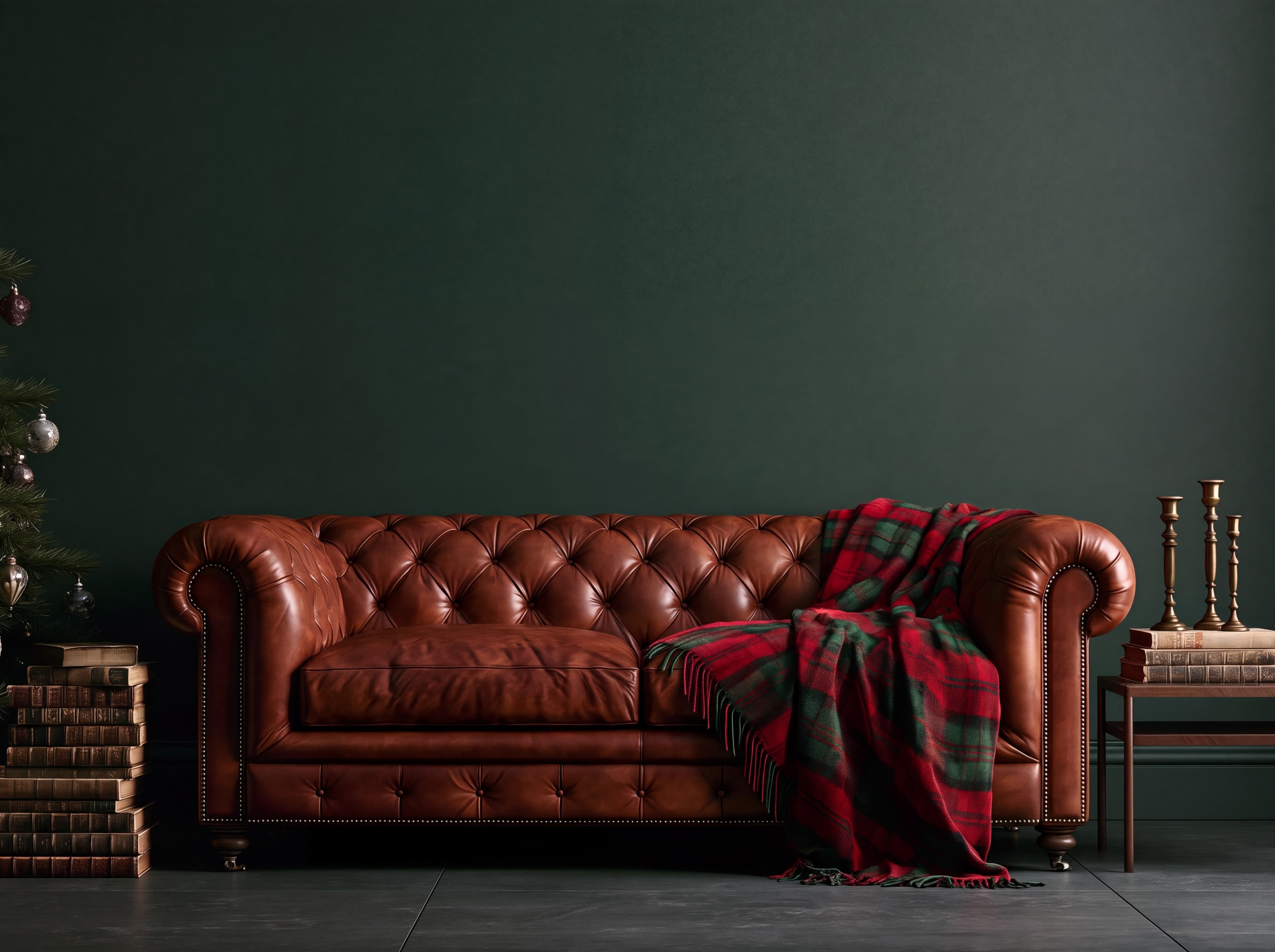
Room pick 14
Calibrated wall reference: 112 × 84 in (284 × 213 cm)
Try this room in the editor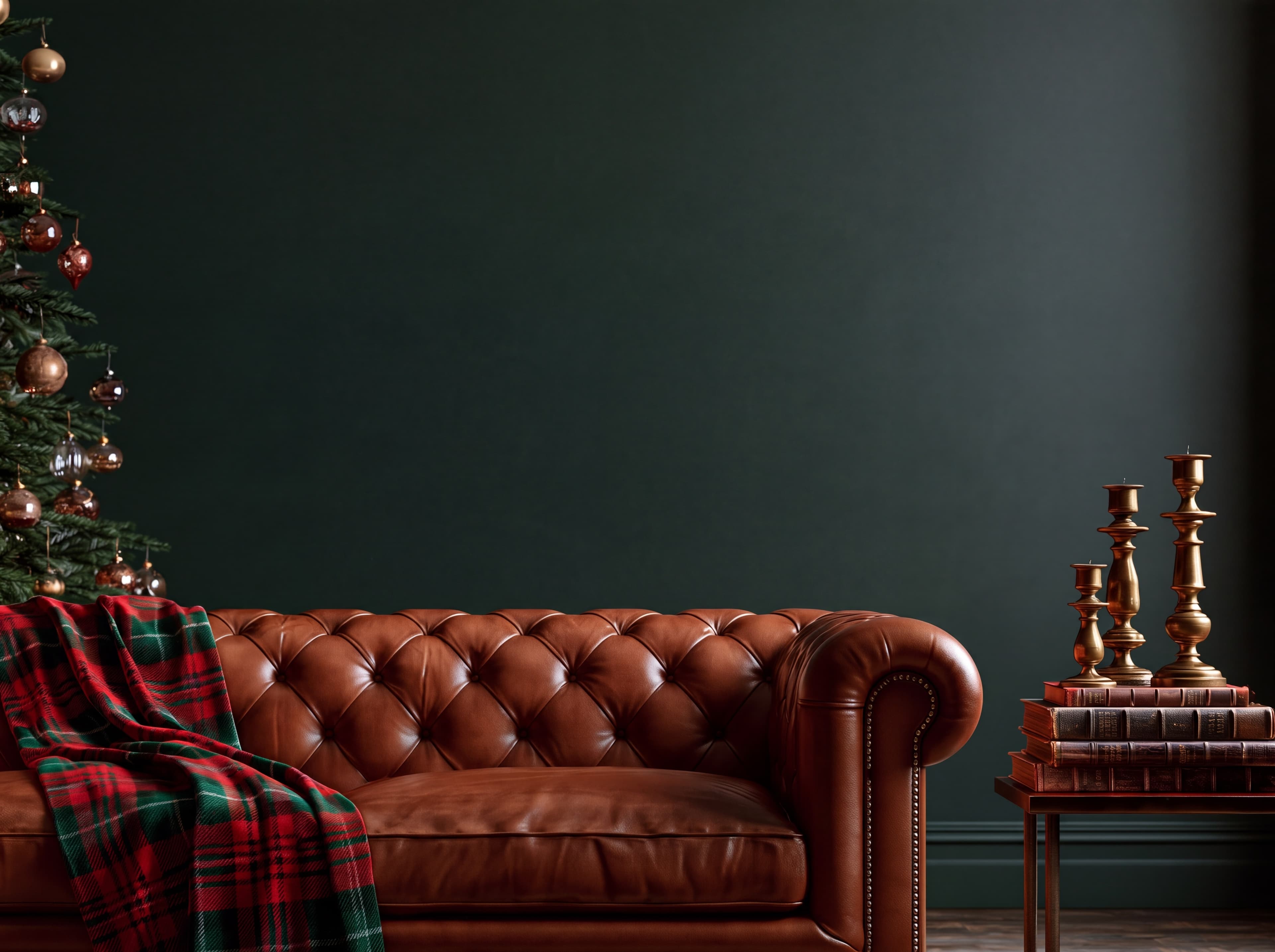
Room pick 15
Calibrated wall reference: 93.8 × 70.3 in (238 × 179 cm)
Try this room in the editor
Room pick 16
Calibrated wall reference: 84.5 × 105.6 in (215 × 268 cm)
Try this room in the editor
Room pick 17
Calibrated wall reference: 47.6 × 71.4 in (121 × 181 cm)
Try this room in the editor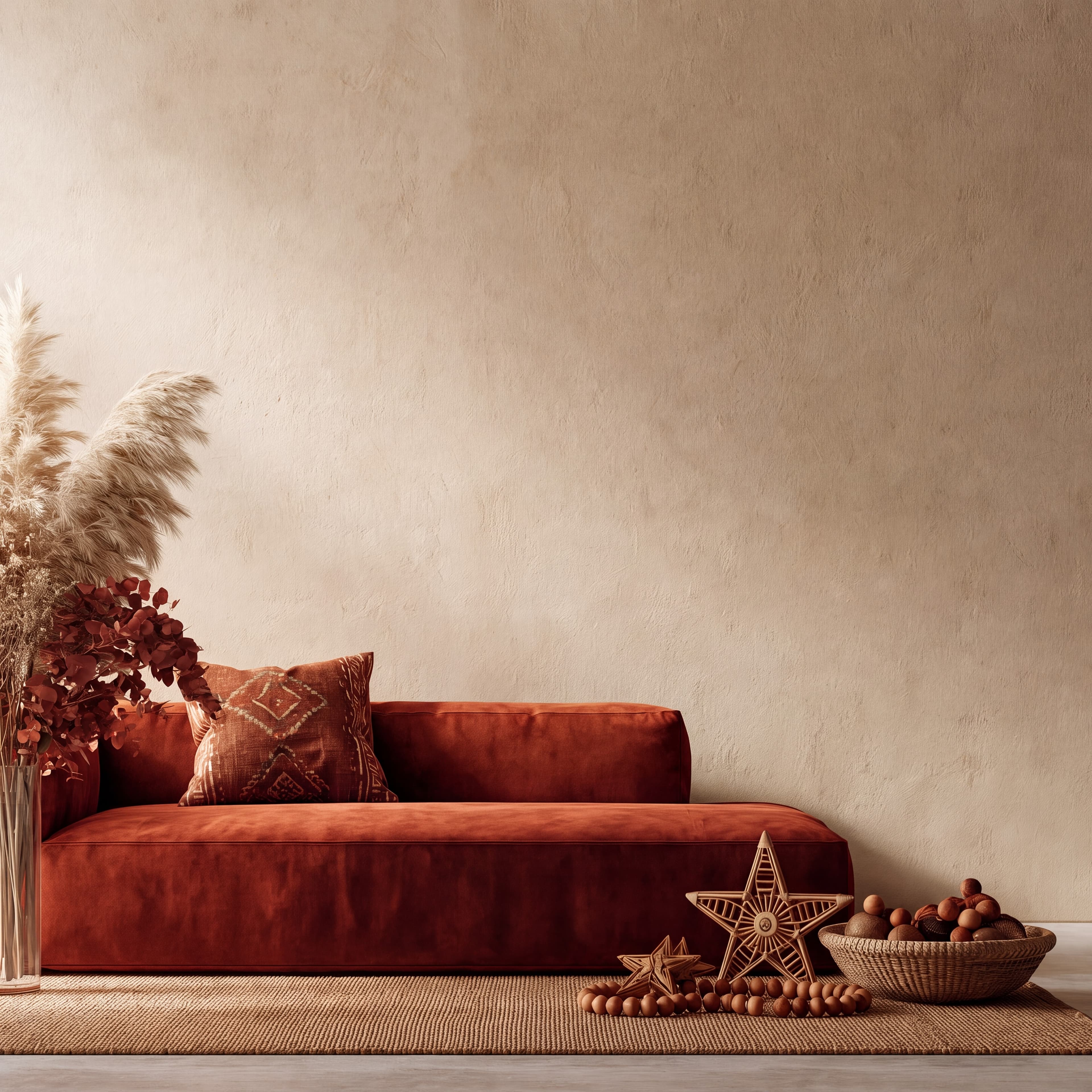
Room pick 18
Calibrated wall reference: 95.4 × 95.4 in (242 × 242 cm)
Try this room in the editor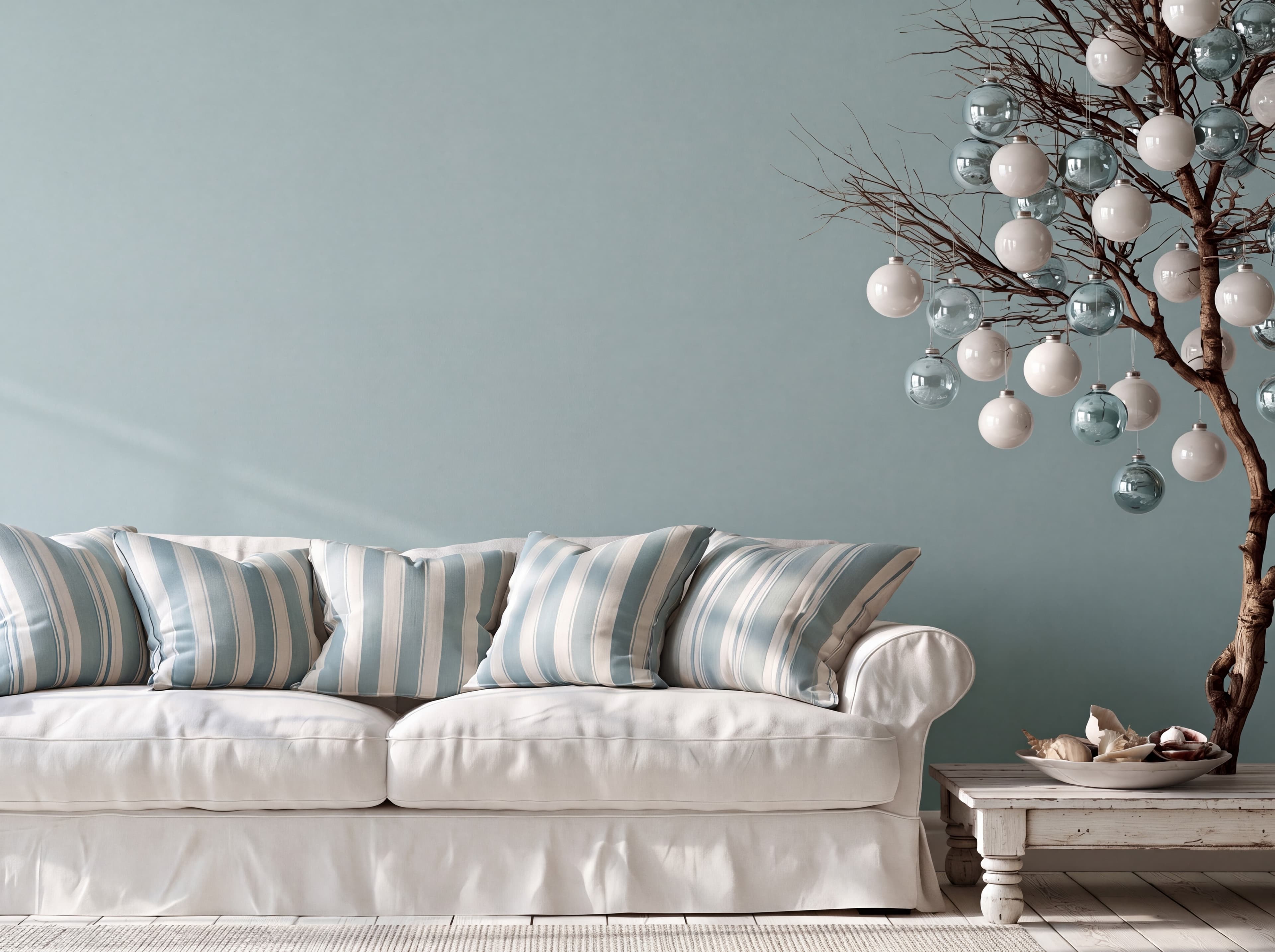
Room pick 19
Calibrated wall reference: 93.5 × 70.1 in (237 × 178 cm)
Try this room in the editor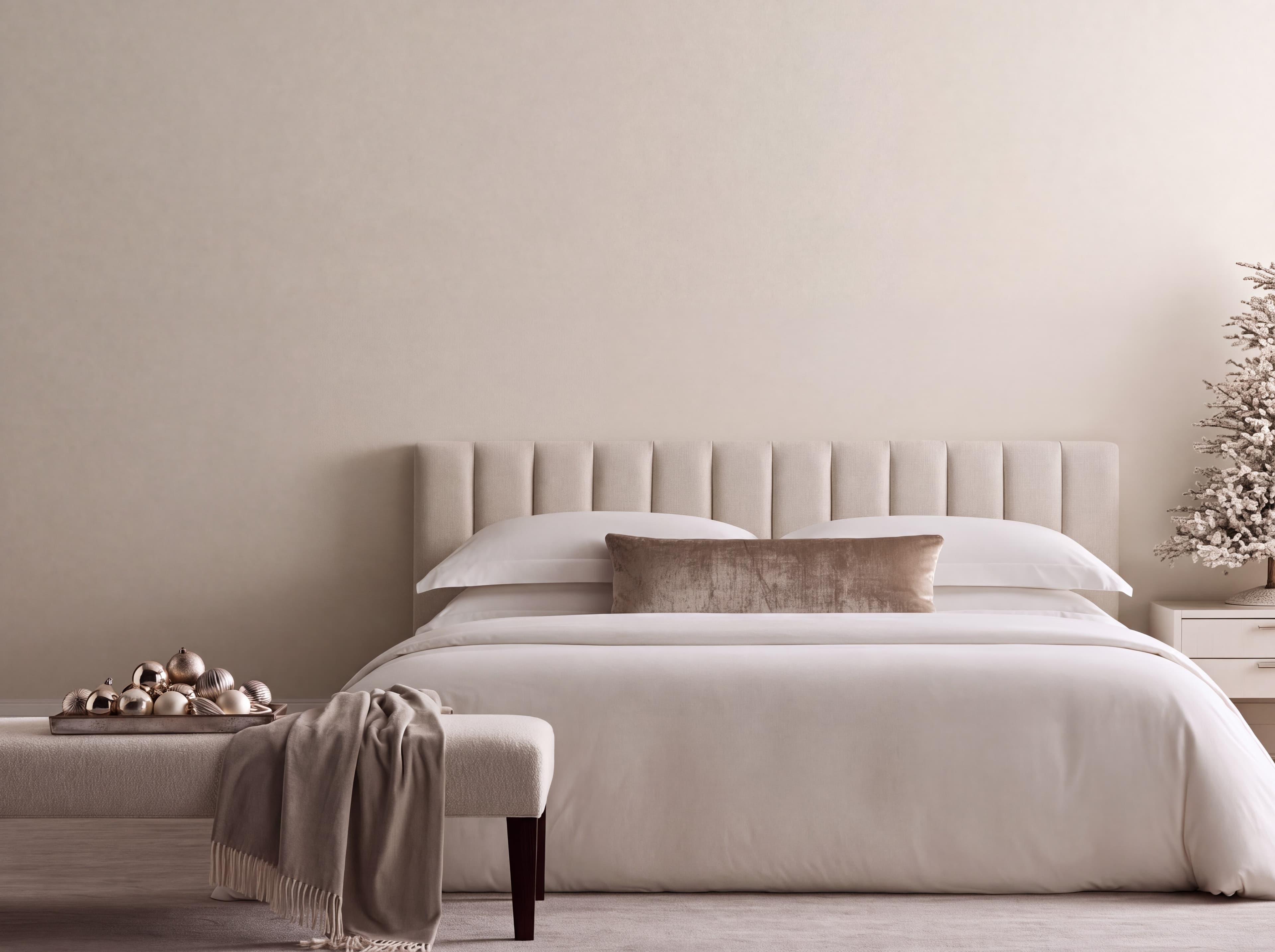
Room pick 20
Calibrated wall reference: 126 × 94.5 in (320 × 240 cm)
Try this room in the editor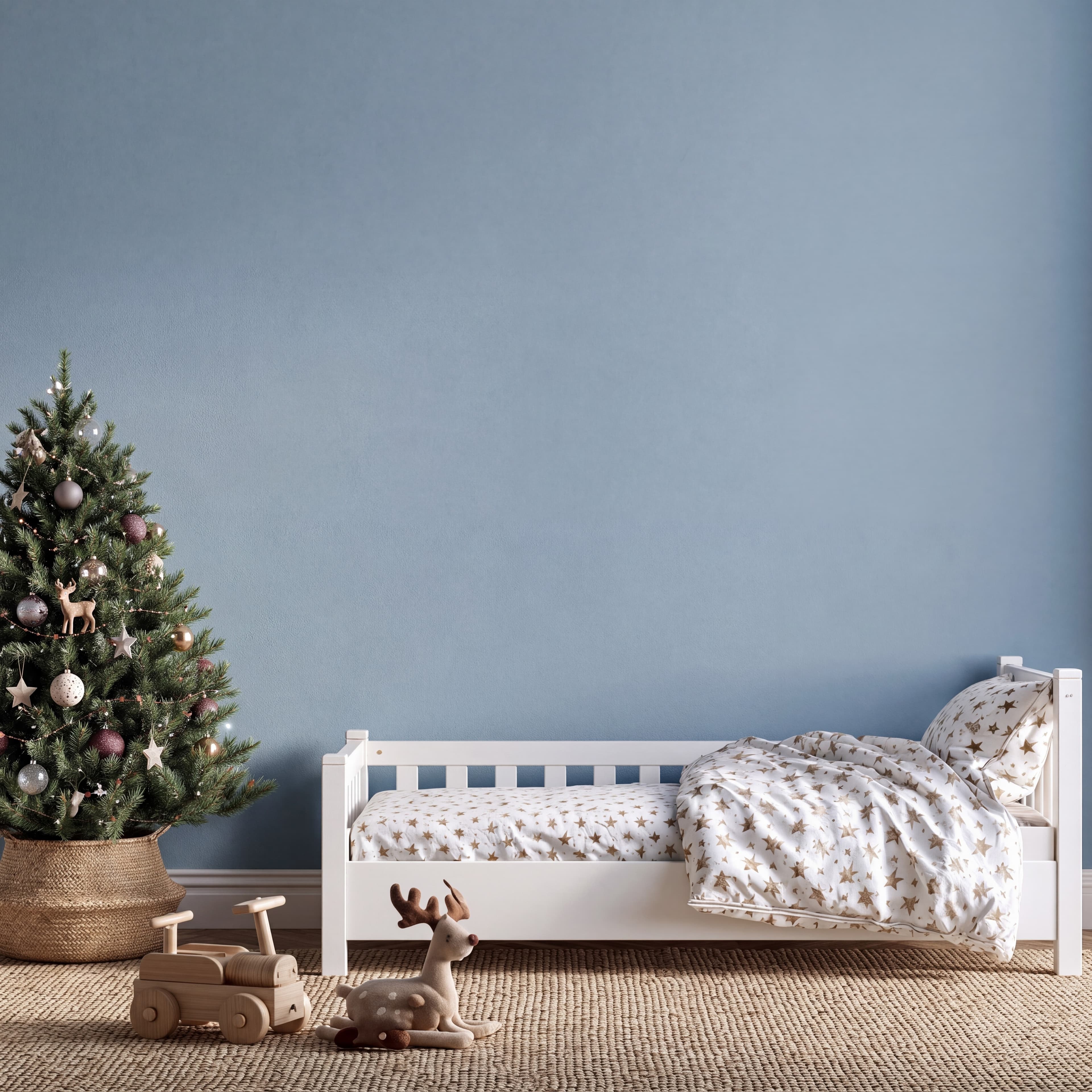
Room pick 21
Calibrated wall reference: 90 × 90 in (229 × 229 cm)
Try this room in the editorGuide 1
A Christmas wall art mockup should let buyers recognize the print before they notice the tree, plaid, or garland. Start with a room whose wall color separates the edges of the art from the backdrop. Ivory botanical prints read well on navy or forest green; deeper red and green designs may need a pale wall or a visible mat. If the design is subtle, use a quieter Scandinavian, Japandi, or farmhouse scene. If it is bold, a traditional or Art Deco room can support stronger contrast.
Match the room to the product's likely home without implying that holiday decoration is included. A printable Christmas poster can appear framed to show how it might look, but the listing image and product details should still say whether buyers receive a digital file, an unframed print, or a frame. Keep at least one close product image beside the room view so small illustrations and typography remain legible on a phone.
Guide 2
Holiday scenes can be visually busy. A thin frame gives colorful art a boundary without competing with ornaments. Natural wood often suits rustic, farmhouse, and Scandinavian rooms; brass can work on navy or burgundy; black is useful when a pale print needs a strong edge. Select the frame finish that represents the actual product or label the room image as a styling suggestion. Include the outer frame and mat when you judge size, rather than measuring only the printed image.
Look closely where the artwork meets the wall. A bright paper print on a white wall may lose its border, while dark art can disappear on charcoal or green. Keep frame shadows consistent with the room light and avoid placing art over existing garlands, trees, lamps, or headboards. Check the final crop at listing-thumbnail size: the seasonal setting should add context, but the print must remain the focus.
Guide 3
For an Etsy or shop listing, lead with a clean view of the actual design, then use a Christmas room mockup to show scale and seasonal context. A second room can show how the same print works with a different wall color or frame, but keep its physical size consistent. For a coordinated collection, repeat a small set of rooms so buyers can compare designs without the backgrounds doing all the work.
Use the exact product file in the editor and preserve its aspect ratio. A landscape design should not be squeezed into a portrait frame just because the wall is tall. After placement, inspect shadows, mat width, and the full furniture relationship before export. If the product is a digital download, avoid implying that a frame or physical print ships with it. A transparent caption about what is included makes the mockup more helpful, especially during the holiday shopping rush.
Size reference
These are visual starting points, not universal room rules. Use the complete framed object or multi-panel group, then verify the result with the exact furniture and wall dimensions available to you.
| Placement | Starting point | Check before export |
|---|---|---|
| Above a sofa | Size the complete frame against the visible sofa width, leaving space around the tree and lamp. | Keep the frame clear of branches, garlands, and furniture edges. |
| Above a bed | Center the framed print or pair over the headboard rather than over the image crop. | Leave comfortable clearance between the frame and bed posts or headboard. |
| Above a mantel or console | Choose a print whose outer width stays comfortably inside the furniture span. | Account for candles, stockings, greenery, and any decor that rises into the wall space. |
Enter the furniture width and compare the complete framed size before exporting.
1
Use the real product file and preserve its natural aspect ratio.
2
Select one of the popular rooms, enter the physical dimensions, and use only presentation controls that match the real product.
3
Check scale, wall contrast, lighting, and the listing crop before downloading.
Yes. Upload the printable design, choose a matching room, and set the display to the size the buyer can actually print. In the listing, make clear that the room and frame are presentation examples if only a digital file is delivered.
Start with a pale beige, sage, or white wall, or add a light mat to separate the design from navy, charcoal, or green. Check the complete framed edge at thumbnail size.
This page links to all 21 Christmas room presets. Each room card opens the matching blank wall in the editor, where you can upload and position your own artwork.
Include a clear product view as well. The room image explains scale and context; a close view shows the design, details, and what the buyer receives.
Upload the artwork, choose one of the selected rooms, enter the real dimensions, and export a listing-ready image without a template file.
Open the editorRoom selection and guidance reviewed by WallMockup product team. Last materially reviewed 2026-10-11. Rooms follow the curated Christmas preset order.