
Updated: July 8, 2026 · 7 min read
A wall art mockup helps buyers feel at home before they buy by turning a flat artwork image into a room decision. The strongest mockups show true scale, a room that matches the buyer, a believable frame, and a clear promise about what is included.
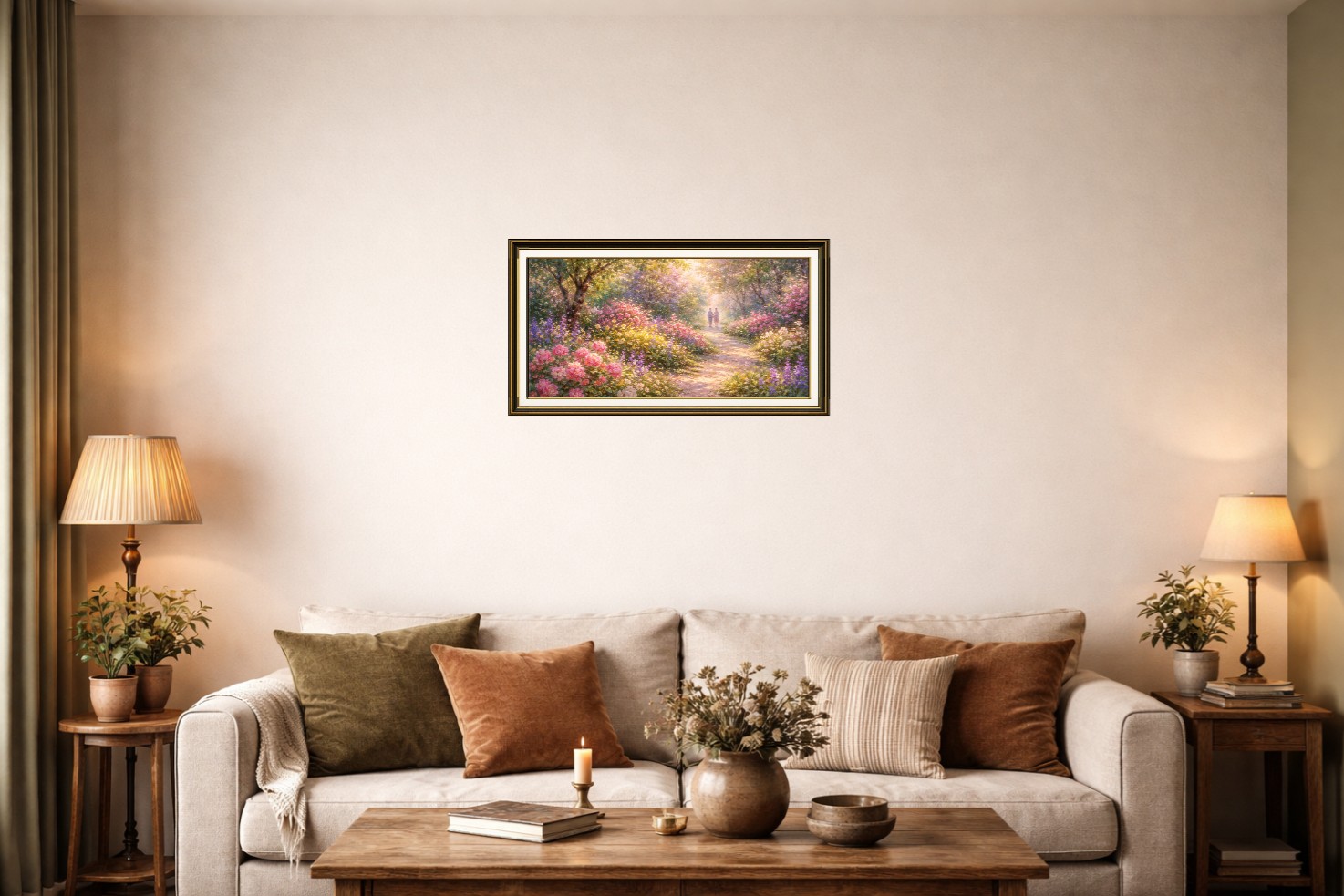
Table of Contents
- What does a wall art mockup do for the buyer?
- Why does room context change the decision?
- How does scale reduce hesitation?
- How should artists choose buyer-fit rooms?
- What makes a mockup feel trustworthy?
- When should you use a different kind of image?
- Key Takeaways
- FAQ
What does a wall art mockup do for the buyer?
A wall art mockup does not only show the art. It shows the art in a decision context. Buyers can see whether the print feels calm, bold, small, large, modern, warm, formal, playful, or minimal.
That matters because most buyers are not evaluating art in a vacuum. They are thinking about a blank wall, a sofa, a bedroom, a nursery, a hallway, or a gift. The mockup reduces the amount of imagination required.
| Flat artwork image | Wall art mockup |
|---|---|
| Shows the design clearly | Shows the design in a room decision |
| Leaves size to the description | Makes scale easier to understand visually |
| Works for detail inspection | Works for first-image confidence |
For the broader evidence-led explanation, read Why Realistic Mockups Increase Art Sales.
Why does room context change the decision?
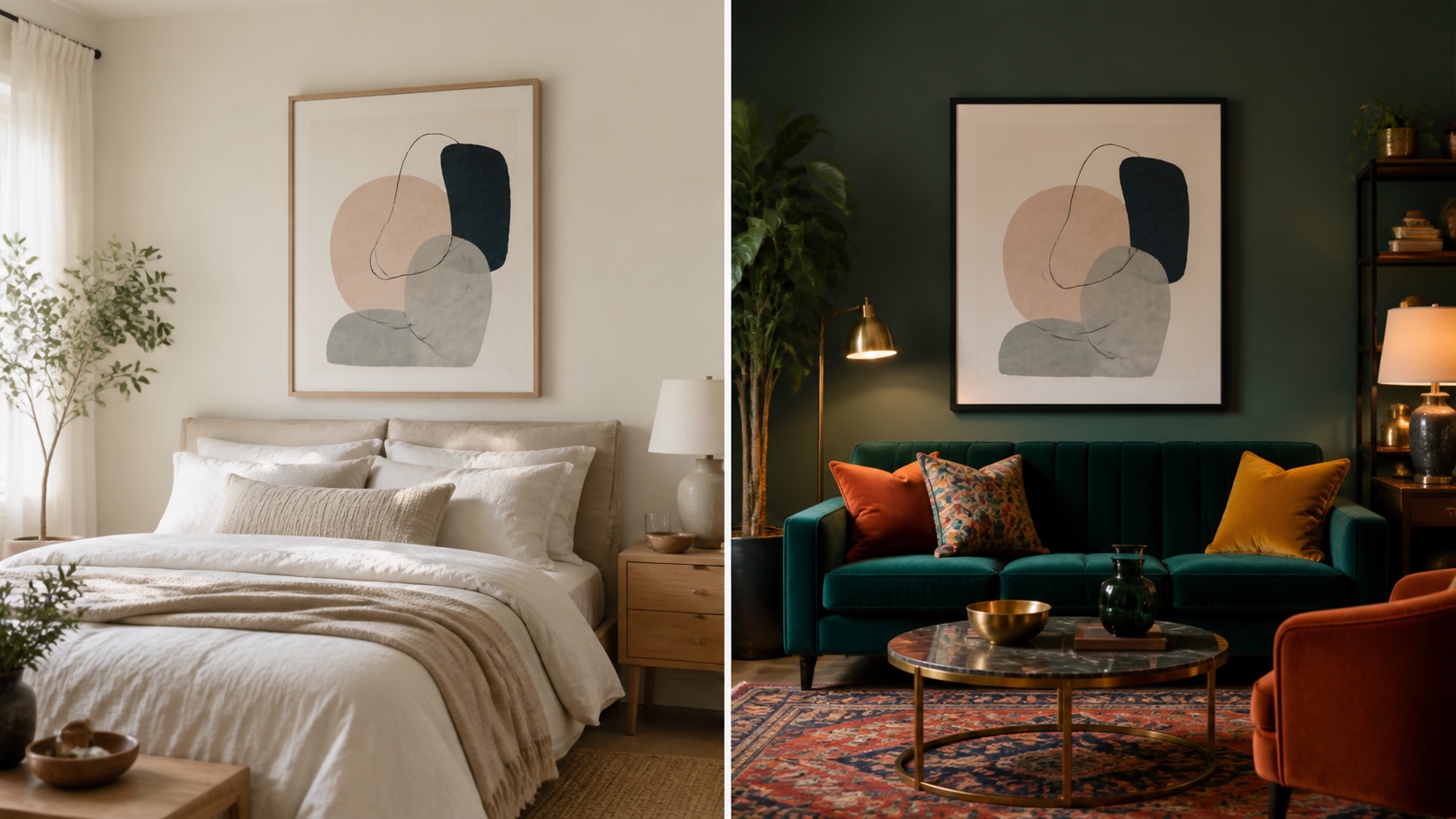
Room context gives the buyer a story. A print in a bright neutral bedroom feels different from the same print in a dark office. The room tells the buyer who the art is for and where it belongs.
This is why the room should match the target buyer, not only the artwork colors. If your buyer decorates calm apartments, use calm rooms. If your buyer likes layered gallery walls, show richer context. If your buyer shops for nursery art, use a room that feels soft, safe, and child-friendly.
Etsy's own product photography guide frames photos as a selling tool, not filler. For wall art, the room mockup is the photo that connects the product to the buyer's life.
How does scale reduce hesitation?
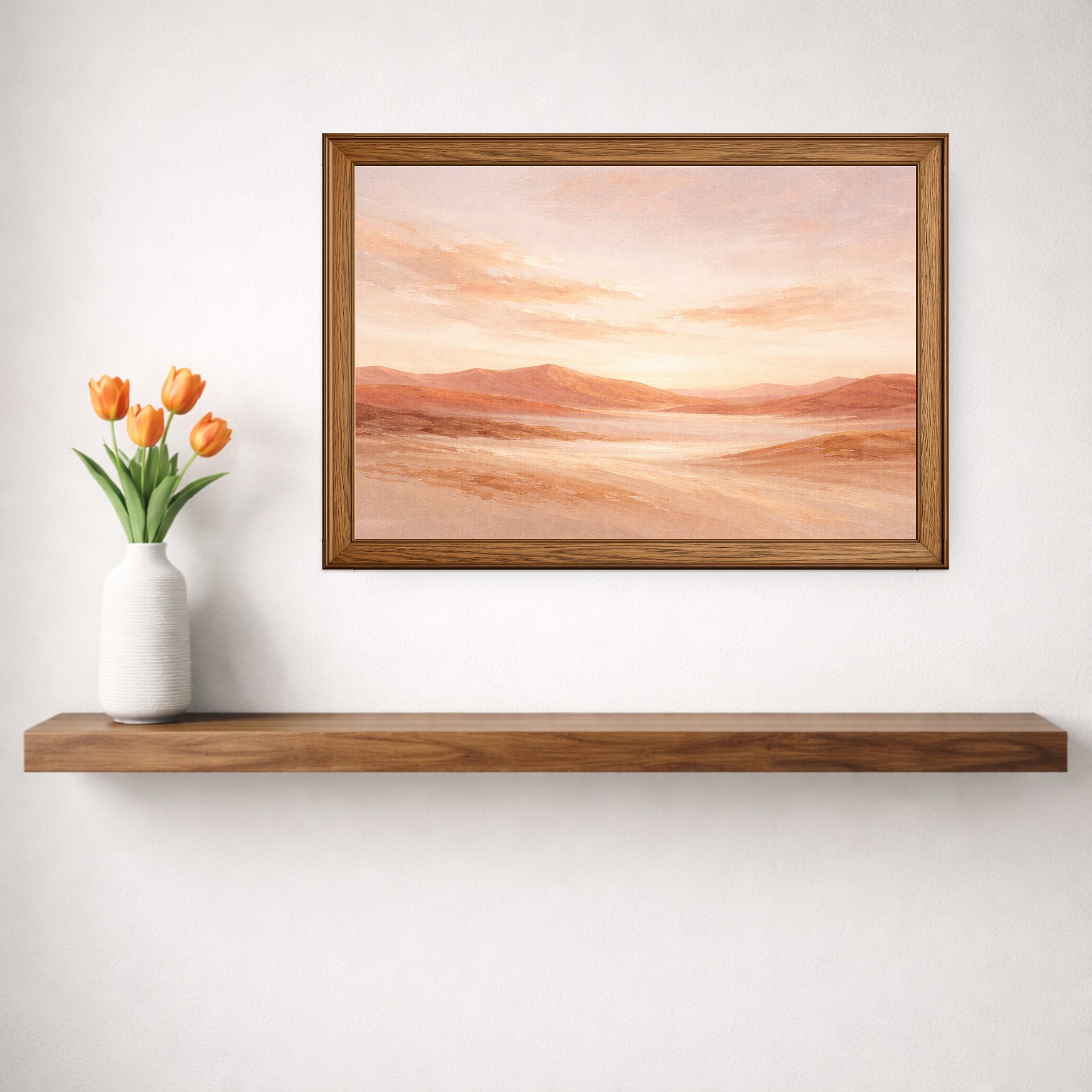
Size is hard to imagine from numbers alone. A buyer may read 16x20 inches and still not know whether it is enough for their wall. A mockup gives them furniture, wall space, and frame context.
Set the artwork to the real size you sell. If the print is small, let it look small. If it is a large statement piece, show that clearly. Honest scale builds better expectations and fewer support questions.
| Size signal | Why it helps | Tool to use |
|---|---|---|
| Real print dimensions | Shows true wall presence | WallMockup editor |
| Furniture width comparison | Helps buyers judge proportion | Wall art size calculator |
| Frame-friendly sizes | Makes buying and framing easier | Frame size chart |
How should artists choose buyer-fit rooms?
Start with the buyer's likely room. For nursery art, choose a nursery or soft bedroom. For photography, choose a simple room that lets detail stand out. For typography, home offices, kitchens, and entryways often make sense.
Then reduce visual noise. The room should support the product. If the background is more interesting than the artwork, choose a simpler scene.
Scene checklist:
- Does the room match the target buyer?
- Does the artwork stay prominent?
- Does the frame fit the product?
- Does the scene match the shop's visual style?
- Could this room repeat across a collection without feeling random?
For marketplace-specific image sequencing, use the Etsy art print mockups guide.
What makes a mockup feel trustworthy?
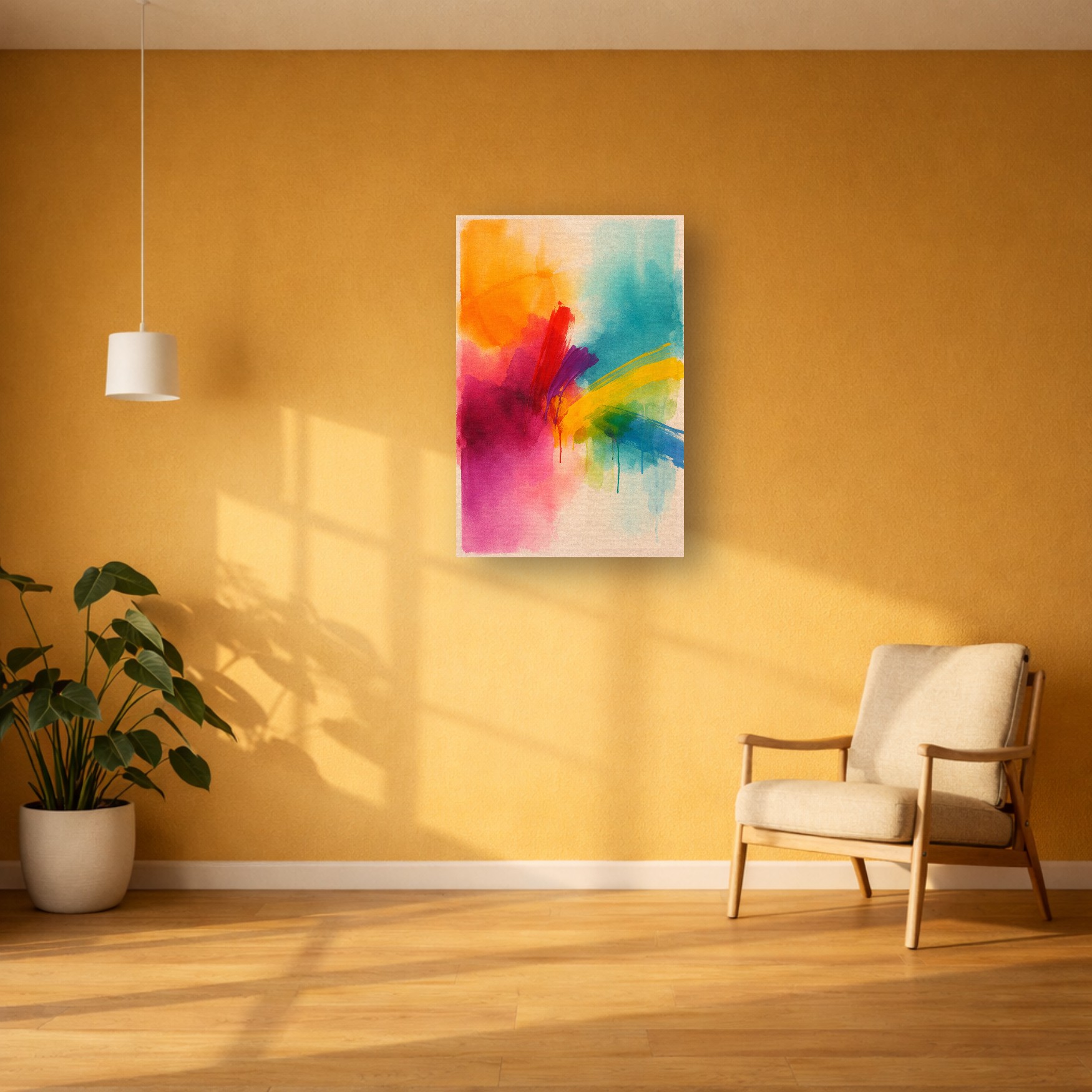
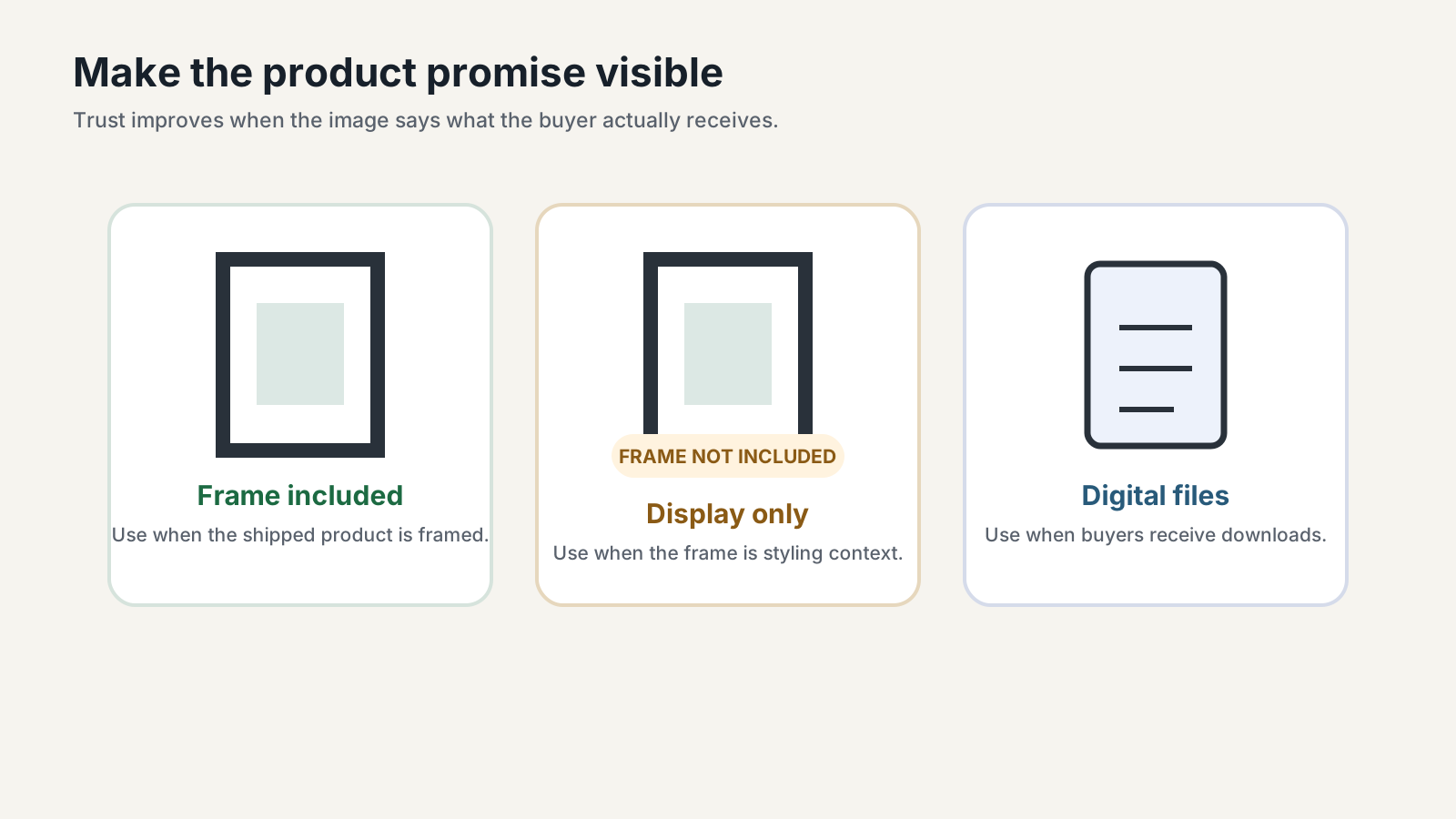
Trust comes from consistency and honesty. Use the same general styling across listings, keep scale accurate, and avoid showing product options the buyer cannot choose.
If the frame is not included, say so. If it is a digital download, say so. If colors may vary by monitor or printer, explain that in the listing copy rather than hiding it.
| Trust signal | Good version | Risky version |
|---|---|---|
| Frame status | "Frame not included" when styling only | Framed hero image for an unframed print with no note |
| Scale | 16x20 looks different from 24x36 | Every size shown as a giant statement piece |
| Shop consistency | Rooms and frames repeat across a collection | Every listing uses a different visual style |
The print resolution checker helps confirm that the image quality supports the sizes you show.
When should you use a different kind of image?
Mockups are not the only useful listing image. A close-up can show texture. A flat artwork image can show the design without room distractions. A dimensions graphic can explain available sizes. A packaging photo can build trust for physical prints.
Use the mockup as the emotional and scale image. Use supporting images to remove practical doubts. Together, they make the listing feel complete.
Best listing sequence: room mockup, close-up, size guide, what-is-included image, alternate room.
For a full online-selling system, use Art Mockups for Online Selling as the hub.
Key Takeaways
- A wall art mockup reduces the buyer's imagination work.
- Room choice is a positioning decision, not decoration.
- True scale prevents confusion and disappointment.
- Trust depends on honest frames, sizes, and product details.
- Supporting images should answer practical questions the mockup cannot.
FAQ
What is a wall art mockup?
A wall art mockup is an image that shows artwork placed in a room, frame, or wall scene so buyers can understand scale and style.
Why do wall art mockups help buyers?
They show how the print could feel in a real home. That makes the buying decision easier than judging a flat artwork file alone.
Should mockups show frames?
Only if the frame is included or clearly labeled as display-only. Otherwise, buyers may expect a framed product.
What room should I use for an art mockup?
Use a room that matches the target buyer and keeps the artwork as the focus. Avoid rooms that compete with the product.
Are wall art mockups misleading?
They are misleading only when they show a size, frame, finish, or product format the buyer does not receive. Honest scale and clear labels keep mockups useful.
Create a buyer-facing room preview
Create a buyer-facing room preview in the WallMockup editor. Start with one print, one realistic room, and the actual size you plan to sell.