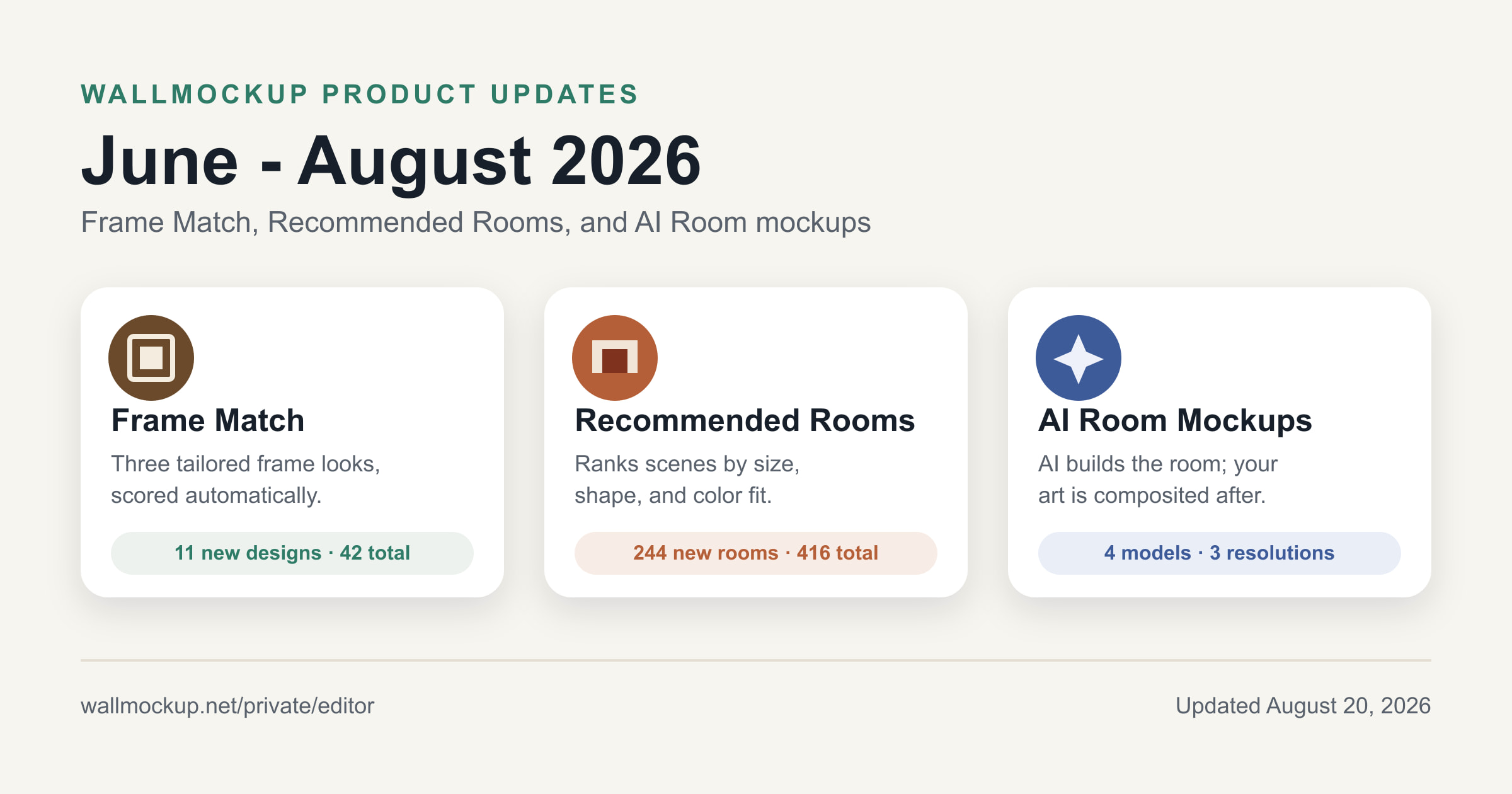
It has been a busy summer at WallMockup. Between June and August 2026, we shipped three changes that make the trip from artwork file to finished listing image much faster: Frame Match, Recommended Rooms, and the AI Room mockup generator. We also gave them a lot more to work with: 244 new rooms and 11 new frames. Here is what changed, why it matters, and a peek at what is happening behind the scenes.
How does WallMockup's Frame Match recommend a frame for your art?
Frame Match reads an artwork's dimensions and color palette, then serves up three finished looks - Best match, Timeless, and Statement - with the frame width and mat already sized for that piece. Think less fiddling with settings and more choosing the look that makes your art sing.
Under the hood, the scoring runs in a perceptual color space (CIE Lab, using the ΔE2000 difference formula) instead of simply comparing hex codes. That lets it judge how clearly a frame separates from the artwork's edge colors, not just whether the hues look similar. It weighs four signals - proportion to the art's size, color separation, straight-fit vs. visual-mat treatment, and mat-boundary contrast - across five art types: auto, print, photo, canvas, and paper original. Canvas prints are never given a mat, because that would suggest glazing - a treatment canvas does not normally use.
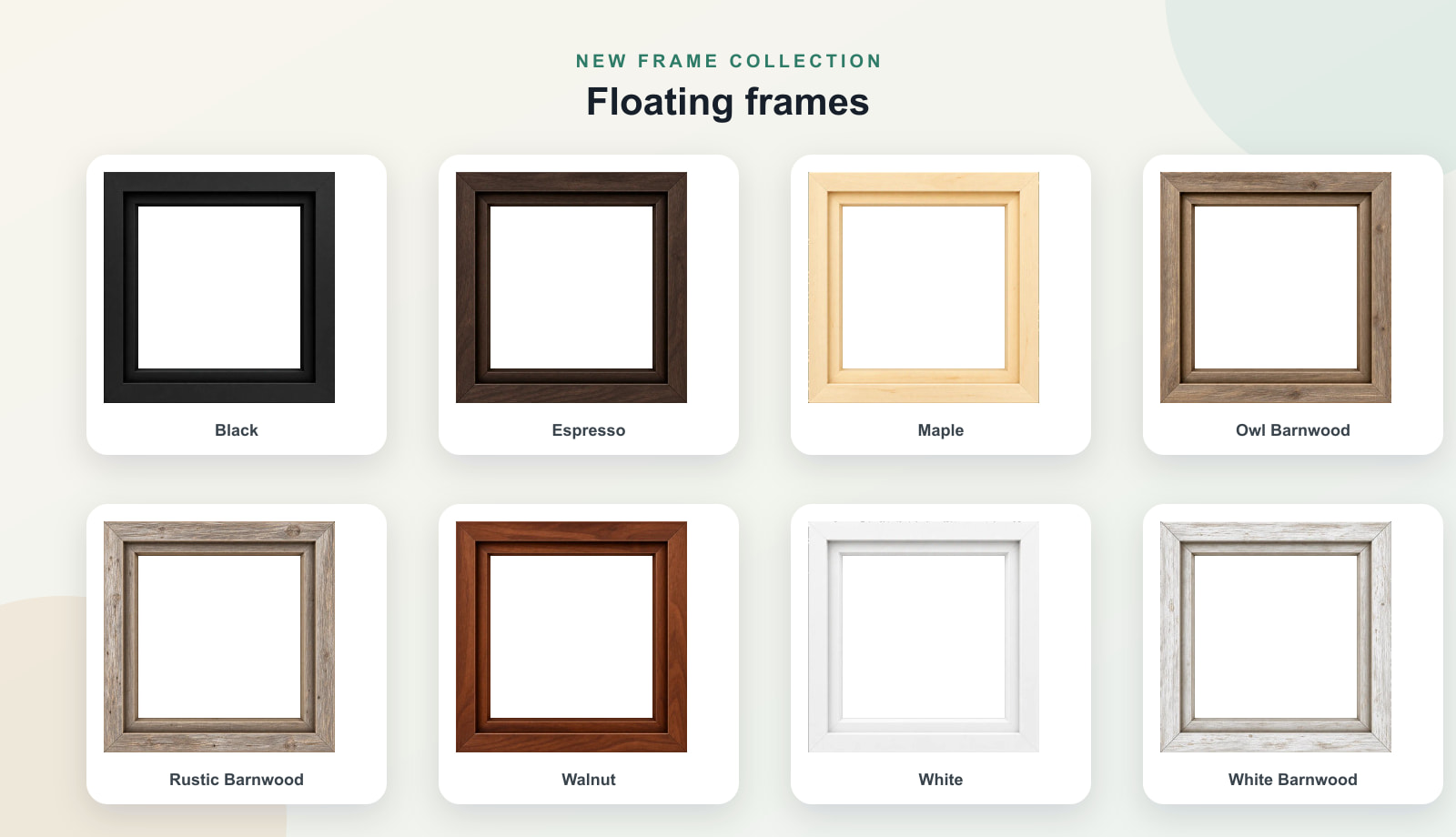
Frame Match shipped alongside 11 new frame designs. Eight of them make up the new floating frame collection, ranging from crisp black and white to maple, walnut, espresso, and character-rich barnwood. Cherry Wood, Matte Silver, and Black Wood 2 round out the release. Two older designs retired during the same window, taking the catalog from 33 to 42 total designs.
How does Recommended Rooms rank a room scene for your art?
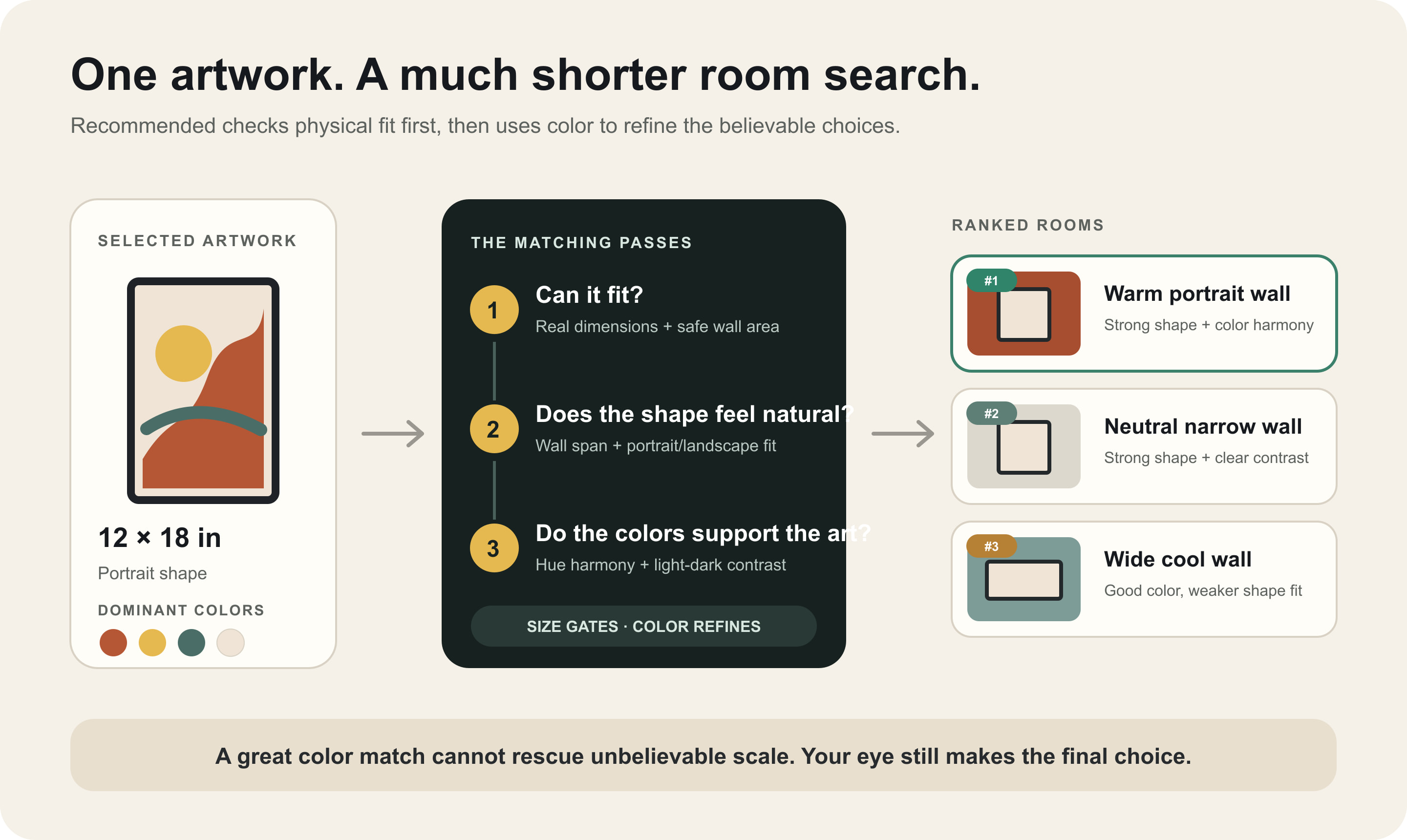
Choosing a room can be surprisingly time-consuming. Recommended Rooms cuts down the scrolling by comparing an artwork's real size, shape, and dominant colors with each room's measured wall dimensions and color profile, then ranking the catalog from strongest to weakest match.
It is a deterministic scoring system, not a generative model. Size and shape gate the ranking first - the piece has to fit comfortably before color can act as the tiebreaker. That means a perfect color echo on a wall of the wrong scale will not beat a believable, well-proportioned placement. Read the full scoring breakdown →
Since June 2026, WallMockup has added 244 new room scenes. One older scene retired during the same window, taking the catalog from 173 to 416 rooms - the biggest single-quarter expansion yet, and plenty more walls on which to audition your work.
How does WallMockup's AI Room mockup generator work?
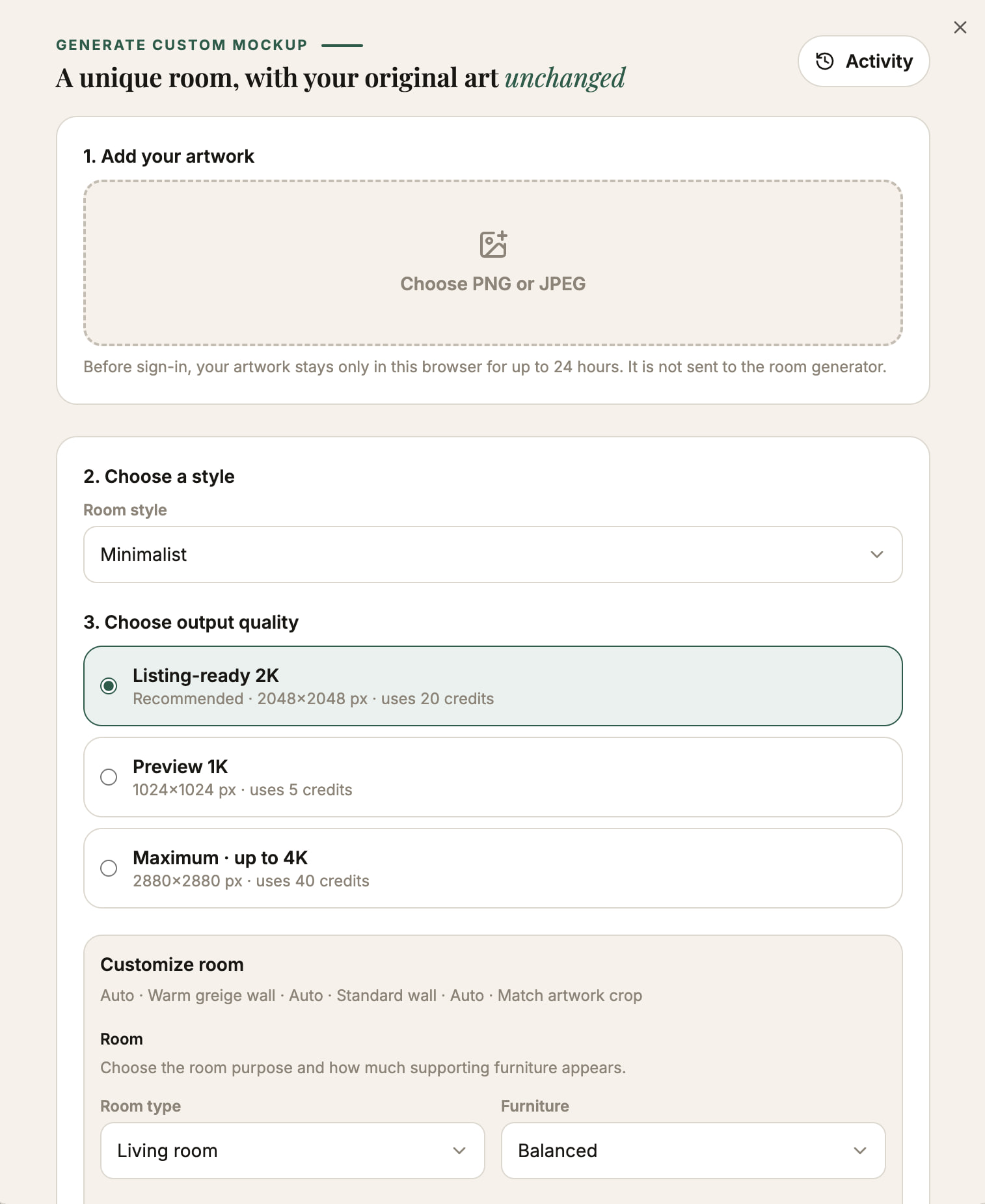
Need a room that does not exist in the catalog? This is where things get a little magical, without letting AI repaint your work. The Generate a Custom Mockup flow, built on the editor's AI Room feature, creates a brand-new photorealistic room and then composites your original artwork into the finished scene at the size you specify.
The artwork itself is never sent to the room-generating model. Its color, texture, and detail come straight from your source file rather than an AI reinterpretation of it. You get the surprise of a one-of-a-kind room while your art stays unmistakably yours.
As of August 2026, you can choose among four models - Gemini 3.1 Flash Image (the default), Gemini 3 Pro Image, GPT Image 2, and FLUX.2 Pro - and three output tiers. On the default model, a 1024px preview uses 5 credits (about $0.30 from the $5.99 Creator pack), a 2048px listing-ready export uses 10 credits (about $0.60), and the maximum tier uses 20 credits (about $1.20). Pro subscribers get 10 AI Room credits each month. Credit cost and maximum dimensions can vary when you choose a different model, and the interface shows the exact amount before you generate.
FAQ
Is Frame Match powered by AI?
No. Like Recommended Rooms, Frame Match is a deterministic scoring system that compares your artwork's palette and dimensions against a fixed frame catalog. It does not generate images or call an AI model.
Does the AI Room generator change my uploaded artwork?
No. The AI model generates only the room scene. WallMockup composites your original artwork file into that scene afterward as a separate layer, so its colors and resolution stay exactly as uploaded.
How many rooms and frames does WallMockup offer now?
As of August 2026, the catalog includes 416 room scenes (244 added since June 2026) and 42 frame designs (11 added since June 2026).
Which AI models can I use for AI Room mockups?
Gemini 3.1 Flash Image is the default. Gemini 3 Pro Image, GPT Image 2, and FLUX.2 Pro are also selectable, trading speed, cost, and precision differently.
Do I need credits to use Frame Match or Recommended Rooms?
No. Both are included in the editor at every plan level. Credits are only spent on AI Room mockup generations and HD exports beyond the free trial.
Try the update
Give the update a spin in the WallMockup editor: upload one artwork you know well, then compare Frame Match and Recommended Rooms on the same piece. When you want a room no catalog could quite anticipate, try Generate a Custom Mockup. For the frame-sizing fundamentals, see the Ultimate Guide to Choosing Frame Sizes for Wall Art.