Frame Mockups for Etsy
Show buyers how your print looks on a wall, then give them a closer look at the frame and mat. Start with the oak frame in this room and replace the example with your own art.
Shown here: 18 × 24 in print in an oak frame with a 1-inch mat
Eligible new accounts get a 7-day trial. No card required.
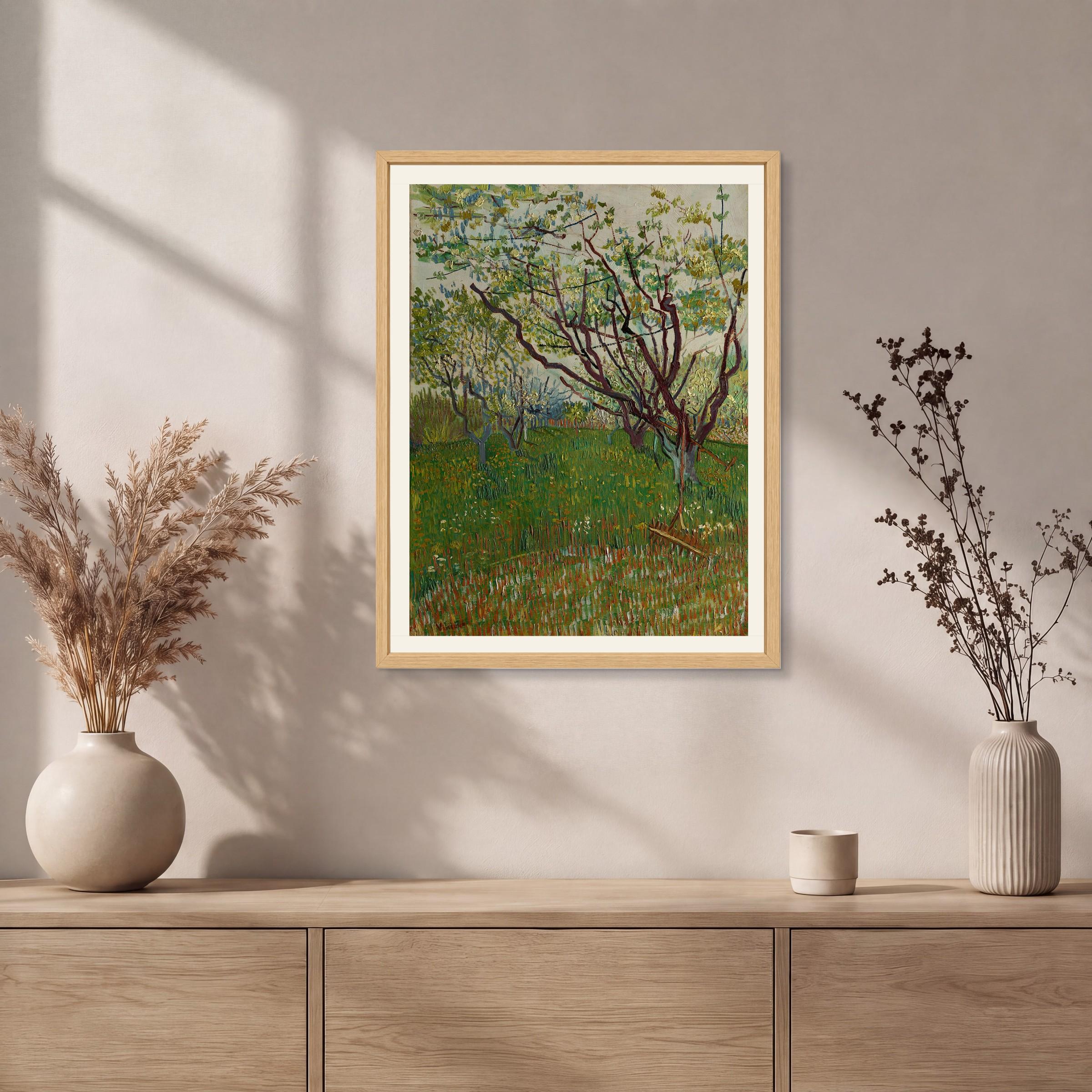
Show the frame options buyers can choose
Keep the art, room and frame finish the same when you compare mat options. Add a close-up so buyers can see where the print meets the mat and what the frame edge looks like.
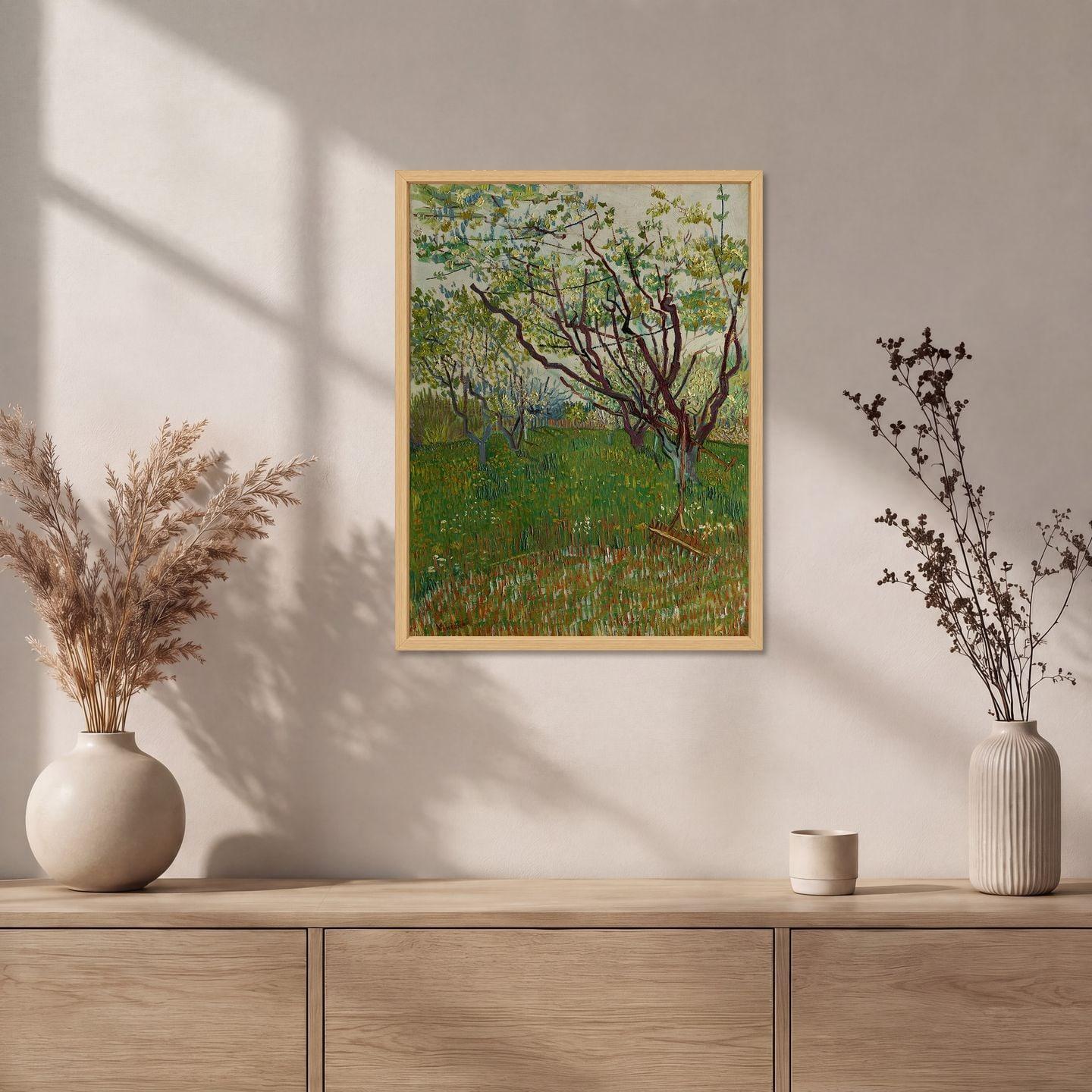
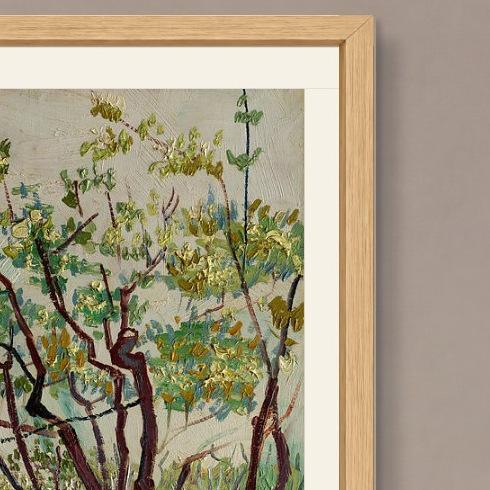
Make a framed print mockup for your Etsy listing
1.Upload the print
Replace the sample with your own JPG, PNG or WEBP, then enter the size of the print you sell.
2.Match your frame and mat
Choose the finish and thickness you offer. If the listing includes a mat, preview its width and check the overall size on the wall.
3.Export the room and detail views
Save a room view to show scale. Export a separate artwork close-up for the frame detail, then upload the finished images to your listing.
Frequently asked questions
What if I sell the print unframed?
Include an unframed view and state what the buyer receives. If you use a framed room image for styling, say in the listing that the frame is shown for display.
Do I enter the print size or the outside frame size?
Enter the paper dimensions first. WallMockup adds the frame and mat around the artwork so you can check how much wall space the finished piece takes up.
Can I export frame mockups during the free trial?
Eligible new accounts get a free 7-day editor trial with PNG and JPEG exports at every available resolution, subject to the trial export allowance. Available credits can cover exports beyond the trial allowance. WEBP and exports after the trial require credits or unlimited access.