24x36 Poster Mockup
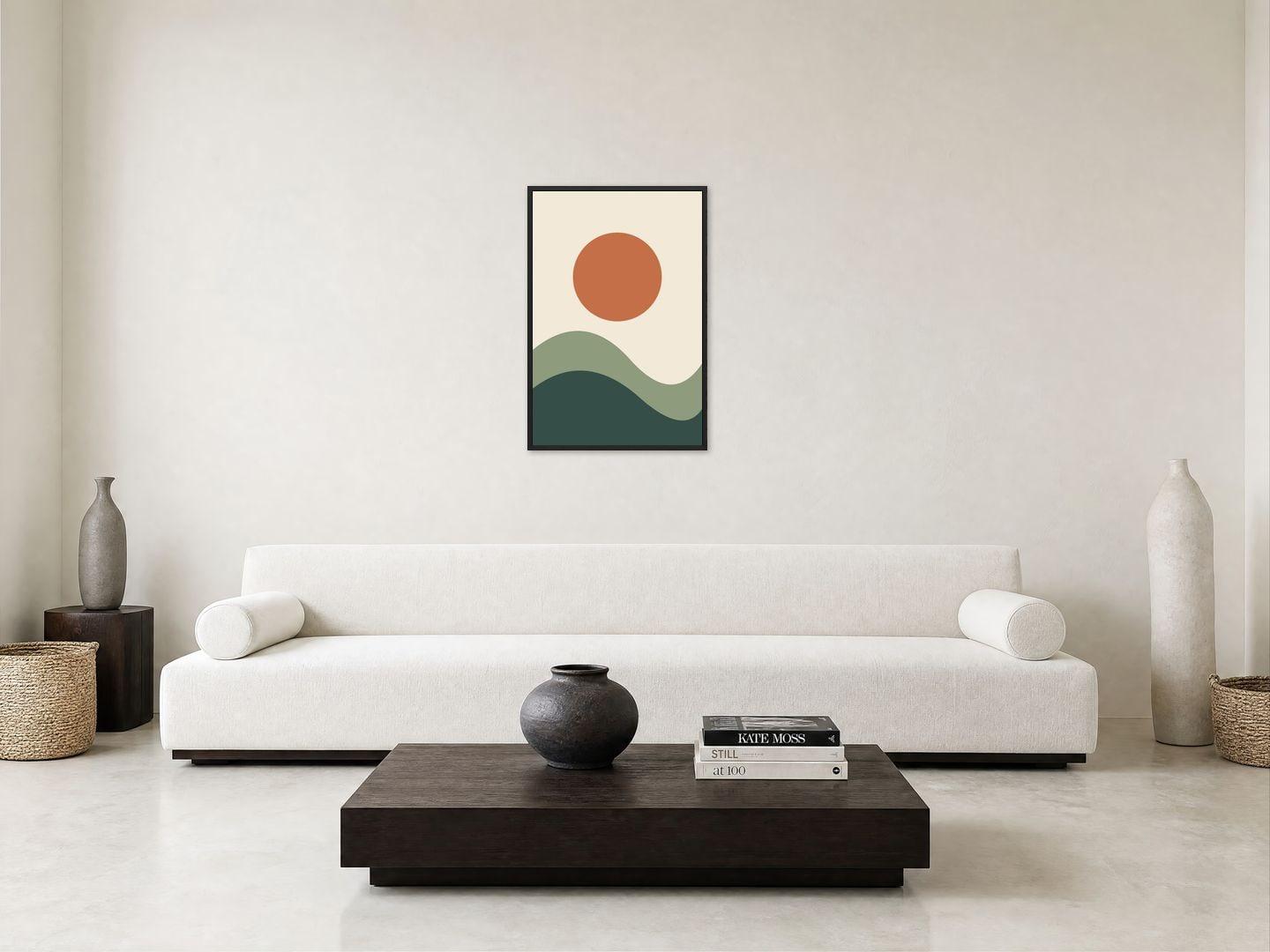
See how your 24 × 36 inch poster looks above a sofa. Upload your design, try a frame, and export a room image that gives buyers a sense of its size.
24 × 36 inches · 2:3 ratio · approx. 61 × 91 cm
Eligible new accounts get a 7-day trial. No card required.
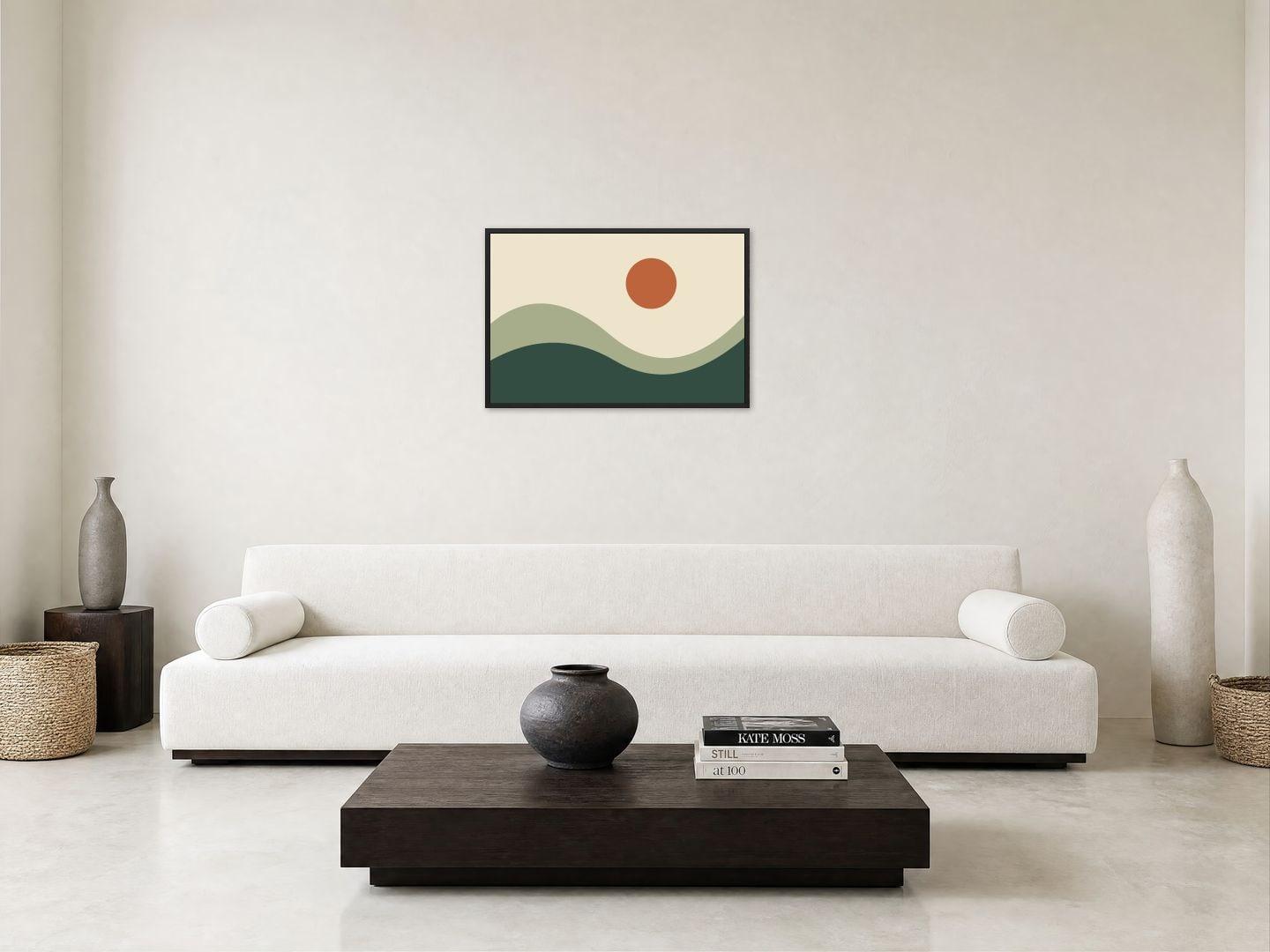
Making a landscape poster?
A landscape print takes up 36 inches across the wall and 24 inches vertically. Compare the two orientations using the sofa as a reference, then pick the one that matches your print.
Make a 24 × 36 poster mockup
1.Upload your poster
Use a JPG, PNG or WEBP with a 2:3 ratio for portrait artwork. The preset sizes a matching first upload to 24 × 36 inches.
2.Position it above the sofa
Drag the poster into place while keeping some of the furniture in view. If you add a frame or mat, check the outside dimensions too.
3.Download the room image
Export the view that shows the whole poster and enough of the room for scale. Use it in your listing, portfolio or design proof.
Frequently asked questions
What if my file has a different aspect ratio?
Crop the source to 2:3 before uploading if the finished print will be 24 × 36 inches. The editor keeps the proportions of a first upload that doesn’t match the preset.
Does 24 × 36 include the frame?
Here 24 × 36 inches is the size of the paper. The outside dimensions increase with the thickness of the frame and any mat you add.