2 Poster Mockup
See how two posters look together before you hang them. Set each print to its actual size and save both in one room mockup.
Free 7-day trial for eligible new accounts. No card required.
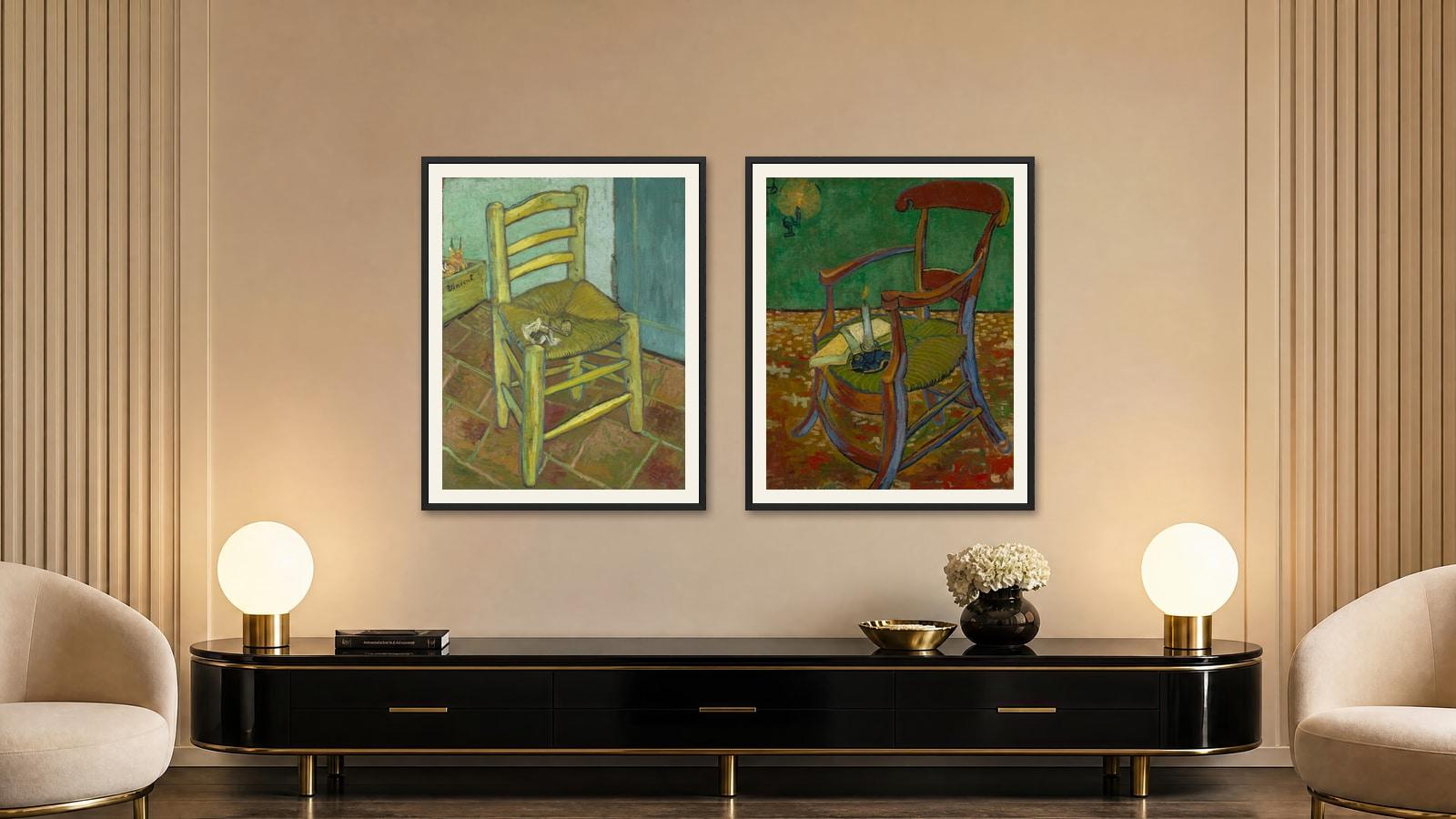


How to make a two-poster mockup
1. Upload both posters
Upload two JPG, PNG, or WEBP files. You can edit each poster separately, so it’s fine if one is larger or has a different orientation.
2. Arrange them side by side
Enter the real dimensions of each print, then drag the posters into place. Pairs usually look best with matching frames and the top edges lined up.
3. Download the mockup
Choose a room view that shows both posters and enough of the space to give a sense of their size. Then download one image with both posters in it.
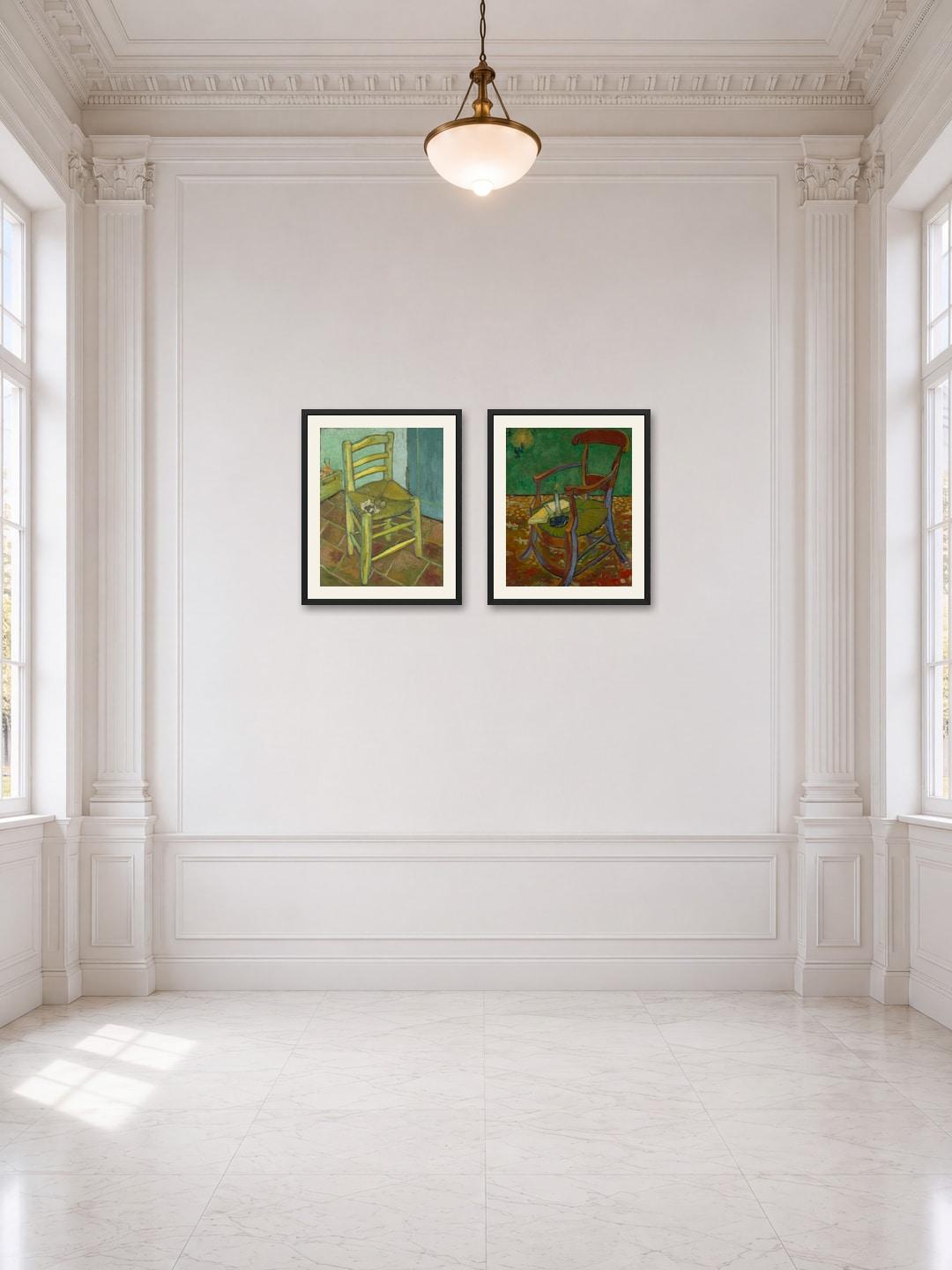
The same pair in a gallery
Here are the two Van Gogh chair paintings again, this time as 20-inch prints on a white gallery wall.
Try this gallery roomTwo-poster mockup questions
Can I use two different poster sizes?
Yes. Set each artwork’s size independently. For a portrait and landscape pair, try aligning the centers and check the gap between the outer frame edges.
How much space should I leave between the posters?
Start with 2–3 inches between the outside edges of the frames for a small or medium pair. For example, two frames that are each 16 inches wide with a 3-inch gap take up 35 inches in total.
Can I export a 2 poster mockup for free?
Eligible new accounts get a free 7-day editor trial with PNG and JPEG exports at every available resolution, subject to the trial export allowance. Available credits can cover exports beyond the trial allowance. WEBP and exports after the trial require credits or unlimited access.